Our own product
First Phone & First Console Kit
A step-by-step walkthrough of the free parental controls on the phones and game consoles this kit covers, plus a family tech agreement to fill in and sign together.
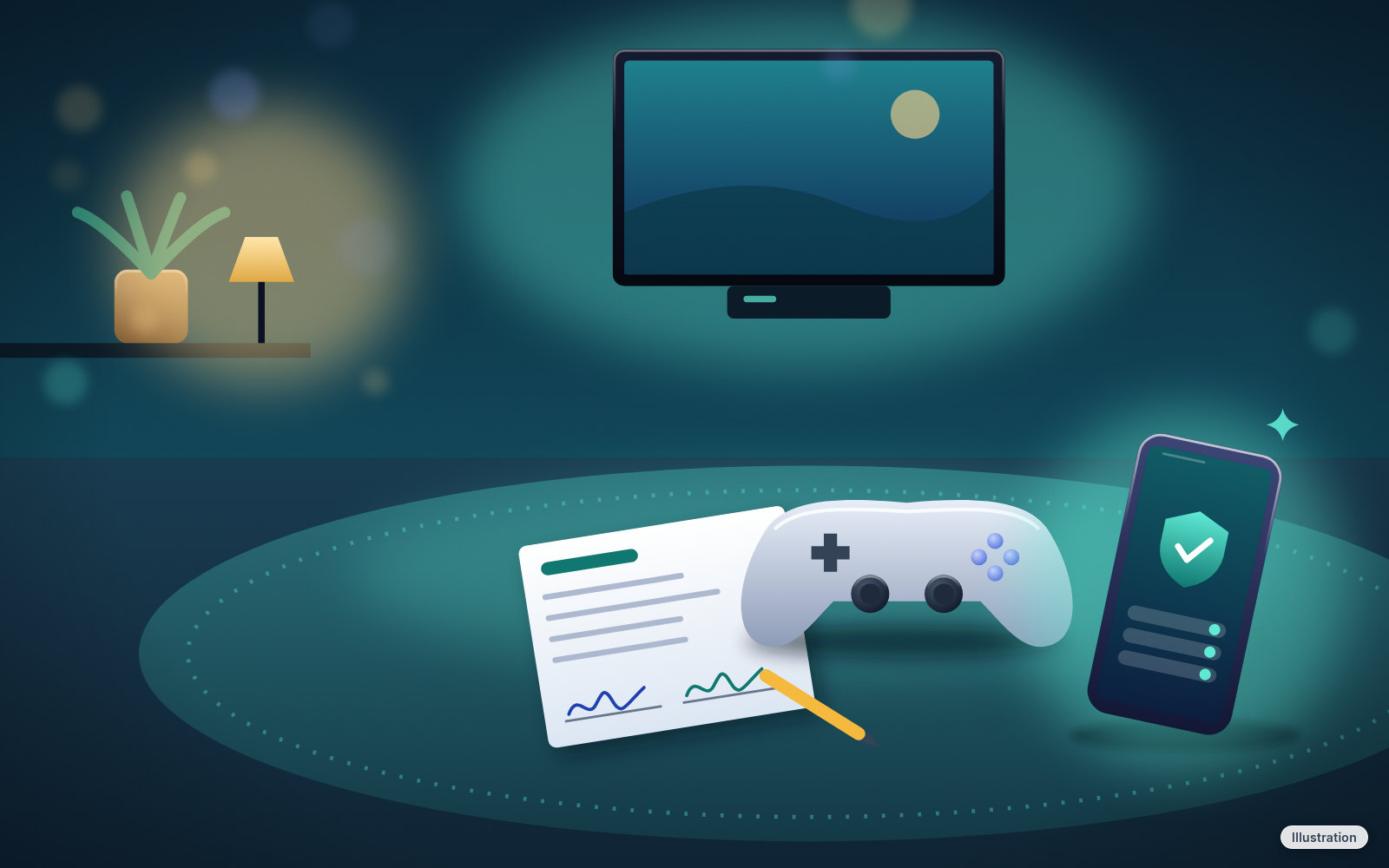
Every parental control in this kit is free from the company that makes it. What's hard is knowing which settings matter, and in what order. This kit puts them on paper, in plain words, so you can set them up in one sitting.
We sell the walkthrough, not the controls. No setting makes a child completely safe online; the controls work best alongside talking, and the kit starts there.
What's inside
- Read this first: the controls are free, what they can and can't do, and how to talk about the rules before the device is handed over
- The 20-minute parent plan: seven steps in order on the day the device arrives, plus a week-one check-in
- iPhone (2 pages): Family Sharing, Screen Time, Ask to Buy, website filters, who can call and message them, and Communication Safety
- Android (2 pages): Google Family Link setup, screen time, Google Play ratings and purchase approvals, apps, web and search
- Nintendo Switch 2 and Switch: the free Parental Controls app, play-time limits, GameChat and eShop spending
- Xbox: the free Xbox Family Settings app, screen time, friends and chat, and Ask a parent for purchases
- PlayStation 5: family setup, age ratings, chat, playtime and the monthly spending limit
- Spending safety: purchase approvals on every account, gift card scams, "free coins" offers, and what to do if money goes missing
- Family Tech Agreement (2 pages): 15 rules to fill in and sign together, including one you write yourselves and a promise from the grown-ups
- The official help pages we checked, dated Oct 23, 2026
Each platform sheet has tick-box steps, a "good to know" or "stop and check" box, and a fill-in area. Nothing on the sheets asks for passwords, PINs or codes.
Covered: iPhone with iOS 26 or 27; Android phones with Android 16 or 17; Nintendo Switch 2, Nintendo Switch, Switch OLED and Switch Lite; PlayStation 5; Xbox Series X and Xbox Series S. Other models and versions may look different.
Every step was checked against each company's own help pages on Oct 23, 2026, and written in our own words. The full list is on the last page.
Made for parents handing over a first phone or console
Best for: Parents and caregivers setting up a child's first phone or game console, who want the important controls on before the device is handed over.
You'll need: Your own phone, your own account for each platform you're setting up (Apple, Google, Nintendo, Microsoft or PlayStation), the child's device, and about 20 minutes for the parent plan. Printing is optional, but the agreement works best on the fridge.
Privacy: The kit is for the parent. We don't collect anything about your child, and nothing in it asks you to send us anything.
Skip it if
You've already set up Screen Time, Family Link or your console's family app and you're happy with it, or your child's device isn't on the covered list.
Questions
Aren't these controls free?
Yes. Apple, Google, Nintendo, Microsoft and Sony give them away, and you don't need to buy anything from us or anyone else to use them. What you're paying for is the walkthrough: which settings matter most, in what order, in plain words, on paper you can tick off.
Will this keep my child safe online?
No setting does that on its own, and we won't claim it does. Controls help, but kids find workarounds and friends' devices don't have your settings. That's why the kit starts with talking and ends with a family agreement and a week-one check-in.
Which devices does it cover?
iPhone (iOS 26 and 27), Android phones (Android 16 and 17), Nintendo Switch 2 and the Switch family, PlayStation 5, and Xbox Series X and S.
Do I need tech skills?
No. Each sheet lists the menu path, for example Settings > Family > your child's name > Screen Time, with a box to tick. If a menu name looks a little different on your screen, look for the closest match.
Is the family agreement editable?
It's two printable pages in the PDF with 15 rules to fill in by hand. Cross out what doesn't fit and add your own.
How do I get the file?
Instant download right after you pay. You'll land on your download page. Download the PDF and bookmark the page.
What if it doesn't work for me?
Need help? Visit techcheatcodes.com/support/
iPhone is a trademark of Apple Inc. iOS is a trademark or registered trademark of Cisco in the U.S. and other countries and is used under license. Android is a trademark of Google LLC. Nintendo Switch is a trademark of Nintendo. PlayStation is a trademark of Sony Interactive Entertainment Inc. Xbox is a trademark of Microsoft Corporation. Tech Cheat Codes isn't affiliated with or endorsed by any of these companies.