Our own product
Small-Office Phishing Drill Kit
A ready-to-run staff training kit for small offices: a 20-minute briefing deck, a verify-before-you-pay policy, a desk callback card, a 12-question quiz and a 15-minute tabletop drill.
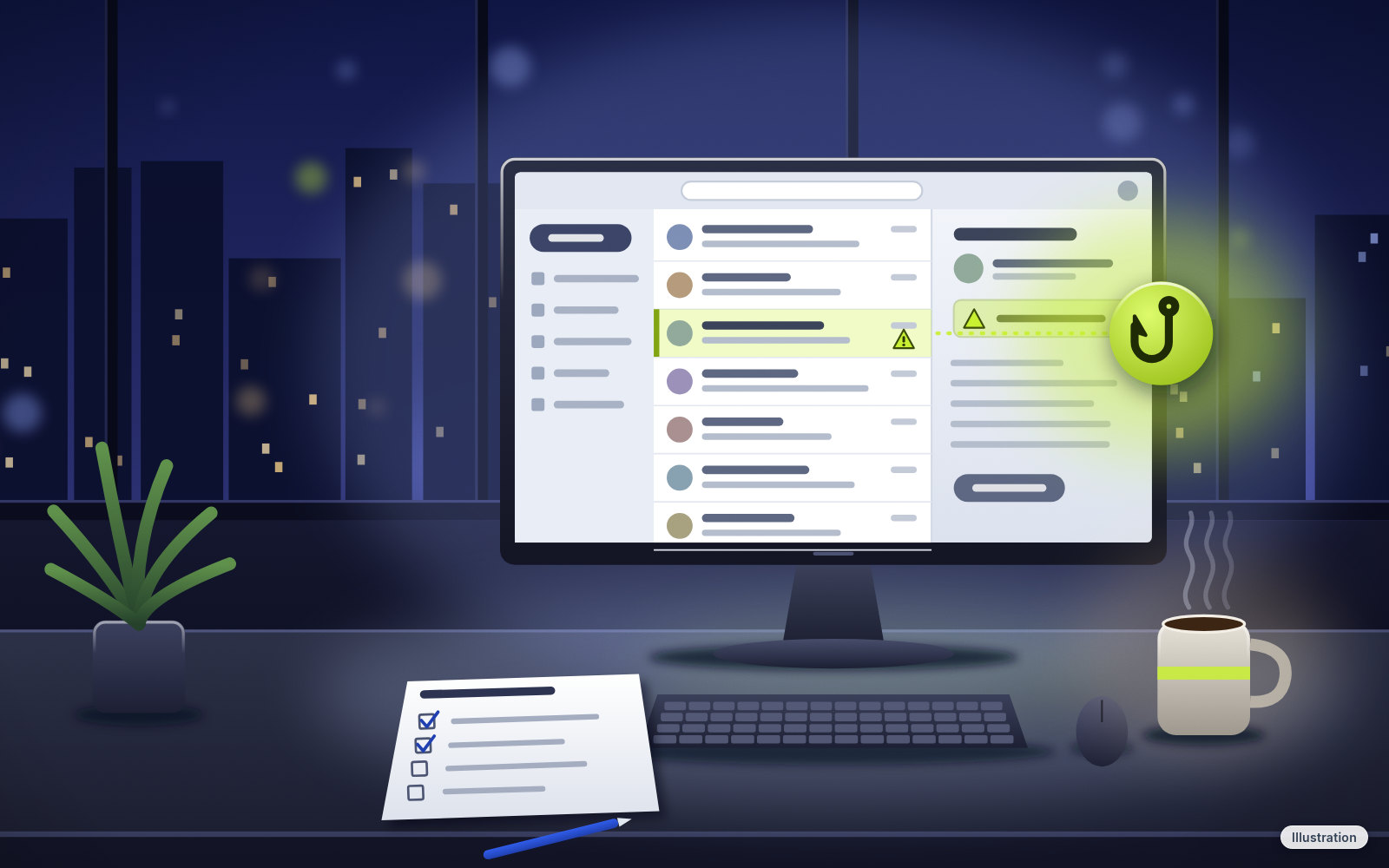
In a small office, the same few people may handle the email, the invoices and the payments, with no security team to ask. This kit gives everyone the same three habits (stop, check, call) and a written rule for every payment and bank change, so checking a payment request becomes the whole team's habit, not one busy person's job.
Staff training material only. We don't send simulated phishing emails, and we don't collect anything about your team. Your office runs the briefing and the drill itself.
What's inside
- The staff training deck, "Stop. Check. Call." (staff-training-deck.pptx to edit and present, staff-training-deck.pdf to share): 18 slides, each with speaker notes, about 20 minutes in total. Covers the three warning signs (pressure, the ask, something's off), checking the sender and the link, unexpected files and invoices, the fake-vendor bank change, the callback rule, two-person approval, gift-card requests, tech-support pop-ups, "your password expires today", texts, calls and familiar voices, what to do if someone clicked or money went out, and how your office reports a suspicious message. Fill-ins such as {OFFICE NAME} let you add your own names and amounts.
- The Verify-Before-You-Pay Policy (verify-before-you-pay-policy.docx to edit, verify-before-you-pay-policy.pdf to print): one page. The callback rule, two-person approval over the amount you choose, gift cards, urgent requests, what to do if money may have gone to the wrong place, reporting and a review schedule, with a sign-off line for the owner.
- The callback card (wire-fraud-callback-rule.pdf): a one-page desk card. Hang up, call a number you already had, and two people over your set amount.
- The staff quiz and answer key (quiz.pdf, quiz-answer-key.pdf): 12 questions with made-up but realistic examples (about 10 minutes), plus the answers and why. Two pages plus one page.
- The tabletop drill (tabletop-drill.pdf): a 15-minute talk-through with three scenarios to read aloud: a fake invoice, a "CEO" gift-card text and a "password expired" email. Nobody gets a fake email; the manager reads each scenario and the team says what they'd do. Two pages.
- Free resources (free-resources.pdf): two pages listing free FTC, CISA, FBI and FCC guidance pages, plus where to report scams and phishing (checked Oct 24, 2026).
- The free-use note (free-use-note.pdf): one page saying how you can use and share the kit for free inside your business or group, and with your clients if you're an IT provider, consultant or trainer.
- README (README.md): start-here steps, the file list and the official pages the kit was checked against.
Every company, person and web address in the examples is made up. Example addresses end in ".example", a name reserved for examples, so it doesn't belong to any real business. The sample messages are printed training examples for discussion; nothing is sent to anyone's inbox.
The kit's steps draw on free guidance from the FTC, CISA, the FBI's Internet Crime Complaint Center and the FCC (pages checked Oct 24, 2026). The README lists every page, and free-resources.pdf names them honestly as free.
Agencies move and update their pages. If an address in free-resources.pdf stops working, search the agency's name and the page title.
For small offices where a few people handle email, invoices and payments
Best for: Dental and medical front offices, law and accounting offices, agencies, contractors' offices and shops with a back office, where there's no security team. No tech skills needed: you fill in a few blanks, present the deck and run the drill.
You'll need: PowerPoint, Keynote or Google Slides to present the deck, Word or another app that opens .docx files to edit the policy, a printer for the callback cards, quiz and drill sheet, and the phone numbers of the vendors you pay, your bank and your IT contact.
One zipped folder: PowerPoint (PPTX), Word (DOCX), PDF and a Markdown (MD) README. The deck opens in PowerPoint, Keynote or Google Slides (by import). The printable sheets are US Letter; the deck PDF is widescreen.
Skip it if
You want a service that sends simulated phishing emails to your staff and tracks who clicks. We don't do that. Also skip it if you want someone to run the training for you; this is a do-it-yourself kit, not a service.
What you get out of it
- One habit everyone shares. "Stop. Check. Call." gives the whole team the same three steps for any message that asks for money, a password or a bank change.
- A written rule for every payment. The policy says when to call back, on which number, and when a second person has to check and release a payment.
- A card at every desk. The one-page callback card puts the rule where people pay bills.
- Practice without surprise emails. The quiz and the tabletop drill let the team talk through realistic, made-up scenarios out loud, with no fake emails and no one being put on the spot.
- A plan for when something goes wrong. The deck covers what to do if someone clicked or money went out, and the policy and callback card say who to call first if money may have gone to the wrong place.
- No blame built in. The deck and policy say plainly that reporting a mistake fast, or delaying a real payment to check it, is the right move.
How it works
- Download the zipped folder and open README.md.
- Fill in the blanks in the policy and the callback card: your approval amount, the second approver, your bank's fraud number and who staff should tell.
- Build your known-numbers list for the vendors you pay, your bank and your IT contact.
- Have the owner sign the policy.
- Run the 20-minute briefing with the deck, hand out the callback card and do the quiz together.
- A week or two later, run the 15-minute tabletop drill. Repeat it every few months with new names.
Questions
Do you send fake phishing emails to my staff?
No. We don't send simulated phishing emails, and we don't collect any information about your team. Your office runs the briefing, the quiz and the drill itself, out loud.
Will this stop my business from being scammed or hacked?
No kit can promise that. No guarantees. Training lowers the chance of a costly mistake. It can't stop every scam. The kit also doesn't replace your bank's rules, your IT provider's advice or your insurance policy's terms.
Is the policy legal advice?
Not legal advice. The policy is a starting point. Check it against your bank's agreement, your insurance policy and any rules for your industry, and follow whichever is stricter.
Can I edit it?
Yes. The deck comes as a PowerPoint file and the policy as a Word file, with fill-ins for your office name, amounts and contacts. The callback card, quiz and drill are printable PDFs with write-in lines; the answer key is a printable PDF.
Are the example emails real?
No. Every company, person and web address in the examples is made up, and example addresses end in ".example" so they can't belong to a real business. They're printed training examples for the team to discuss.
How long does it take?
The README plans about 1 hour of setup, then 30 minutes with the team (the 20-minute briefing and a 10-minute quiz), plus a 15-minute drill a week or two later.
Do I need special software?
PowerPoint, Keynote or Google Slides (by import) for the deck, and Word or another app that opens .docx files for the policy. Everything else is PDF.
Is any of this available for free?
Yes, it's all free. Use and share it free inside your business or group. IT providers, consultants and trainers can use it with clients. Please don't resell it or an edited version of it, and credit Tech Cheat Codes. To share it publicly, share a link to this page, not the files.
Do you run the training for me?
No. This is a digital, do-it-yourself kit with step-by-step instructions, not a training or consulting service.
How much is it, and how do I get it?
It's free. Tap "Get it free" and the zipped folder downloads right away. No payment and no account needed.
What if I get stuck?
Need help? Visit techcheatcodes.com/support/
No guarantees. Training lowers the chance of a costly mistake. It can't stop every scam.
Not legal advice. The policy is a starting point. Check it against your bank's agreement, your insurance policy and any rules for your industry, and follow whichever is stricter.
No link in this kit is a paid or affiliate link. We aren't affiliated with any company or agency mentioned. Product names are used only to describe them.
Use and share it free inside your business or group. IT providers, consultants and trainers can use it with clients. Please don't resell it or an edited version of it, and credit Tech Cheat Codes. To share it publicly, share a link to this page, not the files.