
On this page · 12 sections
Quick answer
Turn your Pixel all the way off. Leave it off for about 5 minutes. Then turn it back on. A normal restart is not the same. Product experts on Google's help forum suggest this, and it has helped some people.
Some Pixel 10 and Pixel 11 phones show a black camera screen or a "Something went wrong" message after the November 2026 update. It happens in third-party camera apps too. A full power-off for about 5 minutes has helped some people. A restart, clearing the cache and Safe Mode are not reported to fix it, and reports on a factory reset are mixed. Steps are from Google's help pages and user reports.
Quick answer: If your Pixel 10 or Pixel 11 camera went black or says "Something went wrong" after the November update, turn the phone all the way off. Leave it off for about 5 minutes, then turn it back on. A normal restart is not the same thing.
This tip comes from product experts on Google's help forum, as reported by Android Authority. It has helped some people, but not everyone. Google has not said what causes the problem.
Google's help pages explain how to turn your Pixel phone on and off and how to fix the Camera app.
Signs you have this bug
People with this bug see one of two things after the November update:
- A black screen when the Camera app opens. Nothing shows in the viewfinder.
- An error that says "Something went wrong. Close and open the Camera app again."
Reports say it can hit the front and back cameras. It happens in other camera apps too, not just Pixel Camera. So far, reports are about the Pixel 10 and Pixel 11 series.
Get your Pixel camera working again
Takes about 6 minutes, mostly waiting. Free.
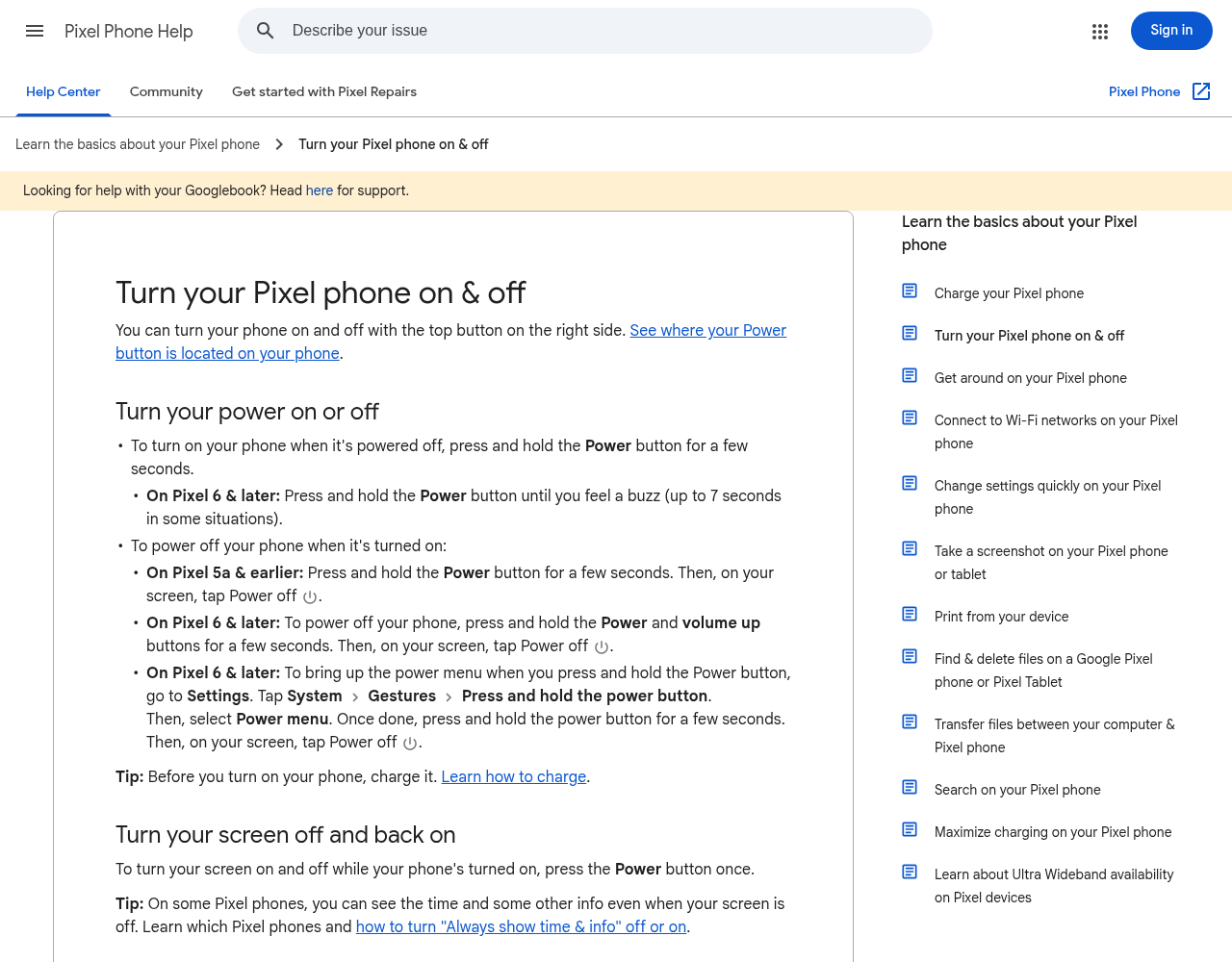
1. Turn your Pixel all the way off
- Press and hold the Power and Volume up buttons for a few seconds.
- On your screen, tap Power off. Don't tap Restart.
- Wait until the screen goes fully dark.
Google's help page shows these steps for Pixel 6 and later.
2. Leave it off for about 5 minutes
Set a timer on another device, or just watch a clock. Don't turn the phone on early. People say a quick restart did not fix it, but a longer power-off did.
3. Turn it back on and open the camera
- Press and hold the Power button until you feel a buzz. Google says this can take up to 7 seconds.
- Unlock your phone.
- Open the Camera app and see if the picture comes back.
If it still doesn't work, you can try the full power-off one more time.
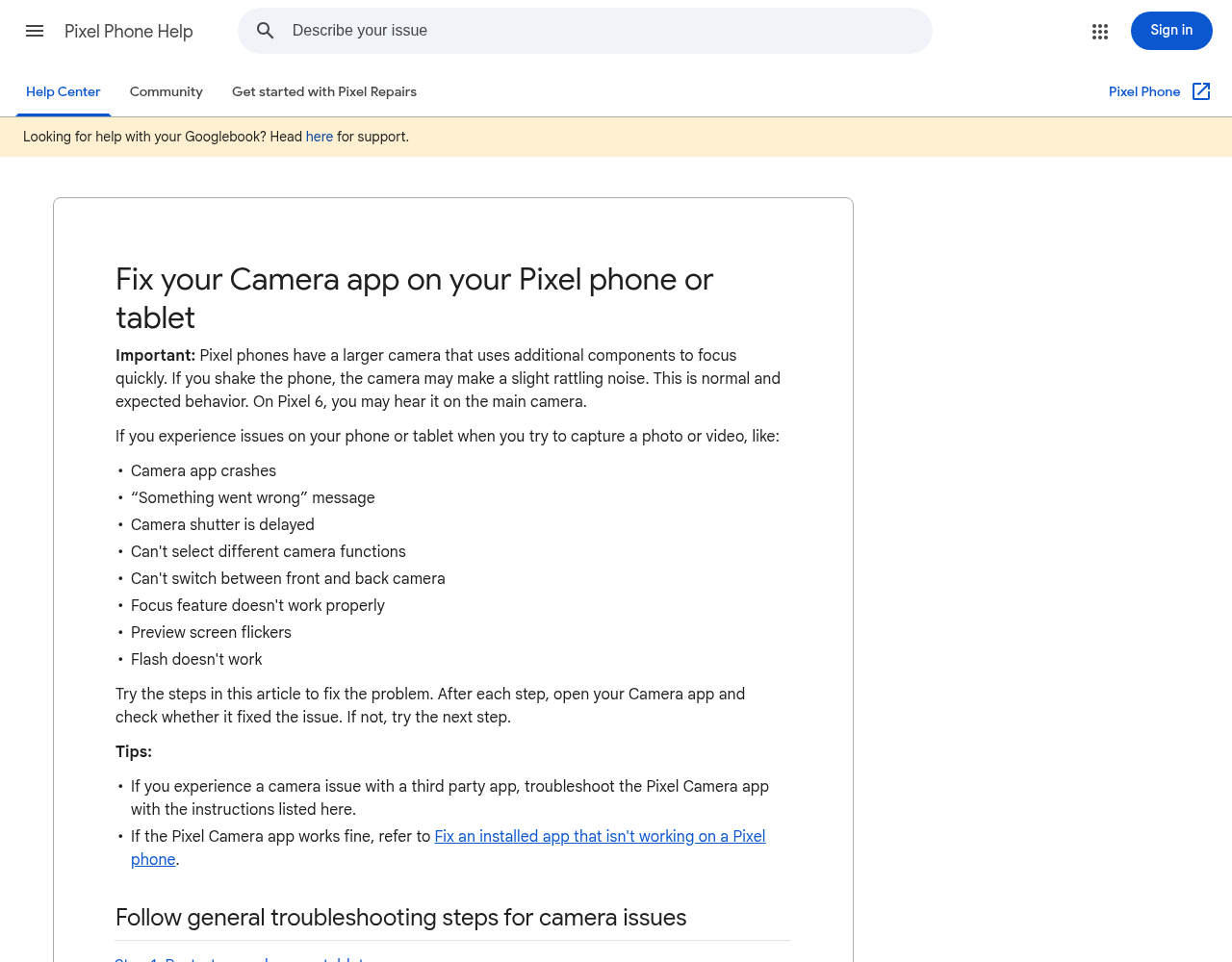
Google's camera help page lists the "Something went wrong" message as a problem it covers. Its first step is to turn the phone off and back on. For this bug, people say waiting about 5 minutes before turning it back on is what helped.
If that didn't work
- Don't wipe your phone. One person said a factory reset fixed it, but others said it did not, and a reset erases everything on your phone. Try the power-off first.
- Skip the usual app fixes. Reports say clearing the Camera app's cache and data, removing app updates and Safe Mode did not help either.
- A different camera app is not the fix. The bug hits other camera apps too, so a new app won't get around it.
- Tell Google about it. Open Settings, scroll down, and tap About phone > Send feedback about this device. Then follow the steps on the screen. See Google's Send feedback about your Pixel page.
- Wait for Google's fix. Google has not said when a fix will come. Check Settings > System > Software updates now and then for a new update.
- Still no luck? Contact Pixel Phone Help. Tell them you have the November update and which Pixel you have.
Wireless charging stopped working too?
Some Pixel owners say their phone shows it is charging on a wireless charger, but the battery doesn't go up. Some say it even goes down. Reports say there's no fix for this yet. MakeUseOf says some people had it even before the November update.
What you can do now:
- Charge with a USB-C cable. Plug your Pixel into a wall charger with a USB-C cable. The reports in References are about wireless charging; none mention cable charging.
- Check the battery level. After a few minutes, make sure the number is going up.
- Wait for Google's fix. Keep checking for new updates.
Work or school Wi-Fi won't connect?
Some Pixel owners can't join work or school Wi-Fi after the November update. Android Authority says this hits a kind of Wi-Fi many offices and schools use, called WPA2-Enterprise (PEAP/MSCHAPv2). Some phones show "Saved" or "Connection failure." Home Wi-Fi is reported to work fine.
Android Authority says this one is not just on the newest phones. People with other Pixel models report it too. Google's Pixel Community account said on Reddit it reached out to some people to learn more. It did not give a fix date. There's no known setting that fixes it.
What you can do now:
- Tell your IT team. Let them know your Pixel has the November update and can't connect. They may have another way for you to get online.
- Use mobile data. Turn off Wi-Fi for a while and use your phone plan's data.
- Use a hotspot. If you have a hotspot you trust, connect to that.
- Wait for Google's fix. Keep checking for new updates.
To read about everything else in this update, see Pixel Phones Get a Big November Update Early.
The bottom line
Turn your Pixel all the way off, wait about 5 minutes, and turn it back on. That has brought the camera back for some people. Don't reset your phone. If wireless charging or work Wi-Fi broke too, use a cable or mobile data until Google sends a fix.
Helpful gear
iThis page has affiliate links. If you buy through one, we may earn a small commission at no extra cost to you. Learn more.
- Google 45W USB-C Power Charger (opens in a new tab): Optional, if wireless charging stopped working and you need a wall charger for a cable. The listing says it works with Pixel phones, Pixel Buds, the Pixel Tablet and some laptops. It comes with the plug only, so you'll need a USB-C cable. You don't need it to fix the camera.
FAQ
Why is my Pixel camera black after the November update?
Some Pixel 10 and Pixel 11 phones got a camera bug with Google's November 2026 update. Google has not said what causes it. Turning the phone all the way off for about 5 minutes has helped some people.
Why not just restart my Pixel?
People with this bug say a normal restart did not fix it. A full power-off, with the phone left off for about 5 minutes, is what helped some of them.
Should I factory reset my Pixel to fix the camera?
No. Reports are mixed: one person said a reset fixed it, others said it did not. A reset erases everything on your phone, so try the 5-minute power-off first.
Is my camera broken?
Reports point to the November update, not to broken parts. The bug started for people right after they installed the update. If the camera still fails after Google sends a fix, contact Pixel Phone Help.
When will Google fix these bugs?
Google has not given a date. For the work Wi-Fi bug, Google's Pixel Community account said it is gathering more details. Check for a new update now and then.
References
All 9 reference links
- Google Pixel Phone Help: Turn your Pixel phone on & off
- Google Pixel Phone Help: Fix your Camera app on your Pixel phone or tablet
- Google Pixel Phone Help: Send feedback about your Pixel to Google
- Google Pixel Community: Google Pixel Update - November 2026
- Android Authority, Nov 12, 2026: Google's November update is breaking Pixel cameras, but there's an easy fix
- Android Authority, Nov 13, 2026: Pixel users report workplace and school Wi-Fi connectivity issues after November update
- Lifehacker, Nov 14, 2026: If Your Google Pixel's Camera Is Suddenly Broken, Here's the Fix
- MakeUseOf: The November Pixel update is breaking cameras and wireless charging for some users, Nov 13, 2026
- Tech Cheat Codes: Pixel Phones Get a Big November Update Early
Get the next cheat code
Plain-English tech fixes and scam alerts. Tap Follow on Facebook or TikTok, or pick another below.
Want AI to answer your clients?
Our ready-made AI setups come with a plain step-by-step guide, plus the extra detail for anyone who wants it. You set them up yourself.
See the AI setups