
On this page · 3 sections
If you wear a FreeStyle Libre 3 sensor, the number on your phone may be the one you use to decide how much insulin to take. A flaw in the app that shows that number is now an FDA Class I recall, the agency's most serious kind.
The FDA posted three recall records on Nov. 25 for Abbott's FreeStyle Libre 3 app, the Libre by Abbott app and the Lingo app. Together they cover 1,836,506 app downloads, 1,382,849 of them in the U.S. Nothing has to go back in the mail. The fix is an app update Abbott released Oct. 22, and the only people still exposed are the ones whose phones never installed it.
Class I is the tier the FDA saves for problems with "a reasonable probability" of causing "serious adverse health consequences or death." The listing names two problems. The first is a security vulnerability in all three apps. An attacker who exploited it could make the Libre apps display incorrect glucose readings, and alarms might not work or might go off with the wrong alert. That could push a person with diabetes to take too much or too little insulin, or to put off treatment they need.
The second problem came from the first fix. Abbott began notifying users about the vulnerability Oct. 16, then paused those notices Oct. 17 after finding that the patched versions, FreeStyle Libre 3 version 3.6.8 and Libre by Abbott version 1.4.1, could lose the signal from the sensor and fail to reconnect. A sensor that silently stops talking to the phone also stops feeding its alarms.
Abbott sent a signal-loss warning Oct. 20 and shipped corrected apps two days later: FreeStyle Libre 3 version 3.6.10 and Libre by Abbott version 1.4.2. In-app messages, phone warnings and emails started Oct. 23. A second round went to people who still hadn't updated on Oct. 26, and a third went to auto-updated users Oct. 28.
As of Oct. 20, Abbott knew of no one getting unauthorized access to a patient's app through the flaw, and no injuries or other adverse events had been reported. The FDA lists the recall as open, meaning not every app has been corrected yet.
Which apps and versions are affected
The FreeStyle Libre 3 app pairs with the Libre 3 continuous glucose monitor, which is cleared for people 4 and older and is meant to replace fingerstick tests for treatment decisions. Versions 3.2.0 through 3.6.8 are affected, and the safe version starts with 3.6.10.
The Libre by Abbott app works with the same sensor. Versions through 1.4.1 are affected, and the safe version starts with 1.4.2.
Lingo is Abbott's over-the-counter sensor for adults 18 and older who are not on insulin, sold as a wellness tracker. Only the security flaw touches Lingo, not the signal loss. Versions through 1.12.2 are affected, and the safe version starts with 1.12.3. An exploited flaw could make Lingo show incorrect readings. The FreeStyle Libre 2 app isn't named in the recall.
The recall reaches beyond the U.S., with the apps distributed in Canada, Australia, New Zealand, the U.K., Qatar, Saudi Arabia and much of Western Europe.
How to make sure your app is fixed
Updating won't end your current sensor session or erase your data, and you don't have to wait for your next sensor change. Keep wearing the sensor you have on.
- Check your version first. In FreeStyle Libre 3, tap the menu icon at the top left, then About, and look for a Software Full Version that starts with 3.6.10. In Libre by Abbott, tap Profile, then About, and look for 1.4.2. In Lingo, tap My biosensor at the top right, then About this biosensor, and look for 1.12.3.
- If the number is lower, update. On an iPhone, open the App Store, tap your profile picture at the top right, choose App Updates and tap Update next to the app. On Android, open the Google Play Store, tap your profile icon, choose Manage apps & device and tap Update.
- If the store shows Open instead of Update, you already have the newest version.
- Turn on automatic app updates so the next fix lands without a reminder. That's under Settings, then App Store on an iPhone, and under your profile, Settings, Network preferences in Google Play.
- If a reading doesn't match how you feel, test with a fingerstick meter before you act on it.
- Questions about FreeStyle Libre 3 or Libre by Abbott go to Abbott Customer Service at 1-833-795-4273, open 8 a.m. to 8 p.m. Eastern seven days a week. Lingo customer service is 1-888-764-7684, 9 a.m. to 9 p.m. Eastern. Problems can also be reported to the FDA through MedWatch at fda.gov/medwatch.
If you help a parent or a child manage a Libre sensor, check their phone too. The update notices went to the app and the email on file, which may not be yours.
Want more tech news like this? Follow Tech Cheat Codes on Facebook. Tap this link, then tap Follow: Follow Tech Cheat Codes on Facebook
The FDA's Class I listing landed 40 days after Abbott's first warning, and for all 1.8 million downloads it covers, the cure is the same free app update.
Reader comments
Ask us a question
Stuck on something in this story? Ask us, or leave a comment. Our team reads every message before it appears here.
Or email us at hello@techcheatcodes.com.
References
- Class 1 Device Recall FreeStyle Libre 3 App (Z-0536-2027), U.S. Food and Drug Administration, Nov. 25, 2026.
- Class 1 Device Recall Lingo Biosensor App (Z-0537-2027), U.S. Food and Drug Administration, Nov. 25, 2026.
- Class 1 Device Recall Libre App (Z-0538-2027), U.S. Food and Drug Administration, Nov. 25, 2026.
- Urgent Medical Device Correction: Update for Security Vulnerability and Extended Signal Loss, FreeStyle Libre 3 App and Libre by Abbott App, Abbott, Oct. 23, 2026.
- Urgent Medical Device Correction: Lingo by Abbott App, Abbott.
- Recalls Background and Definitions, U.S. Food and Drug Administration.
Get the next cheat code
Plain-English tech fixes and scam alerts. Tap Follow on Facebook or TikTok, or pick another below.
Related fixes
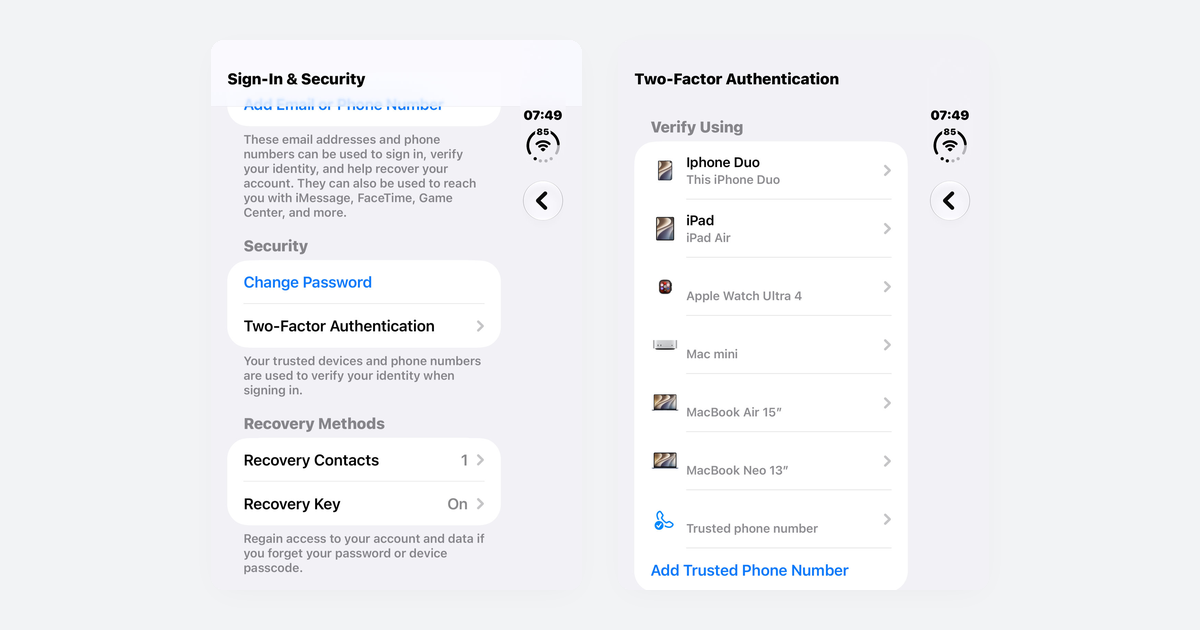
How to Turn On Two-Step Verification for Google, Apple, Microsoft, Facebook, Instagram and Amazon
Open each account's security settings, turn on two-step verification, and save backup codes plus a second way back in.
Accounts & Security · 14 min read
Is This a Scam? 4 Warning Signs and What to Do Next, for Parents, Kids and Grandparents
Watch for someone pretending to be trusted, a sudden problem or prize, pressure, and a request for gift cards, crypto, or a wire.
Scams · 8 min read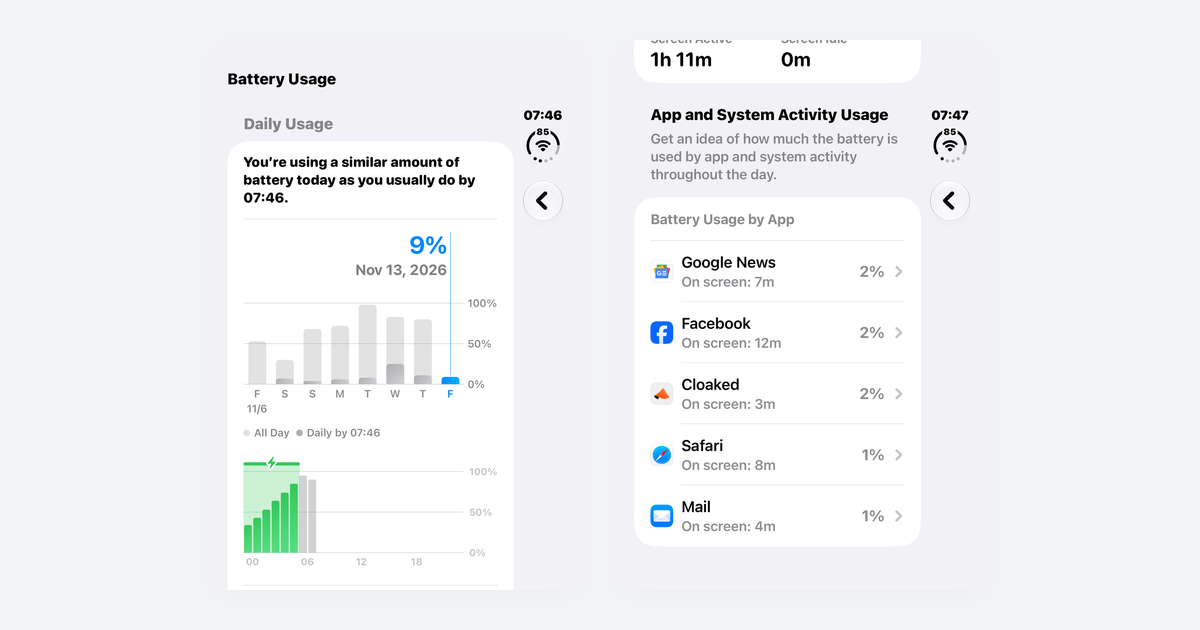
Phone Battery Draining Fast? Free Fixes for iPhone and Android
If you just updated, wait a few days; then check which app is using power, turn on battery saver, and dim the screen.
Phones & Storage · 10 min read