
On this page · 7 sections
Apple has opened a research study that lets iPhone owners in the US ask an AI app their health questions. The free app is out now, and Apple wants up to 200,000 people to join.
Apple announced the Apple Health AI Usage Study on Sunday, Nov. 15, 2026. It is run with OpenEvidence, an AI tool that many doctors and nurses use. Apple said the study will look at how much people trust health AI, how well they understand its answers and what they do next.
"Health is deeply personal, and conducting a dedicated research study is the most thoughtful way to understand how people engage with, comprehend, and evaluate health AI in everyday life," said Sumbul Desai, M.D., Apple's vice president of Health and Fitness.
How the study app works
You type a health question, and the app answers in plain language. Apple said each answer links to peer-reviewed medical sources. OpenEvidence draws on sources such as The New England Journal of Medicine, the Journal of the American Medical Association and Nature, Apple said.
The Verge reported that you can rate the answers for things like accuracy and detail. TechCrunch reported that people in the study will also be asked to fill out monthly surveys, and that Apple plans to run the study for more than 12 months.
Apple's App Store listing says you can use the app to understand symptoms, put your Health data in context, get ready for a doctor's visit or build an exercise or meal plan.
The app is not tied to Siri or Apple Intelligence, The Verge and Engadget reported. The Verge said you can still use the iPhone keyboard's dictation to speak a question.
Who can join
Apple said you must:
- Live in the US.
- Be 21 or older.
- Have an iPhone 15 Pro or later that can run Apple Intelligence.
- Be on iOS 26 or later.
The app is free in the App Store, where it's listed as Apple Health AI Study App.
What data you can share
When you join, you can choose to share data from Apple Health. Apple named resting heart rate, activity, sleep and lab results as examples. Sharing it lets the app give answers that fit you better, Apple said. You don't have to share it, and Apple said you also choose whether to share survey answers.
Apple said study data will not be used to train AI models. It said it has security measures in place to keep participants' information private.
TechCrunch reported that Apple said the data is made anonymous before it goes to a secure outside cloud service. TechCrunch also reported that OpenEvidence deletes your questions and its answers after 24 hours.
The App Store privacy label says the app may collect identifiers linked to you, plus diagnostic data that isn't linked to you.
How to decide whether to join
Start with what the app is not. Apple said the study app is not meant to diagnose or treat any condition or to replace a doctor's advice. If you have a health concern, talk to a doctor or nurse. Apple said the app is built to spot some worrying questions and suggest you follow up with a provider.
Next, think about what you would share. You can join and share nothing from Health. You can also share only a few types of data, such as steps and sleep, and leave out lab results. Read the consent pages in the app before you enroll.
It may be a good fit if you're curious about AI health tools and want to help test them. It may not be if you'd rather keep your health questions and Health data off any outside service.
How to stop sharing Health data
You can turn off the study app's access to your Health data at any time. Apple's iPhone guide lists these steps:
- Open the Health app.
- Tap Summary, then tap your picture or initials at the top.
- Under Privacy, tap Apps.
- Tap the study app, then turn off the types of data you no longer want it to read.
Turning off access stops the app from reading that data going forward.
How to leave the study
Apple hasn't posted public steps for leaving this study. Look in the app's settings or consent pages for how to withdraw. If you leave, turn off the app's Health access with the steps above before you delete the app.
Want the next fix in plain English? Follow Tech Cheat Codes on Facebook. Tap this link, then tap Follow: Follow Tech Cheat Codes on Facebook
References
- Source: Apple Newsroom, Apple launches research study to explore the use of AI for health (Nov. 15, 2026)
- Source: App Store, Apple Health AI Study App
- Source: Apple Support, Share your data in Health on iPhone
- Source: TechCrunch, Ivan Mehta, Apple launches new app to study how people use AI for health (Nov. 15, 2026)
- Source: The Verge, Andrew Liszewski, Apple's new study looks to improve the effectiveness of AI health tools (Nov. 15, 2026)
- Source: Engadget, Steve Dent, Apple's new research app is designed to make AI health tools more user-friendly (Nov. 16, 2026)
Get the next cheat code
Plain-English tech fixes and scam alerts. Tap Follow on Facebook or TikTok, or pick another below.
Related fixes
New Phone or Computer? How to Move Your Photos, Messages and Files Over for Free
Charge both devices, keep them side by side, and use the free built-in transfer tool for your phones or computers.
New Device Setup · 10 min read
Selling or Giving Away an Old Device? How to Wipe It Safely
Back up first, sign out of your accounts, erase the device, then remove the SIM and take it off your accounts online.
New Device Setup · 12 min read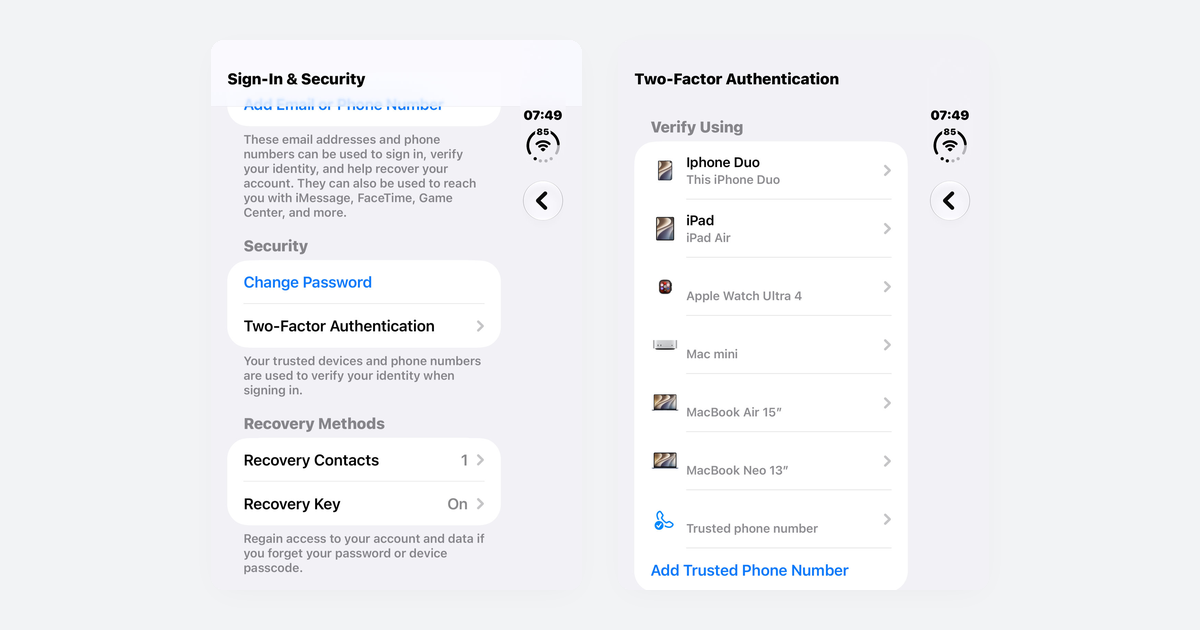
How to Turn On Two-Step Verification for Google, Apple, Microsoft, Facebook, Instagram and Amazon
Open each account's security settings, turn on two-step verification, and save backup codes plus a second way back in.
Accounts & Security · 14 min read