
On this page · 3 sections
Until Nov. 25, one blunt sentence sat in the card section of Cash App's rulebook: "You do not have the right to stop payment on a transaction originated with your Cash App Card."
That sentence is gone.
Cash App's Terms of Service, updated Nov. 25, 2026, replace it with a section titled "Right to Stop Payment." Cash App Card holders can now stop preauthorized transfers, the automatic payments and subscriptions a merchant charges to a card it keeps on file, as long as Cash App receives the request at least three business days before the charge is scheduled. If you pay for streaming or a gym membership with the card, a stop request filed in time now has a liability promise behind it.
The same update, which replaces a version dated Sept. 11, adds a new section for a free Bills and Subscriptions service and renames the "Cash App Credit Score" section to "Cash App Score." The terms don't say when the subscriptions tool reaches every account.
You can file a stop by blocking the merchant from the Activity tab in Cash App or by writing in through the Cash App Support feature. A phone line, (800) 969-1940, works too. Phone requests come with a catch. Cash App may ask you to put the request in writing, and if that doesn't arrive within 14 days, the stop can be removed.
Timing decides who is on the hook. Cash App will try to stop a charge flagged inside the three-day window but isn't responsible if it fails. Flag it three business days or more ahead, and the terms are direct: "we will be liable for your unrecoverable losses" if the charge goes through anyway. Business days under the terms skip weekends and federal holidays, so Thanksgiving week runs short.
A block is a wide net. It stops every future Cash App Card charge from that merchant, not just the one subscription you meant to kill. It also doesn't cancel anything. The account with the merchant stays open, and any balance you still owe there stays owed.
The three-day window and the 14-day written follow-up mirror Regulation E, the federal rule for electronic payments, which requires a financial institution to honor a stop-payment order made at least three business days before a scheduled debit.
Bank-style debits pulled with your Cash App account and routing numbers already had their own merchant-blocking process, and that one hasn't moved into the app. Those blocks still go through Cash App Support or the phone line, and they only work on merchants that have debited your account before.
A subscriptions manager that can ask for your passwords
The new Bills and Subscriptions section describes an optional service for viewing and managing recurring bills tied to your Cash App Card. Cash App, or an unnamed outside company it hires, can add, update or block your card at a merchant, view your transactions, make changes and cancel the subscription for you.
The fine print asks for a lot in return. To pull in your bills, you may have to create an account with that outside company and hand over the usernames, passwords, PINs and other login details you use at each merchant. You also grant Cash App and the vendor "a limited power of attorney" to act as your agents with those merchants. How your logins are collected and used falls under the vendor's own terms and privacy policy, and the vendor's name doesn't appear anywhere in Cash App's terms.
Not every subscription is supported. When a connection drops, fixing it is your job. The estimated amounts and due dates Cash App shows may not count other money leaving your balance, such as Auto Reload or Afterpay payments. There is no fee. To leave, you unlink your Cash App Card from every linked subscription at each merchant's website or app.
How to stop a recurring Cash App Card charge
- Cancel with the business first, in its own app or account page.
- To block the card charge, open Cash App, go to the Activity tab (the clock icon), choose a past transaction from that business, select the business icon to open its profile, then select Block/unblock. You need at least one earlier transaction with the business, and your blocked list lives on the Card tab.
- If the block option doesn't show up, or the charge is a bank debit using your account and routing numbers, contact Cash App Support in the app or use the phone line, and send a written follow-up if you call.
- Apple and Google Play subscriptions may not show a business profile in Activity. Cancel those on an iPhone in Settings, then your name, then Subscriptions, or in the Google Play Store under your profile, Payments & subscriptions, then Subscriptions.
Want more tech news like this? Follow Tech Cheat Codes on Facebook. Tap this link, then tap Follow: Follow Tech Cheat Codes on Facebook
The old card section needed one sentence to say no. The new one runs six paragraphs on how to say stop, and the last of them puts Cash App on the hook for your losses if it misses a request made in time.
For a list of this year's U.S. streaming price increases, and cheaper ways to keep the plans you still want, see Six Popular Streaming Plans Now Cost 150 Dollars More a Year.
Reader comments
Ask us a question
Stuck on something in this story? Ask us, or leave a comment. Our team reads every message before it appears here.
Or email us at hello@techcheatcodes.com.
References
- Cash App Terms of Service, Block Inc. (Cash App), Nov. 25, 2026.
- Blocking a Business, Cash App Support.
- Regulation E, 1005.10 Preauthorized transfers, Consumer Financial Protection Bureau.
Get the next cheat code
Plain-English tech fixes and scam alerts. Tap Follow on Facebook or TikTok, or pick another below.
Related fixes
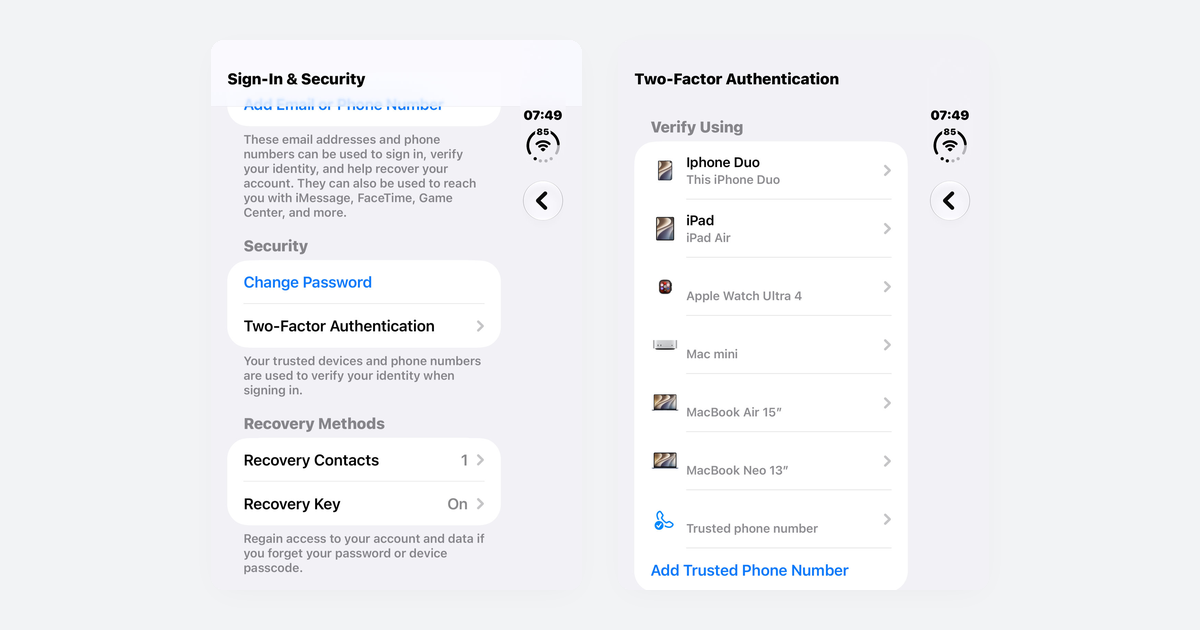
How to Turn On Two-Step Verification for Google, Apple, Microsoft, Facebook, Instagram and Amazon
Open each account's security settings, turn on two-step verification, and save backup codes plus a second way back in.
Accounts & Security · 14 min read
Is This a Scam? 4 Warning Signs and What to Do Next, for Parents, Kids and Grandparents
Watch for someone pretending to be trusted, a sudden problem or prize, pressure, and a request for gift cards, crypto, or a wire.
Scams · 8 min read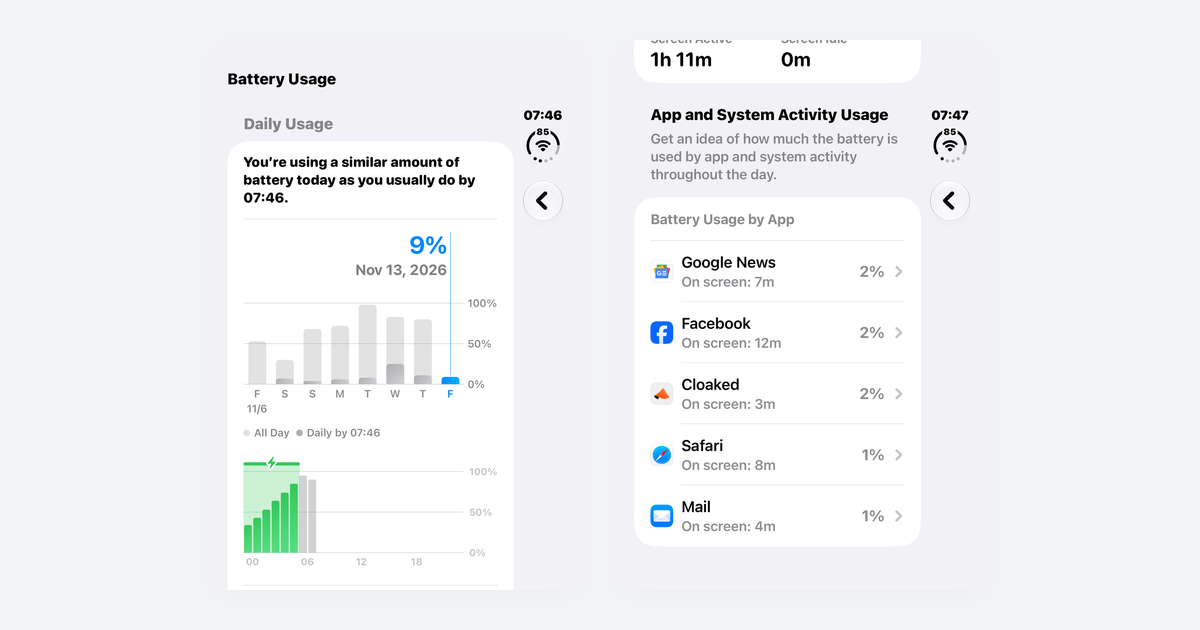
Phone Battery Draining Fast? Free Fixes for iPhone and Android
If you just updated, wait a few days; then check which app is using power, turn on battery saver, and dim the screen.
Phones & Storage · 10 min read