On this page · 5 sections
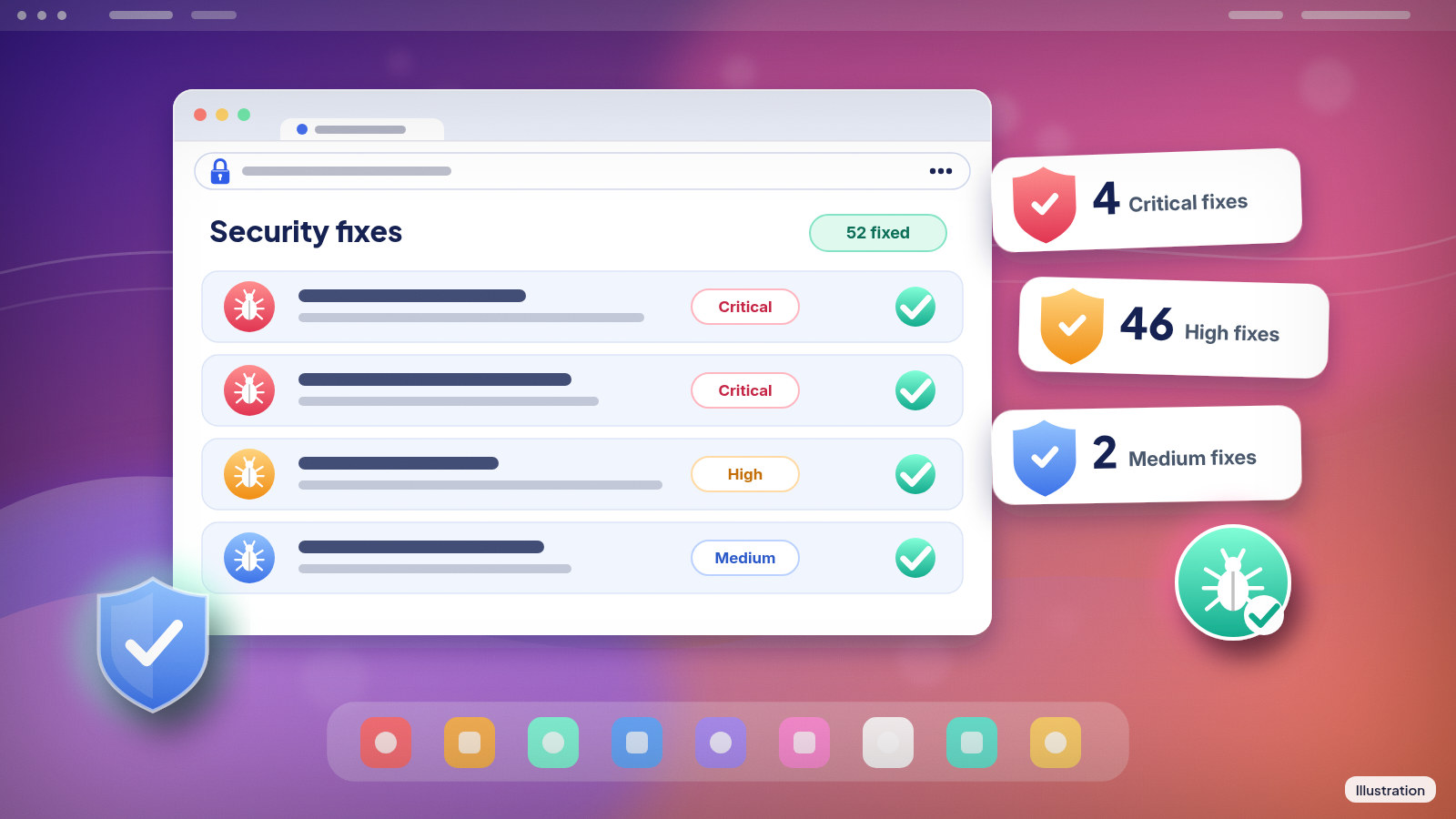
What happened: Google pushed Chrome 156 to Windows, Mac and Linux computers on Tuesday, Oct. 27, with 52 security fixes inside. Four of them carry Google's top "Critical" rating. The Android version was released the same day and reaches Google Play over a few days.
What this means for you: If you use Chrome, you want this version. Most people get it without lifting a finger, but the update only finishes when Chrome restarts. If you leave your browser open for days at a time, you could still be running the old one.
The details
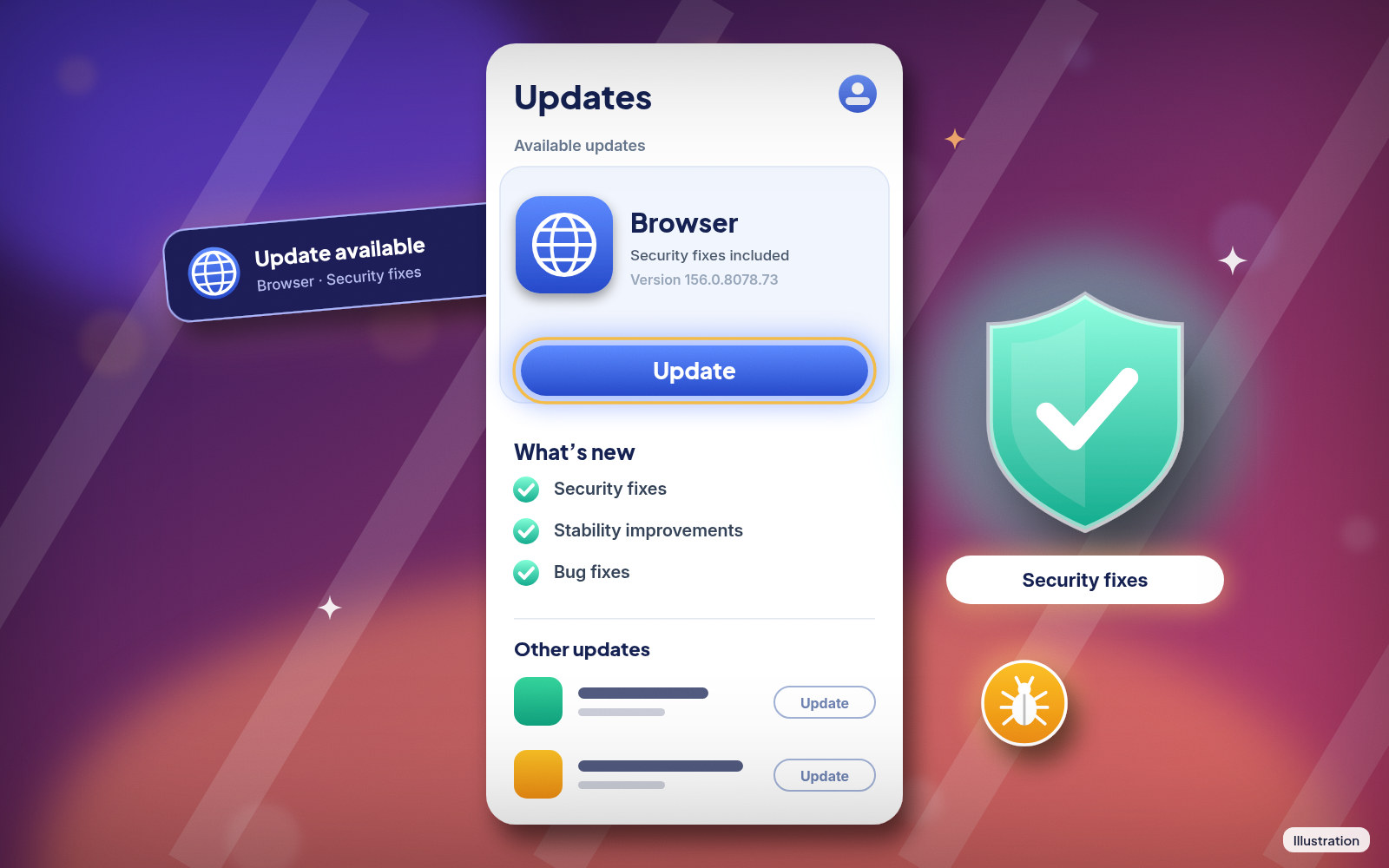
The new desktop version numbers are 156.0.8078.73 or 156.0.8078.74 for Windows and Mac, and 156.0.8078.73 for Linux. Google is rolling it out over the coming days and weeks, so not every computer has been offered it yet. Chrome 156.0.8078.73 for Android carries the same security fixes as the desktop build and reaches Google Play over a few days.
Here's how the 52 fixes break down by Google's own severity labels:
| Severity | Number of fixes |
|---|---|
| Critical | 4 |
| High | 46 |
| Medium | 2 |
| Total | 52 |
All four critical bugs sit in parts of Chrome that handle everyday web pages. Two involve FileSystem and FileAPI, the code that lets websites work with files you pick. One is in Skia, the engine that draws text and images on screen. The last is a "use after free" bug in Layout, the part that arranges a page. A use-after-free bug happens when a program keeps using a chunk of memory after it has handed it back. Attackers like those because they can sometimes turn them into a way to run their own code.
None of these bugs is listed as being used in real attacks. That's good news. Details of each bug may stay restricted until most people have updated, which is normal practice. The idea is simple: don't hand attackers a map before the fix has reached people.
Did you know? Some of this batch came from AI-assisted bug hunting. Two of the critical flaws and several high-rated ones were found by a researcher working with Anthropic's Claude, and several more were reported by OpenAI's Codex Security tool.
Our read: none of these bugs is listed as used in attacks, so there's no need to panic. Four critical fixes in one release is still a lot, though, and the easy move is to update now, not whenever Chrome gets around to it.
Who's affected
Anyone running Chrome 155 or older on a computer or Android phone. That includes:
- Windows, Mac and Linux computers
- Android phones and tablets
- Chromebooks, which get Chrome through their own system updates
iPhone and iPad owners update Chrome through the App Store. The bug list covers the computer and Android versions, but keeping the iPhone app current is still a good habit.
Your computer also needs to be new enough to get updates at all. The current requirements are:
| Device | Minimum for Chrome |
|---|---|
| Windows (Intel) | Windows 10 or newer |
| Windows (ARM) | Windows 11 or newer |
| Mac | macOS 13 Ventura or newer |
| Android | Android 10 or newer |
| iPhone and iPad | iOS 18 or newer |
If your device sits below that line, Chrome won't get this update. That's a reason to think about a newer device, or at least a browser that still gets security fixes on it.
What to do now
On a Windows PC, Mac or Linux computer
- Open Chrome.
- At the top right, click the three-dot More menu.
- Click Help, then About Google Chrome.
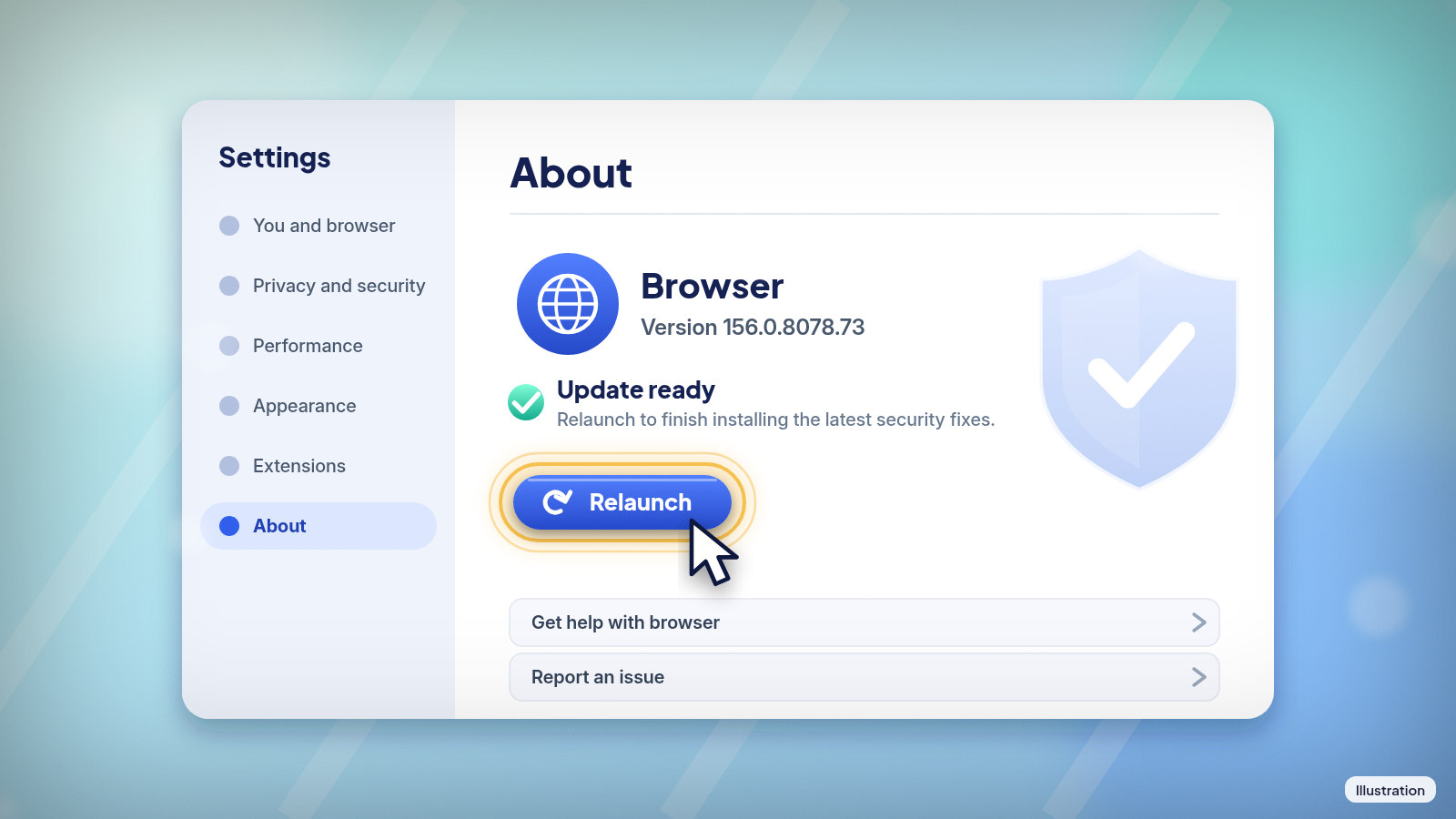
- Look at the number under the "Google Chrome" heading. Chrome also checks for updates while this page is open.
- If you see a Relaunch button, click it.
If there's no Relaunch button, you're already on the latest version. When Chrome restarts, it reopens your tabs and windows. Incognito windows don't come back, so finish anything in those first. If you pick Not now, the update applies the next time you restart Chrome.
On Windows, closing all Chrome windows and opening Chrome again also applies a waiting update. On a Mac, the same About page has an option called Automatically update Chrome for all users, which helps if several people share the computer. Chromebook owners update Chrome by updating the Chromebook itself. Linux users update through their package manager.
On an Android phone or tablet
- Open the Play Store app.
- Tap your profile icon at the top right.
- Tap Manage apps & device.
- Under "Updates available," find Chrome.
- Tap Update next to it.
If Chrome isn't listed yet, the update hasn't reached your phone. Google sends it out over a few days, so check again later in the week. To see which version you have, open Chrome and tap More, then Settings, then About Chrome.
On an iPhone or iPad
- Open the App Store.
- Tap your Profile picture at the top right.
- Scroll to "Available Updates" and look for Chrome.
- If it's listed, tap Update. Enter your Apple Account password if asked.
A habit worth building
Browsers are the program most of us use most, and they open pages from all over the internet. That makes them a favorite target. Chrome checks for updates in the background, but the update only takes hold after a restart. Closing Chrome all the way once in a while, instead of only closing tabs, is the simplest fix.
If you help a parent or grandparent with their computer, this is a quick thing to check on your next visit. Open the About Google Chrome page and see if a Relaunch button is waiting.
References
Never miss a cheat code
Get a new 60-second fix every day: follow on TikTok, YouTube or Instagram.
Related fixes
Phone Storage Full? How to Free Up Space on iPhone and Android
Phone storage full? See what's eating your space, then free it up on iPhone, Pixel or Samsung Galaxy with built-in tools. No cleaner app needed.
Phones & Storage · 11 min read
Phone Battery Draining Fast? Free Fixes for iPhone and Android
Phone battery dying by lunch? Find what's draining it and fix it free on iPhone, Pixel or Samsung Galaxy before you pay for a new battery or phone.
Phones & Storage · 5 min read
New Phone or Computer? How to Move Your Photos, Messages and Files Over for Free
Moving to a new iPhone, Android, Windows PC or Mac? Use the free, built-in transfer tools to bring your photos, messages and files along, step by step.
New Device Setup · 8 min read