
On this page · 3 sections
At 2 a.m. on Sunday, Nov. 1, daylight saving time ends in most of the US and the clocks go back to 1 a.m. You get the extra hour of sleep. You also get a week of walking into the kitchen and finding the microwave an hour ahead of everything else you own.
Most of the gadgets you touch all day will handle it without you. The ones that won't are mostly the ones with a plain number display and no internet connection.
The ones that fix themselves
Your phone, whether it's an iPhone or an Android, changes on its own as long as it's set to update the time automatically. Laptops and desktops do the same. So do smartwatches, which follow the phone they're paired with, and most smart TVs, streaming boxes and game consoles that are online.
Smart speakers and smart displays usually fix themselves too, and so do most cable and satellite boxes. Many newer cars with a connected system or built-in navigation will also update, though some wait until the car gets a GPS fix after you start it.
If your phone is the one that's wrong on Sunday morning, it's usually a setting. On an iPhone, go to Settings > General > Date & Time and turn on Set Automatically. On Android, go to Settings > System > Date & time and turn on automatic date and time (the names shift a bit between Samsung, Pixel and other brands). Toggle it off and back on if it's already enabled and still wrong.
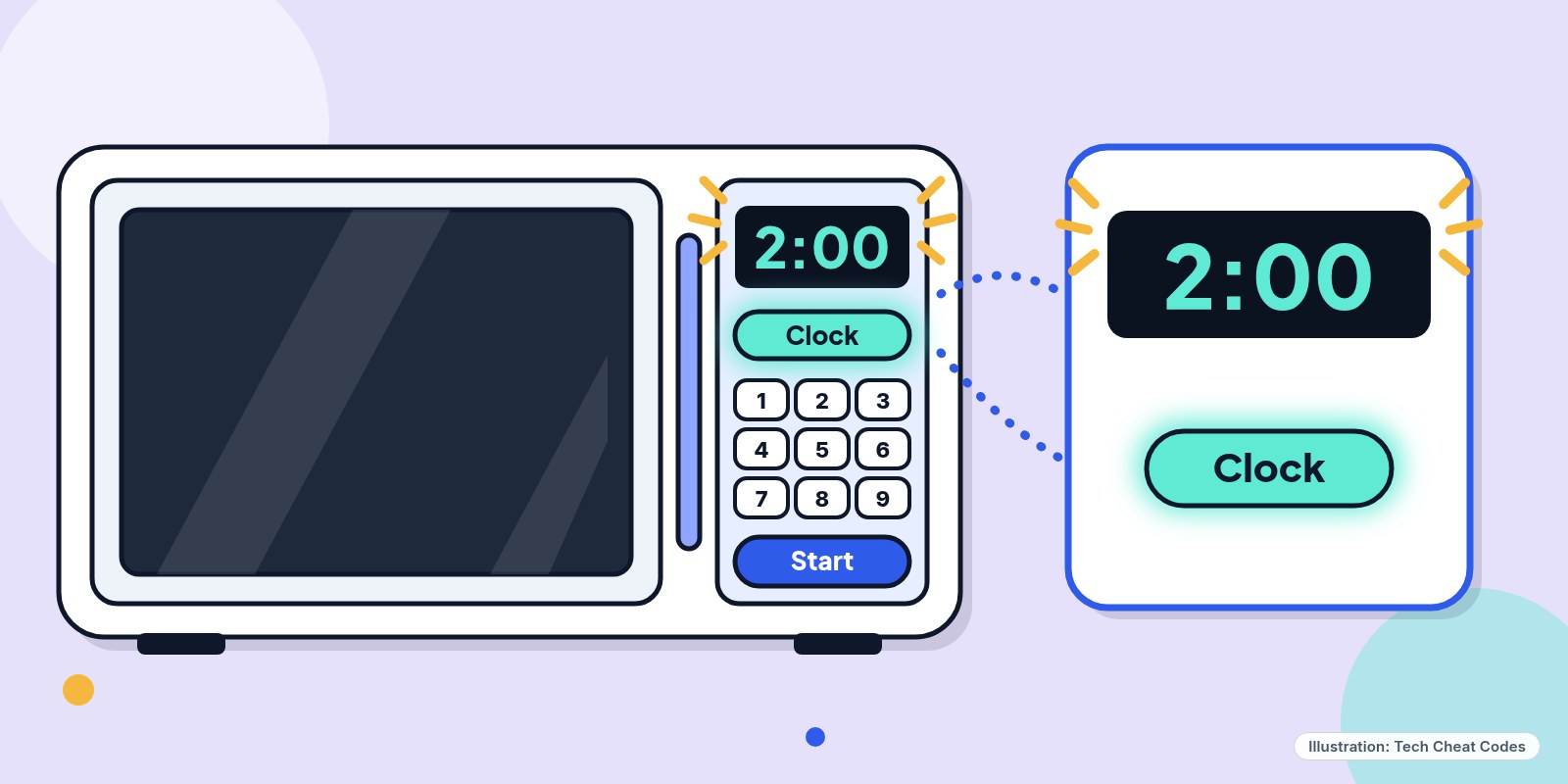 The microwave is usually the first one you'll notice. Illustration: Tech Cheat Codes
The ones you fix by hand
| Gadget | Changes itself? |
|---|---|
| Phone, tablet, laptop | Yes |
| Smartwatch | Yes |
| Smart TV or streaming box | Usually |
| Smart speaker or display | Usually |
| Cable or satellite box | Usually |
| Newer connected car | Usually |
| Older car dashboard | No |
| Microwave | No |
| Oven or stove | No |
| Basic alarm clock | No |
| Coffee maker | No |
| Wall or analog clock | No |
| Thermostat | Wi-Fi models only |
| Camera or dashcam | Often not |
| Older DVR or VCR | No |
The microwave is the easy one. Press Clock (or hold Start or Timer on some models), type the new time, and press Start. Ovens and stoves vary, but it's usually a Clock button, or a Clock and Timer pair you hold together, then the plus and minus keys to move the hour back and a press to lock it in. If the manual is long gone, the model number and "set clock" in a search box will find it.
Car dashboards are the one people put off for months. Most have a Clock or Settings button on the radio or the instrument cluster, and some older cars hide the hour and minute buttons right next to the display itself. Hold one and tap the other until the hour is right. Don't do this while you're driving.
Alarm clocks and coffee makers usually want you to hold a Time or Set button and use the hour and minute buttons. It matters more for the alarm than for the coffee, since an alarm that's an hour off means a wrong wake-up. A battery-powered wall clock is simpler: take it off the wall and turn the small wheel on the back. If it chimes, don't spin the hands backward. Move them forward 11 hours instead.
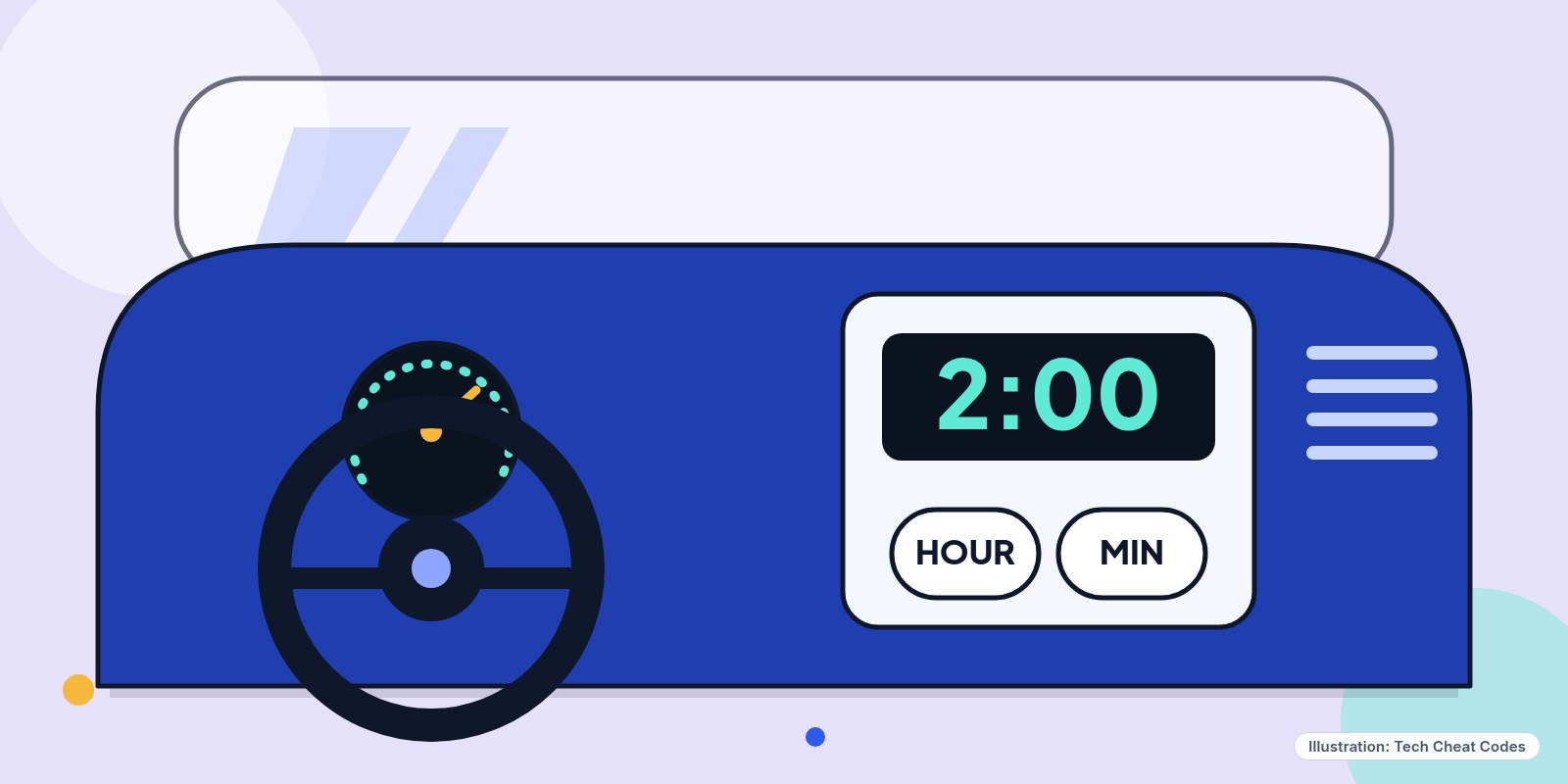 Older dashboards hide the clock buttons. Illustration: Tech Cheat Codes
Cameras and dashcams are the sneaky ones. Nothing breaks if the time is wrong, but the timestamp on your photos and driving video will be off by an hour, and that matters if you ever need the footage for an insurance claim. It takes a minute in the camera's date and time menu.
Thermostats are a mixed bag. Wi-Fi models like Nest, Ecobee and Honeywell Home sync on their own. Basic programmable ones don't, and an hour of drift means the heat comes on at the wrong time. Older DVRs and VCRs need the same manual fix if you still record anything on them.
Where the clocks don't change
Hawaii, Puerto Rico and the other US territories stay on the same time all year, and so does most of Arizona. The Navajo Nation in northeastern Arizona is the exception and does change. If you live in one of those places, leave your clocks alone. Your time difference with places that do change shifts by an hour until clocks spring forward in March.
Saturday night is also a fine time to put a fresh battery in your smoke alarms.
If you're in a hurry Sunday morning, start with the car and the microwave, since those are the two you'll look at the most.
Never miss a cheat code
Get plain-English tech fixes and scam alerts: follow on TikTok, YouTube or Instagram.
Related fixes
How to Turn On Two-Step Verification for Google, Apple, Microsoft, Facebook, Instagram and Amazon
Add a second sign-in step to Google, Apple, Microsoft, Facebook, Instagram and Amazon: pick an app, text code or passkey, then save your backup codes.
Accounts & Security · 11 min read
Is This a Scam? 4 Warning Signs and What to Do Next, for Parents, Kids and Grandparents
Is this a scam? Learn the FTC's 4 warning signs, spot the tricks aimed at kids, teens and grandparents, and know exactly who to call if you already paid.
Scams · 6 min read
Phone Battery Draining Fast? Free Fixes for iPhone and Android
Phone battery dying by lunch? Find what's draining it and fix it free on iPhone, Pixel or Samsung Galaxy before you pay for a new battery or phone.
Phones & Storage · 5 min read