
On this page · 4 sections
Google Maps can now build a full trip plan for you. Google is rolling out itineraries in Ask Maps, the Gemini-powered chat feature inside the Maps app, starting Monday, Nov. 16, 2026, on Android and iOS.
You describe the outing in plain language, such as a day of holiday shopping or a three-day road trip with coastal hikes and oceanfront dinners, and Ask Maps returns a day-by-day schedule. Each stop gets a numbered pin on the map, and the route is drawn between them. You can share the plan with friends or family, and on a computer you can export it to Google Docs.
Once the trip starts, the itinerary works with directions. Maps shows live traffic, whether a place is open and other real-time details for the next stop, and you can ask it to add stops along the way. A plan stays in your Ask Maps chat history, marked with an "itinerary" badge, so you can pull it up again before you leave.
What else is new in Ask Maps
- Saved-list search. Ask Maps can now search the places you've saved. Google's example: "Which spots saved in my lists have availability for five people in the next 30 minutes?"
- Know Before You Go tips. Before you start directions, Maps can show parking, car-charging options, weather, possible delays and tolls for the route.
- Appointments and calls. Ask Maps can find open appointments for beauty, pet care, auto and home repair services, and can call local businesses for you. A request like "Find me a 4 p.m. nail appointment near me" returns a list of open times.
- More countries. Ask Maps is expanding to about 30 more countries in Europe, including the U.K., Germany and Spain.
Itineraries and saved-list search are coming to every country where Ask Maps works, which The Verge put at more than 200. Know Before You Go tips in directions and appointment finding start in the U.S. only. Google first introduced Ask Maps on March 12, 2026, in the U.S. and India, and it said results are personalized using places you've searched for or saved in Maps.
9to5Google and The Verge reported the new features Monday.
How to plan a trip with Ask Maps
- Update the Google Maps app from the App Store or Google Play. The features are rolling out gradually, so they may not appear on every phone the first day.
- Open Maps and tap the Ask Maps button. If you don't see it yet, check again after the rollout reaches your account.
- Describe the trip in one message: where you're starting, how many days, the kinds of stops you want and anything to avoid, such as tolls or long drives. For example: "Plan a two-day drive from Philadelphia to Boston with a lunch stop and an EV charger each day."
- Review the day-by-day list and the numbered pins. Ask follow-up questions to swap a stop, add a meal or shorten a day.
- Share the plan with the people you're traveling with, or export it to Google Docs from a computer so everyone has a copy.
- Before you go, open the itinerary from your Ask Maps chat history and start directions. In the U.S., look for the Know Before You Go tips on parking, tolls and delays.
Double-check before you rely on it
AI suggestions can be wrong or out of date. Before a long drive, confirm hours and holiday closures on each business's own site or by phone, especially around Thanksgiving and Christmas. If Ask Maps offers to call a business or book an appointment for you, check the time, location and any price before you confirm. Plans are personalized from your Maps search and save history, so review the stops before you share one.
Want the next fix in plain English? Follow Tech Cheat Codes on Facebook. Tap this link, then tap Follow: Follow Tech Cheat Codes on Facebook
References
Get the next cheat code
Plain-English tech fixes and scam alerts. Tap Follow on Facebook or TikTok, or pick another below.
Related fixes
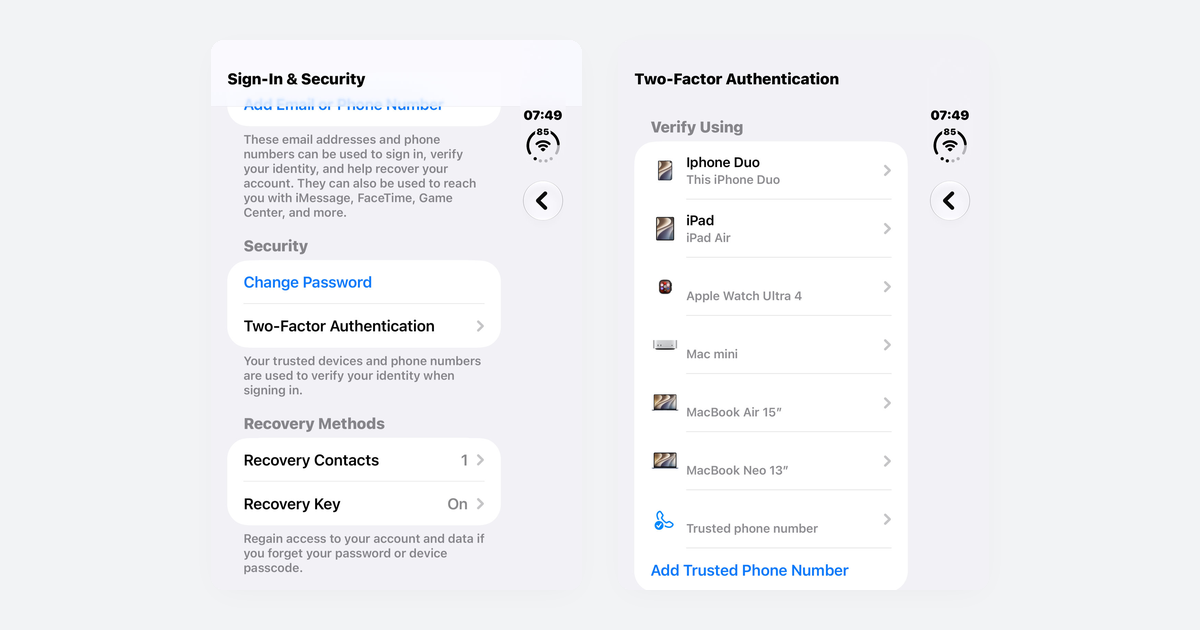
How to Turn On Two-Step Verification for Google, Apple, Microsoft, Facebook, Instagram and Amazon
Open each account's security settings, turn on two-step verification, and save backup codes plus a second way back in.
Accounts & Security · 14 min read
Is This a Scam? 4 Warning Signs and What to Do Next, for Parents, Kids and Grandparents
Watch for someone pretending to be trusted, a sudden problem or prize, pressure, and a request for gift cards, crypto, or a wire.
Scams · 8 min read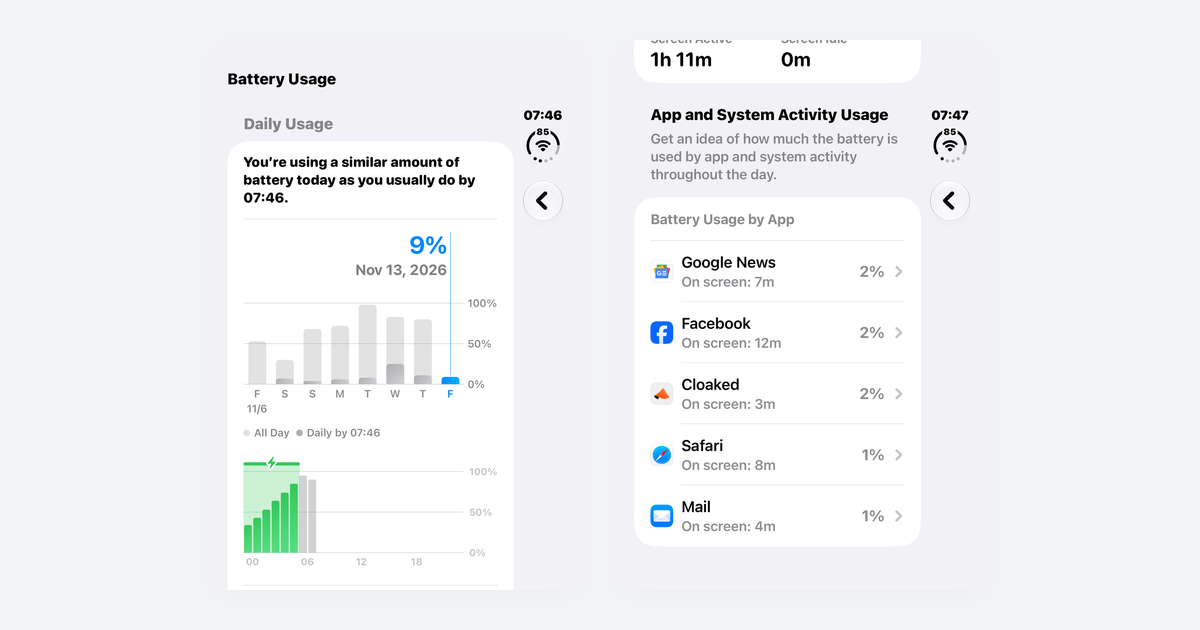
Phone Battery Draining Fast? Free Fixes for iPhone and Android
If you just updated, wait a few days; then check which app is using power, turn on battery saver, and dim the screen.
Phones & Storage · 10 min read