
On this page · 2 sections
GTA 6 no longer needs 212GB of free space on your PS5. The game now streams from Sony's cloud straight to a PS5 or a PlayStation Portal.
There is a catch. You still have to own the game, and you need a PlayStation Plus Premium plan. GTA 6 is not part of the Premium game library, so the plan alone won't get you in.
For Portal owners, this is the big change. The handheld used to play GTA 6 only through Remote Play, which streams from your own PS5 at home. Now the game runs on Sony's servers, so your console can stay off. Anyone low on storage can also skip the huge install and stream the game on the PS5 itself.
The game's PlayStation Store page says PS5 and PS Portal cloud streaming is "supported only with Premium subscription." The feature was not there when GTA 6 launched on Nov. 19.
Premium costs $159.99 a year in the U.S. Sony's holiday sale takes 33% off the first year, which brings it to $107.19, through Nov. 30.
Xbox players already had a cloud option. GTA 6 streams through Xbox Cloud Gaming on Xbox Series X, Series S and Xbox One.
How to stream GTA 6 on a PS5 or Portal
- Check your plan. Cloud streaming needs PS Plus Premium. Essential and Extra don't include it. Plans and prices are on the PlayStation Plus page.
- Check your copy. Sony's Portal cloud streaming help page lists digital PS5 games in Your Library as the ones you can stream. A disc copy may not show up.
- Test your internet speed. You need at least 5 Mbps to start a stream, 7 Mbps for 720p and 13 Mbps for 1080p.
- Use an adult account. Cloud streaming on the Portal does not work on child accounts.
- Start the game. On the Portal, open the Cloud Streaming tab at the top left of the Home screen. Pick Grand Theft Auto VI from Your Library, then select Stream.
Cloud play on the Portal has limits. Party invites, voice chat and messages through the system menu don't work while you stream, and neither do Share Screen or Share Play.
Want more tech news like this? Follow Tech Cheat Codes on Facebook. Tap this link, then tap Follow: Follow Tech Cheat Codes on Facebook
More than 39 million people have played GTA 6 on PS5. In the launch window that ended Nov. 22, players logged 683 million hours, which adds up to almost 78,000 years of play.
References
- Grand Theft Auto VI, PlayStation Store (U.S.)
- Cloud streaming for PS5 games on PlayStation Portal Remote Player, PlayStation Support
- PlayStation Plus, PlayStation (U.S.)
- Thank you for making Grand Theft Auto VI the biggest launch in PlayStation history, PlayStation Blog (Nov. 23, 2026)
- GTA 6 cloud streaming comes to PS5 and PlayStation Portal, Engadget (Nov. 24, 2026)
- GTA 6 Owners Can Now Stream the Game to PS5, PS Portal with PS Plus Premium, Push Square (Nov. 24, 2026)
Get the next cheat code
Plain-English tech fixes and scam alerts. Tap Follow on Facebook or TikTok, or pick another below.
Related fixes
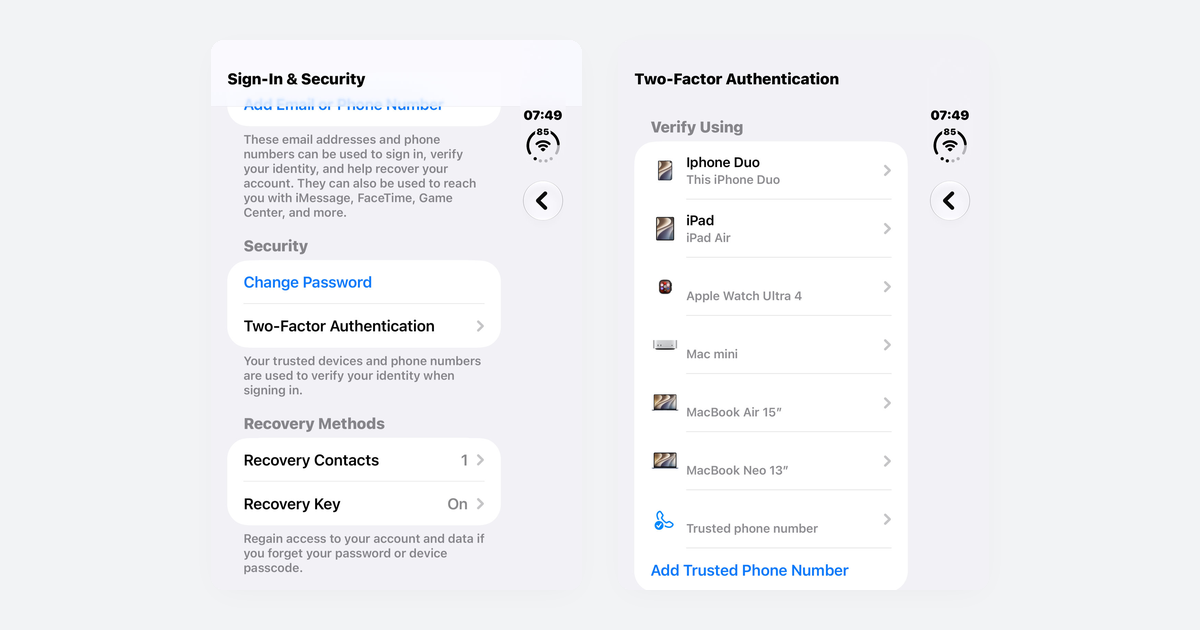
How to Turn On Two-Step Verification for Google, Apple, Microsoft, Facebook, Instagram and Amazon
Open each account's security settings, turn on two-step verification, and save backup codes plus a second way back in.
Accounts & Security · 14 min read
Is This a Scam? 4 Warning Signs and What to Do Next, for Parents, Kids and Grandparents
Watch for someone pretending to be trusted, a sudden problem or prize, pressure, and a request for gift cards, crypto, or a wire.
Scams · 8 min read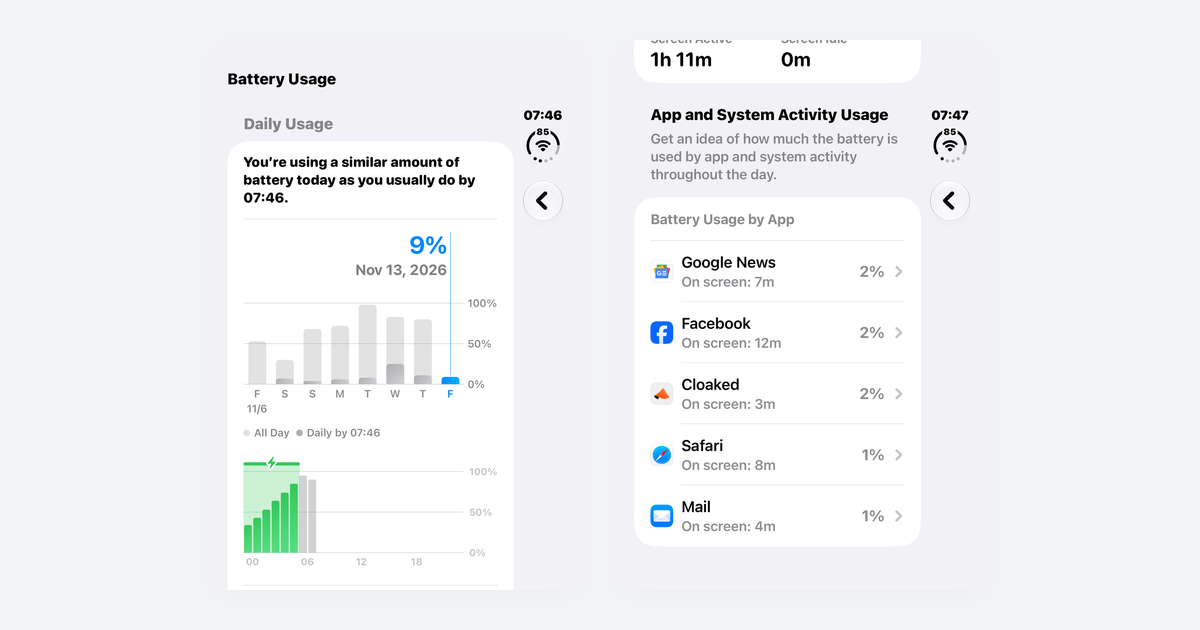
Phone Battery Draining Fast? Free Fixes for iPhone and Android
If you just updated, wait a few days; then check which app is using power, turn on battery saver, and dim the screen.
Phones & Storage · 10 min read