
On this page · 2 sections
Grand Theft Auto VI is crashing some PlayStation 5 players back to the home screen with error CE-108255-1, and Rockstar has not issued a new patch for it.
PlayStation's page for that error says, "An error occurred with the game/application." The only step listed there is to try updating your game. For more help, the page points to PlayStation Repairs.
Journal du Geek said the current game version is 01.002.001, a 602.5-megabyte update that arrived on Nov. 16, 2026. Rockstar has not published patch notes for that version, the site said, and some players still crash early in the game after they install it. The same report said PS5 system software 26.07-14.23.00 is required to start GTA VI.
Gizmodo said some players hit the error during regular play or at the first load screen, while other games on the same console still work. Gizmodo said neither Rockstar nor Sony had commented. One player who reached Sony support was told the issue was related to software, not hardware, Gizmodo reported.
What to try
Update the game to 01.002.001. On the PS5 home screen, highlight GTA VI, press the Options button, and choose Check for Update.
Then update the console. Open Settings > System > System Software > System Software Update and Settings, and install 26.07-14.23.00 if you do not already have it. After both updates, fully power the PS5 off, then turn it back on. Do not just use Rest Mode.
If the game still crashes, restore your licenses. PlayStation's restore licenses guide says to go to Settings > Users and Accounts > Other > Restore Licenses, then select the licenses you want to restore.
Next, start the console in Safe Mode. PlayStation's Safe Mode guide says to hold the power button for three seconds to shut the console down. When the power light goes off, press and hold the power button again, and release it after the second beep. The first beep is when you press, and the second comes seven seconds later. Plug in a controller with a USB cable and press the PS button. Choose Clear Cache and Rebuild Database, then Rebuild Database. PlayStation said this option scans the drive and creates a new database of all content on the system. Journal du Geek said it does not delete your saves. Do not choose Reset PS5. PlayStation said that option deletes all user data.
Give the console room to vent. Journal du Geek said it is worth checking that the PS5 can breathe and clearing dust from it.
If only GTA VI crashes after those steps, contact Rockstar Support. If other games crash too, or these steps do not help, use PlayStation Repairs.
Want more tech news like this? Follow Tech Cheat Codes on Facebook. Tap this link, then tap Follow: Follow Tech Cheat Codes on Facebook
The game is worth the fix. The Guardian said GTA VI's Metacritic score of 99 ties The Legend of Zelda: Ocarina of Time, which has held the record for the best-reviewed video game since 1998.
References
- How to fix CE-108255-1, PlayStation Support
- How to restore licenses on PlayStation consoles, PlayStation Support
- How to use Safe Mode on PS5 consoles and PS4 consoles, PlayStation Support
- GTA VI Is Throwing Error Codes on Some PS5 Consoles, Kyle Barr, Gizmodo (Nov. 20, 2026)
- Grand Theft Auto VI critics' response, The Guardian (Nov. 19, 2026)
- Erreur CE-108255-1 sur GTA 6 : comment régler le crash sur PS5 ?, Robin Sabbadini, Journal du Geek (Nov. 20, 2026)
- Rockstar Support
- PlayStation Repairs
Get the next cheat code
Plain-English tech fixes and scam alerts. Tap Follow on Facebook or TikTok, or pick another below.
Related fixes
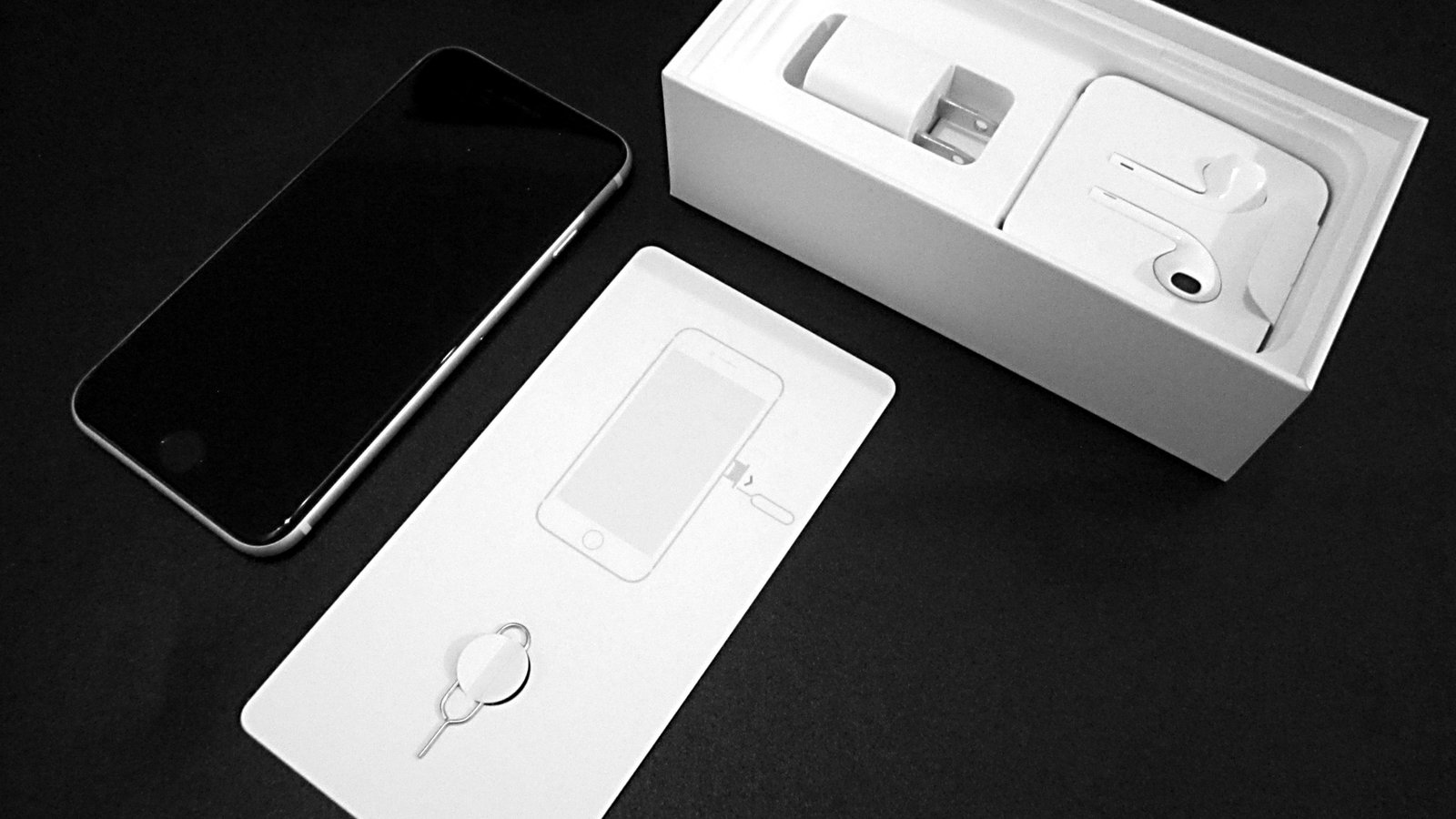
New Phone or Computer? How to Move Your Photos, Messages and Files Over for Free
Charge both devices, keep them side by side, and use the free built-in transfer tool for your phones or computers.
New Device Setup · 10 min read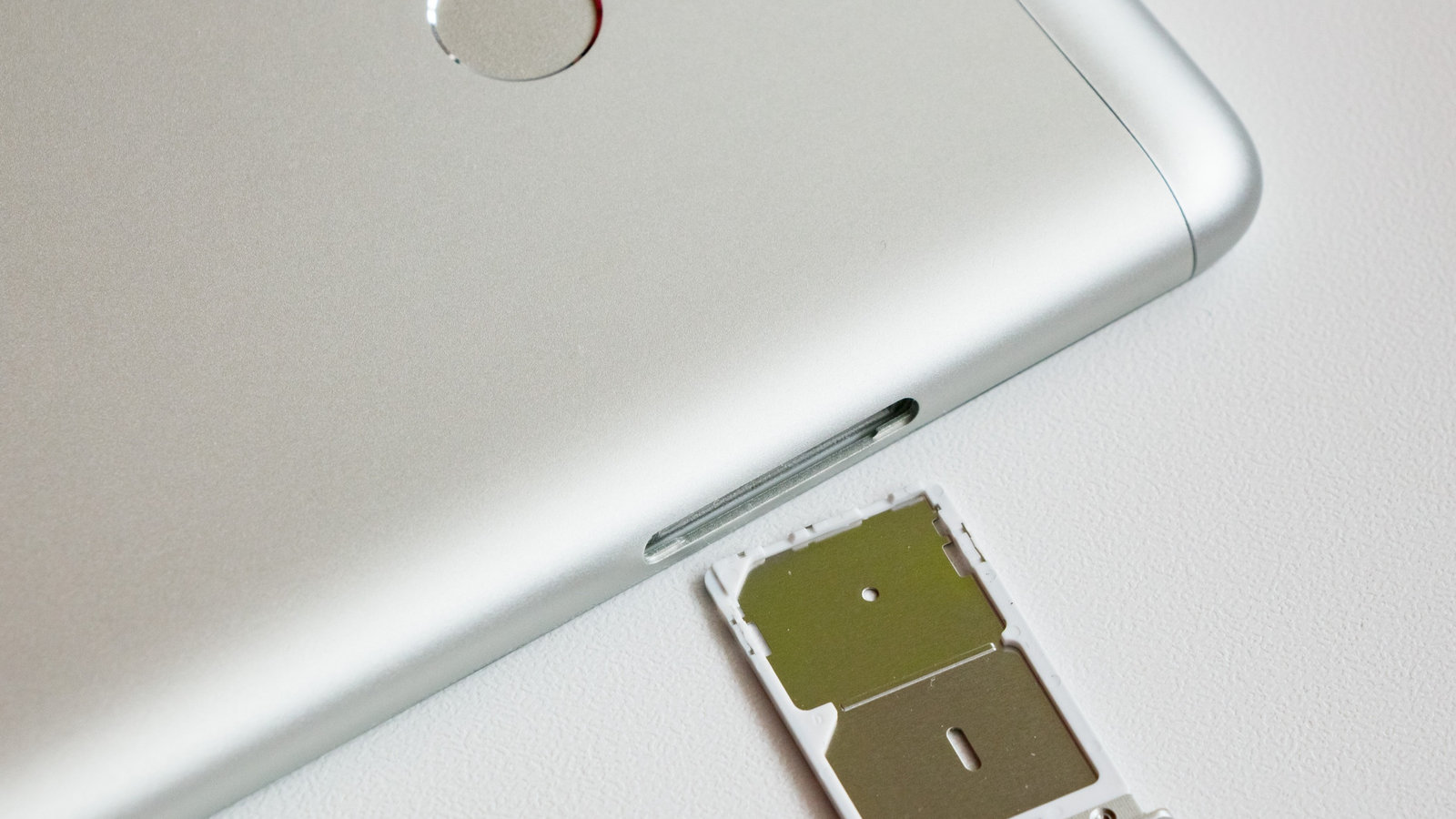
Selling or Giving Away an Old Device? How to Wipe It Safely
Back up first, sign out of your accounts, erase the device, then remove the SIM and take it off your accounts online.
New Device Setup · 16 min read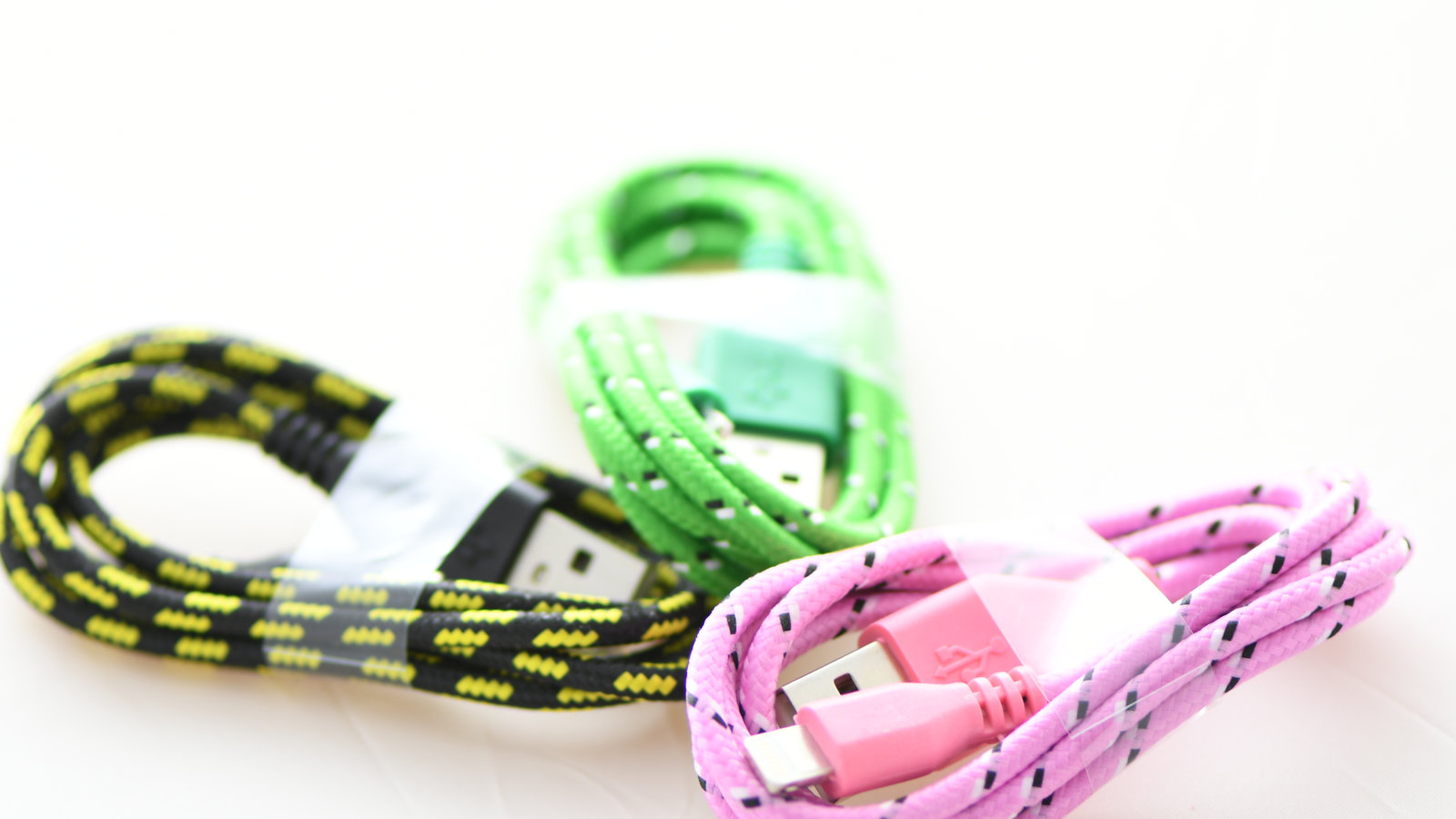
Phone Charging Myths: What's Real, What's Fake and the Best Way to Charge
Charge whenever you want, turn on your phone's built-in charging protection, use a certified charger, and keep the phone cool.
Phones & Storage · 18 min read