
On this page · 2 sections
A 1.267 GB PlayStation update, issued on Tuesday, keeps Grand Theft Auto VI from starting on any PS5 that missed it.
PlayStation set the unlock for midnight local time on Thursday, Nov. 19, so the game rolled out time zone by time zone. If your PS5 still hasn't installed system software 26.07-14.23.00, the game won't start until it does.
PlayStation Support US said Sony Interactive has issued a PS5 system software update that is required before playing Grand Theft Auto VI, and that players should download it prior to midnight on Nov. 19 so they're ready on launch day. The account posted that warning at 8:25 p.m. ET on Tuesday, Nov. 17, Kotaku reported. Engadget carried the same post.
The version you need is 26.07-14.23.00. That string is on PlayStation's system software features page, and Polygon reported it as the required build. The only official note for the update is: "We've made some security fixes to the system software." Sony has not said why this particular update is required to run the game, Engadget reported.
The Verge said Sony has confirmed the 1.267 GB download is mandatory for the midnight launch. Engadget, citing IGN, gave the same size for firmware 14.23, and Polygon listed about 1.267 GB as well.
Install it before you play
On a PS5, go to Settings > System > System Software > System Software Update and Settings. If the screen says Update Available, select Update System Software and let the console finish installing before you walk away. You can confirm the build under Settings > System > System Software > Console Information; the version should read 26.07-14.23.00, or show as Up to date. PlayStation's Grand Theft Auto VI support page also tells you to turn on Download Update Files Automatically and Install Update Files Automatically on the update screen, so a later fix can land without another trip through the menus.
The system update is not the only file still in motion. Kotaku reported Nov. 17 that a game patch, version 01.002.001, had begun rolling out and was 602 MB, smaller than the roughly 1 GB update that went live on Nov. 13. Engadget described the latest pre-release patch as 600 MB and said it should download automatically if you've already preloaded the game. To be sure, highlight Grand Theft Auto VI in your library, press the options button, and select Check for Update.
If the 212 GB install itself never finished, none of this matters yet. Engadget noted that a digital copy is 212 GB and would take more than an hour even on a 1 Gbps connection. Our guide to freeing the space walks through clearing room, and our preload guide covers the Rest Mode settings that keep a stuck download moving. Check Settings > Storage, then open Downloads/Uploads from the control center.
Want more tech news like this? Follow Tech Cheat Codes on Facebook. Tap this link, then tap Follow: Follow Tech Cheat Codes on Facebook
Players in New Zealand got in at 6 a.m. ET Wednesday, Nov. 18, Kotaku reported, 18 hours before the game unlocked on the U.S. East Coast.
References
- Grand Theft Auto VI support, PlayStation.
- System software update features for PS5 consoles, PlayStation.
- How to update system software on a PS5 console, PlayStation.
- How to check for updates on PS5 consoles and PS4 consoles, PlayStation.
- If you want to play GTA VI on PS5 tonight, download yesterday's firmware update first., The Verge, Nov. 18, 2026.
- You'll need the latest PS5 firmware update to play GTA VI, Engadget, Nov. 18, 2026.
- PS5 Gets Last-Minute Software Update That's Required To Play GTA 6, Kotaku, Nov. 17, 2026.
- GTA 6 won't launch without this PS5 anti-piracy update Sony just released, Polygon, Nov. 18, 2026.
Get the next cheat code
Plain-English tech fixes and scam alerts. Tap Follow on Facebook or TikTok, or pick another below.
Related fixes
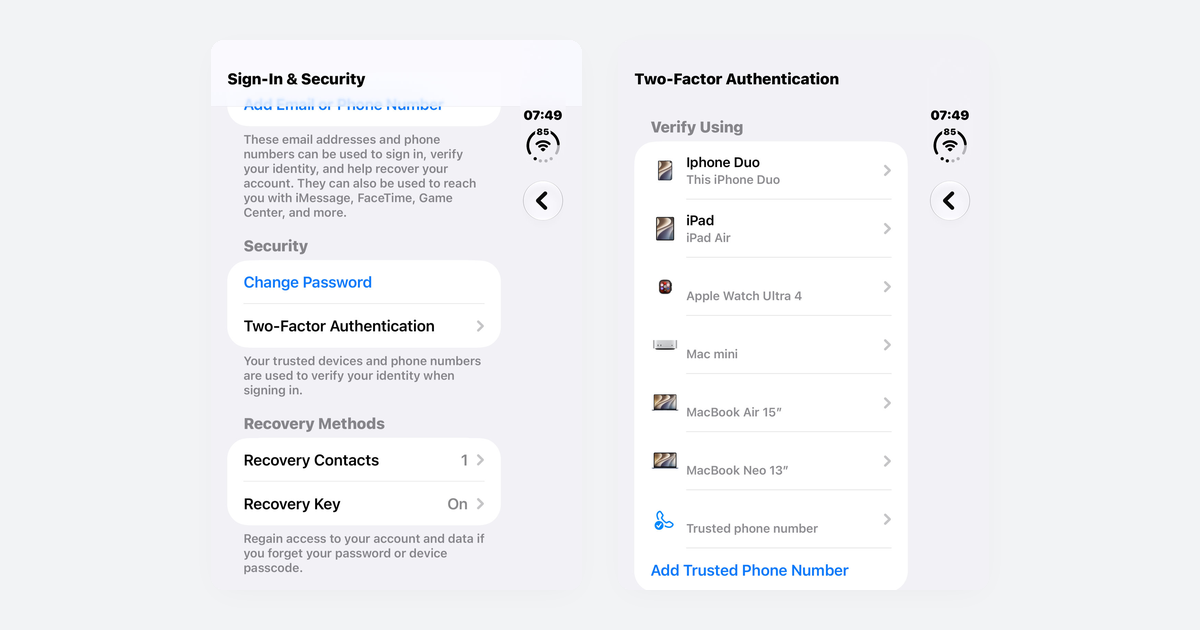
How to Turn On Two-Step Verification for Google, Apple, Microsoft, Facebook, Instagram and Amazon
Open each account's security settings, turn on two-step verification, and save backup codes plus a second way back in.
Accounts & Security · 14 min read
Is This a Scam? 4 Warning Signs and What to Do Next, for Parents, Kids and Grandparents
Watch for someone pretending to be trusted, a sudden problem or prize, pressure, and a request for gift cards, crypto, or a wire.
Scams · 8 min read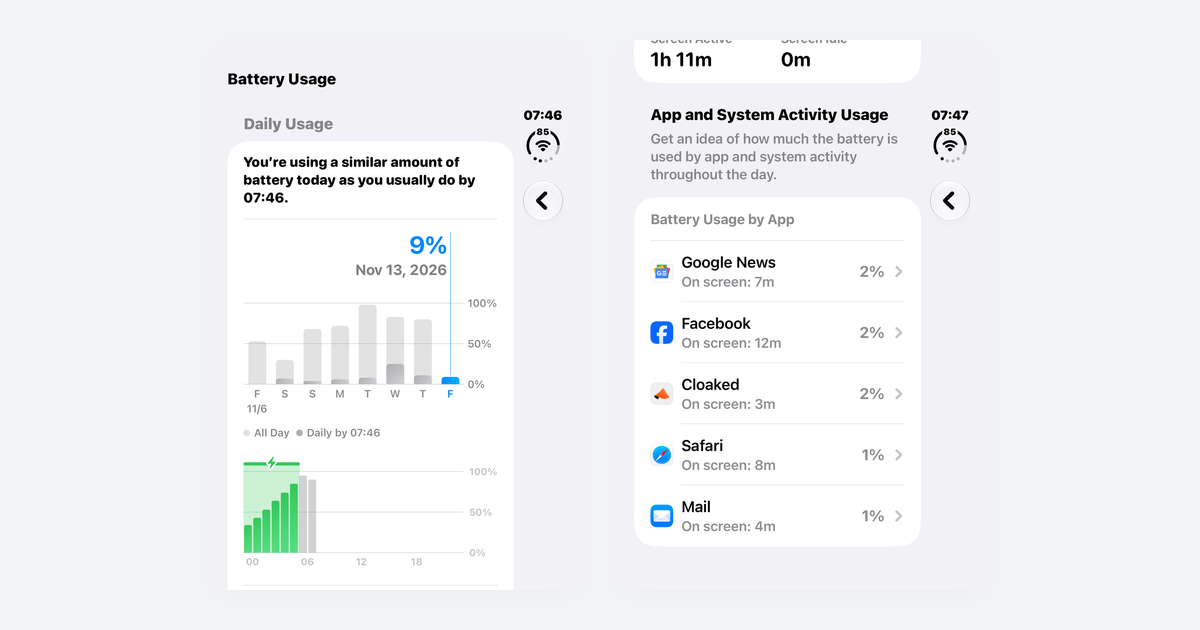
Phone Battery Draining Fast? Free Fixes for iPhone and Android
If you just updated, wait a few days; then check which app is using power, turn on battery saver, and dim the screen.
Phones & Storage · 10 min read