
On this page · 5 sections
Think about the family group chat. The one with the vacation plans, the photos of the kids, maybe the garage code your brother sent last spring. Now picture a stranger sitting in it, reading along, and nobody in the chat having any idea.
That's the worst bug Apple fixed in iOS 27.2.1, a small iPhone update that came out on Monday, Nov. 9. It landed just two weeks after iOS 27.2, the big update that gave Siri a memory. This one has no new features at all. It's all repairs, and most of them are about keeping other people out of your phone and your messages.
The same fixes also came to iPads as iPadOS 27.2.1.
The iMessage bugs
There were two problems in Messages, the app you use to send iMessages, the blue-bubble texts that go between Apple devices.
The first one is the scary one. A remote attacker, meaning someone who doesn't need to be anywhere near you, could find a way to join an iMessage group chat and get its messages. Apple's fix adds a better check on who is allowed into a group.
The second bug was smaller but still creepy. When someone was added to a group chat, they could sometimes see messages that were sent before they joined. You'd expect a new person in the chat to start with a blank slate. Apple fixed that one by simply ripping out the bad piece of code.
Both bugs were found by a researcher who didn't want to be named. Apple hasn't said whether anybody used them in real attacks, and it hasn't said how long they were there. That's normal for Apple, which tends to keep quiet about security problems until the fix is out. But it means none of us can know for sure if our chats were safe, which is reason enough to update today.
The Bluetooth and AirPlay bugs
Most of the other fixes are about Bluetooth, the short-range wireless signal your iPhone uses to talk to earbuds, speakers, cars and smartwatches. They're also about AirPlay, the feature that sends video or music from your iPhone to a TV or speaker.
When you connect a new gadget, your phone often asks for a short pairing code. Pairing just means the two devices agree to trust each other. To stop someone from guessing that code, the phone limits how many tries a person gets. That limit is called a rate limit, and it's a bit like a bank card that locks after three wrong PINs.
Several bugs broke that limit. One let an attacker within Bluetooth range keep guessing AirPlay pairing codes past the cap. Another let someone on the same Wi-Fi network do the same thing with AirPlay codes. Two more were in a part of iOS called CoreUtils. One of those let a harmful Bluetooth gadget pair with your phone without you doing anything, and the other let an attacker in range get around the code limit and pair without you tapping anything either.
Bluetooth range is usually around 30 feet, so this kind of attack takes someone nearby. That sounds like a long shot until you think about how much time we spend near strangers. Airports. Coffee shops. A packed train. A crowded mall in the middle of holiday shopping season.
A separate Bluetooth bug could let a nearby attacker mess up the phone's memory, the short-term workspace your iPhone uses while it runs apps. The bug was a type called a use-after-free, where the phone keeps using a chunk of memory after it has already given that chunk back. Crooks love that kind of mistake, because messing with memory is a common way to break into a device.
The other two fixes
One fix was in App Intents, the system that lets apps work with Siri and Shortcuts. A bad app could have used a flaw there to get at private information on your phone. A researcher named László Várady found it.
The last one was in brotli, a tool your iPhone uses to shrink and unpack data, a lot like a zip file. A specially made file could have caused the phone to write data where it shouldn't, which again can lead to memory problems.
That adds up to nine security fixes in all. None of them are flashy, and I get why people skip updates like this one. There's no new emoji, no new look. But the group chat bug alone is worth the few minutes it takes.
Who gets it and how to update
iOS 27.2.1 is free and works on the iPhone 11 and every iPhone after it.
On iPads, it's for the iPad Pro 12.9-inch 4th generation and later, the iPad Pro 11-inch 2nd generation and later, the iPad Air 4th generation and later, the iPad 9th generation and later, and the iPad mini 6th generation and later.
To update, open Settings, tap General, then tap Software Update. If you see iOS 27.2.1, tap Update Now. Plug your phone in and connect to Wi-Fi first, and make sure you have a recent backup, just in case. The phone will restart to finish, so don't start it right before an important call.
If you have Automatic Updates turned on, your iPhone may install it overnight on its own, but that can take days to kick in. I'd check by hand rather than wait. You can turn on Automatic Updates on that same Software Update screen so the next fix shows up without you thinking about it.
If you share an iPad with your kids, or you help a parent with their iPhone, update those too. Older family members are often the ones who leave the red update badge sitting there for weeks, and they're often in the biggest group chats.
Until your phone is updated, a few simple habits help. Turn off Bluetooth when you're out and not using earbuds or a watch. Say no to pairing requests you didn't start. And in group chats, keep the really private stuff, like door codes and bank details, out of the thread. That last one is good advice even after you update.
Want the next fix in plain English? Follow Tech Cheat Codes on Facebook. Tap this link, then tap Follow: Follow Tech Cheat Codes on Facebook
References
Get the next cheat code
Plain-English tech fixes and scam alerts. Tap Follow on Facebook or TikTok, or pick another below.
Related fixes
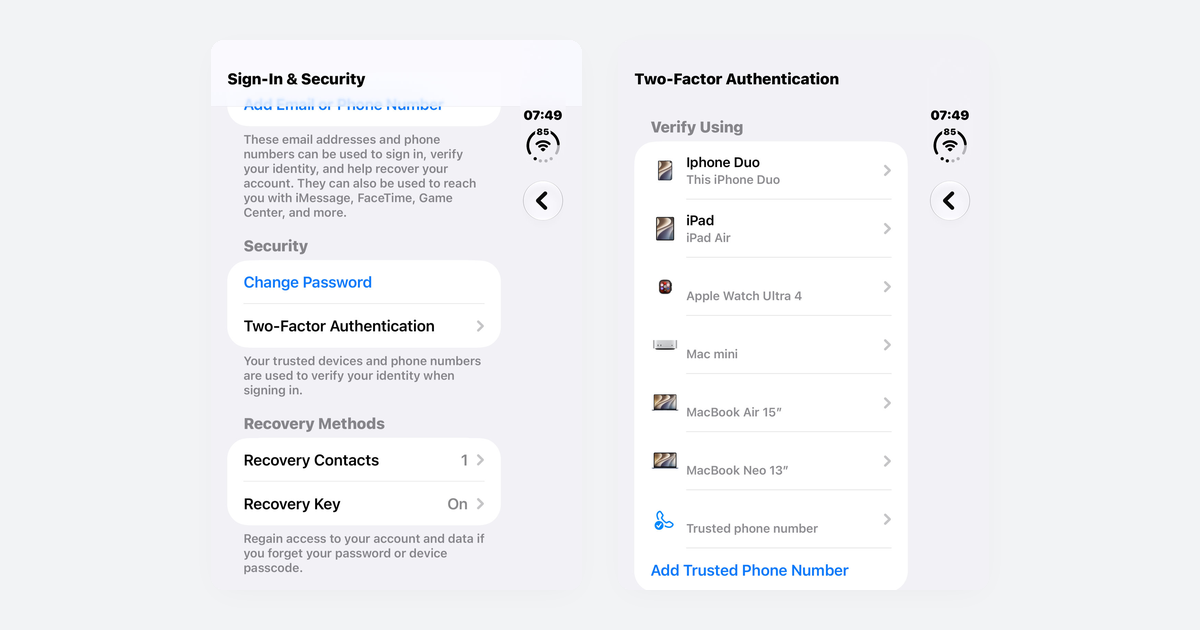
How to Turn On Two-Step Verification for Google, Apple, Microsoft, Facebook, Instagram and Amazon
Open each account's security settings, turn on two-step verification, and save backup codes plus a second way back in.
Accounts & Security · 14 min read
Is This a Scam? 4 Warning Signs and What to Do Next, for Parents, Kids and Grandparents
Watch for someone pretending to be trusted, a sudden problem or prize, pressure, and a request for gift cards, crypto, or a wire.
Scams · 8 min read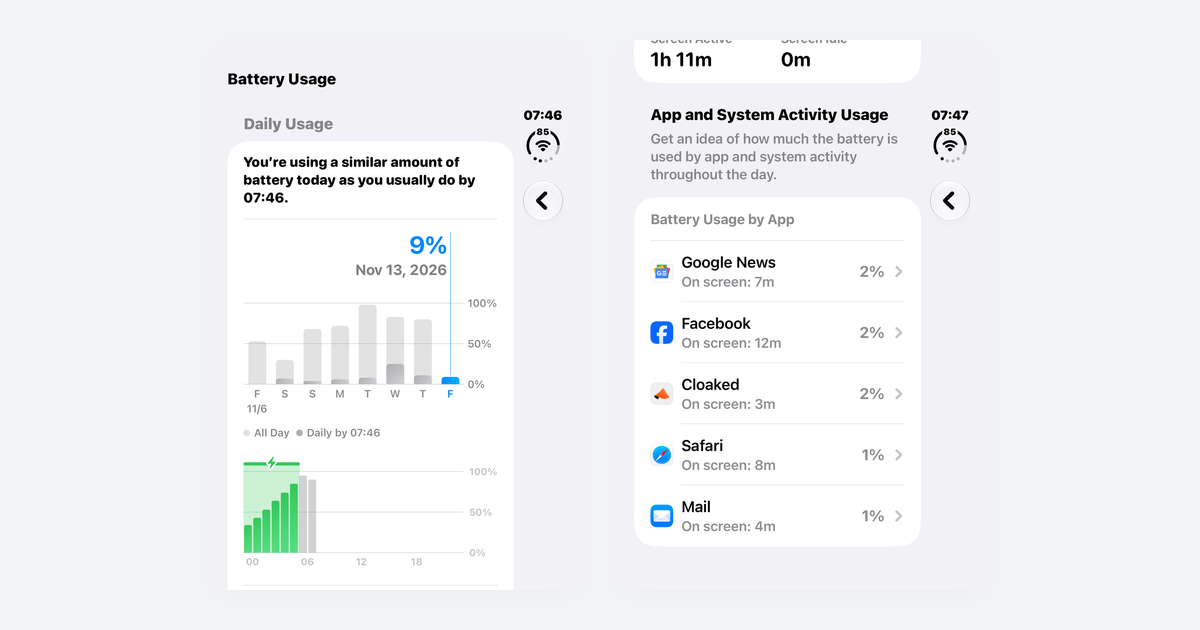
Phone Battery Draining Fast? Free Fixes for iPhone and Android
If you just updated, wait a few days; then check which app is using power, turn on battery saver, and dim the screen.
Phones & Storage · 10 min read