
On this page · 3 sections
Apple released the second developer beta of iOS 27.3 on Monday, Nov. 16, and the clearest change for iPhone Duo owners is a new way to unlock the folded phone with your face. It is not Face ID.
The option is called Unlock with Front Camera, and it sits in Settings > Touch ID & Passcode. It uses the regular camera on the Duo's outer display, not the TrueDepth system that Face ID uses on other iPhones. In our testing, the setup screen warned that the feature "provides convenience" but "isn't as secure as Touch ID or Face ID."
What it can and can't do
Unlock with Front Camera works only when the Duo is folded shut, and only at the Lock Screen. If the phone is open, you still need Touch ID or your passcode. The same is true for Apple Pay, saved passwords, and other sensitive actions. Engadget also reported that you can't use your face to unlock apps.
The camera option depends on a recent Touch ID or passcode login. After about 45 minutes of inactivity, those methods are required again before face unlock will work.
It is a convenience feature, not a Face ID substitute. In our testing on an iPhone Duo running the beta, setup was easy: look at the camera, then move your head up, down, left and right, and it's done. After that, it unlocked very fast, faster than Touch ID. It worked well in decent lighting but not in a dark room, because it relies on a standard camera. In our testing, a photo of a face held up to the camera did not unlock the phone.
The same beta adds Close to Lock, under Settings > Display & Brightness. Turn it on, and folding the Duo locks the phone instead of moving whatever you were doing to the outer screen.
9to5Mac reported another related change: Attention Aware features, which on other iPhones are tied to Face ID, now work on the Duo's outer display. After the update, the phone can check whether you are looking at it before it dims the screen, expands a lock-screen notification, or turns down the volume of some alerts. That does not require Unlock with Front Camera to be set up. The switch is in Settings > Accessibility > Face Recognition & Attention.
Who should install the beta, and how
The build that adds these options is iOS 27.3 developer beta 2, numbered 24C5049d. So far, Apple has released it to registered developers. A first public beta of iOS 27.3 came out Nov. 5, before this feature appeared.
If you rely on your Duo every day, the safer move is to wait for the public release of iOS 27.3, which is expected in December. Apple's beta program warns that pre-release software can include errors and may not work as well as a finished update. Back up the iPhone first, and install a beta only if you can live with the risk, ideally on a phone that is not your only one.
Registered developers who want the new Duo options now can install the developer beta. Sign in on the iPhone with the Apple Account you use on the Apple Developer website, then go to Settings > General > Software Update > Beta Updates and choose iOS 27 Developer Beta. When the update appears, install it from Software Update. Afterward, turn on Unlock with Front Camera under Touch ID & Passcode, and Close to Lock under Display & Brightness if you want the phone to lock when you fold it.
If you are in the free Apple Beta Software Program, use the same Software Update path and choose the iOS public beta when a build with these features is offered. If the new options are not there yet, wait. For most Duo owners, waiting for the December public release is the simpler path.
References
- iOS 27.3 beta 2 (24C5049d), Apple Developer, Nov. 16, 2026.
- Installing and using Apple beta software, Apple Developer.
- Frequently Asked Questions, Apple Beta Software Program.
- iOS 27.3 Beta 2 Now Available for Developers, MacRumors, Nov. 16, 2026.
- Hands-On With the iPhone Duo's New Face Unlock, MacRumors, Nov. 16, 2026.
- Everything New in iOS 27.3 Beta 2, MacRumors, Nov. 16, 2026.
- The iPhone Duo gets face unlock with the latest iOS 27 beta., Engadget, Nov. 16, 2026.
- Apple is adding face unlock to the iPhone Duo — without new hardware, The Verge, Nov. 16, 2026.
- New in iOS 27.3 beta 2: Front camera unlock, Siri AI in Safari, more, AppleInsider, Nov. 16, 2026.
- Apple releases iOS 27.3 beta 2 for iPhone, 9to5Mac, Nov. 16, 2026.
- Everything new in iOS 27.3 beta 2, 9to5Mac, Nov. 16, 2026.
- iPhone Duo gets one of Face ID's best features with upcoming iOS 27.3 update, 9to5Mac, Nov. 16, 2026.
- First iOS 27.3 and macOS Golden Gate 27.3 Public Betas Now Available, MacRumors, Nov. 5, 2026.
Get the next cheat code
Plain-English tech fixes and scam alerts. Tap Follow on Facebook or TikTok, or pick another below.
Related fixes
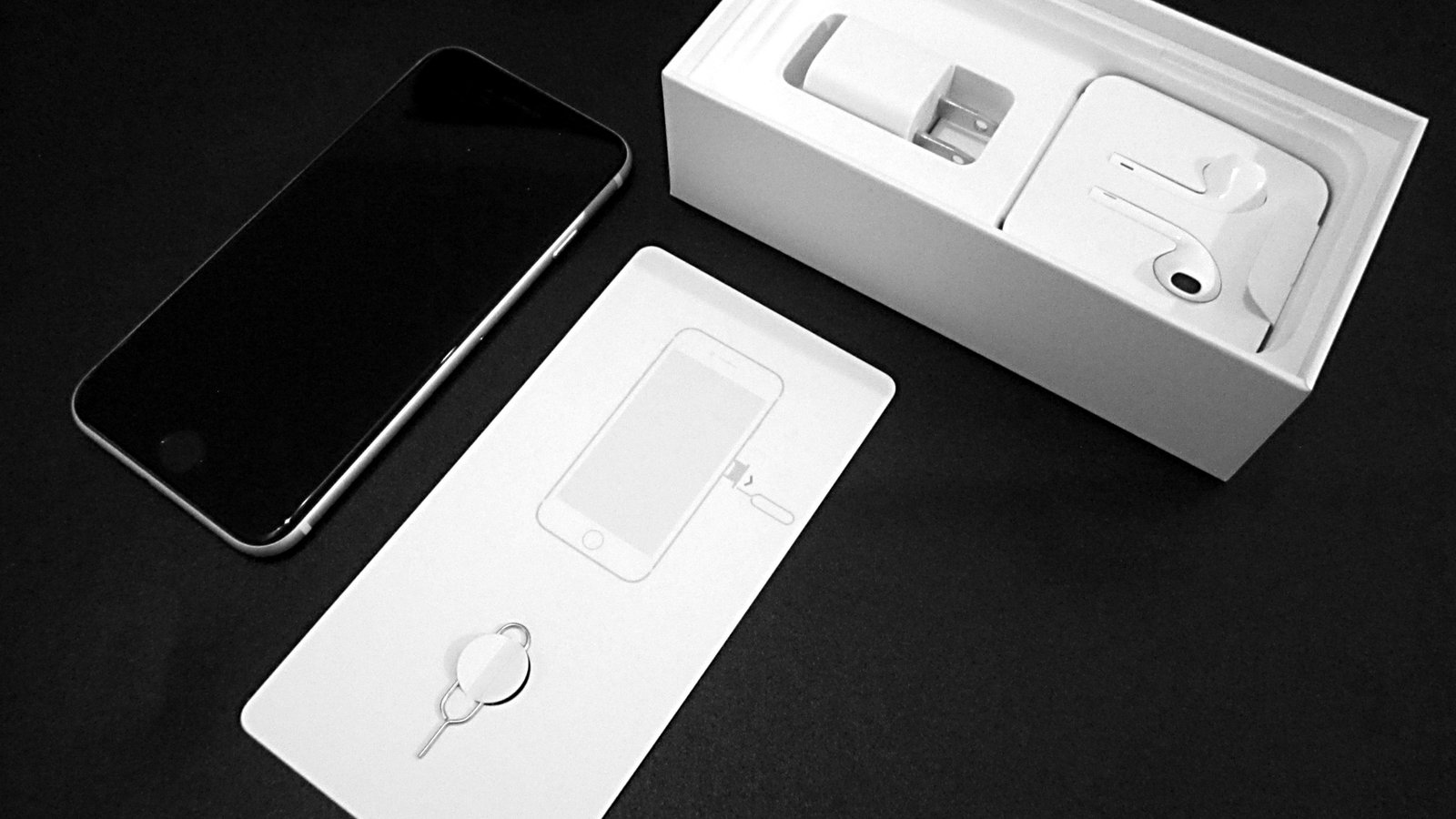
New Phone or Computer? How to Move Your Photos, Messages and Files Over for Free
Charge both devices, keep them side by side, and use the free built-in transfer tool for your phones or computers.
New Device Setup · 10 min read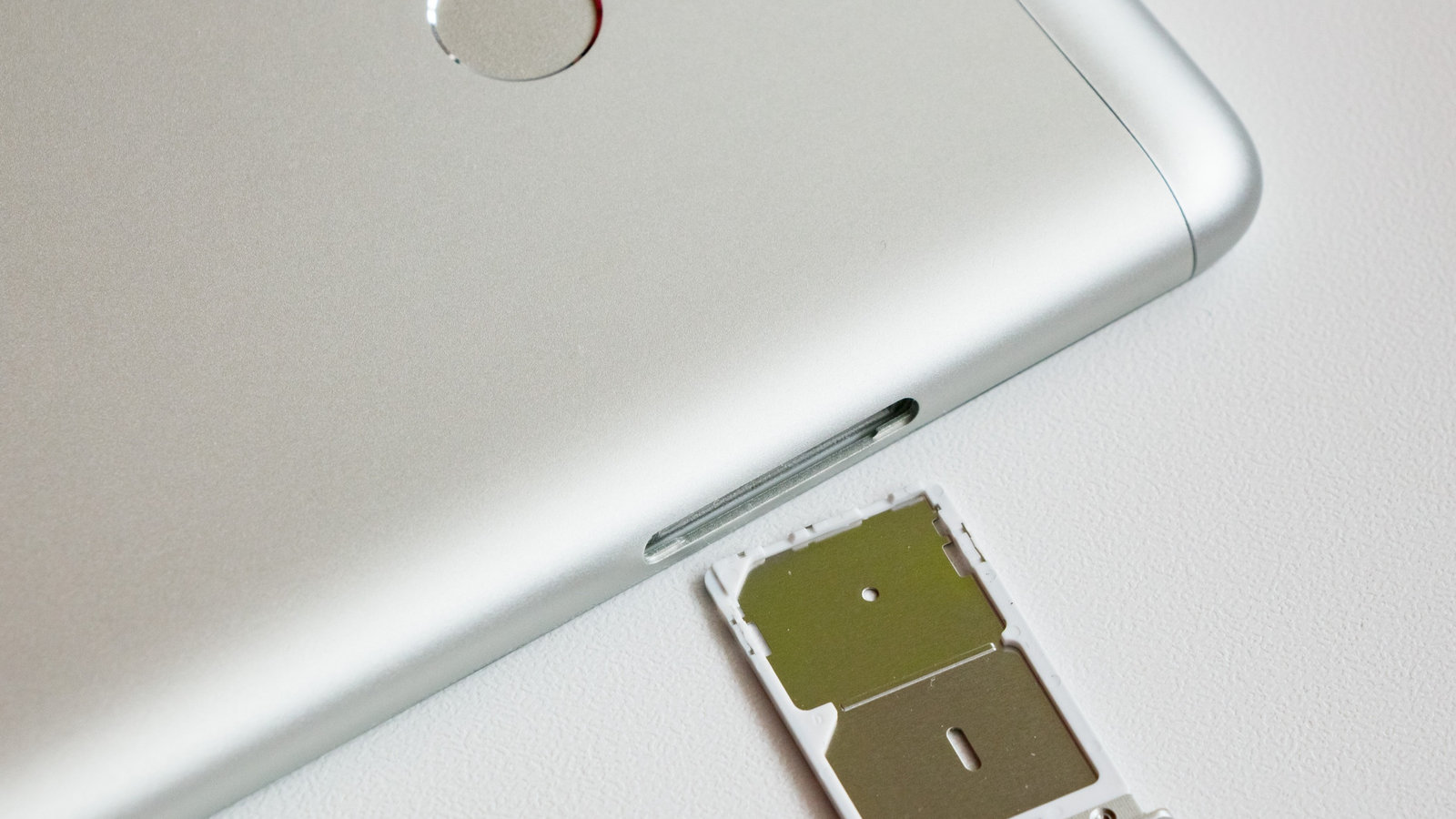
Selling or Giving Away an Old Device? How to Wipe It Safely
Back up first, sign out of your accounts, erase the device, then remove the SIM and take it off your accounts online.
New Device Setup · 16 min read
Phone Charging Myths: What's Real, What's Fake and the Best Way to Charge
Charge whenever you want, turn on your phone's built-in charging protection, use a certified charger, and keep the phone cool.
Phones & Storage · 18 min read