
On this page · 2 sections
A now-patched iPhone and iPad flaw let an app keep recording audio after the user tapped Don't Allow on the microphone prompt, while iOS still showed that permission as denied, two security researchers said this month. Apple listed the bug as a way for an app to leak sensitive user information.
The flaw is tracked as CVE-2026-65339. Apple first shipped fixes in iOS 26.6.1 and iPadOS 26.6.1 on Monday, Aug. 17, 2026, and later in updates for older iPhones, iPads, Macs, Apple Watch, Apple TV and Vision Pro. Mustafa Calap, who writes as ordinal0, published a technical analysis on Nov. 9, the same day Nik Tsytsarkin of Meta Red Team X published his own write-up. Apple credits both researchers in its security notes.
Calap said his test app showed the usual microphone prompt, recorded after the person tapped Don't Allow, and left no orange microphone indicator. Once recording started in the foreground, it continued after the app went to the background and after the device was locked, he said. He reproduced the bypass on iOS 26.6, released July 27, and on an iPadOS 27 beta. Tsytsarkin said declining the prompt did not stop the recording in his tests, and that on an earlier test build the orange indicator stayed off while the app recorded.
The tests used ordinary sandboxed apps installed from Xcode, not the App Store, Calap said. They do not show whether Apple's App Review would have caught such an app. Neither researcher describes a way for people to check whether an app recorded them before the fix. Installing the update is the remedy; they describe no setting that blocks the bypass.
Apple's Aug. 17 notes say the iOS and iPadOS 26.6.1 update delivers security fixes that were first made available in the iOS 27 and iPadOS 27 betas. For older hardware, Apple listed the same CVE in iOS 18.7.11 and iPadOS 18.7.11, released Oct. 26, for iPhone XS, iPhone XS Max, iPhone XR and iPad (7th generation).
How to check that your iPhone is protected
- Install the latest software. On iPhone or iPad, go to Settings > General > Software Update. If an update is offered, plug the device into power, stay on Wi-Fi, and tap Download and Install. Apple's update steps have more detail. You have this particular fix if you are on iOS or iPadOS 26.6.1 or later, including iOS 27, or on iOS or iPadOS 18.7.11 or later.
- Check the version you already have. Go to Settings > General > About and look at the iOS or iPadOS number. If it is older than the versions above, update before you do anything else.
- Review microphone access. After you update, go to Settings > Privacy & Security > Microphone and turn off access for apps that do not need it. Apple says an orange indicator should appear when an app uses the microphone without the camera. That indicator was not a reliable warning on an unpatched test build, so the software update matters more than watching for the dot.
- Update your other Apple devices too. Apple also listed fixes in macOS Tahoe 26.6.2 (Aug. 17), macOS Sequoia 15.8 (Sept. 14), and in tvOS 27, watchOS 27 and visionOS 27 (Sept. 14). Use Software Update on each device you own.
Want more tech news like this? Follow Tech Cheat Codes on Facebook. Tap this link, then tap Follow: Follow Tech Cheat Codes on Facebook
References
- About the security content of iOS 26.6.1 and iPadOS 26.6.1 — Apple Support, Aug. 17, 2026
- About the security content of iOS 18.7.11 and iPadOS 18.7.11 — Apple Support, Oct. 26, 2026
- Apple security releases — Apple Support
- Update your iPhone or iPad — Apple Support
- CVE-2026-65339: A Microphone Permission Bypass on iOS — DBG.RE, Nov. 9, 2026
- Researchers Detail iPhone Flaw That Let Apps Record Audio Despite Denied Microphone Permission — The Hacker News, Nov. 17, 2026
Get the next cheat code
Plain-English tech fixes and scam alerts. Tap Follow on Facebook or TikTok, or pick another below.
Related fixes
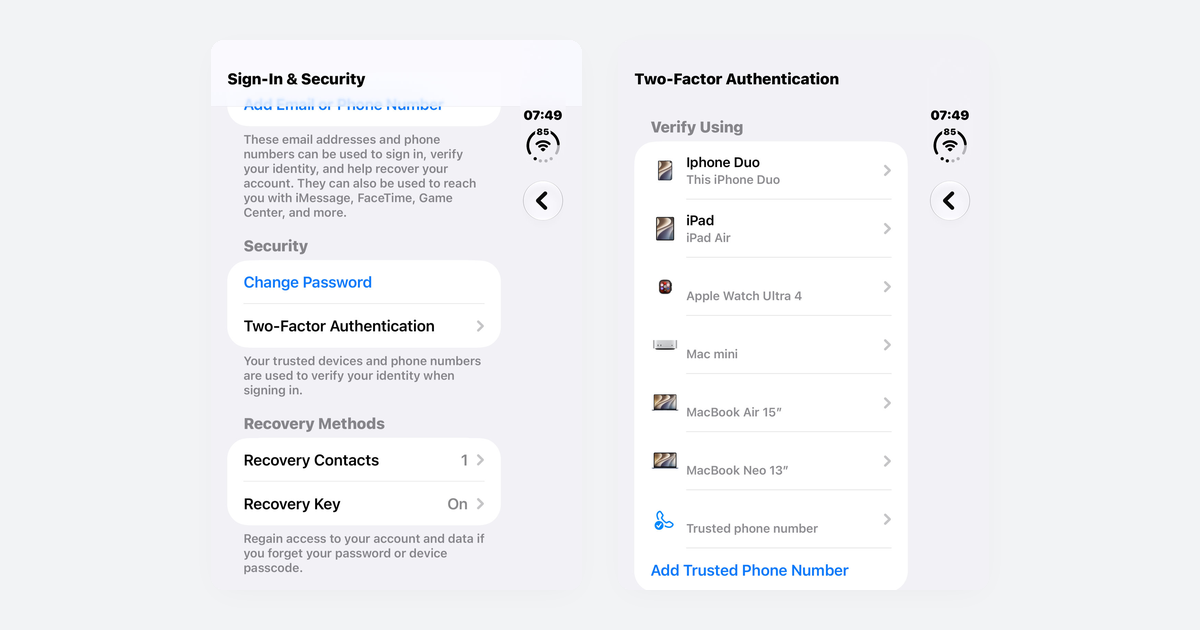
How to Turn On Two-Step Verification for Google, Apple, Microsoft, Facebook, Instagram and Amazon
Open each account's security settings, turn on two-step verification, and save backup codes plus a second way back in.
Accounts & Security · 14 min read
Is This a Scam? 4 Warning Signs and What to Do Next, for Parents, Kids and Grandparents
Watch for someone pretending to be trusted, a sudden problem or prize, pressure, and a request for gift cards, crypto, or a wire.
Scams · 8 min read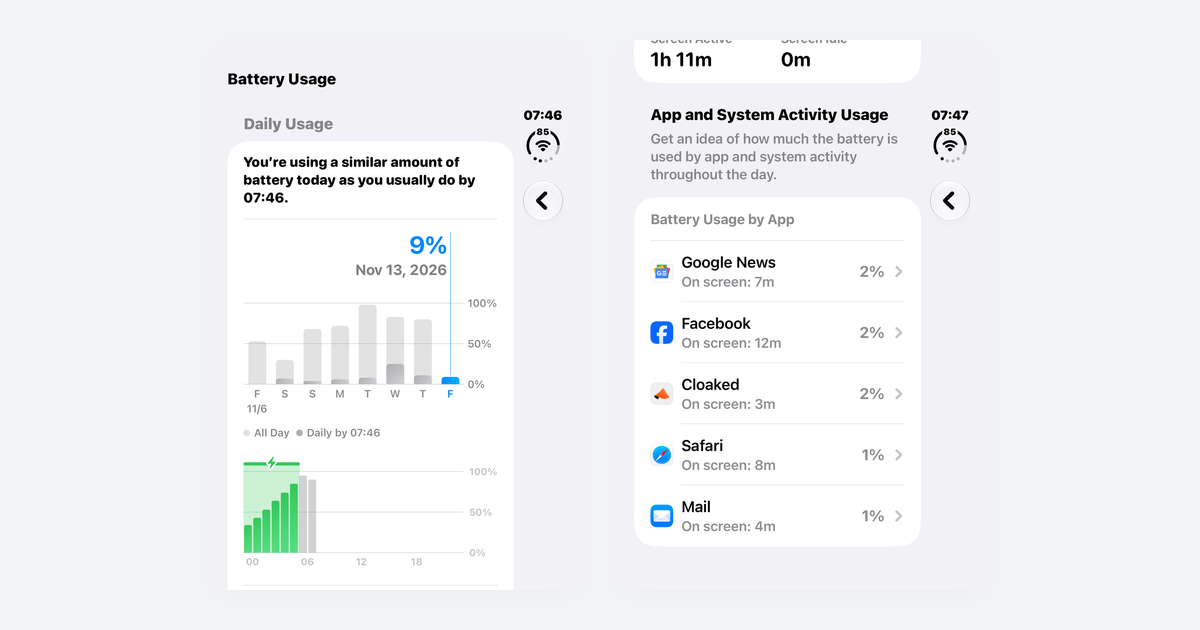
Phone Battery Draining Fast? Free Fixes for iPhone and Android
If you just updated, wait a few days; then check which app is using power, turn on battery saver, and dim the screen.
Phones & Storage · 10 min read