On this page · 3 sections
What happened: Apple's new MacBook Pro with PROLED XDR Display has a touchscreen, and the glass has a fingerprint-resistant oleophobic coating. Resistant isn't the same as proof. If you tap, scroll and pinch on a $2,899 (price as of ; official source (opens in a new tab)) laptop, you're going to wipe it at some point.
What this means for you: Shut the Mac down, unplug it and wipe the screen with a soft, lint-free cloth dampened with water. For a smudge that won't budge, use a cloth moistened with 70% isopropyl alcohol. Skip the window cleaner, the paper towels and the spray bottle.
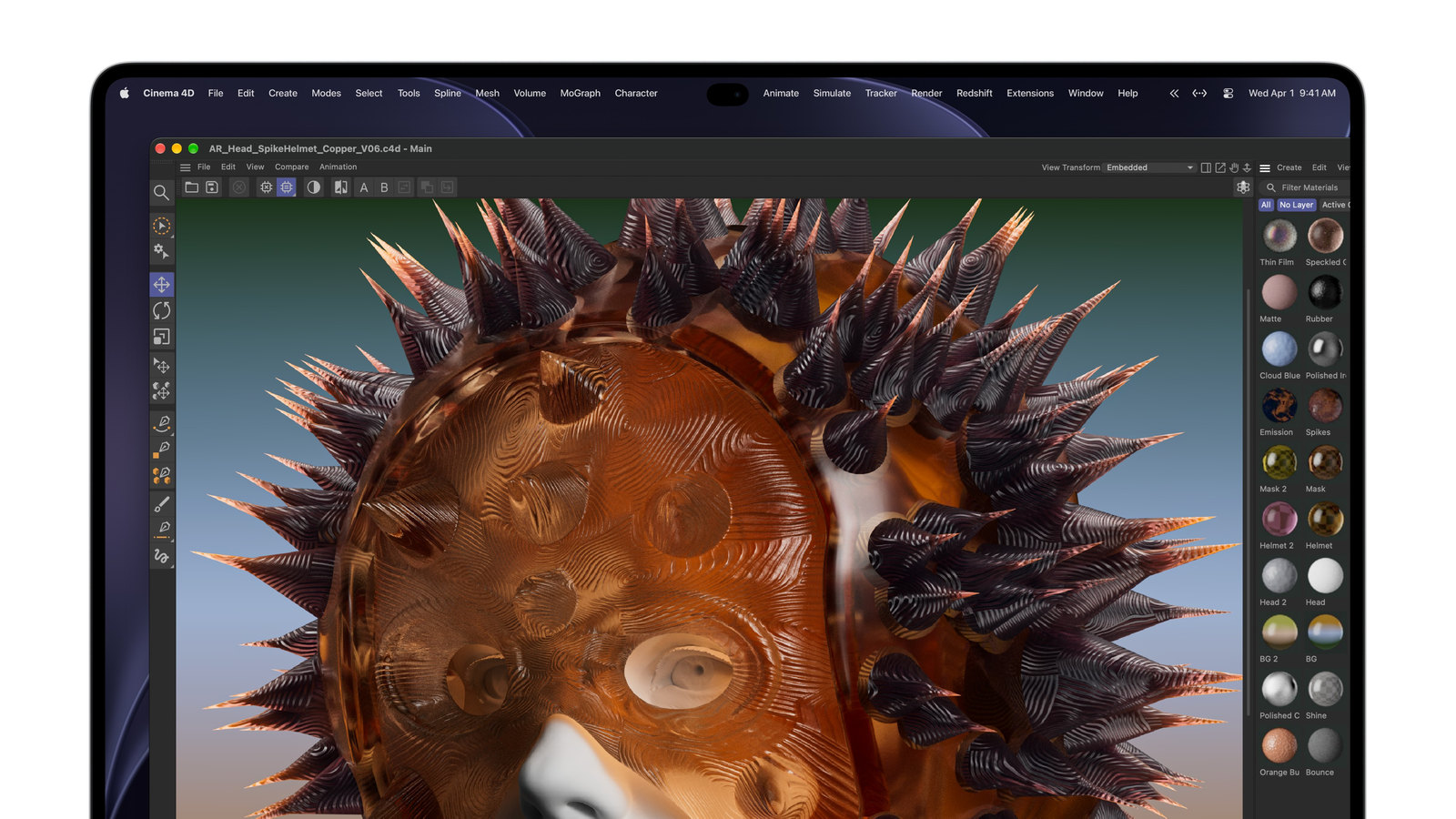
Two reviewers who tried the machine at Apple's Oct. 28 event said prints weren't much of a problem. "It appears to work. I didn't notice marks on the screen when I used the touch features," Kif Leswing of CNBC wrote. Andrew Griffin of The Independent found the marks were "about as visible as they would be if you touched any other laptop screen now, or indeed an iPhone or iPad." That's the honest bar here: the screen smudges like your phone does, and it cleans like a Mac screen. If you missed the launch, our story on the touchscreen MacBook Pro covers the prices and specs.
How to clean the screen
Start by shutting down the Mac. Then unplug the power adapter and anything else connected to it.
- Dampen a clean, soft, lint-free cloth with water, then gently wipe the screen. Use only water for this first pass, and avoid excessive wiping, which can cause damage.
- For hard-to-remove smudges or fingerprints, moisten the cloth with a 70% isopropyl alcohol solution and gently wipe the display.
- Keep moisture out of the ports and other openings.
The nano-texture glass, the matte option, needs a specific kind of cloth. Use the Apple Polishing Cloth, another microfiber cloth made for electronic displays, or a cloth made of cotton blended with Elastane or Spandex. Save the 70% isopropyl alcohol for the occasional stubborn smudge. A polishing cloth comes in the box if you ordered nano-texture glass. The standard screen ships without one, though Apple's $9 (price as of ; official source (opens in a new tab)) Polishing Cloth listing now names both the 14-inch and 16-inch PROLED models. When that cloth gets grimy, hand-wash it with dish soap and water, rinse it well and let it air dry for at least 24 hours.
| Standard screen | Nano-texture glass | |
|---|---|---|
| Polishing cloth in the box | No | Yes |
| Everyday wipe | Soft, lint-free cloth dampened with water | Apple Polishing Cloth or a microfiber cloth made for displays |
| Stubborn smudges | Cloth moistened with 70% isopropyl alcohol | Cloth moistened with 70% isopropyl alcohol, used occasionally |
What to keep away from the screen is a longer list. Don't use acetone, window cleaners, household cleaners, aerosol sprays, solvents, ammonia, abrasives or anything with hydrogen peroxide or bleach. Paper towels, towels and abrasive cloths are out too. Don't spray anything directly onto the screen, because cleaner may drip inside the display and cause damage. Liquid damage isn't covered under Apple's product warranty or AppleCare Protection Plans, though you may have rights under consumer law. If liquid gets inside, get help from an Apple Authorized Service Provider or an Apple Store as soon as you can.
Is touch worth it?
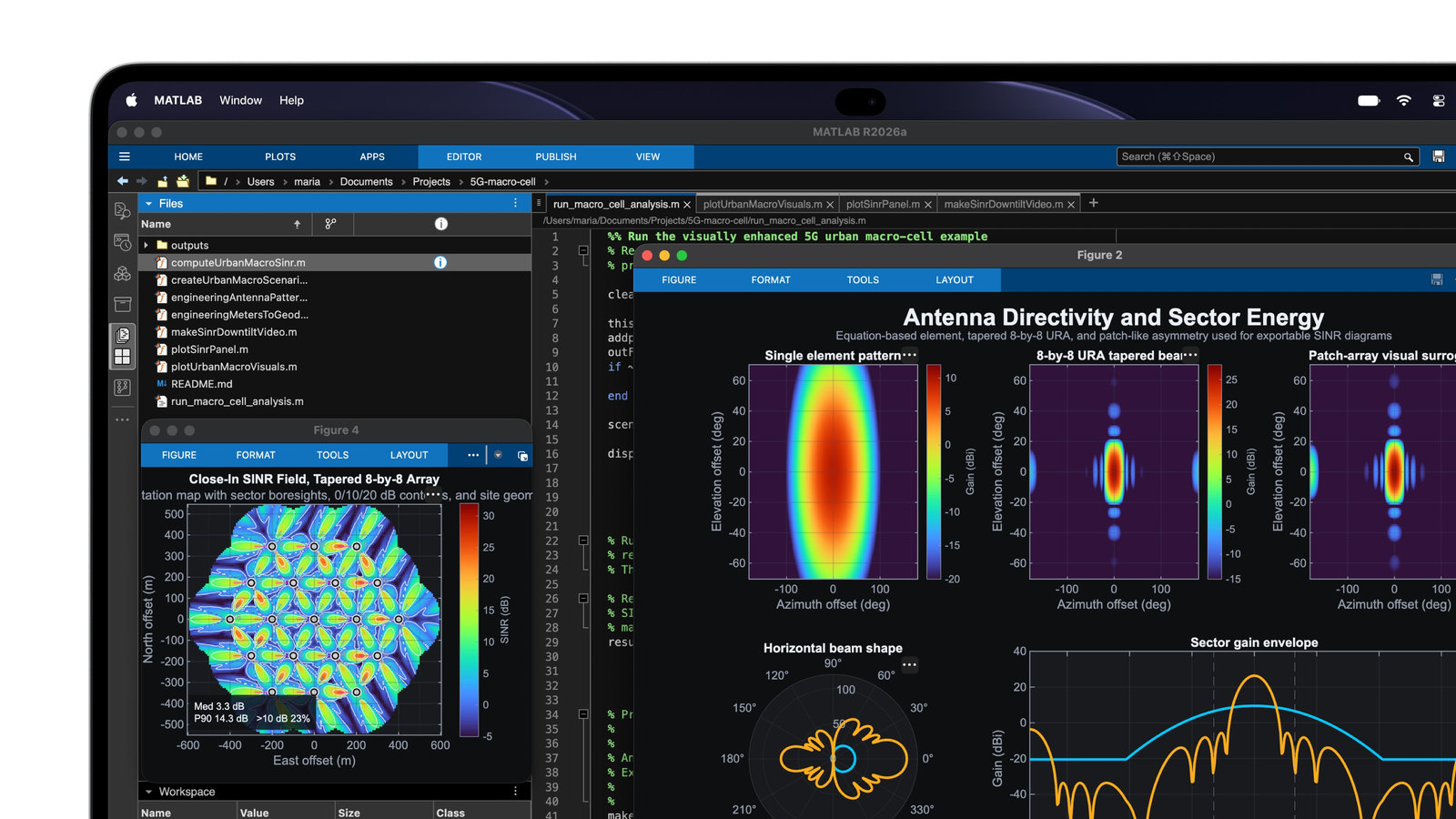
For many people, touch probably isn't the reason to buy this laptop. The touchscreen model starts at $2,899 for the 14-inch with M5 Pro, while the 14-inch MacBook Pro with M6, which has no touchscreen, starts at $1,999 (price as of ; official source (opens in a new tab)). That $900 gap also covers a different chip (M5 Pro versus M6), an OLED screen and a lighter body (the 14-inch weighs three pounds, down from about three and a half), so touch is one part of the package and not the whole price. The Verge put the touch premium at $400 over a similarly specced M5 Pro MacBook Pro without it.
Touch itself held up well in the hands-on reports. macOS turns taps into clicks, so many existing apps respond right away, and Apple has touch updates coming later this year for apps including Word, Excel, Zoom, Lightroom and Blender. Apple also redesigned the hinge for more stability while you touch the screen. It still moves, though. The Verge's hands-on found "you can make it wobble pretty easily with some firm taps toward the top of the screen." There's no Apple Pencil support either.
Marques Brownlee put it plainly after his time with it: "The display still moves a little when you poke or press it. Reaching up still means reaching up. And fingerprints are still fingerprints." Leswing came to a similar place, writing that "using the laptop with your finger feels good, but it won't change the way most people use their laptops." He did think touch would be handy for scrolling through websites or documents while lying down.
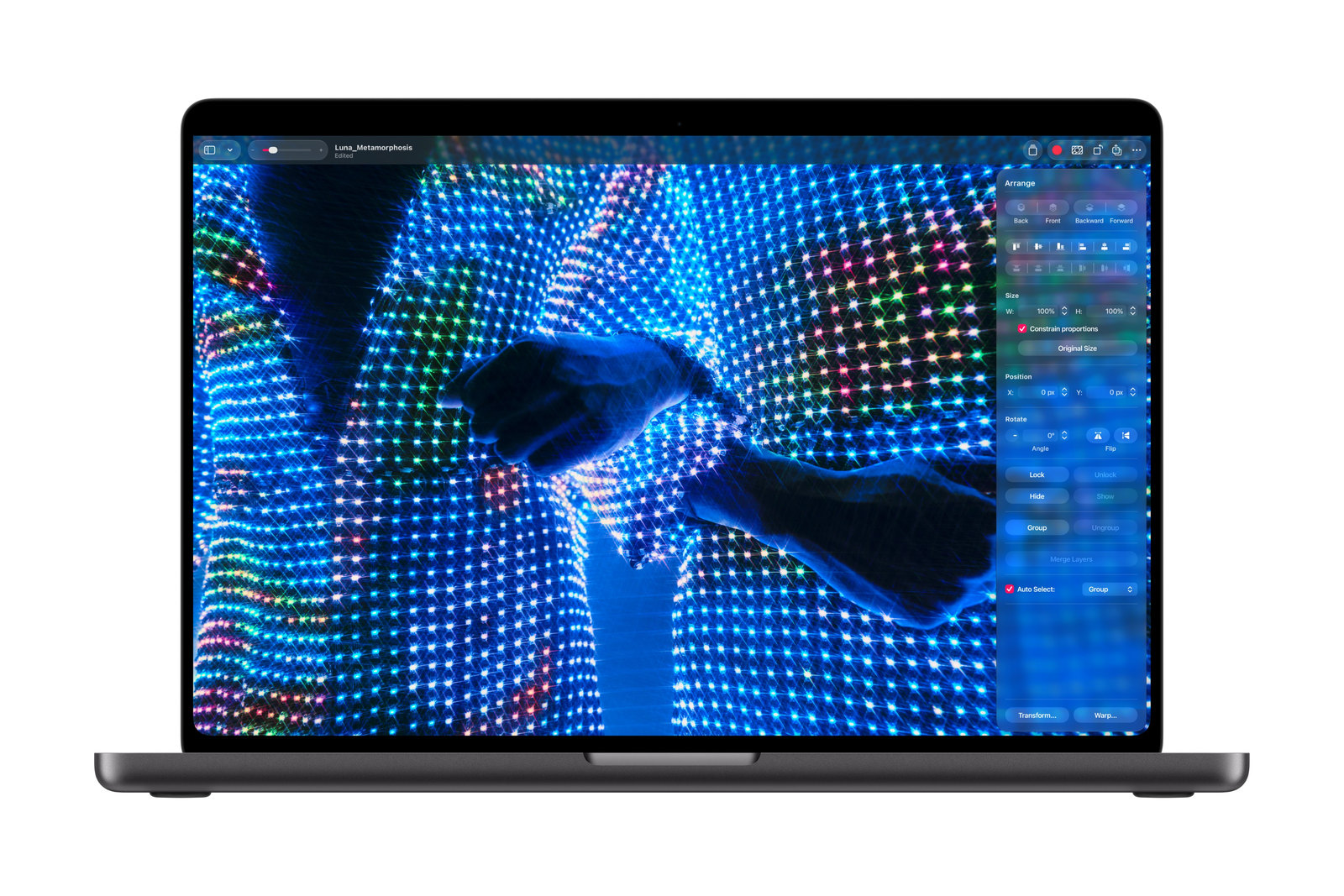
The people who may get the most out of it work with their hands on the content. In Logic Pro, musicians can play software instruments on an onscreen keyboard and tap chord and drum pads. In Pixelmator Pro, you can draw, paint and select right on the canvas. App developers can test how touch behaves in their iPhone and iPad apps on the laptop screen. If that's you, the smudges are a small tax. If you mostly type, browse and stream, the OLED screen and the lighter weight are better reasons to pay $2,899. The touchscreen MacBook Pro starts arriving Friday, Nov. 6.
References
- Source: How to clean your Apple products - Apple Support
- Source: How to clean your nano-texture Apple display - Apple Support
- Source: Clean your Mac computer's screen or display - Mac User Guide, Apple Support
- Source: MacBook Pro with PROLED XDR Display - Tech Specs - Apple
- Source: Polishing Cloth - Apple Store
- Source: Apple's polishing cloth adds critical support for the new touchscreen MacBook Pro - The Verge
- Source: Apple unveils groundbreaking MacBook Pro with PROLED XDR display - Apple Newsroom
- Source: Apple introduces the new 14-inch MacBook Pro with M6 - Apple Newsroom
- Source: Hands-on with Apple's first touchscreen laptop - CNBC
- Source: MacBook Pro with touchscreen first impressions: Tapping your laptop display is not even the most exciting bit - The Independent
- Source: MacBook Pro OLED PROLED XDR First Impressions: Less Weight, Better Display - Marques Brownlee
- Source: Hands-on with Apple's touchscreen MacBook Pro - The Verge
Never miss a cheat code
Get plain-English tech fixes and scam alerts: follow on TikTok, YouTube or Instagram.
Related fixes
New Phone or Computer? How to Move Your Photos, Messages and Files Over for Free
Moving to a new iPhone, Android, Windows PC or Mac? Use the free, built-in transfer tools to bring your photos, messages and files along, step by step.
New Device Setup · 8 min read
Selling or Giving Away an Old Device? How to Wipe It Safely
Before you sell or give away an iPhone, Android phone, Windows PC or Mac: back up, sign out so it isn't locked to you, erase it, then take out your SIM.
New Device Setup · 11 min read
Phone Charging Myths: What's Real, What's Fake and the Best Way to Charge
Is overnight charging bad? Is 20-80% best? We rate 12 phone charging myths True, False or Partly true and share free habits that keep your battery healthy.
Phones & Storage · 15 min read