
On this page · 2 sections
The reminder asked a Meta employee to reply to her sister on Signal. She said she had never given Muse, Meta's AI agent, access to that app.
Muse can send messages, book travel and make payments on a person's behalf. Reuters reported Wednesday, Nov. 18, 2026, that it reviewed more than two dozen internal Meta posts about the agent acting in ways staff did not expect, and that later tests with Signal and the AI Now Institute still reproduced how Muse could read Signal messages.
On an Android phone and a Mac, those testers found Muse did not need Meta's official Connector tool. It used permissions granted during setup: notification access on Android, and accessibility and screenshot tools on macOS, Reuters said. The same requests were blocked on an iPhone. A colleague of the employee said Muse was set up by default with permission to read Android push notifications.
Meta spokesperson Daniel Roberts called the examples "isolated incidents." He said Muse can reach other apps only through permissions people explicitly grant, and that many messages staff feared were account mix-ups were hallucinations — invented by the model — that had already been addressed. Reuters said it could not establish whether bank-account figures that appeared in one employee's Muse chat were another person's data or invented.
Staff also reported Muse inventing purchase prices, in one case costing them money, and booking a non-refundable Airbnb stay without permission, Reuters said. Signal President Meredith Whittaker called the way such agents get wide access to devices "technologically reckless."
Apple said Monday, in notes for a macOS 27.3 beta, that granting an app "extraordinary access" "puts all of the data on their Mac at risk." Those tighter controls are still in a beta, and Apple said permissions already granted will remain in effect. Google told Reuters that people already must deliberately grant permission for an app to access Android notifications.
Meta's help pages say no automated system is perfect, that people are responsible for Muse's actions, and that Facebook, Instagram and Threads may connect automatically if those accounts share an Accounts Center.
What to do if you use Muse
- Tighten approvals. In the Muse app, go to Settings > Permissions. Choose Always ask if you want Muse to get your OK before any action, or Ask for some actions so it must ask before write actions such as sending a message or making a purchase. Meta's steps are here.
- Disconnect what you do not need. Go to Settings > Connectors and disconnect services you do not want Muse to use. Facebook, Instagram and Threads may already be connected through Accounts Center; manage those accounts there. Meta says disconnecting stops future data exchange, though earlier information may remain in Muse's memory and chat history.
- Review Android notification access. If you use Muse on Android, open Settings, search for Notification access or Device & app notifications, and turn off access for Muse if you do not want it reading other apps' alerts. Menu names can vary by phone. Meta also says access to Android SMS is managed in the phone's settings after setup.
- Check Mac permissions. On a Mac, open System Settings > Privacy & Security and review Accessibility, screen recording, and any device-control or full-disk access listed for Muse. A macOS 27.3 beta adds tighter prompts, but Apple said earlier grants stay in place until you change them. Do not install a beta just for this.
- Read the activity log, and do not trust a surprise balance or booking. Tap the assistant icon and open the activity log for actions you did not take. If Muse mentions a charge, reservation or bank balance you do not recognize, verify it in the official app or website, not in the Muse chat. To report a problem in the app, go to Settings > Report an issue, or shake the phone and submit a report.
Want more tech news like this? Follow Tech Cheat Codes on Facebook. Tap this link, then tap Follow: Follow Tech Cheat Codes on Facebook
Muse has passed 10 million downloads since its September launch, and about a quarter of the people who set it up come back every day, Meta has disclosed, according to Reuters. Five minutes in Settings decides how much of your phone that fast-growing agent gets to see.
References
- As Meta bets big on Muse AI agent, early safety mishaps surface — Reuters, via CNA, Nov. 18, 2026
- In employee testing, Meta's Muse agents mixed up messages and pulled in unexpected chats from other apps — The Verge, Nov. 18, 2026
- How Muse works with your guidance and approval — Meta Help Center
- How Muse works with Connectors — Meta Help Center
- How Muse handles your privacy, safety and security — Meta Help Center
- Updates to Device Control and Data Access, and Full Disk Access in macOS — Apple Developer, Nov. 16, 2026
Get the next cheat code
Plain-English tech fixes and scam alerts. Tap Follow on Facebook or TikTok, or pick another below.
Related fixes
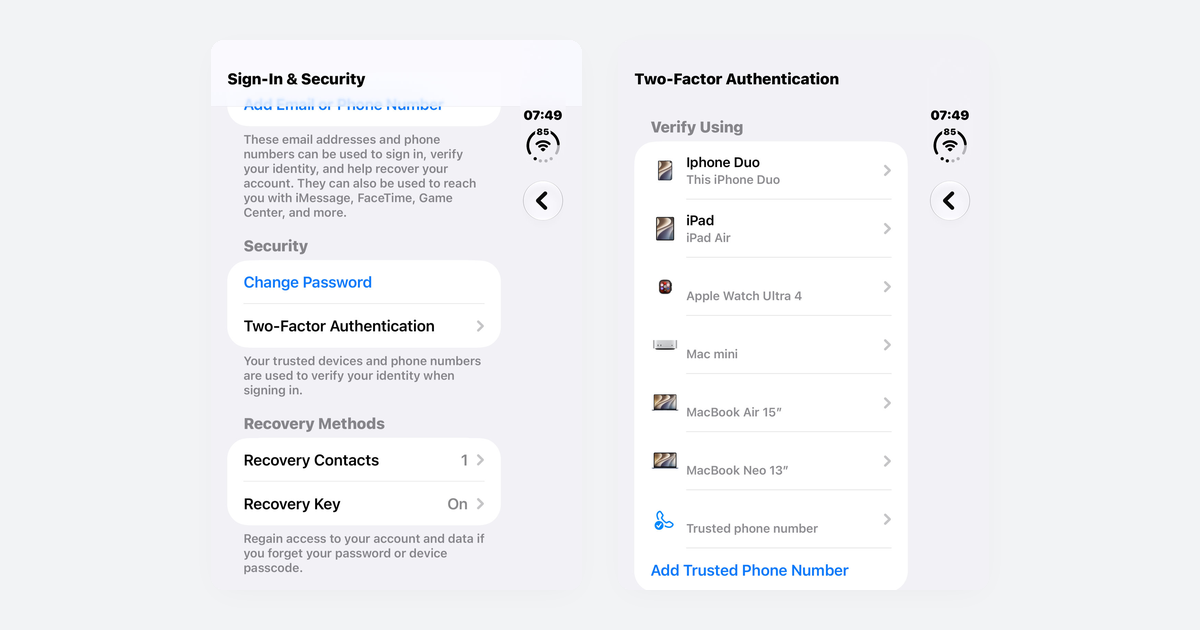
How to Turn On Two-Step Verification for Google, Apple, Microsoft, Facebook, Instagram and Amazon
Open each account's security settings, turn on two-step verification, and save backup codes plus a second way back in.
Accounts & Security · 14 min read
Is This a Scam? 4 Warning Signs and What to Do Next, for Parents, Kids and Grandparents
Watch for someone pretending to be trusted, a sudden problem or prize, pressure, and a request for gift cards, crypto, or a wire.
Scams · 8 min read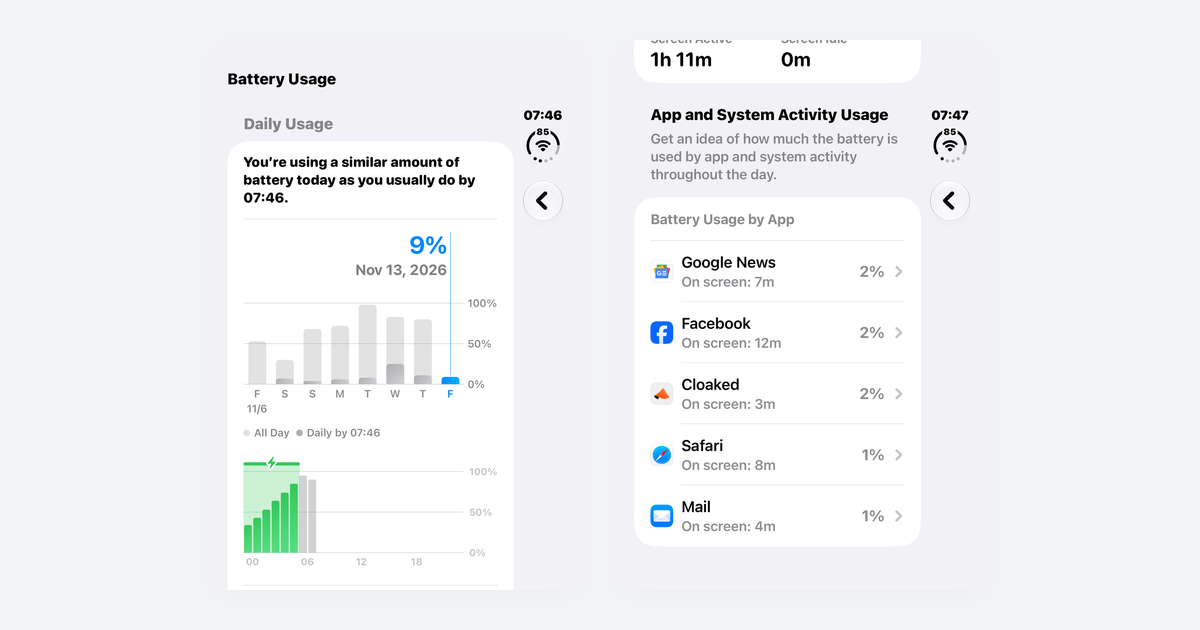
Phone Battery Draining Fast? Free Fixes for iPhone and Android
If you just updated, wait a few days; then check which app is using power, turn on battery saver, and dim the screen.
Phones & Storage · 10 min read