
On this page · 3 sections
Even people who pay Microsoft every year for Microsoft 365 Family are about to lose To Do, and Microsoft has no app to replace it for them.
Microsoft said its To Do apps will retire on June 30, 2027. That covers every version: web, Windows, Mac, iPhone and Android. It covers work and school accounts, and it covers personal Microsoft accounts, including Microsoft 365 Personal and Family. Work and school users get Microsoft Planner. Home users get a shrug. "Customers using personal Microsoft accounts will need to choose another app," Microsoft said in a Nov. 18 blog post.
Nobody's tasks move on their own. Microsoft said existing To Do tasks and lists will not migrate to Planner, even for business customers. If your grocery list, your kids' chore chart and every recurring bill reminder live in To Do, you have about seven months to give them a new home.
The app that started as Wunderlist
To Do grew out of Wunderlist, the Berlin-made list app Microsoft bought in 2015. The Register reported a price between $100 million and $200 million. Microsoft released the first iPhone preview of To Do in April 2017, 9to5Mac's Zac Hall said, which means the app is ending a run of just over a decade on Apple devices.
The Verge's David Pierce called it "a useful and powerful way for people to manage their tasks across all platforms." Microsoft said putting personal and team tasks on one foundation in Planner helps connect them with Copilot and other AI agents.
Even business users give something up. Microsoft said it has no plans for native Planner apps on Windows or Mac to replace To Do's desktop apps, and Planner's web and Teams versions don't offer the same offline use. To Do's printing and email-list features have no planned equivalent. The refreshed My tasks view in Planner starts rolling out in December 2026.
One piece of good news hides in Microsoft's fine print. The June 30 date "does not itself schedule existing task data for deletion," the company said. The underlying To Do service and the connections other apps use to reach your tasks will retire later, on separate dates Microsoft hasn't announced.
How to save your lists before the apps go
-
Open every list, including shared ones. Write down who shares each list with you. Microsoft said shared-list memberships won't transfer, so you'll need to invite people again in your new app.
-
Note your recurring tasks and reminders. Planner's due-date alerts work differently from the reminders you set on a single To Do task, Microsoft said. Any new app will need those set up again by hand.
-
Keep a copy now. In To Do for Windows or on the web, click the three dots next to a list's name, or right-click the list in the sidebar. Turn on Print steps and Print notes if you want them, then pick Print list. Long task names may get cut off on paper, Microsoft said. In another To Do help page, Microsoft tells users to "print your lists or save them as PDFs." On Android, tap the three dots on a list, then Send, to email it to yourself.
-
Wait for Microsoft's export tool before deleting anything. Microsoft said it will offer a way to export To Do data before the apps retire, but it hasn't said when or what it will cover. It also warned that an export "does not mean that the content can be imported into Planner or another application."
-
At work or school, ask IT about Planner. Microsoft tells work users to confirm with their administrator that Planner is turned on for them. If you still use Tasks in classic Outlook, Microsoft said that feature is separate from To Do and will keep working and syncing with Exchange.
-
At home, pick a new app. Apple's built-in Reminders syncs lists across Apple devices and can share a family grocery list through iCloud, 9to5Mac said. Todoist has apps for iPhone, iPad, Mac, Windows and Android, the site said. Pierce named Todoist and TickTick as the two stalwarts of to-do apps, and said Google Tasks is being built into Google's office apps. Windows Central's pick list adds Google Keep.
Want more tech news like this? Follow Tech Cheat Codes on Facebook. Tap this link, then tap Follow: Follow Tech Cheat Codes on Facebook
When Microsoft bought Wunderlist in June 2015, its 13 million users had already created more than 1 billion to-dos, Microsoft said. Yours can leave with you too, and you have until June 30 to move them.
References
- Moving from Microsoft To Do to Microsoft Planner, Microsoft Support.
- Introducing unified tasks and plans for Copilot and Microsoft 365, Microsoft Planner Blog, Nov. 18, 2026.
- Microsoft is killing its great tasks app in favor of its worse tasks app, David Pierce, The Verge, Nov. 19, 2026.
- Microsoft To Do is retiring, including Mac and iOS apps, Zac Hall, 9to5Mac, Nov. 19, 2026.
- Microsoft To Do will soon become Microsoft Done, Richard Speed, The Register, Nov. 19, 2026.
- Microsoft To Do survived years of neglect, but it's now headed to the Microsoft Graveyard, Windows Central.
- Printing lists in Microsoft To Do, Microsoft Support.
- Changes to Microsoft To Do access for non-Exchange Online mailbox accounts, Microsoft Support.
- Sharing from Microsoft To Do on Android, Microsoft Support.
- Welcome 6Wunderkinder! Microsoft acquires Wunderlist, Eran Megiddo, Official Microsoft Blog, June 2, 2015.
Get the next cheat code
Plain-English tech fixes and scam alerts. Tap Follow on Facebook or TikTok, or pick another below.
Related fixes
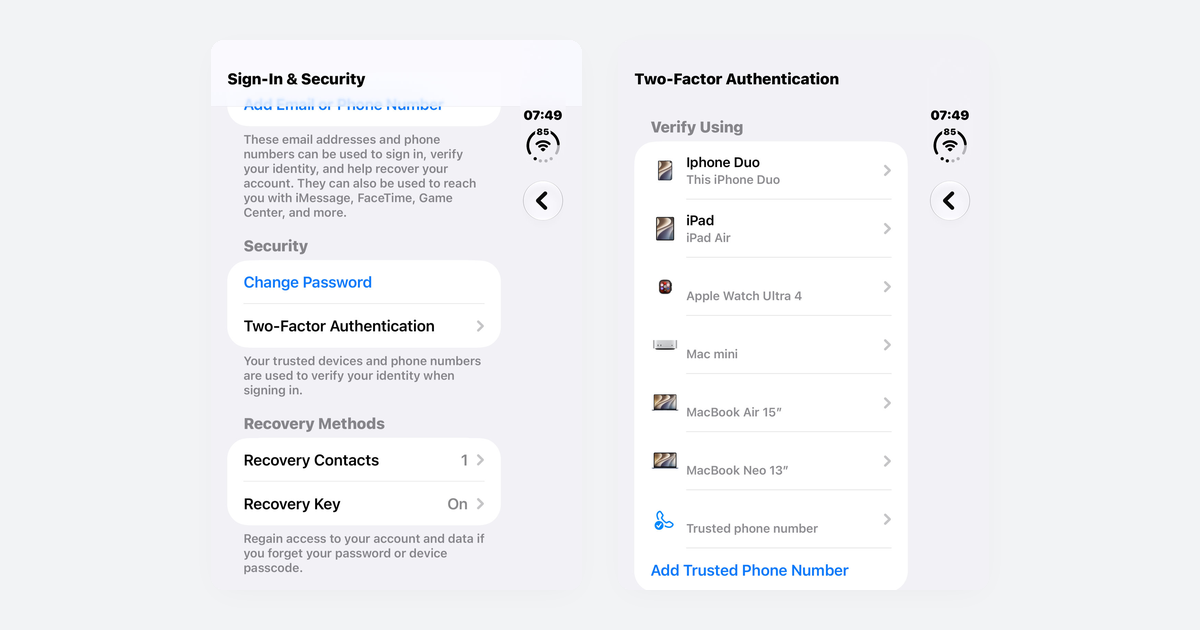
How to Turn On Two-Step Verification for Google, Apple, Microsoft, Facebook, Instagram and Amazon
Open each account's security settings, turn on two-step verification, and save backup codes plus a second way back in.
Accounts & Security · 14 min read
Is This a Scam? 4 Warning Signs and What to Do Next, for Parents, Kids and Grandparents
Watch for someone pretending to be trusted, a sudden problem or prize, pressure, and a request for gift cards, crypto, or a wire.
Scams · 8 min read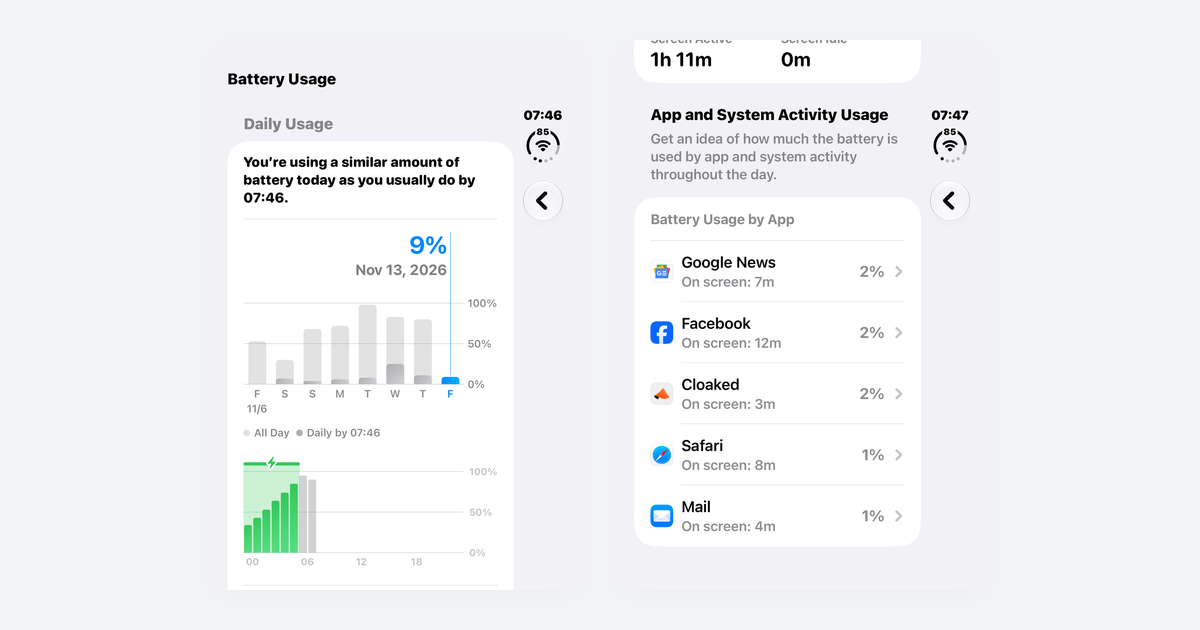
Phone Battery Draining Fast? Free Fixes for iPhone and Android
If you just updated, wait a few days; then check which app is using power, turn on battery saver, and dim the screen.
Phones & Storage · 10 min read