
On this page · 4 sections
Thirty minutes with Apple's new $2,899 MacBook Pro in an Apple Store left one shopper with a severe headache, MacRumors reported, and the laptop's screen is the leading suspect.
The MacBook Pro with PROLED XDR display, Apple's first OLED Mac, flickers 240 times a second at every brightness setting from 99% down, Notebookcheck found in lab tests. Most people never notice. Some owners say they get eye strain, headaches, dizziness or nausea. macOS has no setting to change it, and Apple has not publicly addressed the complaints, Cult of Mac reported. If you bought one from Apple, you still have weeks to send it back.
What owners are reporting
Complaints have piled up on Reddit, X and the MacRumors forums since the laptops started arriving Nov. 6, MacRumors senior editor Hartley Charlton wrote on Monday, Nov. 16. A Reddit user said reading text, especially on a black background, brought on dizziness and nausea, even though their OLED iPad Pro never did. A 16-inch owner on the MacRumors forums said a headache and mild nausea began to ease after switching back to a mini-LED MacBook Pro. Another forum member said they were returning theirs.
In an informal poll on the MacRumors forums, roughly one in three respondents said they felt the effects to some degree, Notebookcheck said.
AppleInsider's Mike Wuerthele wrote on Nov. 10 that Genius Bars his site spoke to are hearing complaints and that retailers are seeing returns "at a bit higher rate than normal." Neither AppleInsider nor Apple has published a number.
Why the screen flickers
OLED screens often dim with pulse width modulation, or PWM: instead of turning the light down smoothly, the screen pulses between brighter and darker many times a second, and the pulses blend into a dimmer picture. That pulse rate is separate from the 120Hz refresh rate on the spec sheet, which counts how often the image changes.
Notebookcheck's Andreas Osthoff measured the 14-inch model with an M5 Pro chip. On each pulse, the brightness dropped to 56%. "The frequency of 240 Hz is relatively low, so sensitive users will likely notice flickering and experience eyestrain at the stated brightness setting and below," the review said. Osthoff still rated the laptop 92% and called the panel "the best laptop display you can currently get."
Apple already offers a workaround on other devices. Supported iPhones have a Display Pulse Smoothing setting in Accessibility that dims the OLED screen another way at low brightness, and AppleInsider said the new iPad mini has it too.
What to try, and when to return it
- Run the screen at full brightness. Notebookcheck saw no flicker at the 100% setting. Go to Apple menu > System Settings > Displays, turn off Automatically adjust brightness, and drag the Brightness slider all the way right. Apple warns that turning off automatic brightness may affect battery life and long-term display performance, and a full-brightness screen is harsh in a dark room, so treat this as a test, not a cure.
- Plug in a monitor you already tolerate. A separate screen that doesn't cause you trouble lets you keep working on the laptop while its own display stays off or dim.
- Stop if you feel unwell. AppleInsider said the doctors it spoke to, and Apple, give the same advice for screen discomfort: stop using the device and see a doctor if symptoms continue.
- Return it before Jan. 8, 2027. Under Apple's holiday policy, eligible products received from the Apple Store Online between Nov. 6 and Dec. 25, 2026, can be returned through Jan. 8, 2027. That gives a Nov. 6 delivery 63 days instead of the usual 14. Start a return from your order list on apple.com, or take the laptop to any U.S. Apple Store. Bought it at Best Buy, Amazon or another store? That retailer's own return rules apply.
- Still shopping? Test it first. Spend real time with the OLED model in a store before you buy, especially if OLED phones have bothered you. Apple still sells MacBook Pro models with mini-LED screens alongside the OLED ones.
Want more tech news like this? Follow Tech Cheat Codes on Facebook. Tap this link, then tap Follow: Follow Tech Cheat Codes on Facebook
Notebookcheck measured the mini-LED screen on the previous 14-inch MacBook Pro flickering too, at 14,880 times a second. That's 62 times faster than the OLED model, and Notebookcheck said it should not cause problems for the vast majority of users.
References
- Some OLED MacBook Pro Owners Report Eye Strain and Dizziness, MacRumors, Hartley Charlton, Nov. 16, 2026.
- Amazing OLED panel - Apple MacBook Pro 14 PROLED XDR Review, Notebookcheck, Andreas Osthoff, Nov. 5, 2026.
- Apple MacBook Pro OLED: PWM flickering causes headaches for many users, Notebookcheck, Hannes Brecher, Nov. 16, 2026.
- If you're getting dizzy using PROLED MacBook Pro, you are not alone, AppleInsider, Mike Wuerthele, Nov. 10, 2026.
- Some MacBook Pro owners say PROLED XDR screen flickering causes headaches, Cult of Mac, Anurag Chawake, Nov. 13, 2026.
- Returns & Refunds, Apple.
- Change your Mac display's brightness, Apple Support.
Get the next cheat code
Plain-English tech fixes and scam alerts. Tap Follow on Facebook or TikTok, or pick another below.
Related fixes
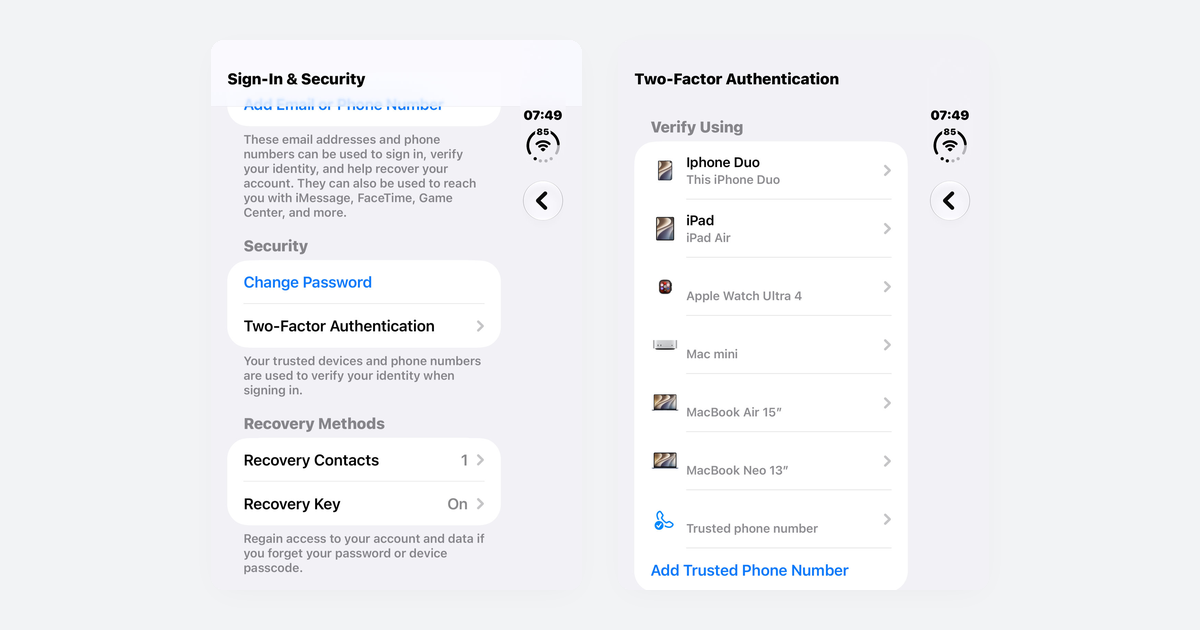
How to Turn On Two-Step Verification for Google, Apple, Microsoft, Facebook, Instagram and Amazon
Open each account's security settings, turn on two-step verification, and save backup codes plus a second way back in.
Accounts & Security · 14 min read
Is This a Scam? 4 Warning Signs and What to Do Next, for Parents, Kids and Grandparents
Watch for someone pretending to be trusted, a sudden problem or prize, pressure, and a request for gift cards, crypto, or a wire.
Scams · 8 min read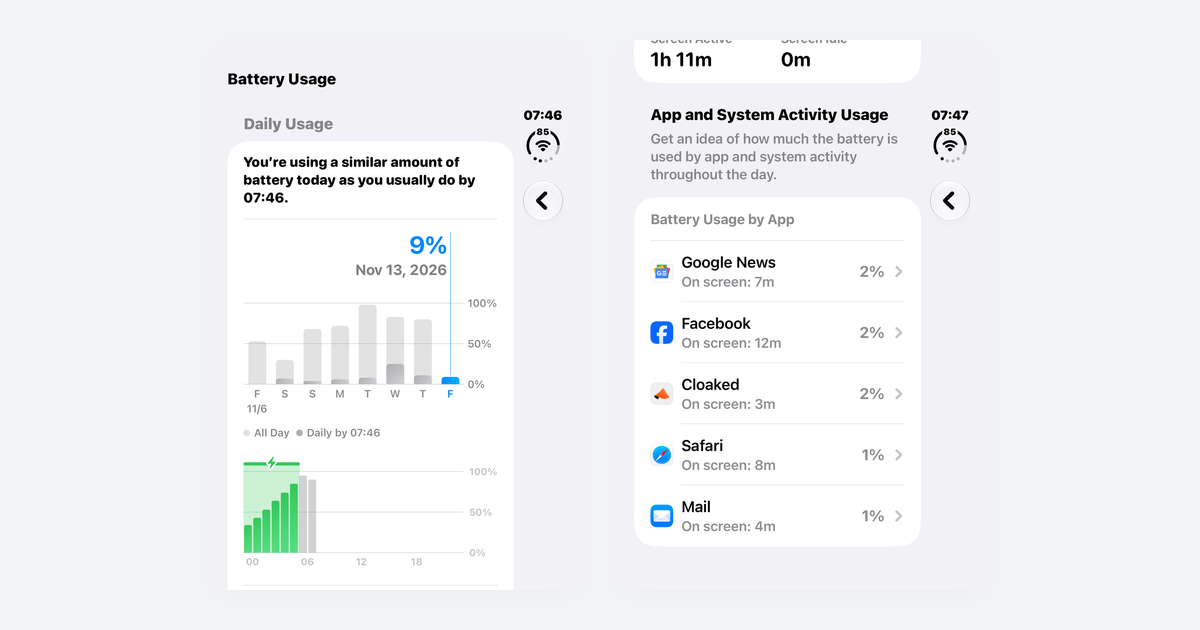
Phone Battery Draining Fast? Free Fixes for iPhone and Android
If you just updated, wait a few days; then check which app is using power, turn on battery saver, and dim the screen.
Phones & Storage · 10 min read