On this page · 6 sections
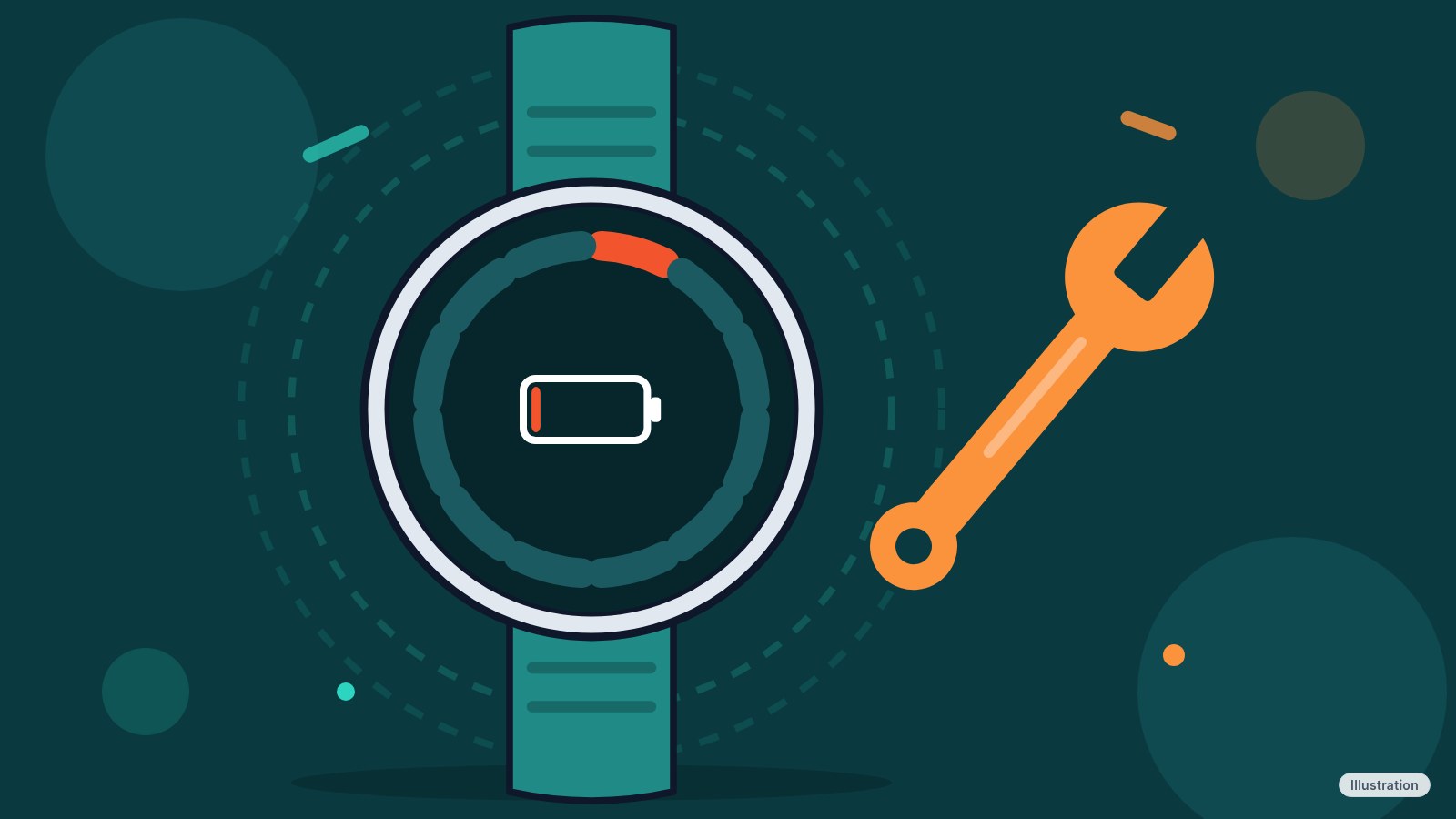
If your Pixel Watch has started running out of charge hours earlier than it used to, Google has now acknowledged the problem. By Thursday evening, Google had replied to owners in the Reddit threads where the complaints began: "We have identified a battery drain issue, affecting a small number of Pixel Watch users, and are working to roll out a fix as soon as possible. Thank you for your patience and understanding."
That is the whole statement. Google gave no date, no list of watches, no software version and no cause, and it hasn't said how the fix will reach your wrist. We couldn't open the Reddit replies ourselves, so we're relying on the quote as it was published at 8:43 PM ET, and we found no Google help page or blog post that repeats it.
What to do now
If your watch is draining fast, you don't have to wait empty-handed, but don't expect a cure from settings. Owners who say they turned off Always-on Display still report the drain. What the steps below can do is buy you a few hours.
Restart the watch first: press and hold the crown for 3 seconds, scroll down and tap Restart. Then check for updates, since Google hasn't said how the fix will ship: swipe down, tap Settings, then System, then System updates. After that, turn on Battery Saver (Settings, then Battery, then Battery saver, then OK) to hold the watch over until the fix.
Skip the factory reset unless you're fed up. Google says a fix is coming, a reset erases everything on the watch, and owners report mixed results (more on that below).
What Google has and hasn't confirmed
Google has confirmed three things in its statement: it has identified a battery drain issue, the issue affects what it calls a small number of Pixel Watch users, and it is working on a fix. It said nothing about which models, which software builds, when the drain began, or when a fix will land.
Everything else in this story is owner reports, and they don't all agree. Many commenters in the threads say they haven't noticed any change.
Which watches owners report
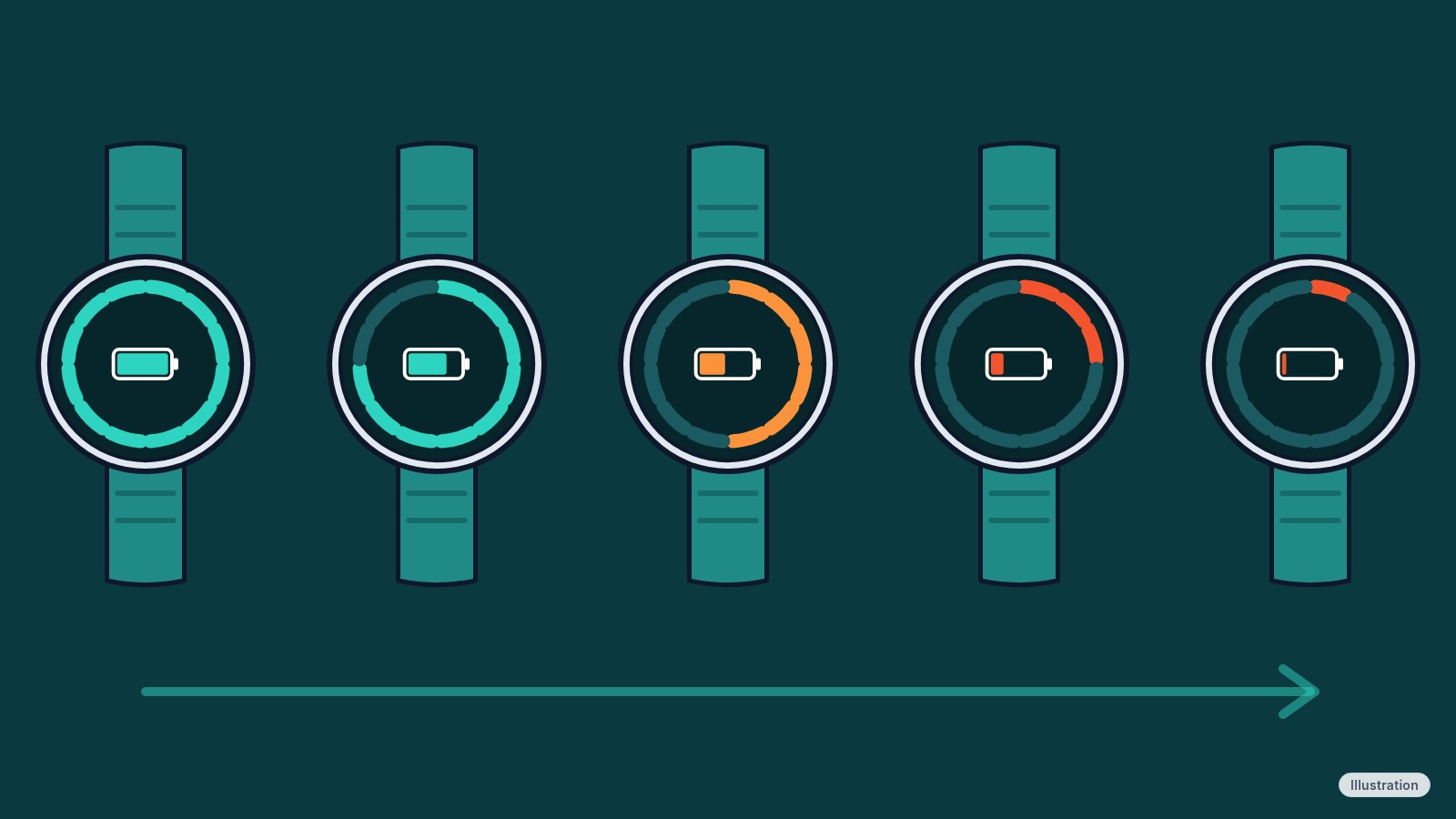
Google's statement doesn't name models. These are the models that owners and the outlets covering them have named so far.
| Model | What owners report |
|---|---|
| Pixel Watch (1st gen) | Nothing in the coverage we read |
| Pixel Watch 2 | An owner reports about 12 hours on a charge instead of nearly 48 with Always-on Display off, and one Reddit thread is full of Pixel Watch 2 owners with the same complaint |
| Pixel Watch 3 | Pixel Watch 3 owners report the same thing in those threads |
| Pixel Watch 4 | An owner reports less than a day, down from up to 2.5 days |
| Pixel Watch 5 | Coverage lists it among the affected models. We didn't find an individual owner post quoted |
Several watch generations are in the reports. Illustration: Tech Cheat Codes
Some owners describe a watch losing as much as 20% of its charge every four hours sitting idle. One commenter said the low-battery alert now shows up 4 to 5 hours earlier than before. Those are single posts, not measurements we could check.
When it started
Owners disagree. Some say the drain began in the last couple of days or the last week, and others say it started a while back. No post we read pins it to a specific update.
Google's September 2026 Pixel Watch update added Gemini Personalization and reached the Pixel Watch 2 and newer. Google hasn't linked it to the drain, and nobody has shown evidence that it's the cause. Some owners factory reset their watches and still had the problem, which cuts against a single rogue app.
Settings that can stretch a charge
Every menu path below comes from Google's own help pages, checked Thursday night. We haven't tested any of these on a drained watch, and none is a known cure.
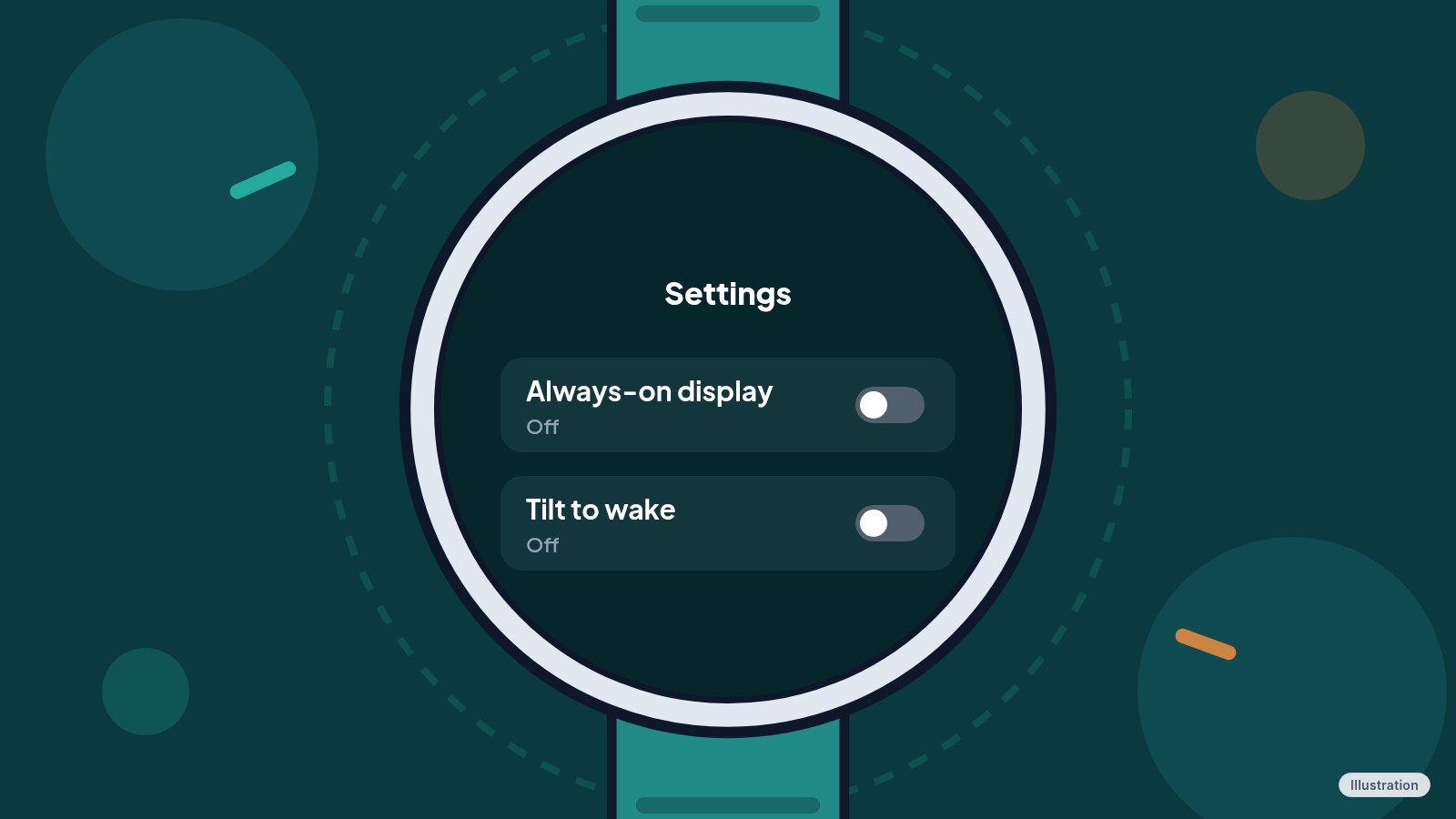
Swipe down, tap Settings, then Display, and turn off Always-on Display. For Tilt-to-wake, go to Settings, then Gestures, and turn it off. Google says Battery Saver switches off Always-on Display, keeps Tilt-to-wake on, limits background activity and can delay notifications, so you may want to turn off Tilt-to-wake yourself. At night, swipe down and tap Bedtime mode, which Google says turns off the screen and Tilt-to-wake and Touch-to-wake. On an LTE watch, Settings, then Connectivity, then Mobile, then Mobile lets you pick Automatic or Off. With it Off, some features such as phone calls won't work when your phone is offline.
Press the crown, tap Play Store, swipe down, tap My Apps, tap the app, scroll to the bottom and tap Uninstall. Google's Wear OS help page describes those steps and notes they can vary by watch and software version. Third-party watch faces are listed under My Apps too. We have no evidence an app is behind this drain, so treat uninstalling as a way to rule one out, not a fix. To update what's on the watch, press the crown, tap Play Store, then Manage apps, then Update All. Updating the Pixel Watch app on your phone is separate: Play Store, profile icon, Manage apps & device, Updates available.
We didn't find a Google page that describes a per-app battery usage screen for the Pixel Watch. In a 2023 Google community thread, replies said viewing battery stats isn't an option, and the original poster described the watch's Battery screen as showing only the level and Battery Saver. Without a built-in readout, write down your percentage when the watch comes off the charger and again a few hours later.
Google's Pixel support account told one owner who posted about the drain to contact Pixel Watch support by phone or chat. On a Pixel Watch 2, you can send diagnostics first: Settings, then System, then Diagnostics. Google says the check includes installed apps and battery status, and that it is only available on Pixel Watch 2.
Some owners say a factory reset brought their battery back, and others say a reset changed nothing. On the watch, swipe down, tap Settings, then Disconnect & reset. It erases all your apps, settings and data. When you set the watch up again, Google lists restoring from a backup as optional.
The display switches that buy a few hours. Illustration: Tech Cheat Codes
Before you go to bed tonight, restart the watch, run System updates, and note your battery percentage. Check System updates again tomorrow, and keep your numbers handy in case you do contact Google support.
References
All 15 reference links
- Source: Android Authority, Google confirms: Fix is in the works for Pixel Watch extreme battery drain issue (Oct. 29, 8:43 PM ET)
- Source: Android Authority, Not just you: Several Google Pixel Watch owners are experiencing severe battery drain (Oct. 28)
- Source: 9to5Google, Some Pixel Watch users report a sudden decrease in battery life (Oct. 28)
- Source: Droid Life, Pixel Watch 2 Battery Drain: Owners Voice Frustration (Oct. 29)
- Source: Phandroid, Google Pixel Watch Owners Report Battery Dying in Under 12 Hours (Oct. 29)
- Source: Tech Advisor, Now it's the Pixel Watch that's plagued by a serious bug (Oct. 29)
- Source: CNET Japan, Pixel Watchで「電池持ちが急に悪くなった」との報告 (Oct. 29)
- Source: Google Pixel Watch Help, Charge Google Pixel Watch and tips to improve battery life
- Source: Google Pixel Watch Help, Fix a blank, frozen, or error message on the Google Pixel Watch screen
- Source: Google Pixel Watch Help, Install & update apps on Google Pixel Watch
- Source: Google Pixel Watch Help, Set up Google Pixel Watch
- Source: Google Pixel Watch Help, Fix Pixel Watch setup and phone pairing issues
- Source: Google Pixel Watch Help, Check your Pixel Watch issues with a customer support agent
- Source: Wear OS by Google Help, Get & remove apps on your watch
- Source: Google Pixel Watch Community, Where are battery usage stats on Pixel watch app? (Jan. 5, 2023)
Never miss a cheat code
Get plain-English tech fixes and scam alerts: follow on TikTok, YouTube or Instagram.
Related fixes
Phone Battery Draining Fast? Free Fixes for iPhone and Android
Phone battery dying by lunch? Find what's draining it and fix it free on iPhone, Pixel or Samsung Galaxy before you pay for a new battery or phone.
Phones & Storage · 5 min read
Phone Charging Myths: What's Real, What's Fake and the Best Way to Charge
Is overnight charging bad? Is 20-80% best? We rate 12 phone charging myths True, False or Partly true and share free habits that keep your battery healthy.
Phones & Storage · 15 min read
Phone Won't Charge? 6 Free Fixes for iPhone and Android
iPhone, Pixel or Galaxy not charging, or stuck at 80%? Swap the charger, clear the port safely, restart, and check heat, moisture and battery settings.
Phones & Storage · 9 min read