
On this page · 2 sections
Signal is blocking screenshots in its iPhone and Android apps so built-in AI assistants cannot read your chats, the company said on Friday, Nov. 20, 2026.
In a blog post, Signal president Meredith Whittaker said tools like Siri AI and Gemini can scan what is on your screen, store that data, and use it. Once that happens, she said, it is "outside of Signal's control" and "imperils the privacy of all the participants in a conversation." Those on-screen AI tools, she said, are "undermining Signal's ability to independently guarantee privacy."
If you use Signal, this is the change you will feel: screenshots and screen recordings inside the app may stop working, and chats may no longer show up in your recent-apps list. Signal's support page said the setting also blocks on-device AI assistants from reading what is on screen in Signal. You can turn the protection off, but Whittaker said doing so will "potentially expose your (and your contacts') Signal content to these AI agents" and undo the privacy protections Signal promises.
What to do if you use Signal
Update the app first. Signal said the new protection needs Signal 8.37 or later on iPhone, and iOS 27 or later. On Android, it needs Signal 8.35.1 or later.
On iPhone, "Block Siri AI" is on by default. To check it, open Signal, go to Settings > Privacy > Block Siri AI, and leave it On. If you need one screenshot, Signal offers "Off for 10 Minutes," which turns the protection back on when the time is up. If you try a screenshot while the block is on, Signal shows a message and lets you pick those options.
On Android, "Screen security" may not be on until Signal detects an AI assistant trying to read the screen. When that happens, Signal said it turns the setting on and shows a message. If you want it on right away, go to Settings > Privacy > App security > Screen security. While it is on, your phone will not take a screenshot in the app.
Whittaker said the fix is "incomplete." It does not stop every other way an AI tool might reach data already stored on the phone, such as files. Signal also said it cannot offer the same screenshot block on Mac computers. For macOS 27, the company's advice is to add Signal to the Excluded Apps list in System Settings > Siri, so Siri AI is less likely to pull in your messages on its own.
The Verge reported the same rollout. Whittaker also asked Apple, Google and Microsoft to give app makers a clear way to keep AI agents out of private data.
Want more tech news like this? Follow Tech Cheat Codes on Facebook. Tap this link, then tap Follow: Follow Tech Cheat Codes on Facebook
Signal has fought this fight before. Last year it turned on screenshot blocking by default in its Windows 11 app to keep out Microsoft's Recall, which Whittaker said captures the screen every few seconds and could keep Signal data indefinitely, including disappearing messages.
References
Get the next cheat code
Plain-English tech fixes and scam alerts. Tap Follow on Facebook or TikTok, or pick another below.
Related fixes
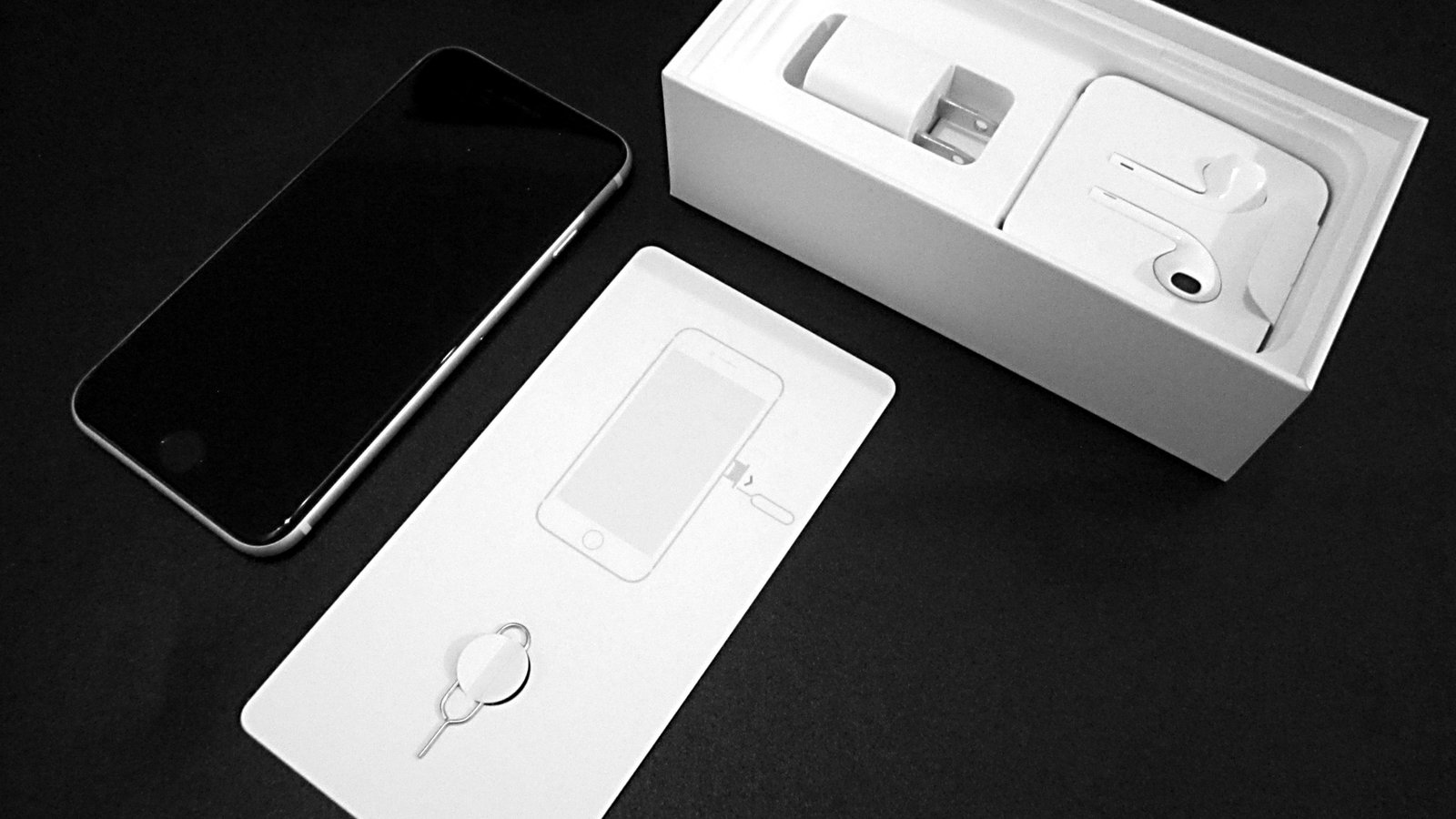
New Phone or Computer? How to Move Your Photos, Messages and Files Over for Free
Charge both devices, keep them side by side, and use the free built-in transfer tool for your phones or computers.
New Device Setup · 10 min read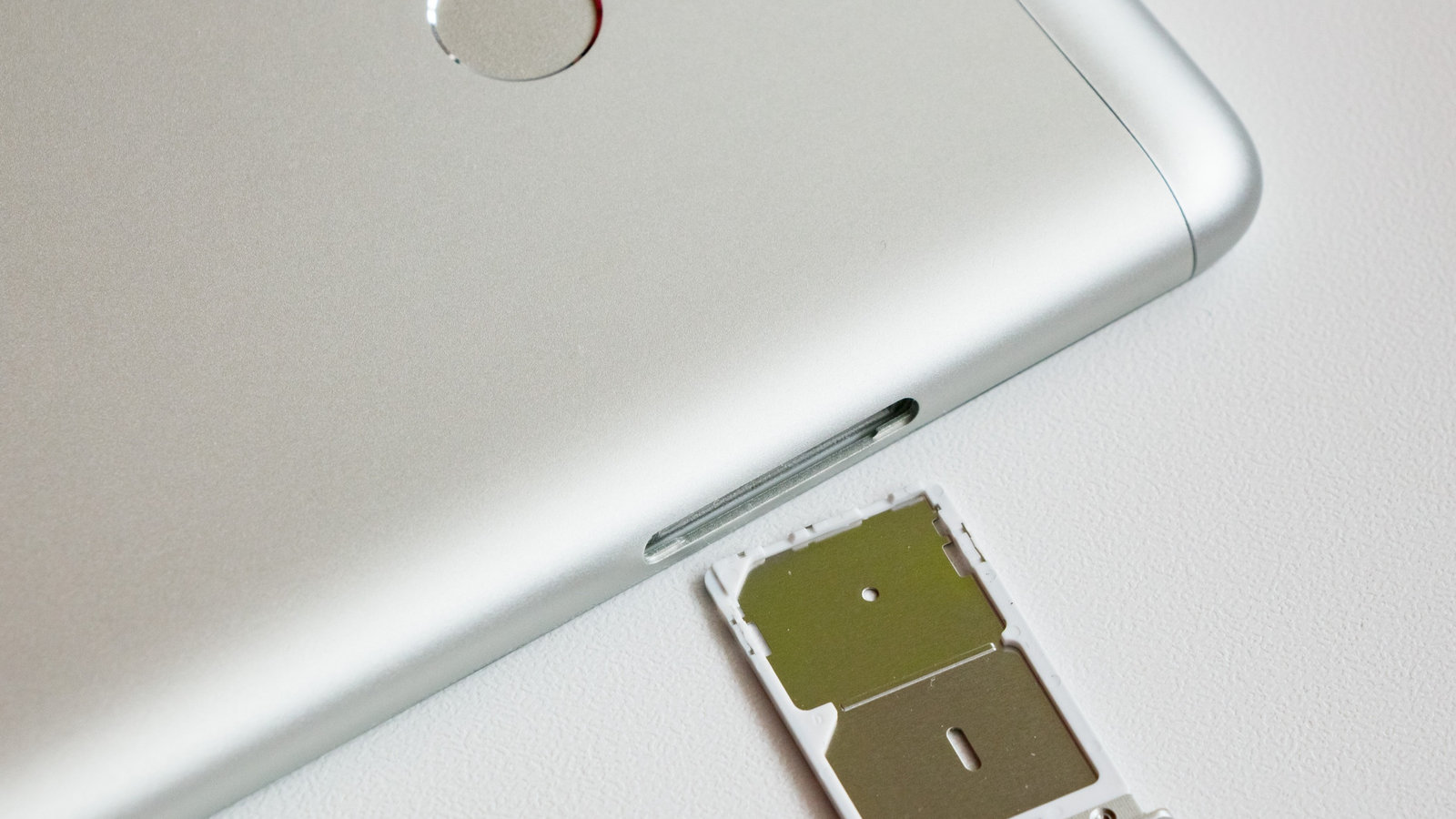
Selling or Giving Away an Old Device? How to Wipe It Safely
Back up first, sign out of your accounts, erase the device, then remove the SIM and take it off your accounts online.
New Device Setup · 16 min read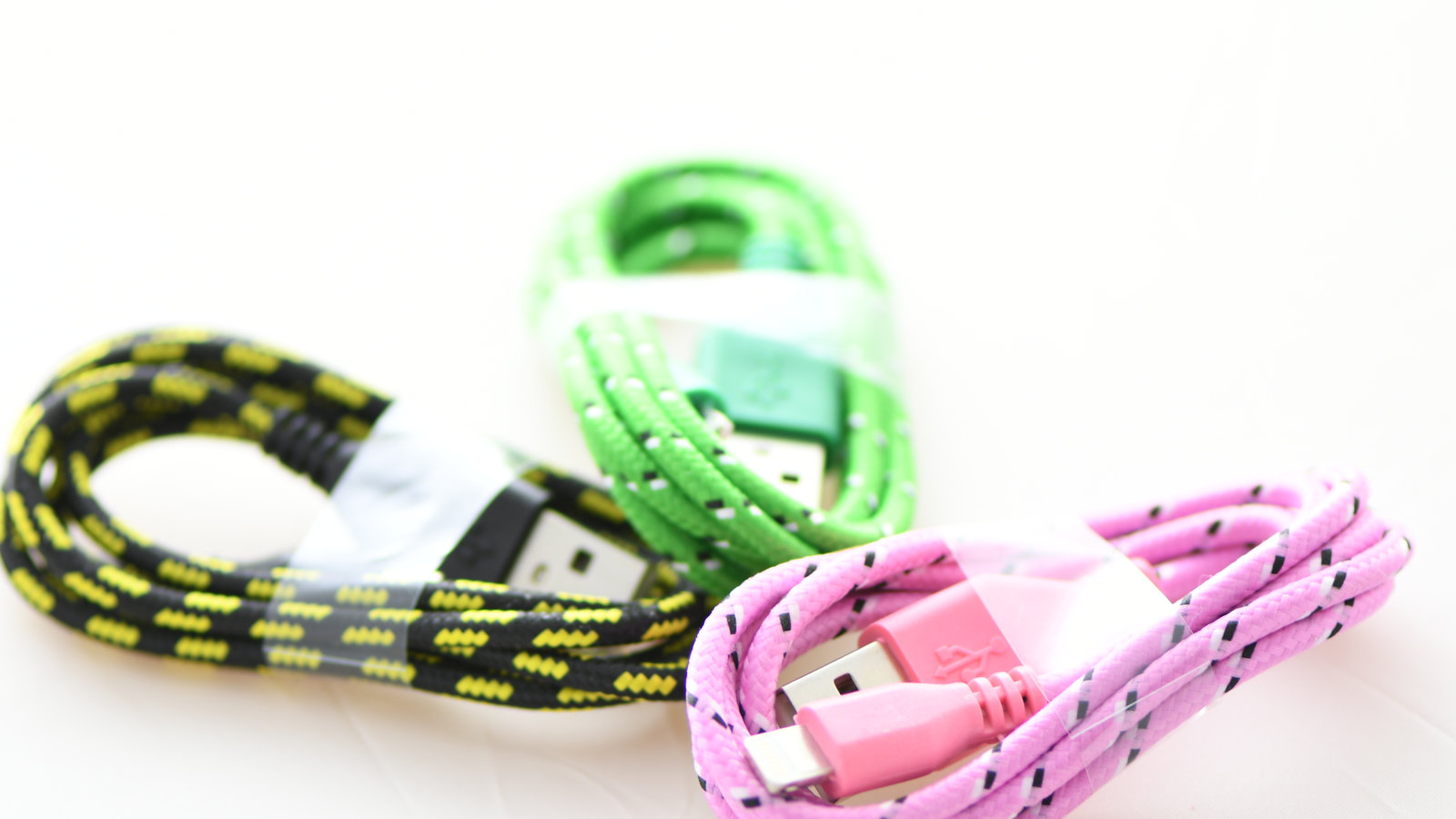
Phone Charging Myths: What's Real, What's Fake and the Best Way to Charge
Charge whenever you want, turn on your phone's built-in charging protection, use a certified charger, and keep the phone cool.
Phones & Storage · 18 min read