
On this page · 3 sections
You can now write a WhatsApp message tonight and have it land at midnight in a friend's time zone, even if your phone is dead by then.
WhatsApp said Nov. 25 that scheduled messages, which it calls one of its most requested features, are rolling out globally over the coming weeks. You can set a message to go out anywhere from 10 minutes to 14 days later, in both one-on-one and group chats, and it works with text, photos and videos. With Thanksgiving on Nov. 26, that means a holiday note to the family group can be written now and timed for the morning.
How scheduled messages work
The person on the other end sees a normal message. Nothing marks it as scheduled. WhatsApp keeps a list of every message you have lined up, and you can delete any of them before it goes out if you change your mind.
The message still arrives on time if your phone is switched off or the battery runs out. It stays end-to-end encrypted like any other personal chat, so WhatsApp says no one else can read it, including the company.
How to schedule a message
- Update WhatsApp. The feature is rolling out in stages, so get the latest version from the App Store or Google Play. If you don't see it yet, check again in a few days.
- Write your message. Open the chat or group and type the message, or attach a photo or video.
- Press and hold the send button. Don't tap it. Holding it brings up the scheduling option.
- Pick the date and time. Choose any time from 10 minutes to 14 days out.
- Change your mind if you need to. Your scheduled messages stay in a list until they send, and you can delete one from there before it goes out.
Want more tech news like this? Follow Tech Cheat Codes on Facebook. Tap this link, then tap Follow: Follow Tech Cheat Codes on Facebook
A birthday wish can now be set two weeks early and still land at the stroke of midnight, with your phone switched off in a drawer.
Reader comments
Ask us a question
Stuck on something in this story? Ask us, or leave a comment. Our team reads every message before it appears here.
Or email us at hello@techcheatcodes.com.
Get the next cheat code
Plain-English tech fixes and scam alerts. Tap Follow on Facebook or TikTok, or pick another below.
Related fixes
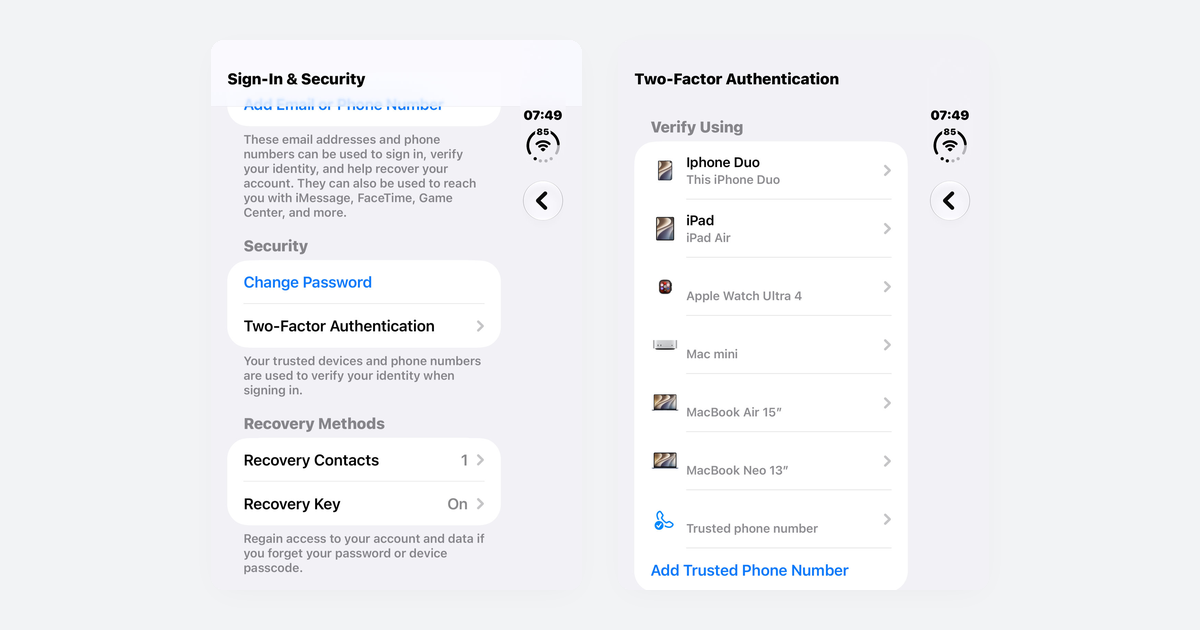
How to Turn On Two-Step Verification for Google, Apple, Microsoft, Facebook, Instagram and Amazon
Open each account's security settings, turn on two-step verification, and save backup codes plus a second way back in.
Accounts & Security · 14 min read
Is This a Scam? 4 Warning Signs and What to Do Next, for Parents, Kids and Grandparents
Watch for someone pretending to be trusted, a sudden problem or prize, pressure, and a request for gift cards, crypto, or a wire.
Scams · 8 min read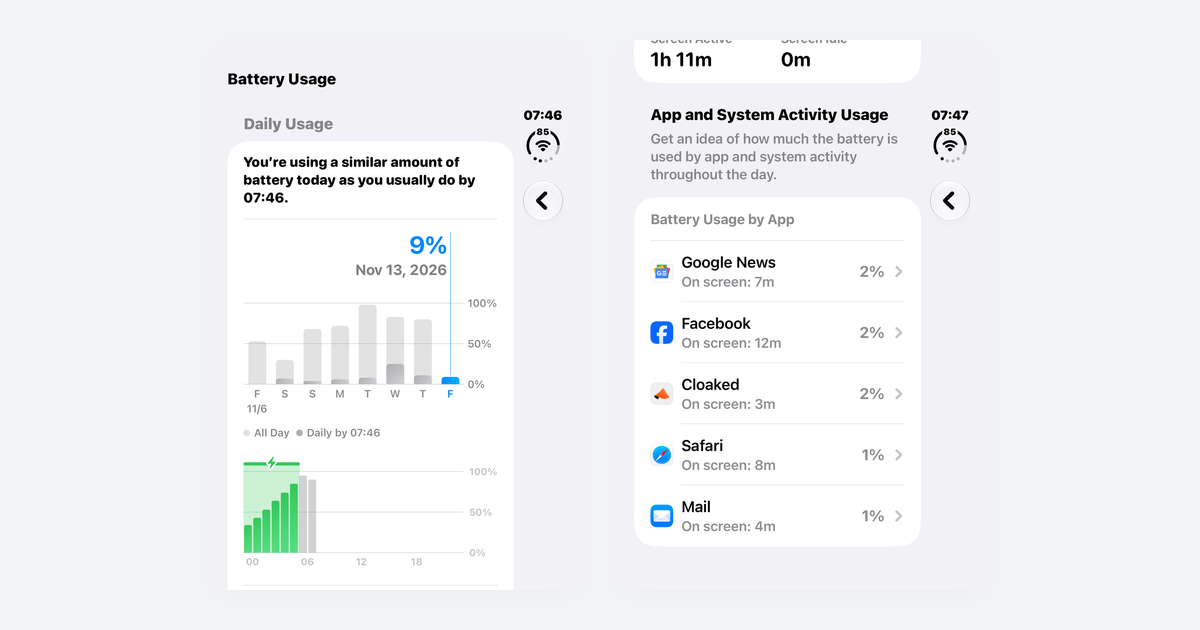
Phone Battery Draining Fast? Free Fixes for iPhone and Android
If you just updated, wait a few days; then check which app is using power, turn on battery saver, and dim the screen.
Phones & Storage · 10 min read