On this page · 3 sections
What happened: Windows 11, version 24H2 Home and Pro editions reached end of updates on Oct. 13, 2026. Home and Pro PCs on that version no longer receive monthly security updates or non-security preview updates.
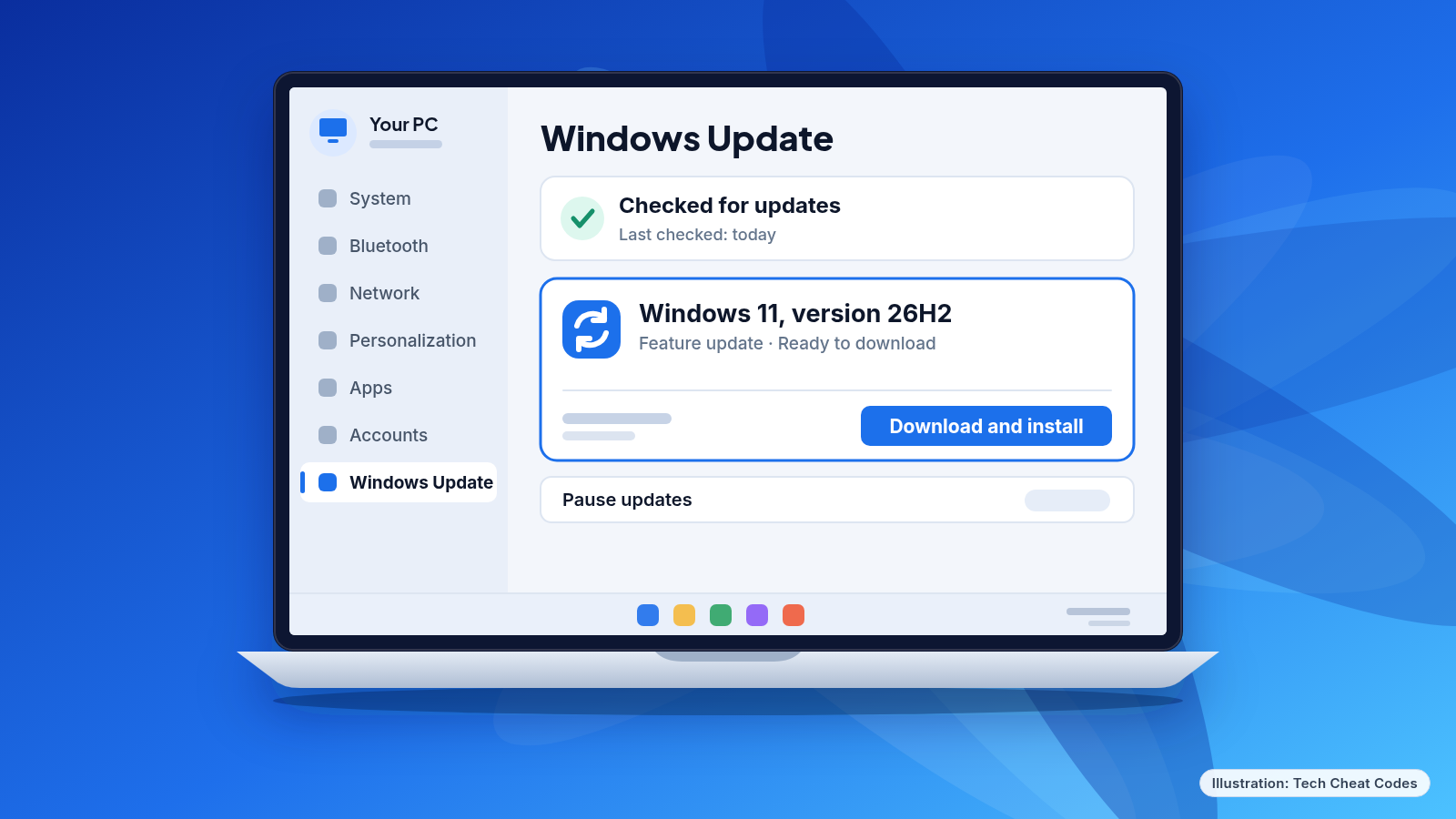
What this means for you: If your PC runs 24H2 Home or Pro, it needs a newer version to keep getting protection against the latest threats. Windows 11, version 26H2 has reached full availability for PCs on 25H2 and 24H2. You can check for it in Windows Update, and if it is available for your device, one restart completes the process.
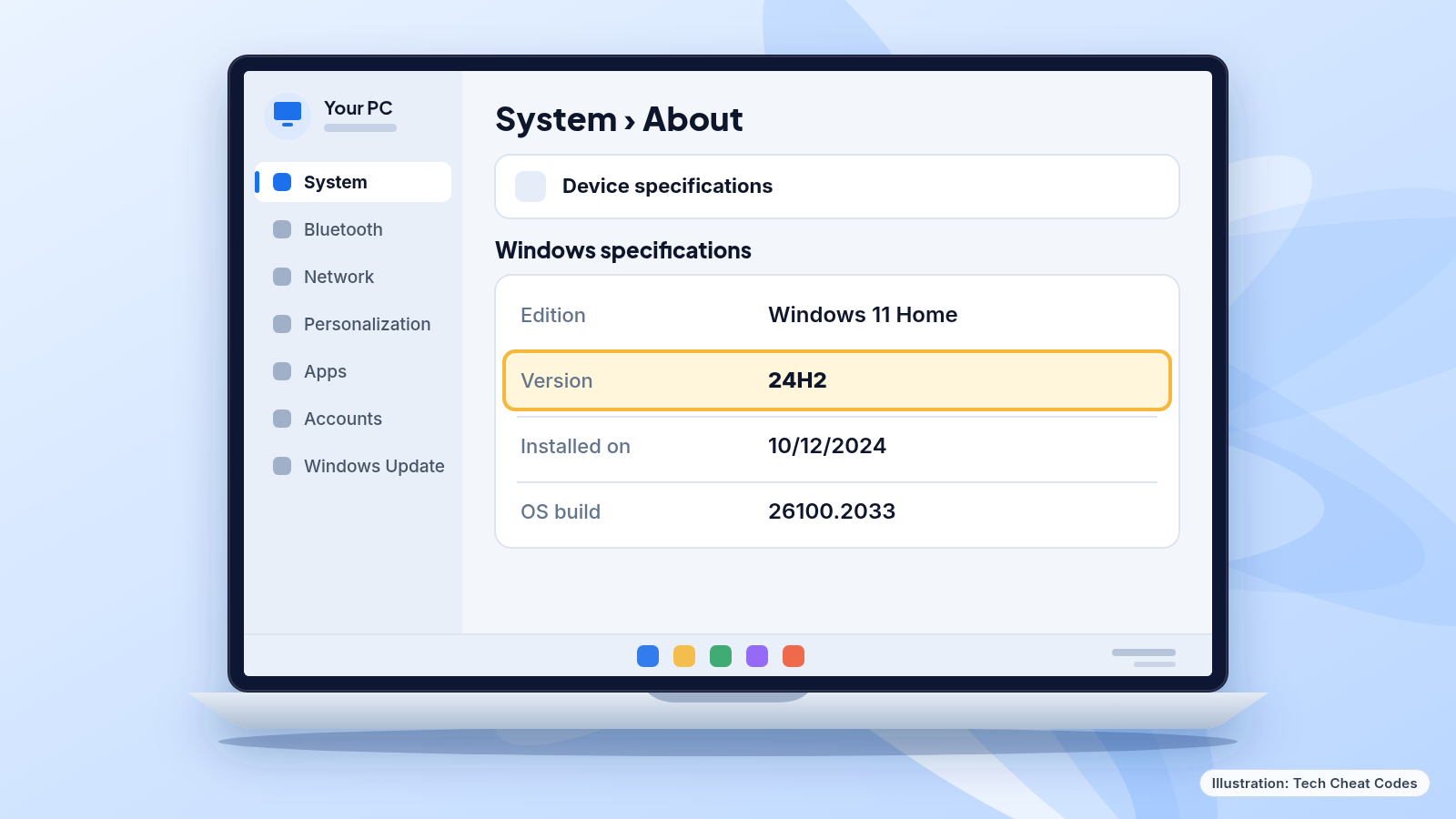 Your Windows version is listed under Settings > System > About. Illustration: Tech Cheat Codes
The details
Windows 11 gets a feature update once a year. Each version of Home and Pro receives 24 months of support from its release, then stops. 24H2 came out on Oct. 1, 2024, and its Home and Pro editions reached the end of that period on Oct. 13, 2026. Enterprise and Education editions get 36 months, so they are still covered.
Here is where each current version stands.
| Version | Build | Available since | Home and Pro updates end | Enterprise and Education updates end |
|---|---|---|---|---|
| 26H2 | 26300 | Sept. 29, 2026 | Oct. 10, 2028 | Oct. 9, 2029 |
| 26H1 | 28000 | Feb. 10, 2026 | Mar. 14, 2028 | Mar. 13, 2029 |
| 25H2 | 26200 | Sept. 30, 2025 | Oct. 12, 2027 | Oct. 10, 2028 |
| 24H2 | 26100 | Oct. 1, 2024 | Ended (as of Oct. 13, 2026) | Oct. 12, 2027 |
| 23H2 | 22631 | Oct. 31, 2023 | Ended | Nov. 10, 2026 |
Microsoft's lifecycle page lists some of these end dates one day later, for example Oct. 14, 2026 for 24H2 and Oct. 13, 2027 for 25H2. This table uses the dates from Microsoft's release health pages.
Two details in that table are easy to miss. First, 23H2 is already past its end date for Home and Pro, so anyone still on it is in the same position as 24H2 users, only for longer. Second, 26H1 is not an upgrade for existing PCs. It was built for new devices that started shipping in early 2026, and it is not offered as an in-place update from 24H2 or 25H2. If you are on 24H2, your upgrade path is 26H2 or 25H2.
What "end of updates" means
What stops is the monthly flow of updates that carry protections from the latest security threats.
Business owners should check Pro machines. Enterprise and Education editions on 24H2 remain supported. The final non-security preview update for those editions came out on Sept. 22, 2026, and monthly security updates continue until Oct. 12, 2027.
Where your Home or Pro PC stands
| Your version | What to do |
|---|---|
| 26H2 | Nothing. Updates run until Oct. 10, 2028 |
| 25H2 | Nothing for now. Updates run until Oct. 12, 2027. You can also move to 26H2 |
| 24H2 Home or Pro | Update to 26H2 or 25H2 now |
| 23H2 Home or Pro | Update to a supported version now. Microsoft's 26H2 rollout note covers only PCs on 25H2 and 24H2, so check what Windows Update offers |
| 26H1 | Nothing. This version shipped on new devices in early 2026 and runs until Mar. 14, 2028 |
Monthly security releases for Windows 11 arrive on the second Tuesday of each month, and each one is cumulative. Because each release is cumulative, a PC that moves to a supported version also gets the fixes from earlier months. The second Tuesday of November 2026 is Nov. 10.
26H2 is fully available
The phased rollout of 26H2 has reached full availability for devices running 25H2 and 24H2. That means you can check for it in Windows Update. If 26H2 is available for your device, select Download & install.
The two differ mainly in how long they are supported. The 26H2 release carries the longest support runway: Home and Pro updates run until Oct. 10, 2028. The 25H2 version is the other supported option for 24H2 PCs, and its Home and Pro updates run until Oct. 12, 2027.
Our read: unless a specific program on your PC requires 25H2, 26H2 gives you about a year more of updates than 25H2.
What to do now
Check which version you are running.
- Open Settings.
- Go to System, then About.
- Under Windows specifications, check the Edition and Version lines.
A Version of 24H2 or 23H2 on a Home or Pro edition means your PC needs an update.
Move to 26H2.
- Open Settings, then Windows Update.
- Select Check for Windows updates.
- If Windows 11, version 26H2 appears for your device, select Download & install.
- A single restart completes the process.
Turn on faster updates. In the same Windows Update screen, switch on "Get the latest updates as soon as they're available" if you want updates installed as soon as they reach your device.
If 26H2 does not appear. Run Check for Windows updates again after your PC finishes installing any waiting updates. If it still does not appear, 26H2 may not be available for your device yet, and the Windows 11, version 24H2 release health page lists known issues and safeguard holds. Version 25H2 is the other supported choice, and it is covered until Oct. 12, 2027.
If you are still on Windows 10. Support for Windows 10 ended on Oct. 14, 2025, and Microsoft recommends moving to Windows 11.
If you manage PCs for a small business. List each Pro PC by version first. The ones on 24H2 are your priority. Enterprise and Education PCs on 24H2 have until Oct. 12, 2027, but running the same version across all machines may make support simpler.
Back up before any big update. Copy your important files to an external drive or cloud storage before you start.
Windows 11, version 24H2 Home and Pro have been past their end date since Oct. 13.
References
Never miss a cheat code
Get plain-English tech fixes and scam alerts: follow on TikTok, YouTube or Instagram.
Related fixes
How to Turn On Two-Step Verification for Google, Apple, Microsoft, Facebook, Instagram and Amazon
Add a second sign-in step to Google, Apple, Microsoft, Facebook, Instagram and Amazon: pick an app, text code or passkey, then save your backup codes.
Accounts & Security · 11 min read
Is This a Scam? 4 Warning Signs and What to Do Next, for Parents, Kids and Grandparents
Is this a scam? Learn the FTC's 4 warning signs, spot the tricks aimed at kids, teens and grandparents, and know exactly who to call if you already paid.
Scams · 6 min read
Phone Battery Draining Fast? Free Fixes for iPhone and Android
Phone battery dying by lunch? Find what's draining it and fix it free on iPhone, Pixel or Samsung Galaxy before you pay for a new battery or phone.
Phones & Storage · 5 min read