
On this page · 3 sections
If you left a Windows 11 PC sitting on your desk, it may start installing a new version of the operating system without you clicking Download.
Microsoft said it began automatic delivery of Windows 11, version 26H2, also called the Windows 11 2026 Update, on Wednesday, Nov. 18, 2026. The first wave covers personal PCs and business PCs that an IT department does not manage, as long as they still run version 24H2 or 25H2. Microsoft is rolling it out in phases, and each PC's Windows Update settings still control whether the update proceeds.
That change matters most if your PC is still on 24H2 Home or Pro. Those editions reached the end of updates on Oct. 13, 2026, Microsoft's list of supported Windows versions says, and they no longer get monthly security patches. Version 25H2 Home and Pro still get updates until Oct. 12, 2027, so those PCs can wait if you have a trip or a deadline.
A small update with a new support clock
26H2 became available on Sept. 29, 2026. Installing 26H2 starts a new support period: 24 months for Home and Pro, through Oct. 10, 2028, and 36 months for Enterprise and Education, through Oct. 9, 2029, the same list says.
Microsoft may hold the update back on some PCs if it finds a compatibility problem, a safeguard it describes on the 26H2 release health page. On that Nov. 18 page, the only open issue was a SQL Server connection bug that mainly affects servers. A problem that left some USB headphones and speakers silent after the 26H2 upgrade was fixed in the Nov. 10, 2026, security update, KB5132061.
How to check, install or pause the update
-
See which version you have. Right-click Start, choose Windows Settings, then select System and About. Under Windows specifications, check the edition and version, Microsoft's device information page says. If the version already reads 26H2, the update is in place. If it reads 24H2 or 25H2, your PC is in the group Microsoft has started moving automatically.
-
Install it now if it's offered. Go to Settings > Windows Update and select Check for Windows updates. If Windows 11, version 26H2 is available, select Download & install, Microsoft said. To be earlier in the rollout, turn on Get the latest updates as soon as they're available.
-
Pause it if you need a quiet stretch. On the same Windows Update page, select Pick a date next to Pause updates. Microsoft's pause-updates page says you can choose an end date up to 35 days out, resume sooner, or pick a later end date, still no more than 35 days from the day you change it. Pausing does not turn updates off for good. If an update is already underway, Windows cancels it. When the pause ends, Windows checks again and may download and install 26H2, and it will not automatically restart for a pending update until then.
-
If you're on 24H2 Home or Pro, don't wait long. Those PCs have been without new security updates since Oct. 13, 2026. Let 26H2 install, or start it yourself in Windows Update, then install any remaining security updates after the restart.
Want more tech news like this? Follow Tech Cheat Codes on Facebook. Tap this link, then tap Follow: Follow Tech Cheat Codes on Facebook
For many PCs, the new version is mostly already there. Microsoft said 26H2's features were already delivered to 24H2 and 25H2 through monthly updates, so on many eligible PCs it installs as a small enablement package with a quick installation and a single restart.
References
- Windows 11, version 26H2 known issues and notifications, Microsoft Learn, current status dated Nov. 18, 2026.
- Windows 11, version 26H2 update history, Microsoft Support.
- Supported versions of Windows client, Microsoft Learn.
- Pause updates in Windows, Microsoft Support.
- Find information about your Windows device, Microsoft Support.
- Microsoft now automatically installs Windows 11 26H2 on unmanaged devices, Sergiu Gatlan, BleepingComputer, Nov. 20, 2026.
Get the next cheat code
Plain-English tech fixes and scam alerts. Tap Follow on Facebook or TikTok, or pick another below.
Related fixes
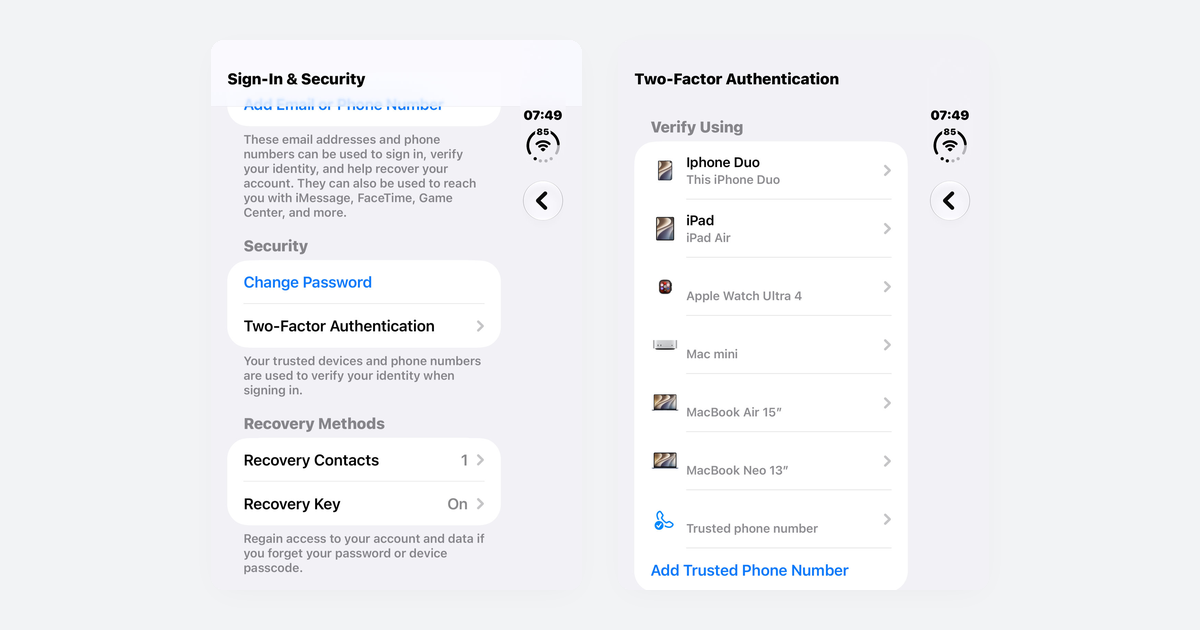
How to Turn On Two-Step Verification for Google, Apple, Microsoft, Facebook, Instagram and Amazon
Open each account's security settings, turn on two-step verification, and save backup codes plus a second way back in.
Accounts & Security · 14 min read
Is This a Scam? 4 Warning Signs and What to Do Next, for Parents, Kids and Grandparents
Watch for someone pretending to be trusted, a sudden problem or prize, pressure, and a request for gift cards, crypto, or a wire.
Scams · 8 min read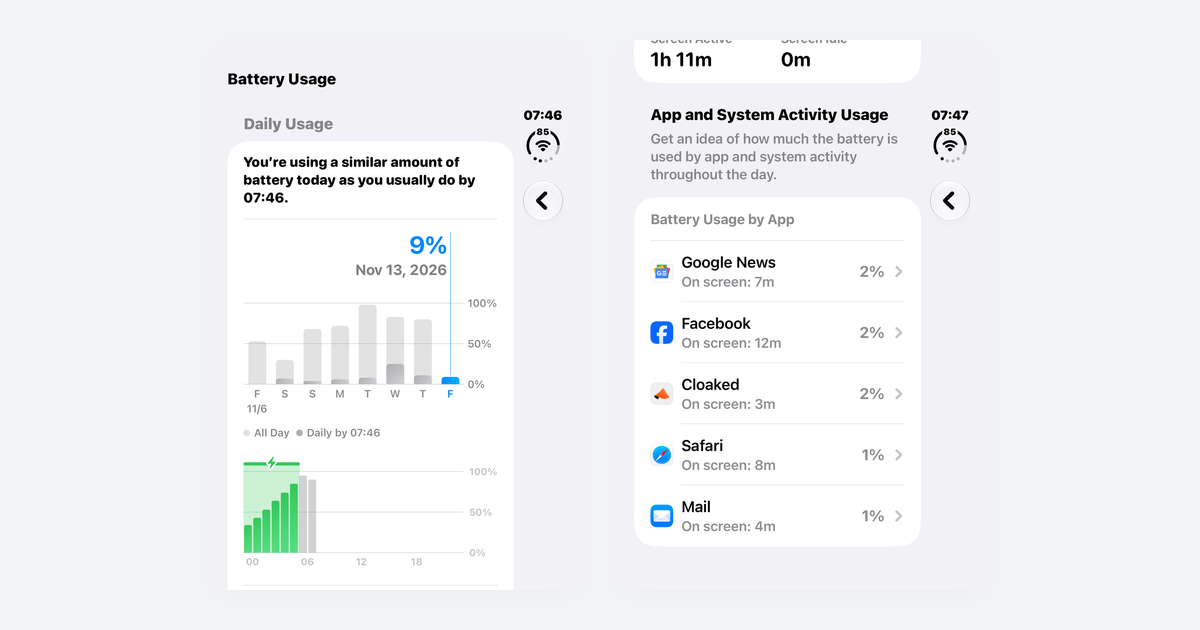
Phone Battery Draining Fast? Free Fixes for iPhone and Android
If you just updated, wait a few days; then check which app is using power, turn on battery saver, and dim the screen.
Phones & Storage · 10 min read