
On this page · 9 sections
Quick answer
The groups texting you may work from old lists, so they may not know you voted. If you recognize the campaign or group, reply STOP. If you don't, don't reply: report it as spam, block the number and forward it to 7726. Then turn on Screen Unknown Senders on iPhone, or check Spam and scam protection in Google Messages.
You voted last week. You have the sticker. Then your phone buzzes at 8:02 AM: "Have you made a plan to vote?" Four more follow before lunch. Getting your ninth "final reminder" isn't a reminder anymore. It's a lifestyle.
Your phone isn't broken. Nobody is checking up on you, either.
Asked on X: "I already voted last week. Can I stop getting these text messages to vote?" Yes, mostly. The trick is knowing which texts to answer and which to leave alone.
What to do
- If you recognize the campaign or group, reply STOP.
- If you don't recognize the sender, don't reply. Report it as spam, block the number and forward the text to 7726 (SPAM).
- Turn on your phone's filter for unknown senders so the rest of the pile lands in a side folder.
- Don't vote again because a text claims you haven't. Voting twice is a crime.
Warning: don't tap a link in a vote or donate text from a number you don't know, even one that looks official.
Why they keep texting after you voted
Groups that send get-out-the-vote texts pull phone numbers from public or private lists. Their data is sometimes wrong or out of date. North Carolina's elections board saw exactly this in 2024: voters got texts claiming they hadn't voted a day after they had. So the text isn't about you. It's about a spreadsheet that hasn't heard the news.
Those texts usually come from political or advocacy groups, not your election office. That kind of texting is typically legal. Annoying, but legal.
Reply STOP, but only to a sender you know
Campaign texts get a pass from the National Do Not Call Registry, so signing up there won't quiet them. They do have other rules. A political text sent by an autodialer to a cell phone needs your consent first, and a text typed and sent by hand doesn't. When consent applies, you can take it back any time, in any reasonable way, and replying STOP is the classic one.
-
Look at who sent it. Check for a campaign or group you've heard of, and no payment link or login request. You're done when you know whether you recognize the sender.
-
Reply STOP if you do. Send the one word. Many senders reply once to confirm, and that one confirmation text is allowed. You're done when you've sent it.
-
Skip the reply if you don't. The FCC's advice is to leave texts from numbers you don't recognize unanswered, and on an iPhone you can't report a message after you've replied to it. You're done when you've left it unanswered.
Report and block the rest
-
On iPhone, report it. Swipe left on the message and tap Delete and Report Spam. If it's open, tap Report Spam under the message, then Delete and Report Spam.
-
On iPhone, block it too. Reporting alone doesn't stop the sender. Open the conversation, tap the person's icon at the top, tap Info, scroll down and tap Block Contact. You're done when you've tapped Block Contact.
-
On Android, block and report in Google Messages. Touch and hold the conversation, tap Block, check Report spam, then tap OK. You're done when the chat moves to Spam & blocked.
-
Forward it to 7726. Copy the text and send it to 7726 (SPAM). Most carriers take these reports, so check with yours.
-
Filter the next wave. On iPhone, open Messages, tap the Filters button, tap Manage Filtering and turn on Screen Unknown Senders. In Google Messages, tap your profile picture, then Messages settings > Protection & Safety > Spam and scam protection. Our political texts guide walks through both, with pictures, and the spam calls guide covers the phone side.
If you think a campaign text broke the rules, you can file a complaint at fcc.gov/complaints.
After Tuesday
Once Election Day passes, the vote texts should taper off. Donation and "thank you" texts may keep going, and the same moves work on them: STOP for a sender you know, report and block for one you don't.
One last surprise. You don't have to type STOP in capital letters. Under the FCC's rule, a reply of stop, quit, end, revoke, opt out, cancel or unsubscribe counts as a no when consent applies, and the sender has up to ten business days to honor it. Seven magic words, and the law requires the robot to listen. Starting November 25, 2026, a sender can name one specific way to opt out, so if a text tells you how to opt out, use that way. The only one that works is the one you actually send.
This answer came from our Stump Us thread. See the question on our Facebook post and ask yours in the comments. Please don't send passwords or account details.
Want the next fix in plain English? Follow Tech Cheat Codes on Facebook. Tap this link, then tap Follow: Follow Tech Cheat Codes on Facebook
References
All 7 reference links
- Source: FCC, Political Campaign Robocalls and Robotexts Rules
- Source: FCC, Stop Unwanted Robocalls and Texts
- Source: eCFR, 47 CFR 64.1200, Delivery restrictions
- Source: North Carolina State Board of Elections, Tips for Dealing with Election-Related Text Messages (Oct. 21, 2024)
- Source: Apple Support, iPhone User Guide, Report spam and block senders in Messages on iPhone
- Source: Google Messages Help, Report spam in Google Messages
- Source: Federal Register, Enhancing the Ability of Consumers To Control the Robocalls (Oct. 26, 2026)
Get the next cheat code
Plain-English tech fixes and scam alerts. Tap Follow on Facebook or TikTok, or pick another below.
Want AI to answer your clients?
Our ready-made AI setups come with a step-by-step guide in Easy Mode and Pro Mode. You set them up yourself.
See the AI setupsRelated fixes
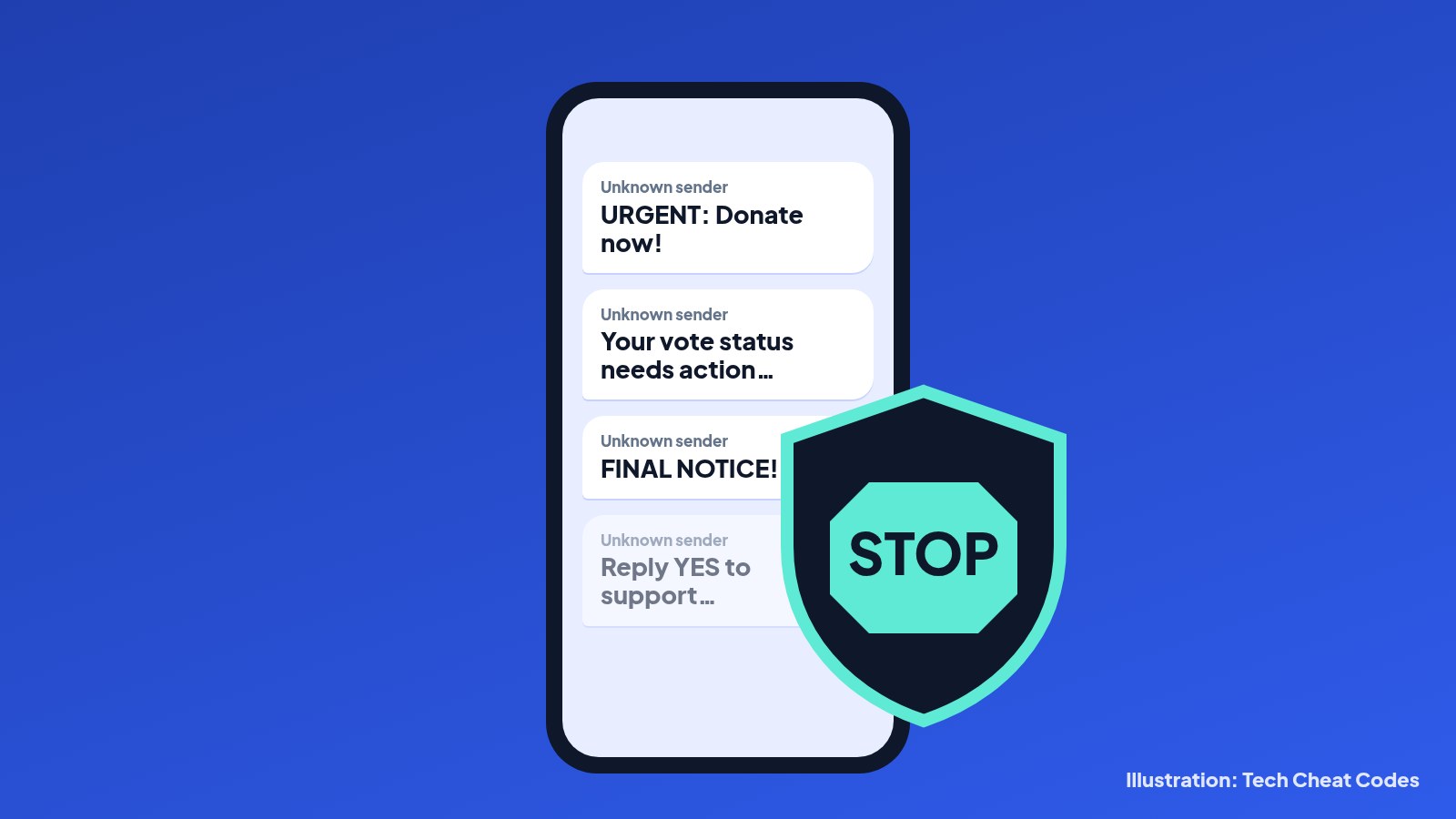
How to stop political texts before Tuesday
Election Day is Tuesday. Screen unknown senders on iPhone, turn on Google Messages spam protection, forward junk to 7726 and spot fake vote texts.
Scams · 9 min read
How to Stop Spam Calls on iPhone and Android (Free Tools)
Spam calls driving you nuts? Silence them free on iPhone, Pixel or Samsung, turn on your carrier's free blocker, report texts to 7726 and join Do Not Call.
Scams · 14 min read
Clicked a Scam Link or Gave Out Your Info? What to Do Right Now
Gave a scammer your password, card number, Social Security number or remote access? Here's what to do in the first 10 minutes, today and this week.
Scams · 7 min read