On this page · 10 sections
At home on your own Wi-Fi, you probably don't need a VPN. On public Wi-Fi and when you travel, sometimes you do.
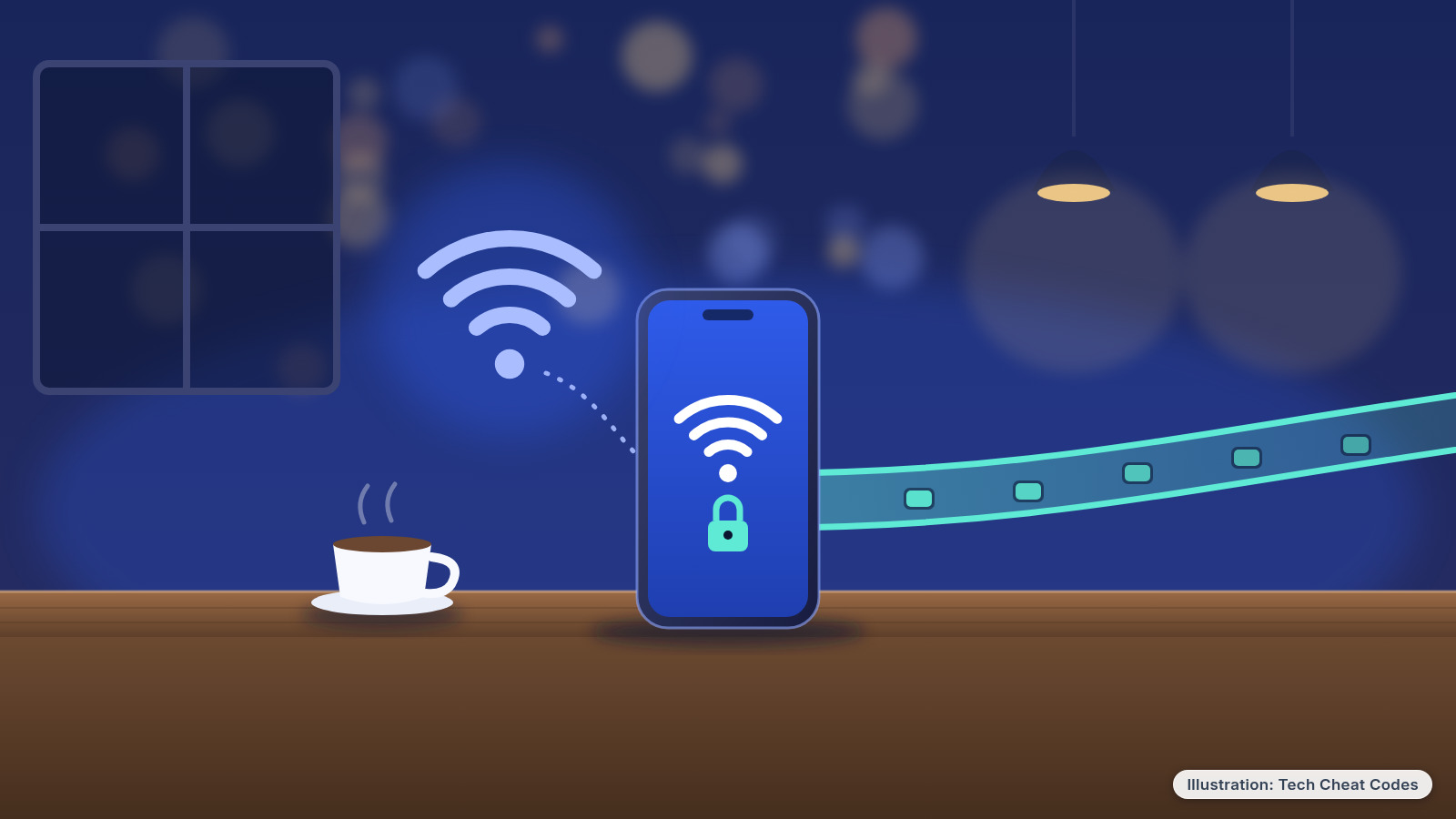
Picture hotel Wi-Fi, or the free network at the airport, and a pop-up ad (or a YouTuber) telling you that hackers can see everything you do without a VPN. That's mostly not true anymore. Most websites and apps already scramble what you send, so a stranger on the same Wi-Fi usually sees gibberish, not your bank password. A VPN still has real uses, though, and the two services below are the ones we'd pick if you're in one of those cases.
iThis page has affiliate links. If you buy through one, we may earn a small commission at no extra cost to you. Learn more.
The two paid links on this page are the Proton VPN and NordVPN links in the picks below. Everything else here works without buying anything. Prices were checked on each company's own pricing page on Oct 29, 2026.
What this means for you
- Mostly at home, on your own password-protected Wi-Fi: you can skip a VPN.
- Often on public Wi-Fi (cafes, hotels, airports, hospital waiting rooms): a VPN is worth having. Start with Proton VPN's free plan.
- Want one paid VPN for the whole family's phones and laptops: Proton VPN Plus or NordVPN. Both cover 10 devices at once.
- Worried about scam texts, fake websites or viruses: a VPN isn't the fix. Two-step verification and updates are.
Get Patch Notes: plain-English tech fixes and scam alerts. Free.
Stump us: send a tech question. Our favorite questions may become articles on techcheatcodes.com, credited only if you say yes.
When you don't need one
Everyday browsing at home. Look at the address bar in your browser. "https" (or a lock icon, in browsers that still show one) means the connection to that site is encrypted, so the network in between can't read what you type. That's now true for most websites, which is why public Wi-Fi is usually safe for ordinary browsing. It works the same on a phone's browser. Chrome now shows a neutral site-info icon you can click for connection details.
Your bank's app. It's harder to check whether an app encrypts its traffic, but the majority do.
Scams and fake websites. This is the big one. A VPN protects the trip your data takes. It doesn't check who's waiting at the other end. Scammers build fake sites that use https and show the lock too, so if you type your password into a fake bank login, the VPN delivers it safely, straight to the scammer. Not sure about a text or a site? Our free scam checker asks 13 quick questions. If you've already clicked something odd, our clicked a scam link guide walks you through it.
Viruses and malware. A VPN doesn't scan your computer or remove anything bad that's already there. Keeping your phone, computer and browser updated, with automatic updates on, does far more.
You may already have something built in. Pixel 7 and later phones, and the Pixel Tablet, come with a VPN by Google at no extra cost in countries where it's offered. If you pay for iCloud+, iCloud Private Relay is designed so that when you browse in Safari, no single party, not even Apple, can see both who you are and which sites you visit. It's built for Safari browsing, not a full VPN for every app, but it may be enough for many iPhone owners.
When a VPN does help
You use public Wi-Fi a lot. Open networks with no password, and fake hotspots set up to look like the cafe's real one, are where a VPN earns its keep. With the VPN on, your traffic is encrypted before it touches that network, including the odd app or site that isn't encrypted on its own.
You'd rather your internet provider didn't see where you go. Even with https, your network provider can usually see which sites you visit (not what you do on them) and your IP address. A VPN moves that view away from your provider and the Wi-Fi owner.
You travel. Hotel and airport Wi-Fi is exactly the "lots of strangers, not your network" situation a VPN is made for.
One honest catch: a VPN doesn't make your traffic invisible. It hands the view to the VPN company instead. When you turn one on, you're giving that app permission to route all of your internet traffic, so pick one that has let outside auditors check its no-logs promise. Be careful with VPN apps you don't know. In a study of almost 300 VPN apps, researchers found that some didn't use encryption and some shared data with third parties.
Our read: that trust question is why we only looked at two services, and why the free plan we point to comes from a company that publishes its audits.
Proton VPN vs NordVPN side by side
| Proton VPN | NordVPN | |
|---|---|---|
| Free plan | Yes. 1 device, servers in 10 countries, no data cap, no ads | No |
| Cheapest paid price | $3.49/mo (VPN Plus): $83.76 for the first 24 months, then $83.88 a year | $3.49/mo (Basic): $94.23 for the first 27 months, then $139.08 a year |
| Month to month | $9.99 | $14.99 (Basic) |
| Devices at once | 10 on VPN Plus (1 on Free) | 10 on every plan |
| Servers | 20,000+ in 140+ countries | Thousands, in 225+ locations |
| No-logs checks | Audited 5 years in a row by Securitum, latest May 2026. Reports are public | Checked by outside auditors, latest by Deloitte in Nov to Dec 2025. Full report not public |
| Blocking extras | NetShield blocks ads, trackers and malware sites (paid plans) | Scam and phishing protection blocks known bad sites (all plans) |
| Based in | Switzerland | Panama |
Prices are US dollars on Oct 29, 2026, and both companies charge more at renewal than in the first term. Sales tax may apply.
1. Proton VPN, a free plan worth trying
If you're not sure you need a VPN, this is the one to try first. Proton VPN (opens in a new tab) has a free plan that doesn't ask for a credit card, doesn't show ads and doesn't cap your data. The limits are fair: one device at a time, medium speed, and servers in 10 countries that the app picks for you. That's plenty for a laptop on hotel Wi-Fi.
Proton has had an outside firm, Securitum, audit its no-logs policy every year for five years, and it publishes the full reports. The 2026 report, from an audit in May, covers both free and paid servers and concludes: "The technical evidence reviewed during the engagement did not indicate that the examined Proton VPN server infrastructure logs users' browsing activity, DNS queries, destination services, network traffic contents or user-identifiable connection metadata."
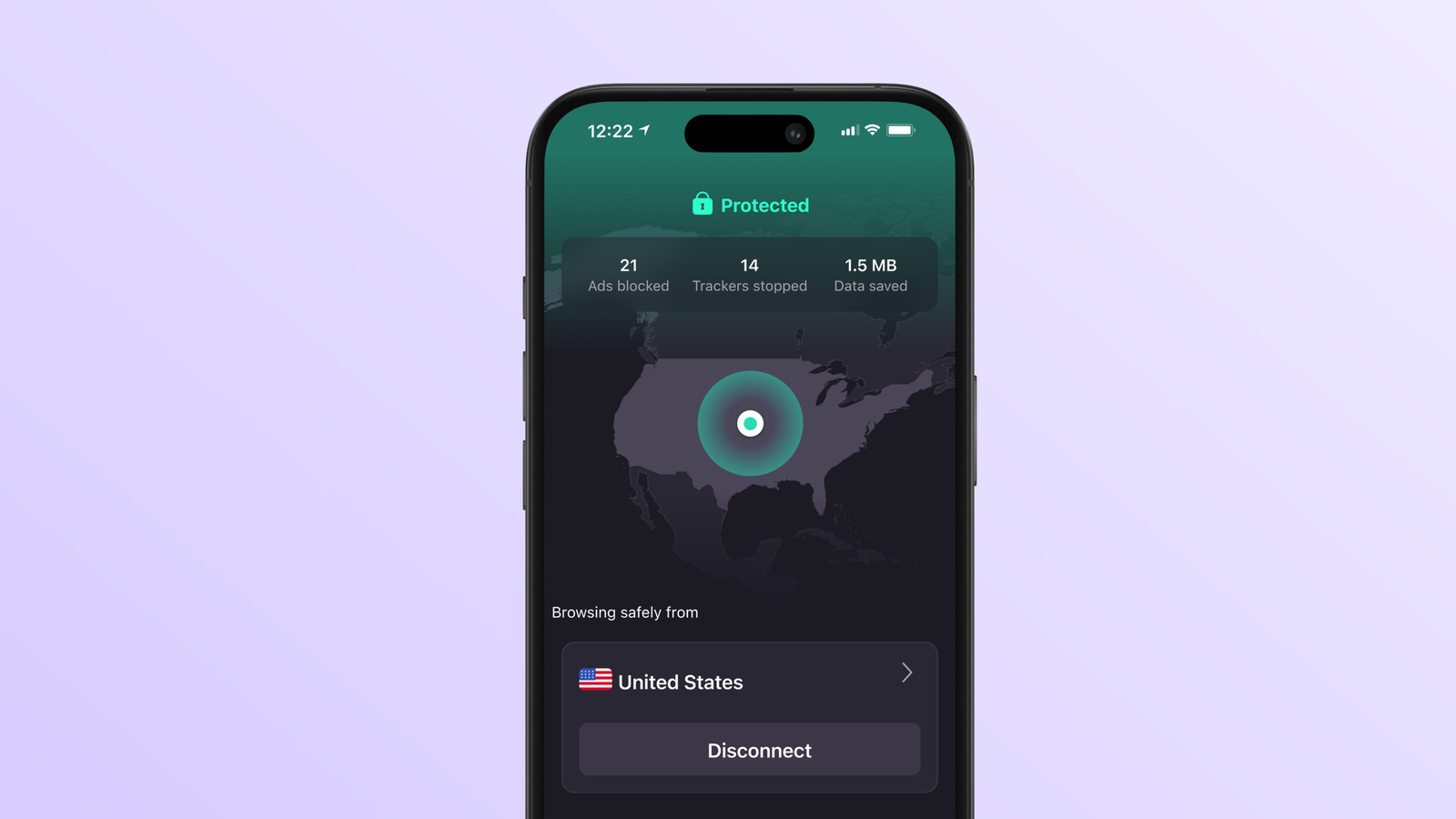
Proton VPN's iPhone app shows a Protected status and one button to disconnect.
If you outgrow the free plan, VPN Plus is $3.49 a month on the two-year plan ($83.76 up front, then $83.88 a year) or $9.99 month to month. It adds 10 devices, servers in 140+ countries, streaming and NetShield, which blocks ads, trackers and known malware sites. The apps are open source, and the company is based in Switzerland. Those are the prices on Proton's public pricing page. Proton says that through our link, VPN Plus is 75% off the 24-month plan until Cyber Monday, Nov 30, 2026, so the price at checkout may be lower. Check the price and the renewal price at checkout before you pay.
Good for: anyone testing the waters, students, and occasional travelers. Skip if: you want one free account covering your phone and laptop at the same time.
2. NordVPN, the paid pick with scam-site blocking
NordVPN (opens in a new tab) has no free plan, so it's for people who already know they want a VPN. The cheapest way in is the Basic plan at $3.49 a month on the two-year deal: $94.23 for the first 27 months (that includes three bonus months), then $139.08 a year. Month to month it's $14.99, which is steep, so only go monthly for a single trip. Every plan covers 10 devices at once.
Even Basic includes scam and phishing protection, which blocks known malicious sites while you're connected. That's handy, but a blocklist only catches sites it already knows about, so it's a seatbelt, not a reason to stop checking links. The pricier Complete plan adds desktop anti-malware, a password manager and 1 TB of storage. Basic does the VPN job on its own, so the extras are optional. To turn NordVPN on, tap Secure my connection (older versions call it Quick Connect). The app then shows Connected (on iPhone it may say Secured). Button wording can vary a little by app.
NordVPN's no-logs policy has been checked by outside auditors, most recently by Deloitte Lithuania, from Nov. 10 to Dec. 12, 2025. Unlike Proton, it doesn't post the full report publicly. It's open only to account holders after they sign in to a Nord Account, and we haven't read it.
Good for: families who want one subscription for 10 devices, and frequent travelers. Skip if: you only need a VPN once in a while. Proton's free plan covers that.
How to set one up
- Download the app from your phone's app store, or from the company's own site on a computer. Check that the developer listed is Proton or NordVPN, so you don't grab a copycat.
- Create an account and sign in. Proton's free plan doesn't ask for a card.
- Tap the big connect button on the app's home screen.
- Allow the VPN when your phone asks. Your phone will ask permission to add or set up a VPN connection. That's normal for a VPN app you chose and installed yourself.
- Look for the VPN icon in your status bar. On Android you can also check under Settings > Network & internet > VPN.
- Turn on the app's kill switch if it has one. If the VPN drops, it's meant to block your traffic until the VPN reconnects. On Android, that may be your phone's Always-on VPN setting.
If Netflix or another streaming app stops working, turn the VPN off. Streaming services can block VPN connections and show an error until you disconnect.
If a site keeps asking you to prove you're human, it may be reacting to the VPN's shared address. Switch servers or pause the VPN for that site.
The next thing to do
A VPN guards one stretch of road. If you're mostly on your own Wi-Fi, the bigger risk is someone getting into an account with a stolen password, and the fix for that is free and quick. Turn on two-step verification for your email first, then your bank and Apple or Google account.
Get the VPNs from this guide
- Proton VPN (opens in a new tab): start with the free plan if you only need a VPN now and then.
- NordVPN (opens in a new tab): a paid plan that covers up to 10 devices and blocks known scam sites.
References
All 11 reference links
- Source: FTC Consumer Advice, Are Public Wi-Fi Networks Safe? What You Need To Know
- Source: FTC, In the market for a VPN app?
- Source: FCC, Wireless Connections and Bluetooth Security Tips
- Source: Apple Support, About iCloud Private Relay
- Source: Android Help, Connect to a virtual private network (VPN) on Android
- Source: Proton VPN, Plans and pricing
- Source: Proton VPN, No-logs audit by Securitum
- Source: NordVPN, Plans and pricing
- Source: NordVPN, No-logs assurance engagement
- Source: NordVPN, No-logs VPN
- Source: Netflix Help Center, "You seem to be using a VPN or proxy"
Never miss a cheat code
Get plain-English tech fixes and scam alerts: follow on TikTok, YouTube or Instagram.