
On this page · 3 sections
A hacker broke into the company that guards millions of people's passwords and walked off with names and email addresses. 1Password disclosed the break-in on Wednesday, Nov. 25. The passwords themselves stayed locked away.
The attacker never reached customer vaults, the items saved in them or the keys that protect them. 1Password does not store your account password or Secret Key, so there was nothing there to take. The apps and browser extensions were not affected and are working normally.
The real risk is fake email. A scammer who knows your name, your email and that you use 1Password can write a very convincing message.
How the hacker got in
The trouble started Nov. 19, when an attacker took over a 1Password employee's work account on GitHub, the site where the company stores its code. From there, the hacker got into private source code and slipped bad code into 1Password's back-end systems. That code pulled customer records.
For a subset of users, the stolen records include:
- Names and the email addresses used to sign in
- Account and user IDs
- When each account was created and last signed in
- Tokens from some invitation and account recovery emails
Those tokens cannot open an account on their own. They also need a company sign-in or a code sent to the user's email. 1Password made that code longer, from six numbers to 10 letters and numbers, so it is much harder to guess. A small number of users with open invitations or recovery requests got a direct notice.
1Password has not said how many people were affected. The company shut off the hacked account, changed its internal passwords and keys, and brought in outside security experts to check its work.
What to do now
You do not need to change anything in your 1Password account. Do these instead:
- Treat any surprise email, text or phone call about 1Password with suspicion, especially one about an invitation or account recovery you did not ask for.
- Never type your account password or Secret Key into a link. Open the 1Password app, or type 1password.com into your browser yourself.
- Remember that 1Password will never contact you to ask for your password or Secret Key.
- Report anything odd to support@1password.com.
Want more tech news like this? Follow Tech Cheat Codes on Facebook. Tap this link, then tap Follow: Follow Tech Cheat Codes on Facebook
That longer code is a big wall. A six-digit code has 1 million possible combinations, while a 10-character code of letters and numbers has more than 3.6 quadrillion.
pCloud has also confirmed a cyberattack on its Pass password manager that exposed a small number of user emails and triggered login alerts. That story is here: pCloud Confirms a Cyberattack on Pass After Strange Login Alerts.
Reader comments
Ask us a question
Stuck on something in this story? Ask us, or leave a comment. Our team reads every message before it appears here.
Or email us at hello@techcheatcodes.com.
References
- Update on a security incident involving 1Password's backend systems, 1Password (Nov. 25, 2026)
- 1Password said hackers broke into its internal systems, but customer passwords are safe, TechCrunch (Nov. 25, 2026)
- 1Password breach leaked customer names and emails, but not passwords, The Verge (Nov. 25, 2026)
Get the next cheat code
Plain-English tech fixes and scam alerts. Tap Follow on Facebook or TikTok, or pick another below.
Related fixes

Email Hacked? How to Take It Back and Lock It Down
Change your email password on a trusted device, sign out everywhere, turn on two-step verification, and check forwarding and recovery info.
Accounts & Security · 15 min read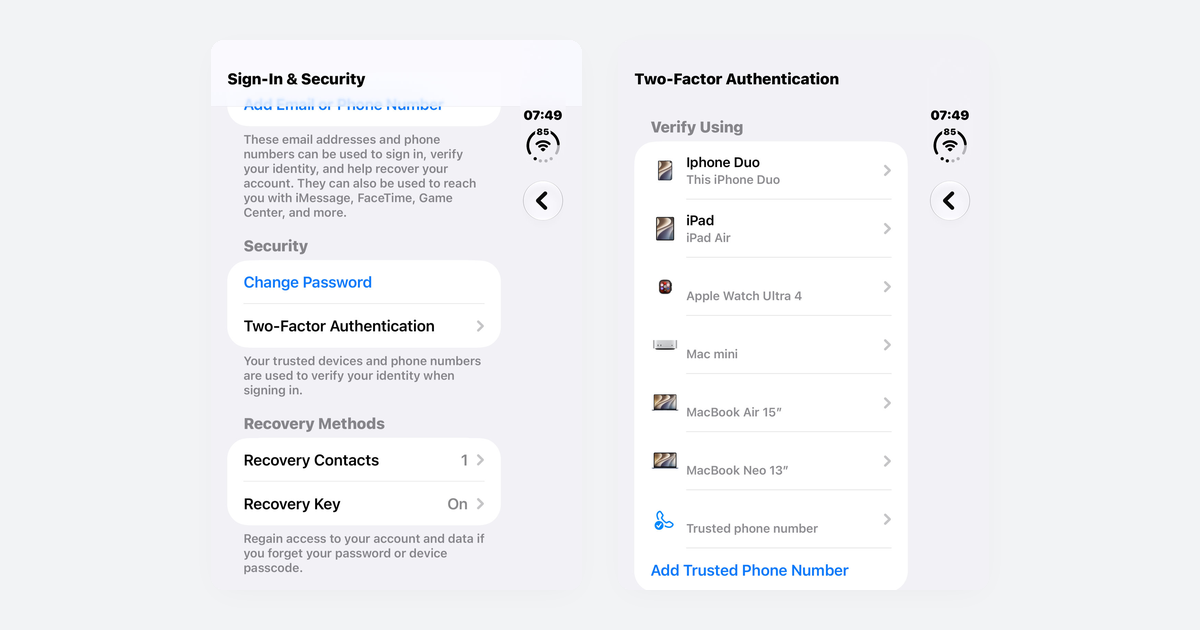
How to Turn On Two-Step Verification for Google, Apple, Microsoft, Facebook, Instagram and Amazon
Open each account's security settings, turn on two-step verification, and save backup codes plus a second way back in.
Accounts & Security · 14 min read
Locked Out of Your Account? Step-by-Step Recovery for Google, Apple, Microsoft and Facebook
Use a device you've signed in on before and start only from the company's official recovery page, then wait.
Accounts & Security · 9 min read