Topic
Passwords and accounts
Most account takeovers start with a reused or leaked password. These guides show how to lock your accounts down and how to get back in if you're locked out, and the stories below cover breaches that may affect you.
Start here
- Use a different password for every important account. A password manager makes that easy.
- Turn on two-step verification, starting with your email, your bank and your Apple, Google or Microsoft account.
- After a breach notice, change that password and any account where you reused it, then watch for phishing emails that mention the breach.
Guides and fixes

Clicked a Scam Link or Gave Out Your Info? What to Do Right Now
Call your bank if you shared card details, change reused passwords, remove any remote-access app, and freeze your credit for a stolen Social Security number.
10 min read
Email Hacked? How to Take It Back and Lock It Down
Change your email password on a trusted device, sign out everywhere, turn on two-step verification, and check forwarding and recovery info.
15 min read
Family Tech Safety Gifts You Can Set Up for Them
Sit with family and set up a password manager first, then a VPN for guest Wi-Fi. Giving a new iPad Air? Do the steps on it together.
3 min read
First Settings to Change on a New Phone
Turn on Find My or Find Hub first, then limit app tracking and turn on two-step verification before the new phone leaves the table.
5 min read
Forgot Your Wi-Fi Password? How to Find It on Your Phone, Computer or Router
Find the password on a phone or computer already on your Wi-Fi, or on the sticker on your router.
7 min read
Give Holiday Guests Wi-Fi Without Handing Over Your Password
Give visitors their own Wi-Fi login on a Nest network, or share a phone hotspot, without handing over the household password.
5 min read
How to Protect a Child's Identity From Theft
Check for a child's credit report, place a free freeze at Equifax, Experian and TransUnion, and watch for mail or IRS notices in their name.
10 min read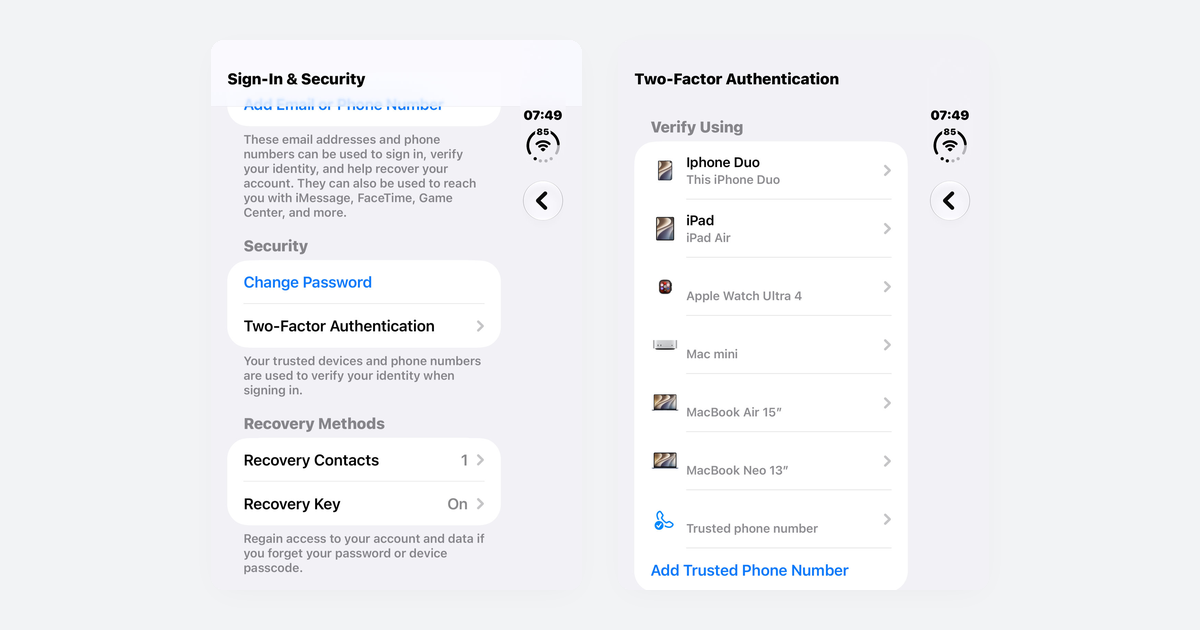
How to Turn On Two-Step Verification for Google, Apple, Microsoft, Facebook, Instagram and Amazon
Open each account's security settings, turn on two-step verification, and save backup codes plus a second way back in.
14 min read
Locked Out of Your Account? Step-by-Step Recovery for Google, Apple, Microsoft and Facebook
Use a device you've signed in on before and start only from the company's official recovery page, then wait.
9 min read
The Best Tech Present for a Techie Who Has Everything
Skip another gadget. Gift a password manager, a VPN or an encrypted file locker to someone who already has the headphones and the latest phone.
8 min read
Travel Tech for Holiday Trips and Airport Wi-Fi
Set up a VPN on your phone, a password manager, and a file locker at home before a trip. Bring your own laptop, like a MacBook Neo, for logins.
3 min read
Which Password Manager Should a Beginner Use?
Not sure which password manager to start with? Proton Pass (free plan) vs NordPass, side by side: what's free, what you pay, and who each one suits.
7 min read
Latest Passwords and accounts news

College Board Breach Takes CSS Profile Offline. What Families Can Do
College Board confirmed intruders reached its account sign-up and CSS Profile systems and took the financial aid form offline ahead of Dec. 1 deadlines.

pCloud Confirms a Cyberattack on Pass After Strange Login Alerts
pCloud confirmed a cyberattack on its pCloud Pass password manager that exposed a small number of user emails and triggered automatic login alerts.
Fake Google Sheets Extension in Chrome Steals Gmail Messages
A Windows malware called Remus slips a fake Google Sheets extension into Chrome that copies every new unread Gmail message once a minute.
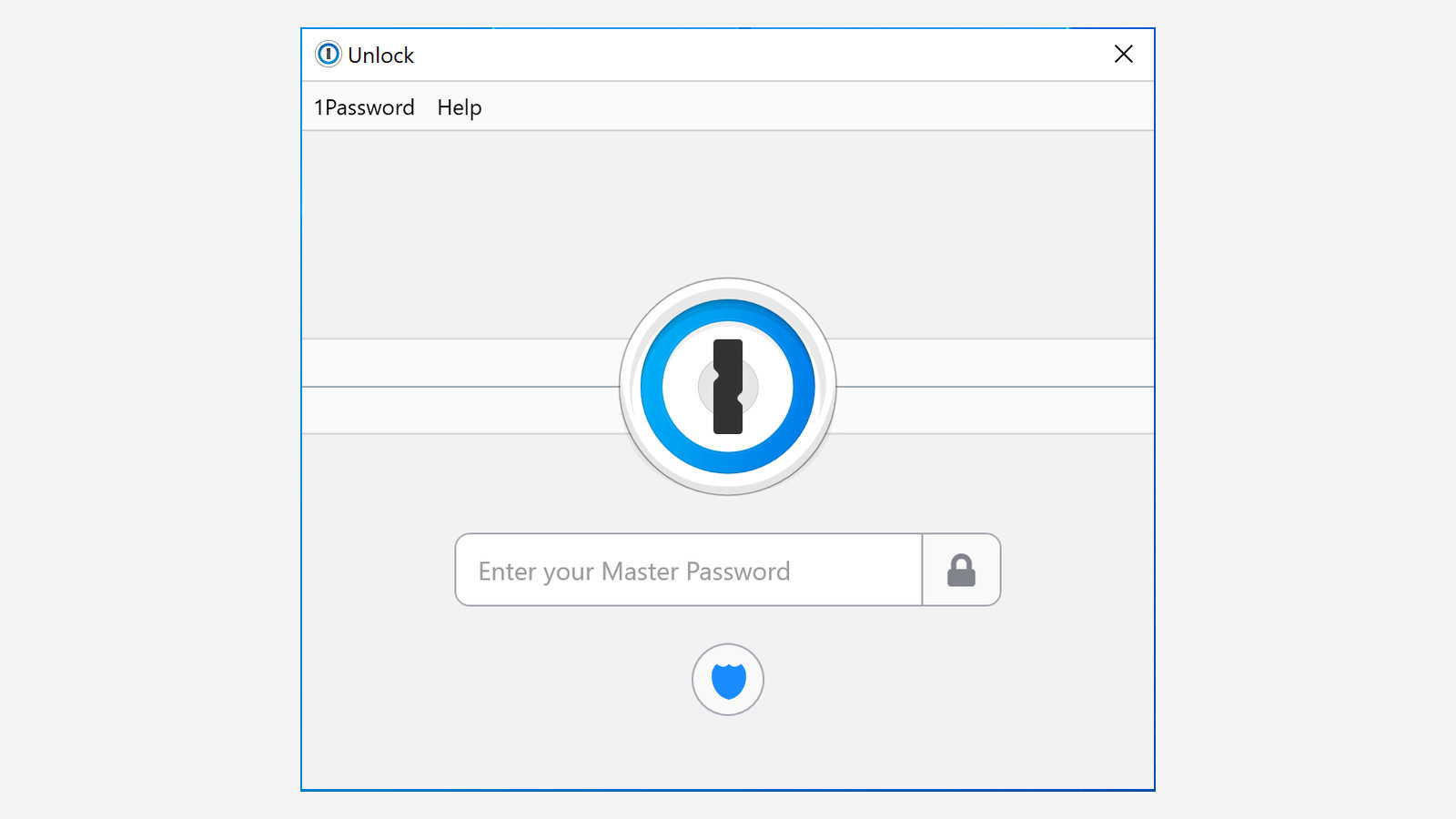
1Password Hack Exposed Customer Names and Emails, Not Passwords
1Password says a hacker used an employee's GitHub account to copy names, emails and account data for some users. Vaults, passwords and Secret Keys were not touched.

2 Billion Stolen Logins Were Left Open Online, Gmail Hit Hardest
An unprotected database held about 2 billion stolen login records from password-stealing malware, led by 608 million Gmail records.
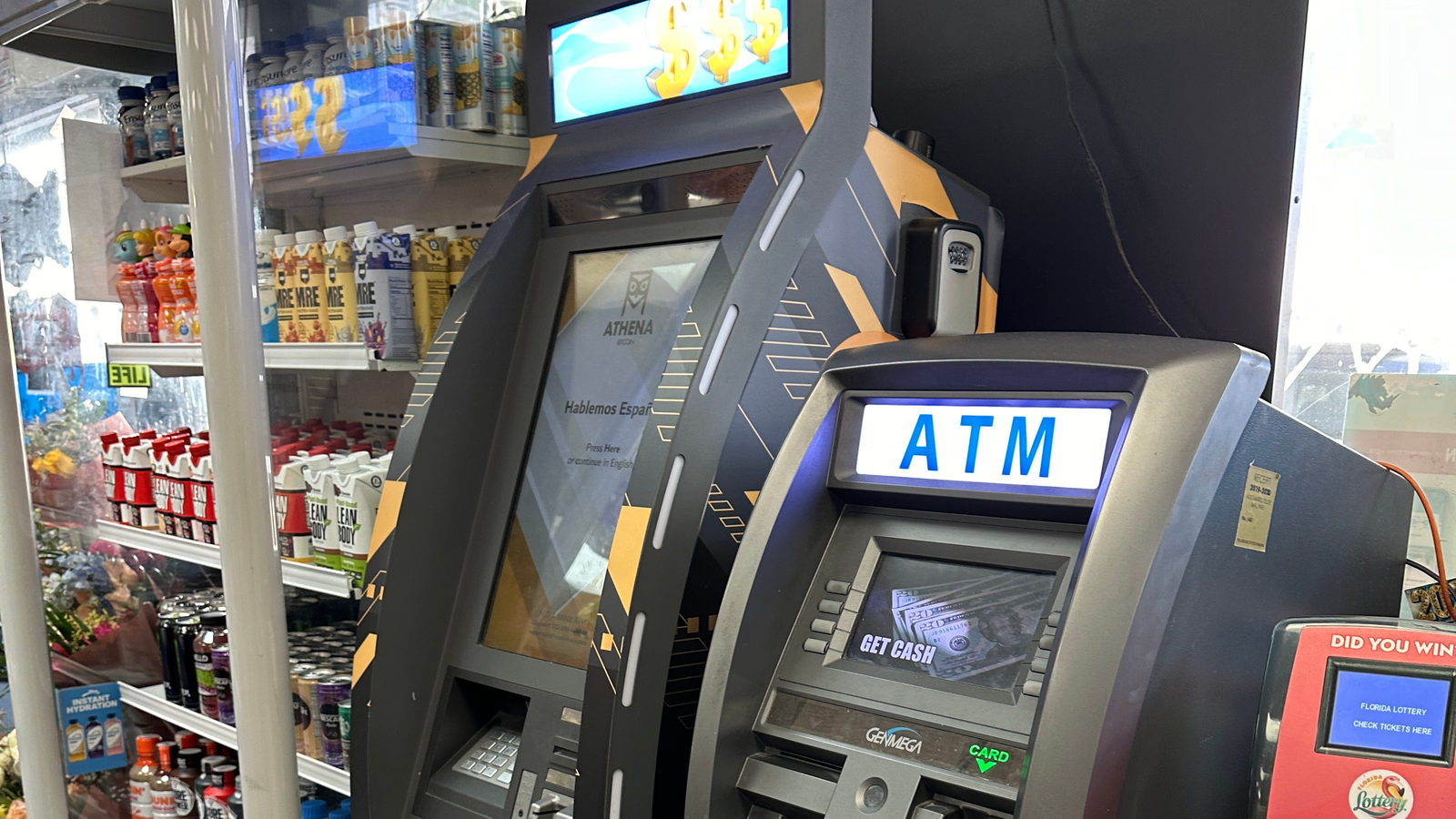
Jury Duty Scammers Copied the Federal Courts Website to Fool Victims
Three fake court websites seized by federal agents copied the real U.S. Courts site and asked jury duty scam victims for a driver's license photo and Social Security number before steering them to bitcoin kiosks.
Spotify Login Outage Kicked Thousands of Listeners Out Tuesday
A Spotify login outage signed out thousands of listeners early Tuesday, Nov. 24, before service came back for most people within about an hour.
FBI Flags 830,000 Fake Student Aid Accounts. How to Check Your Name
The FBI said it has flagged about 830,000 student aid accounts opened with stolen identities and tied to about $130 million in federal aid.

Apple Services Outage Hit iCloud and App Store. What to Do
An internal update, not a cyberattack, caused an Apple services outage on Nov. 17 that hit iCloud sign-in, the App Store and other services; check System Status and don't reset your password.
Grounded Flights, a Microsoft Outage and Bank Login Trouble
The FAA halted U.S. flights Friday after legacy equipment was overloaded, Microsoft blamed a network upgrade for a widespread outage, and bank customers reported login trouble Monday. Officials say they see no attacks.