
On this page · 2 sections
Apple services including iCloud sign-in, the App Store and AppleCare went down for many users on Tuesday, Nov. 17. Apple told Bloomberg the cause was an internal update, not a cyberattack, MacRumors and TechCrunch reported.
In a statement both outlets carried, Apple said: "Many of our systems are back up and running after an internal update caused some outages this morning. We're working to get the remaining systems online as soon as possible."
Problems with iCloud accounts and sign-in started around 11:45 a.m. ET, MacRumors reported, matching Apple's System Status page. AppleCare on Device was listed as an outage even earlier, at 11:15 a.m. ET. The page also listed Apple Music, iCloud Mail, iCloud web apps, Apple Business, Apple School Manager, Schoolwork and, later in the afternoon, the App Store and the Volume Purchase Program.
MacRumors reported that Apple retail store systems were also offline, and that customers in stores could not complete purchases. Downdetector showed a spike in complaints about Apple Pay as well, the Associated Press reported. USA Today, citing the same tracker, said those reports rose around 11:40 a.m. ET and peaked around 12:15 p.m. ET. Apple Pay was not listed as its own item on the status page.
By Tuesday afternoon, Apple's status page still listed problems with iCloud Account & Sign In, iCloud web apps, AppleCare on Device, the App Store, Apple Business, Apple School Manager, Schoolwork and the Volume Purchase Program. iCloud Mail was listed as resolved after trouble that lasted until 1:25 p.m. ET. Apple Music, which had been listed earlier in the day, was no longer on the list.
What to do now
If an Apple service isn't working, start with Apple's System Status page. Apple's own guidance for a sign-in that spins or cannot connect is to check that page for an outage in your country or region, and if there is one, wait and try again later.
Don't reset your Apple Account password or remove a device from your account just because sign-in failed during the outage. A failed sign-in while Apple lists iCloud Account & Sign In as having an issue is not, on its own, a sign that your account was taken over. Trusted devices are what Apple uses to verify it's you when you change your password. If you start account recovery because a verification code will not come through, Apple says getting back in can take days.
If a purchase or an Apple Pay payment failed, try it again after the service is listed as available, then check whether you were charged twice. For App Store and other Apple media purchases, Apple says you can review your history at reportaproblem.apple.com or in the App Store under Apps & Purchase History. If you see a duplicate charge, you can request a refund from that same page. For Apple Pay, open the Wallet app, tap the card you used, and review the latest transactions. Apple says the most accurate record comes from your card issuer.
Ignore unexpected texts or emails that say your Apple account is locked, or that ask you to sign in, reset a password, or tap a link to "fix" the outage. Apple says it will never ask you for your password, verification codes, or device passcode, and it will never ask you to log in on a website from a surprise message. If you are not sure a message is real, don't follow the link. Take a screenshot of a suspicious text and email it to reportphishing@apple.com, Apple says. If you already tapped a link or entered your password, change your Apple Account password on a device you already trust, and see our guide on what to do after you click a scam link.
Want more tech news like this? Follow Tech Cheat Codes on Facebook. Tap this link, then tap Follow: Follow Tech Cheat Codes on Facebook
References
- System Status, Apple Support.
- Apple Blames Internal Update for Outage, Says It Wasn't a Cyberattack, MacRumors, Nov. 17, 2026.
- Apple services, including iCloud, App Store, Apple Music, and more, hit by outage, TechCrunch, Nov. 17, 2026.
- Apple joins a parade of technology hiccups in recent days, Associated Press, Nov. 17, 2026.
- Is Apple down? Thousands report problems accessing services, USA Today, Nov. 17, 2026.
- If you can't connect or sign in to iCloud, Apple Support.
- Sign in to your Apple Account on the web or in your device settings, Apple Support.
- About trusted phone numbers and trusted devices for Apple Account, Apple Support.
- Recognize and avoid social engineering schemes including phishing messages, phony support calls, and other scams, Apple Support.
- View your purchase history for the App Store and other Apple media services, Apple Support.
- Request a refund for apps or content that you bought from Apple, Apple Support.
- See your Apple Pay transaction history, Apple Support.
Get the next cheat code
Plain-English tech fixes and scam alerts. Tap Follow on Facebook or TikTok, or pick another below.
Related fixes

Email Hacked? How to Take It Back and Lock It Down
Change your email password on a trusted device, sign out everywhere, turn on two-step verification, and check forwarding and recovery info.
Accounts & Security · 15 min read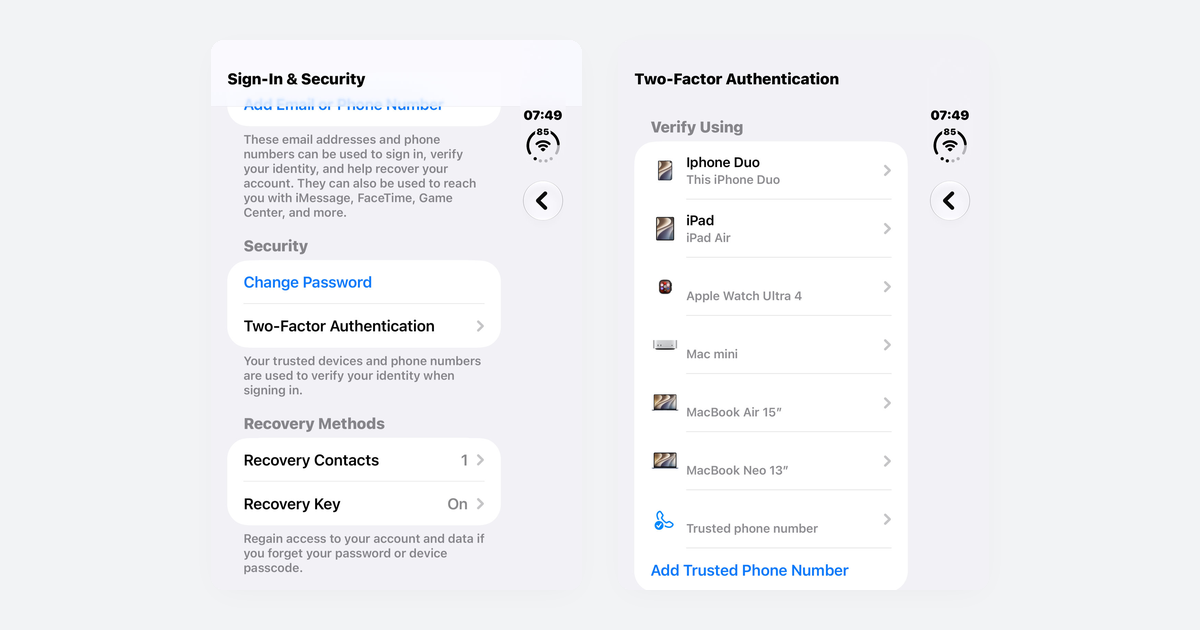
How to Turn On Two-Step Verification for Google, Apple, Microsoft, Facebook, Instagram and Amazon
Open each account's security settings, turn on two-step verification, and save backup codes plus a second way back in.
Accounts & Security · 14 min read
Clicked a Scam Link or Gave Out Your Info? What to Do Right Now
Call your bank if you shared card details, change reused passwords, remove any remote-access app, and freeze your credit for a stolen Social Security number.
Scams · 10 min read