
On this page · 2 sections
Archive of Our Own is back online after a security incident that took the fanfiction site down on Thursday, Oct. 29, 2026. The Organization for Transformative Works, the volunteer-run nonprofit that runs AO3, posted an update at 3 a.m. EST Sunday, Nov. 15, saying the site is now up.
Some features are temporarily turned off so the site could return sooner than the four-week mark the group had warned about. The official status page says icons across the site — including user icons and collection icons — are disabled, importing external works is unavailable, and works can be downloaded only in HTML format. The group says those features will be restored, and that the icons have not been deleted. Because of high traffic, the site may be slow to load. That delay is intentional. If you see the AO3 downtime page, the status update says to refresh and try again.
The group says no AO3 data has been deleted. Works, bookmarks, and kudos are still safe. Automatic draft deletion was paused while the site was down, and no drafts were deleted during the outage. That pause will stay in place for the next two weeks so people can log back in, save a copy of a draft, or publish it. Beginning Sunday, Nov. 29, draft deletion will return to normal, and drafts that are 30 days old will be deleted. The deletion date shown at the top of a draft will still be 30 days after the original creation date, and will not show the new deadline. Review your drafts before Nov. 29.
The outage was a security incident, and the group says it will not share specifics about the changes it is making. It has partnered with a security firm to review the incident and help prevent future ones. At this time, it has no reason to believe the user database was compromised, though it cannot rule out that possibility. In an earlier status update, posted Thursday, Oct. 29, at 9:27 p.m. Eastern time (01:27 UTC on Oct. 30), it said the AO3 database contains account information that may include a username, email address, IP address, and a hashed version of the password. Hashing stores a password in a scrambled form that cannot easily be reversed, but a weak or reused password can still be cracked. AO3 does not collect real names. Donor information sits in a separate system that is not linked to AO3, and the Oct. 30 update said that data had not been exposed.
The Verge also reported the site's return on Sunday.
What to do now
- When you can sign in, change your AO3 password. Pick a unique password you don't use anywhere else, and make sure the email address on the account is one you still control. The status update posted as the site returned recommends both steps.
- If you reused your AO3 password on any other site, change the password there too, starting with email, banking, and shopping accounts. That precaution still applies even though the group says it has no reason to believe the user database was taken. Our guide to turning on two-step verification can help you lock down those other accounts. If you think an email account was reached, follow our steps to take it back.
- Open your drafts, and either save a copy for yourself or publish them, before Sunday, Nov. 29. Don't rely on the date shown at the top of the draft. After Nov. 29, drafts that are 30 days old will be deleted again.
- Expect a slower site, missing icons, HTML-only downloads, and no external-work importing for now. If you hit the downtime page, refresh and try again, as the status update advises.
- Watch for fake "AO3 is back, verify your account" emails or chats. Sign in only from the address you already use, or by typing archiveofourown.org yourself. Don't click a surprise link, and don't give your password or a one-time code to anyone who contacts you about the outage. Our 4 warning signs and free Scam Spotter card can help before you click. If you already tapped a suspicious link, follow our steps after a scam click.
Want the next fix in plain English? Follow Tech Cheat Codes on Facebook. Tap this link, then tap Follow: Follow Tech Cheat Codes on Facebook
References
Get the next cheat code
Plain-English tech fixes and scam alerts. Tap Follow on Facebook or TikTok, or pick another below.
Related fixes

Email Hacked? How to Take It Back and Lock It Down
Change your email password on a trusted device, sign out everywhere, turn on two-step verification, and check forwarding and recovery info.
Accounts & Security · 15 min read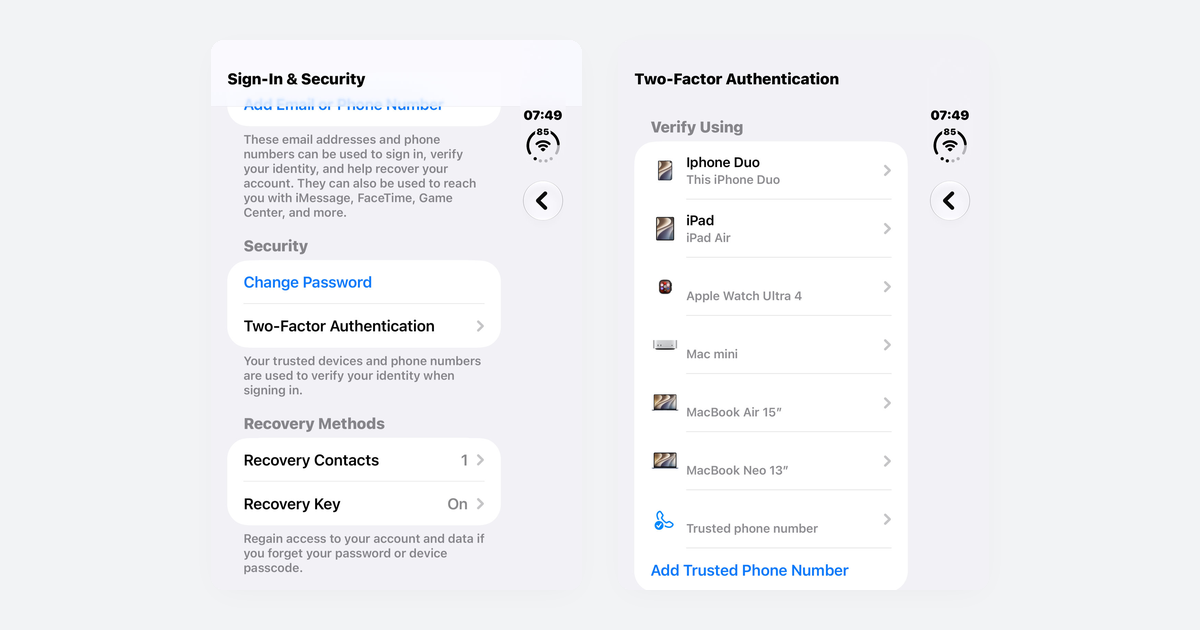
How to Turn On Two-Step Verification for Google, Apple, Microsoft, Facebook, Instagram and Amazon
Open each account's security settings, turn on two-step verification, and save backup codes plus a second way back in.
Accounts & Security · 14 min read
Clicked a Scam Link or Gave Out Your Info? What to Do Right Now
Call your bank if you shared card details, change reused passwords, remove any remote-access app, and freeze your credit for a stolen Social Security number.
Scams · 10 min read