
On this page · 3 sections
If a new HomeView arrived in the last few days, pause before you start hanging family photos and grocery lists on it. Apple released its first software update for the device on Thursday, Nov. 12, the day before the first units reached customers, and the most important part of that update is a set of security repairs.
The update is called HomeView Software Version 27.2. Apple's own security notes list nine fixes. Two of them are the ones worth reading about even if you skip the rest: a remote attacker, meaning someone who does not have to be in your house, may have been able to join an iMessage group chat and receive its messages, and a malicious Bluetooth device may have been able to pair with the HomeView without you doing anything. Pairing just means the two devices agree to trust each other.
Apple has not said these bugs were used in real attacks. It also has not said how long they were in the software. That's normal for Apple, which usually waits until a fix is out before it describes a problem. Once the notes are public, though, the people who leave the device on the old build are the ones left open. The fix is free, and it takes a few minutes.
What the update repairs
The two Messages fixes are the most personal. Besides the group-chat join bug, Apple also fixed a flaw that could let a person added to an iMessage group see messages sent before they joined. You'd expect a new person in a chat to start fresh. Apple says it fixed that one by removing the vulnerable code.
Several other fixes are about Bluetooth, the short-range wireless signal HomeView uses to talk to nearby gadgets, and about AirPlay, the feature that sends music or video to speakers and TVs. When a new gadget connects, the HomeView may ask for a short pairing code and then limit how many times someone can guess it, a bit like a bank card that locks after a few wrong PINs. Apple patched bugs that could let an attacker in Bluetooth range, or on the same network, get around that limit, and another that could let a nearby attacker mess with the device's short-term memory. Bluetooth range is usually around 30 feet, which is plenty in an apartment hallway or a busy kitchen during the holidays.
The list also includes a fix for an app that may have been able to reach private information, and a fix in brotli, a tool the software uses to unpack compressed data, where a specially made file could cause memory trouble.
Apple already shipped a similar set of iMessage and Bluetooth repairs for iPhone in iOS 27.2.1. If that update is still sitting on a family phone, install it too.
How to install it
Apple says HomeView installs software updates automatically by default, so some devices may pick this one up on their own. Don't assume yours already did, especially if you just unboxed it this weekend. Check by hand.
Apple's official steps are:
On your paired iPhone or iPad, first update that device to iOS 27.2 or later, or iPadOS 27.2 or later. Then open the Home app, tap the More button, tap Home Settings, and tap Software Update. If an update is there, tap Update Now. You can also turn Automatic Updates on or off on that same screen.
Or do it on the HomeView itself. Open the Settings app, tap System, then tap Software Update. If an update is there, tap Update Software, then tap Download and Install when it's ready.
Keep the HomeView connected and plugged into power until the update finishes. Don't start it right before you need the display for a recipe or a video call.
Want the next fix in plain English? Follow Tech Cheat Codes on Facebook. Tap this link, then tap Follow: Follow Tech Cheat Codes on Facebook
References
Get the next cheat code
Plain-English tech fixes and scam alerts. Tap Follow on Facebook or TikTok, or pick another below.
Related fixes
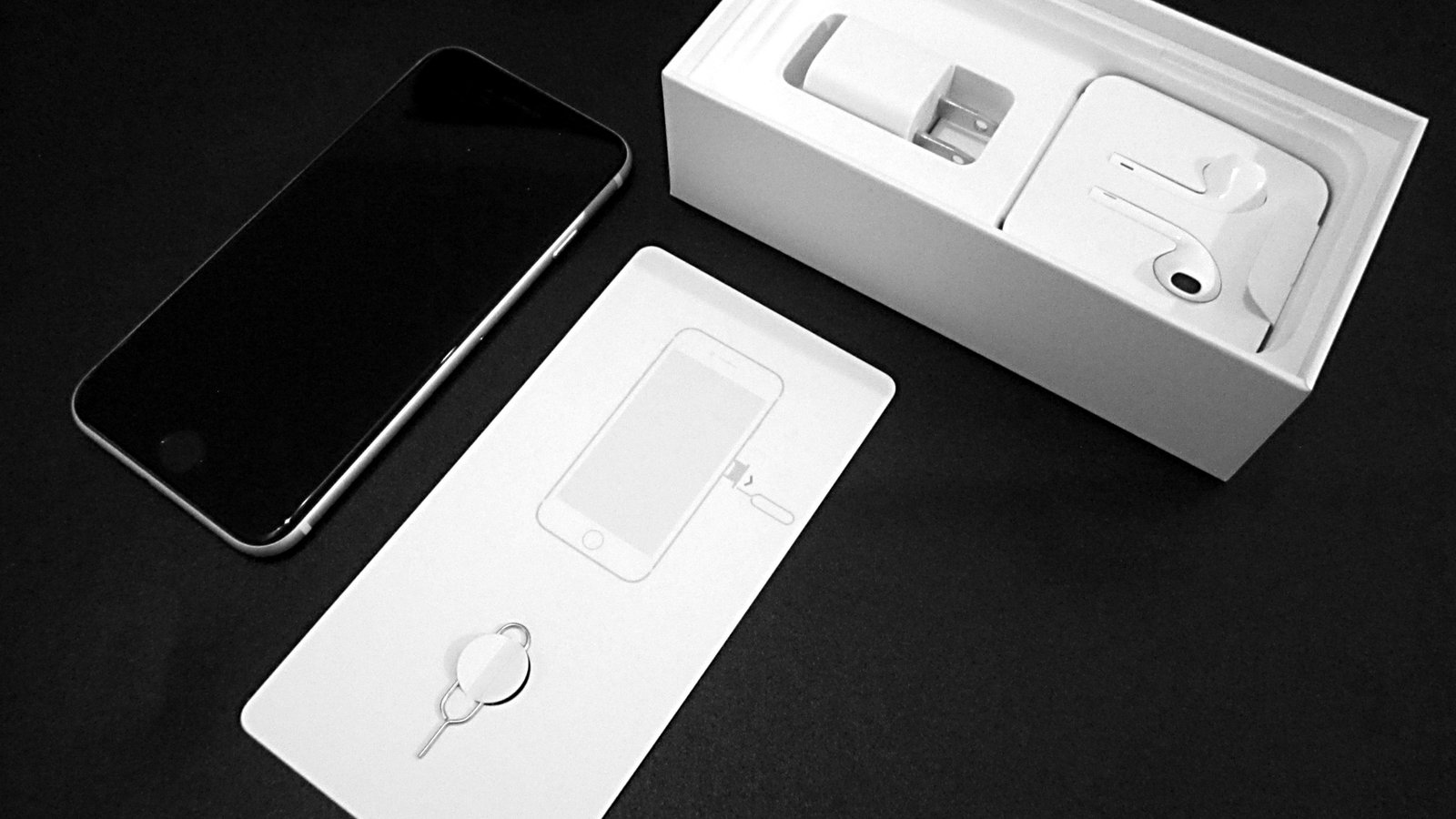
New Phone or Computer? How to Move Your Photos, Messages and Files Over for Free
Charge both devices, keep them side by side, and use the free built-in transfer tool for your phones or computers.
New Device Setup · 10 min read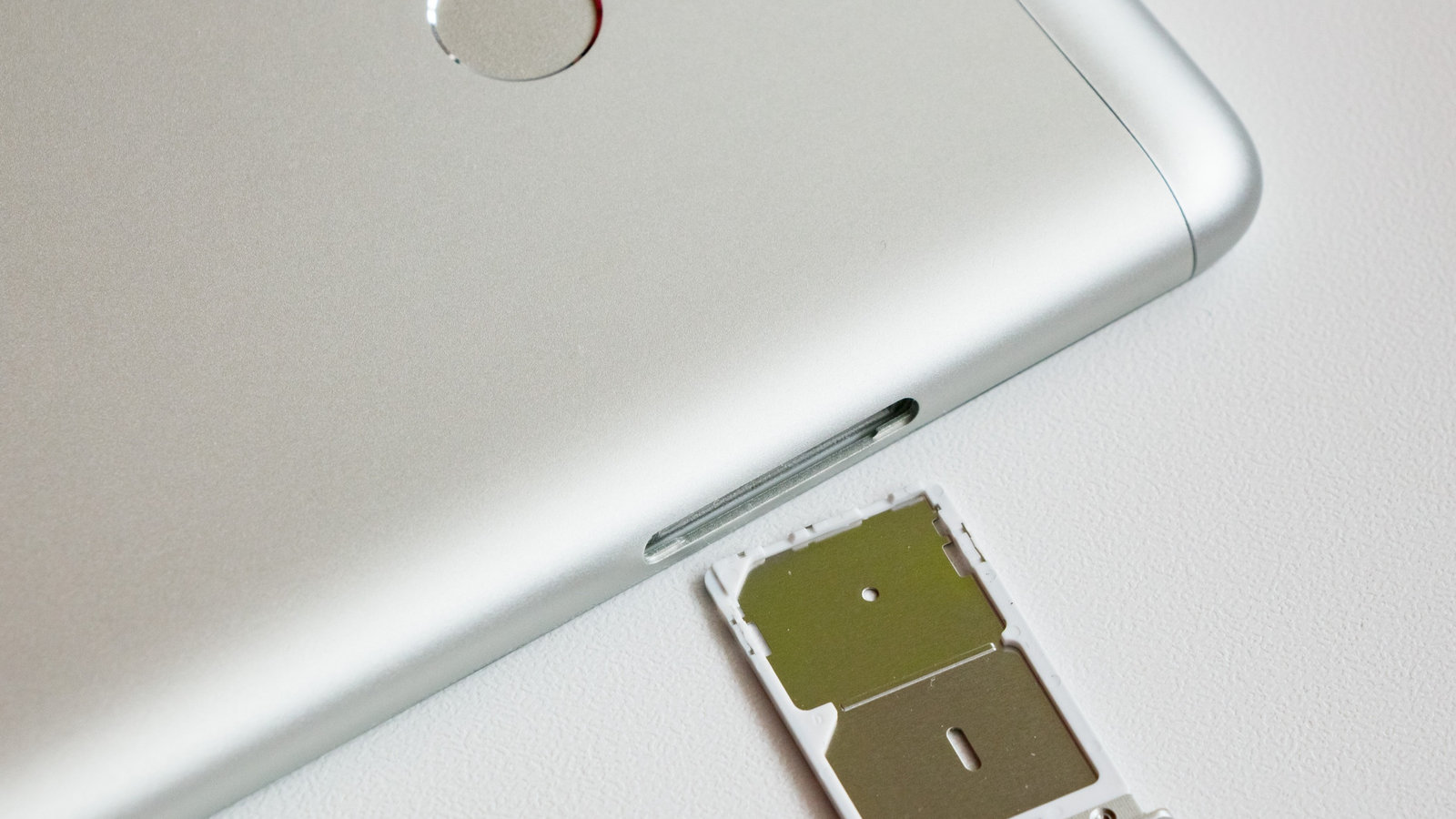
Selling or Giving Away an Old Device? How to Wipe It Safely
Back up first, sign out of your accounts, erase the device, then remove the SIM and take it off your accounts online.
New Device Setup · 12 min read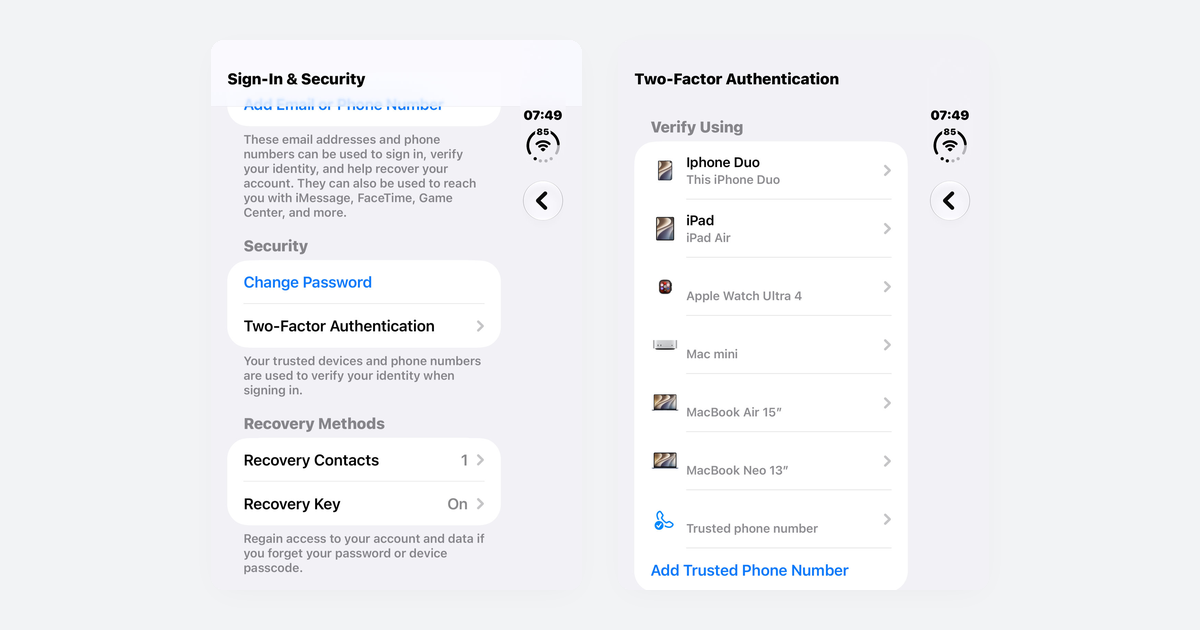
How to Turn On Two-Step Verification for Google, Apple, Microsoft, Facebook, Instagram and Amazon
Open each account's security settings, turn on two-step verification, and save backup codes plus a second way back in.
Accounts & Security · 14 min read