
On this page · 3 sections
If an email says some of your Outlook mail got stuck in last week's Microsoft 365 outage and will be deleted in 24 hours unless you hit Restore messages, don't touch it. It's a scam.
Microsoft 365, the work and school version of Outlook, Teams and the rest of Microsoft's office apps, had a real outage on Thursday, Nov. 12. Mail was delayed for a lot of people, so a message about held mail can look believable. That's the trap. Early Saturday, Nov. 14, Microsoft Threat Intelligence, the company's security team, said it had spotted an active phishing campaign that uses the outage as bait. Phishing just means a fake message that tries to get you to click a link and hand over a password or other sign-in details.
The fake emails dress up as Microsoft 365 service health notices, the kind of official status note a workplace might send during a real outage. They even cite a real incident ID from the outage, EX1550543, which is the actual Exchange Online, or Microsoft email, incident number. A real-looking ID is not proof the email came from Microsoft.
iThis page has affiliate links. If you buy through one, we may earn a small commission at no extra cost to you. Learn more.
How to spot the fake
Microsoft said some of the phishing emails it saw on Friday, Nov. 13, claim messages were held during the outage and will be deleted within 24 hours unless you click to restore them. That countdown is the pressure move. Microsoft does not need you to click a button in a surprise email to keep your mail from vanishing.
Other tells Microsoft listed:
- The subject line follows a pattern like "Outage -" plus a six-character code.
- The sender's display name starts with something that looks tied to your workplace, then "Outage Notification" or "Service Health."
- The mail comes from one of three domains Microsoft named: moments-notice[.]com, planetmaison[.]com or newbooker[.]com. Those are written with a bracket on purpose so they aren't live links. Don't visit them.
- The button or link is a personal click-tracking address that then sends you somewhere else. Microsoft saw those links go to reallifeaccounting[.]com.
Microsoft said the campaign looks like an attempt to steal sign-in details. It also said it has not confirmed that any passwords were actually collected, or that the emails delivered harmful software. Similar messages went after organizations in several U.S. industries.
A Saturday evening follow-up from the same Microsoft team said Microsoft Defender blocks the malicious domains used in the campaign, and Microsoft Defender for Office 365 blocks and quarantines the phishing emails when those tools are in place. That helps a lot of workplaces. It does not mean every inbox is covered, and a blocked campaign can still show up in a new form.
If one lands in your inbox
Don't click Restore messages, Take action, or any other button in the email. Don't sign in through a link it provides, and don't call or email an address that appears only in that message.
Open Outlook or Teams yourself. Type the usual web address in your browser, or use the app already on your phone or computer. If you use Outlook at work or school, ask your IT team through the channel you already trust, not through contact details in the email. Microsoft told organizations to confirm any real service problem directly in the Microsoft 365 admin center, which is the official status desk for workplace accounts. Home users with a personal Outlook.com or Microsoft account usually don't have that admin center. For you, the safe move is still the same: ignore the email, and open Outlook on your own.
In Outlook, report the message as phishing if you have a Report or Report phishing button, then delete it. If you aren't sure whether a message is a scam, our 4 warning signs can help, and you can print our free Scam Spotter card for a short checklist before you click, pay or call back.
If you already clicked the link but didn't enter anything, you can stop there, then follow our steps after a scam click. If you entered your password, change it now on the real Microsoft site or in the app, and change it anywhere else you reused it. Turn on two-step verification so a stolen password alone is not enough to get in, and use our hacked email guide if you think someone else got into the account.
This page has affiliate links. If you buy through one, we may earn a small commission at no extra cost to you. Learn more. A YubiKey 5C NFC (opens in a new tab) is a small key you plug in or tap when you sign in. It adds a second step that a stolen password alone can't pass. It does not undo a bad click, and it does not stop scam emails from arriving.
Want the next fix in plain English? Follow Tech Cheat Codes on Facebook. Tap this link, then tap Follow: Follow Tech Cheat Codes on Facebook
References
Get the next cheat code
Plain-English tech fixes and scam alerts. Tap Follow on Facebook or TikTok, or pick another below.
Related fixes
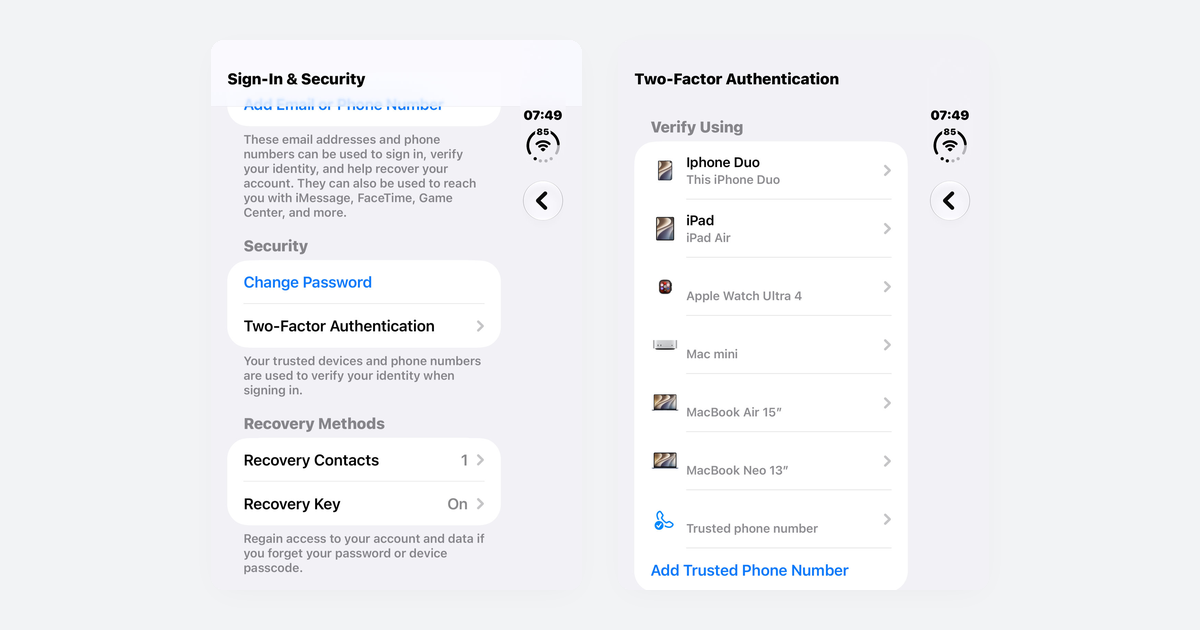
How to Turn On Two-Step Verification for Google, Apple, Microsoft, Facebook, Instagram and Amazon
Open each account's security settings, turn on two-step verification, and save backup codes plus a second way back in.
Accounts & Security · 14 min read
Is This a Scam? 4 Warning Signs and What to Do Next, for Parents, Kids and Grandparents
Watch for someone pretending to be trusted, a sudden problem or prize, pressure, and a request for gift cards, crypto, or a wire.
Scams · 8 min read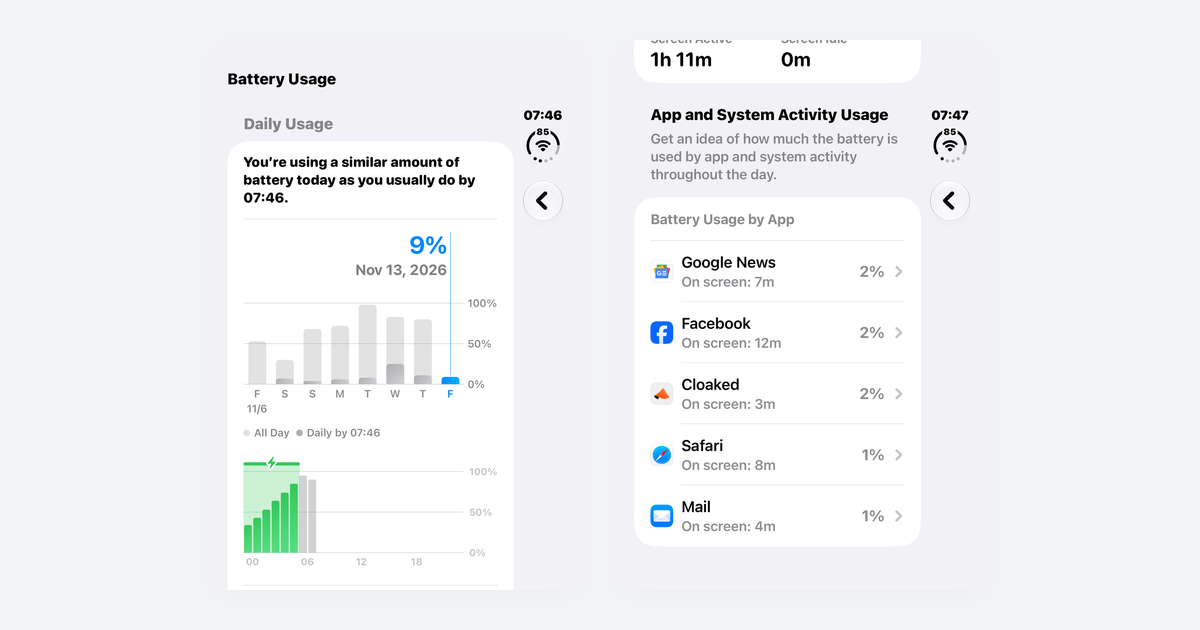
Phone Battery Draining Fast? Free Fixes for iPhone and Android
If you just updated, wait a few days; then check which app is using power, turn on battery saver, and dim the screen.
Phones & Storage · 10 min read