
On this page · 7 sections
Quick answer
Only a pre-order or a redeemed code-in-box code can preload. PS5 starts at midnight your local time on Tuesday, Nov. 10. Xbox Series X|S starts at 12:00 AM GMT on Nov. 10, which is 7:00 PM ET on Monday, Nov. 9. Clear 212 GB first. On PS5, leave auto-download checked, turn on Stay Connected to the Internet, and enter Rest Mode before the window opens. On Xbox, set the power mode to Sleep and turn on Keep my games & apps up to date.
PS5: Game Library > Your Collection > GTAVI > timer > auto-download checkbox on; Settings > System > Power Saving > Features Available in Rest Mode > Stay Connected to the Internet; control center > Power > Enter Rest Mode; auto-download and auto-install system updates on. Stuck: Downloads/Uploads > Pause > Resume, then Cancel and Delete and re-enable auto-download. Xbox: Sleep power mode plus Keep my games & apps up to date; the window is one global instant, 12:00 AM GMT Nov. 10 (4:00 PM PT / 7:00 PM ET Nov. 9). Code-in-box is a download code, not a disc.
Picture a couple of minutes before midnight on Wednesday, Nov. 18, the night before launch. Everyone in the house is on the couch, the controller is charged, and the Grand Theft Auto VI tile on the TV is a progress bar parked at 14 percent. Preloading exists so that scene never happens, and it only works if a few settings are right before the window opens.
These steps are for a console you own and an account you control. If a parent or someone else runs the account, they'll need to sign off on the pre-order and the settings. The menu paths follow the PlayStation and Xbox support pages as of Nov. 5, 2026. Our news story on the Nov. 10 preload has the background; this page is the checklist to keep.
Easy Mode: get ready, then let it download
Preload is for pre-orders. A paid digital pre-order qualifies, and so does a code-in-box copy once you redeem the code. The game itself still goes live at midnight local time on Thursday, Nov. 19, on PS5.
The two start times
The two consoles don't open on the same clock. In Eastern Time an Xbox owner starts five hours before a PS5 owner. In Pacific Time the gap is eight hours.
| Console | When preload opens | In Eastern Time |
|---|---|---|
| PS5 | Midnight local time, Tuesday, Nov. 10 | 12:00 AM ET Tuesday (Monday night turning into Tuesday) |
| Xbox Series X|S | 12:00 AM GMT, Tuesday, Nov. 10, everywhere at once | 7:00 PM ET Monday, Nov. 9 (4:00 PM PT) |
Take-Two's June pre-order announcement listed a digital preload date of Nov. 12. That date has been replaced for digital pre-orders. Nov. 12 is now only when boxed code copies are expected at retailers.
1. Check the pre-order is on the right account
On a PS5, sign in, select your avatar at the top of the screen, choose Order History, and confirm the GTAVI pre-order went through. PlayStation's checklist for a preload that won't start begins with being signed in to the account that placed the pre-order, so use that account on the console. In a shared household, that's the account of whoever bought the game.
You know this worked when the order shows as successful. If it doesn't, sort that out with PlayStation Support before anything else, since nothing below will start without it.
2. Clear the space
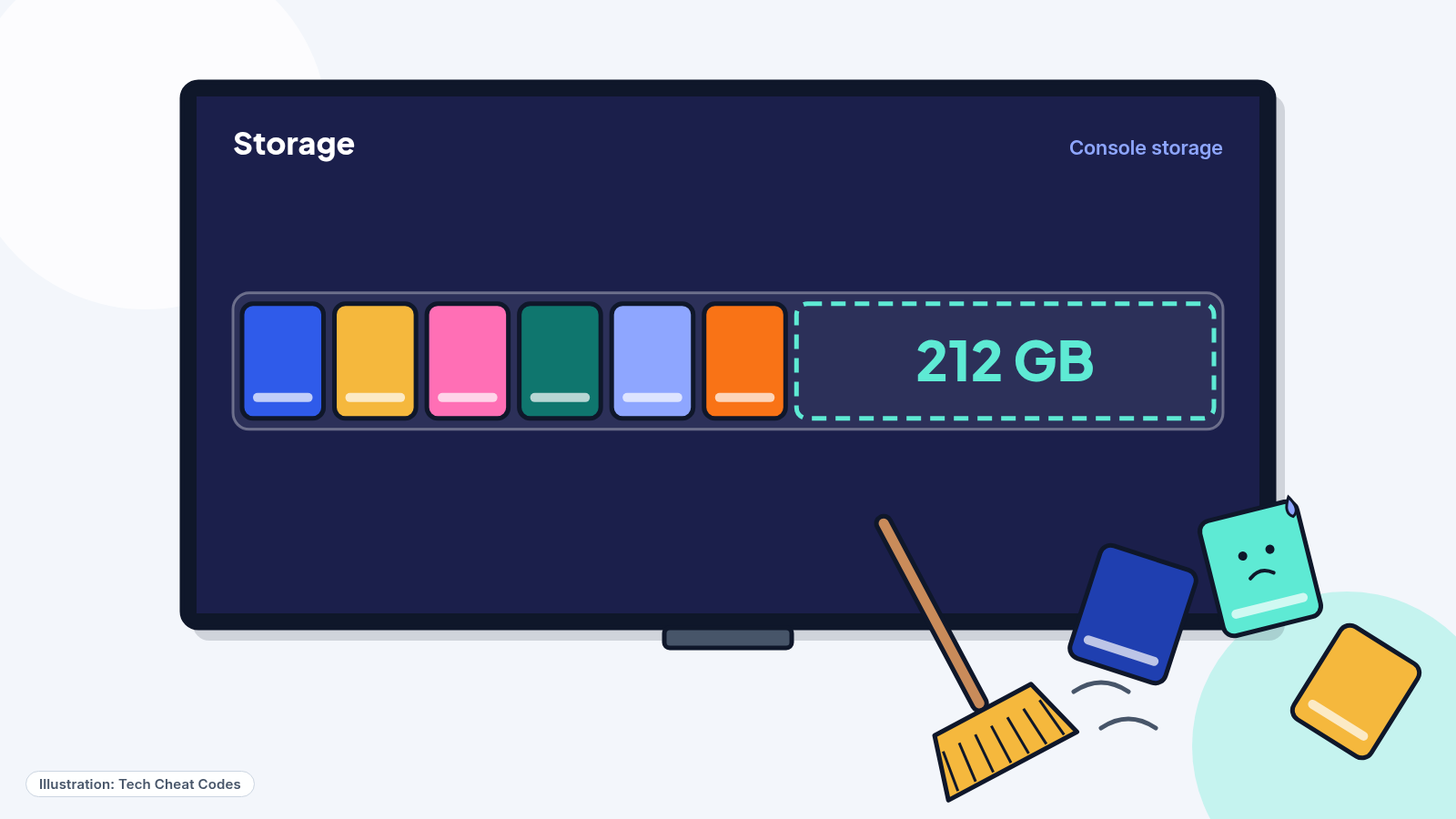
PlayStation's support page tells you to have 212 GB available. Rockstar's wording is up to 212 GB depending on the device. Do this part days ahead, not on Nov. 9, because deleting and moving games takes longer than it looks. The storage guide walks through it for both consoles.
3. Update the console
On a PS5, go to Settings > System > System Software > System Software Update and Settings and turn on Download Update Files Automatically and Install Update Files Automatically. PlayStation lists "system software is up to date" among the checks for a preload that won't start, so this is cheaper to do now than at 12:01 AM.
On an Xbox, go to Profile & system > Settings > System > Updates and turn on Keep my games & apps up to date.
4. PS5: switch on auto-download and Rest Mode
Three settings have to line up on a PS5, and PlayStation wants them set before the preload starts.
First, auto-download. From your games home, go to Game Library > Your Collection and pick your GTAVI pre-order. A timer counts down to the game's release. Select the timer and make sure the checkbox next to GTAVI is ticked.
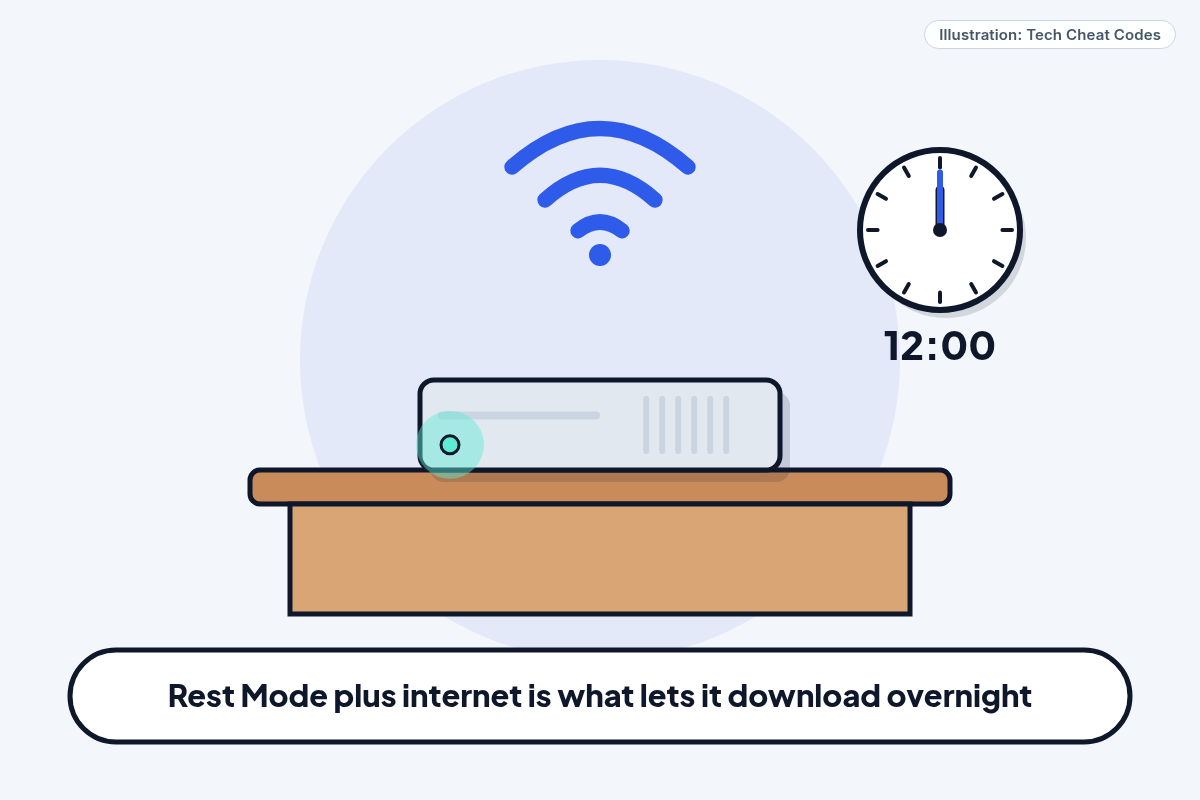
Second, internet during Rest Mode. After you buy, the PS5 may ask whether it should stay connected to the internet in Rest Mode, and Yes is the answer you want. To set it later, go to Settings > System > Power Saving > Features Available in Rest Mode and turn on Stay Connected to the Internet.
Third, put the console to sleep on purpose. Open the control center and choose Power > Enter Rest Mode before the window opens. PlayStation's steps assume a console in Rest Mode with the internet connection kept on, so that's the setup to copy.
If other people use your PS5, check one more setting. Go to Settings > Users and Accounts > Other > Console Sharing and Offline Play and select Enable, so the other accounts on the console can play the game too.
5. Xbox: Sleep mode and automatic updates
Microsoft's support pages tie automatic installs on a home console to two settings together. Go to Profile & system > Settings > General > Power options and set the power mode to Sleep. Or leave the console powered on. Then make sure Keep my games & apps up to date (step 3) is on.
Rockstar's Pre-Load FAQ lists two requirements for Xbox: automatic updates on, and the console powered on or in Sleep mode. Those are the two settings above. Use the same Microsoft account that bought the game.
Xbox charges the payment method on a pre-order about 10 days before release, around Nov. 9, and cancels the order if the charge fails twice, so check your payment method before Nov. 9.
6. Code-in-box copies
A retail copy of Grand Theft Auto VI has no disc. The box holds a download code, and retailers are expected to have it from Nov. 12. On a PS5, sign in, select your avatar at the top of the screen, choose Redeem Code and enter the code. Xbox: redeem the code in the Microsoft Store. If the code is missing or unreadable, PlayStation tells you to go back to the store that sold it. After that, the game follows the same preload path as a digital pre-order, so steps 2 through 4 still apply.
Ultimate Edition doesn't come in a box. Box owners who want Ultimate buy an upgrade on the console's store afterward, which the editions guide covers.
7. When the window opens, check it started
On a PS5, go to Game Library, pick your pre-ordered game, select the countdown timer and look for a download in progress. If it hasn't begun, choose the download option to start it by hand.
If GTAVI appears in Downloads/Uploads but isn't moving, open it from the control center, choose the GTAVI download, then Pause and Resume. Still nothing? Select the download again, choose Cancel and Delete, go back to Game Library, pick GTAVI and turn auto-download on again. After that, the remaining checks are the account you're signed in on, the internet connection, free space and the system software.
You'll know it worked when the bar is moving and the percentage goes up. A download can still stall later, so look at it again on Nov. 17 or 18, while there's time to fix it.
Do all of that, and the Nov. 19 version of the opening scene is a TV sitting on a finished install with a countdown to midnight. Nothing left to do but wait for the clock.
Still stuck? Find your situation
| What you see | Likely cause | What to do |
|---|---|---|
| No preload option on PS5 | The pre-order or code isn't on the signed-in account | Check Order History or Redeem Code (steps 1 and 6) |
| PS5 download never began overnight | Auto-download is off, Rest Mode has no internet, or the console was fully off | Steps 4 and 7 |
| GTAVI listed but not moving | A stuck download | Pause and Resume, then Cancel and Delete (step 7) |
| Download stops partway | Storage or connection ran out | Free space and check the internet (steps 2 and 7) |
| Nothing started on Xbox at 7 PM ET Nov. 9 | Power mode or updates setting is off | Steps 3 and 5 |
| Bought a box, expected a disc | The box holds a code, not a disc | Redeem the code, then follow step 6 |
Pro Mode
Pro Mode Pro Mode: start times by time zone, date conflicts and the shared-console setting
Xbox starts at one fixed moment, 12:00 AM GMT on Tuesday, Nov. 10. The same moment is 7:00 PM ET, 6:00 PM CT, 5:00 PM MT and 4:00 PM PT on Monday, Nov. 9. PS5 follows each region's own midnight on Nov. 10, so the time zones furthest ahead, such as New Zealand, start first.
You may see a digital preload date of Nov. 12 on older pages. Take-Two's June 24 pre-order announcement still carries it. Rockstar's Support editions article (updated Nov. 4), its Pre-Load FAQ (updated Nov. 3) and its Nov. 3 Newswire post now say Nov. 10, as do PlayStation's GTAVI support page and PlayStation.Blog's Nov. 3 post, so we use Nov. 10. Nov. 12 is the date boxed code copies are expected at retailers.
Console Sharing and Offline Play matters in shared households because it lets other accounts on the console play the game. PlayStation lists it among the preload checks, and its stated purpose is letting those other accounts play the game.
The PS5 auto-download checkbox sits on the countdown-timer screen in Game Library, not in Settings. If you can't find it, look for the timer first.
Xbox menu names are from Microsoft's support pages for Sleep power mode and downloadable content. If your console menu looks different, search Microsoft Support for "power modes" or "my games & apps".
References
All 8 reference links
- Source: Grand Theft Auto VI support (US) - PlayStation Support
- Source: Grand Theft Auto VI pre-download begins November 10 - PlayStation.Blog, Nov. 3, 2026
- Source: Grand Theft Auto VI Pre-Load Begins on November 10 - Rockstar Games Newswire, Nov. 3, 2026
- Source: Rockstar Games Announces Pre-Orders for Grand Theft Auto VI - Take-Two Interactive, June 24, 2026
- Source: Grand Theft Auto VI Platforms, Editions, and Versions - Rockstar Support
- Source: View downloadable content - Xbox Support
- Source: Learn about power modes - Xbox Support
- Source: Grand Theft Auto VI Pre-Load FAQ - Rockstar Support
Get the next cheat code
Plain-English tech fixes and scam alerts. Tap Follow on Facebook or TikTok, or pick another below.
Want AI to answer your clients?
Our ready-made AI setups come with a step-by-step guide in Easy Mode and Pro Mode. You set them up yourself.
See the AI setupsRelated fixes
GTA 6 Needs Up to 212 GB: How to Free the Space on PS5 and Xbox
GTA 6 needs up to 212 GB. Check free space on PS5 and Xbox, what to delete or move, and why to leave extra room for patches before Nov. 19.
Computers · 7 min read
GTA 6 Preload Starts Nov. 10: Clear Up to 212 GB Before It Hits
GTA 6 Arrives Nov. 19: Price, Preload Date, the Missing Disc and What Parents Should Know