
On this page · 2 sections
Google is adding Google Wallet to the list of apps that Gemini can use for personalized answers. If you're a Gemini app user in the United States, you can now connect Wallet so Gemini can give responses based on your spending habits. You don't have to turn it on.
Google announced the feature on Friday, Nov. 13, 2026, and said it was rolling out that day on the web and in the Gemini app on Android and iOS, for Gemini app users in the U.S. 9to5Google's Abner Li also reported the rollout on Friday. Google's help page on Connected Apps ties this kind of connection to people who are eligible for Personal Intelligence.
Once Wallet is connected, Google said you can tag @Google Wallet in a Gemini chat and ask about personal finance and budgeting. The blog's examples include reviewing spending, spotting recurring subscription charges, and using last year's gift and travel spending to help set a holiday budget. Gemini can show charts in the chat. Google also said you have the option to link financial accounts from credit cards and banks to Wallet through Plaid if you want deeper insights. Linking a bank is a separate, optional step. Connecting Wallet, by itself, does not move money.
Google's help page tells users not to rely on Gemini's output for financial advice and to consult a professional.
This is not the same as ChatGPT Wallet, which can place a charge on a card after you approve it. Google said that if you connect Wallet, Gemini can only read information from your accounts; it can't move, manage, or invest your money. Some large U.S. banks have been blocking AI tools that sign in with a customer's password. Wallet's optional bank link uses Plaid, which is a different setup, but a bank can still decline to connect.
How to stay in control
You don't have to connect Wallet. If you never turn the connection on, Gemini can't use it for these insights. If you don't see the option yet, you may not be in the U.S. rollout, or you may not be eligible for Personal Intelligence.
If you do want to try it, or you want to check whether it's already on:
- Open Gemini's Personal Intelligence settings. Google's announcement points to gemini.google.com/personalization-settings and says you connect Wallet under Connected Apps. You can turn the connection on or off at any time.
- Read what you're sharing before you opt in. Google's Connected Apps help page says data from Google Wallet can include payment methods, data from Google services saved in Wallet, and financial account information linked with services such as Plaid. If new data is later added to a connected app, Gemini will have access to that data too.
- If you link a bank or credit-card account through Plaid, do it only in the official Wallet or Gemini flow. Never type a bank password into a chat, an email or a text. Watch for fake "connect your bank to Gemini" messages. Our 4 warning signs and free Scam Spotter card can help before you click. If you already tapped a suspicious link, follow our steps after a scam click.
- To stop the feature, return to Connected Apps in Personal Intelligence and turn Google Wallet off. Disconnecting an app does not, by itself, delete past Gemini Apps activity. Google's help page says you can manage and delete that activity separately, and that if Keep Activity is on, Gemini Apps activity, which can include data from apps you connect, may be used to improve Google services, including by training generative AI models. The same page says Gemini does not train those models directly on your Google Wallet and payments services, but that when you interact with Gemini, summaries, excerpts, and inferences from relevant transactions may be used to answer you, and that Google trains its models on those summaries and excerpts. If you don't want future chats used to improve Google AI, the help page says you can turn Keep Activity off.
- Keep two-step verification on for your Google Account. Our two-step verification guide walks through the Google steps.
Google also pointed to a Memory Summary in Personal Intelligence, at Profile > Personal Intelligence > Memory Summary, where it said you can view, refine, or remove saved preferences. That control is broader than Wallet.
Want the next fix in plain English? Follow Tech Cheat Codes on Facebook. Tap this link, then tap Follow: Follow Tech Cheat Codes on Facebook
References
- Source: Google, Connect Google Wallet to Gemini for personal finance insights (Nov. 13, 2026)
- Source: Google Help, About personalization with Connected Apps
- Source: Google Help, Manage & delete your Gemini Apps activity
- Source: 9to5Google, You can now set up Gemini's Google Wallet integration (Nov. 13, 2026)
Get the next cheat code
Plain-English tech fixes and scam alerts. Tap Follow on Facebook or TikTok, or pick another below.
Related fixes
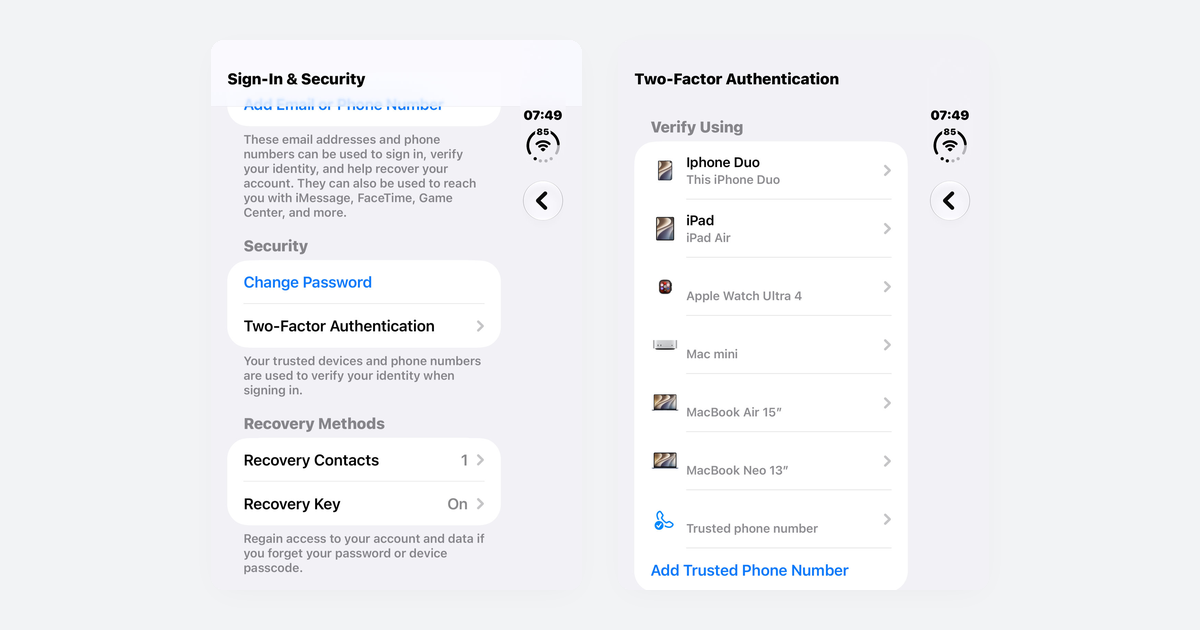
How to Turn On Two-Step Verification for Google, Apple, Microsoft, Facebook, Instagram and Amazon
Open each account's security settings, turn on two-step verification, and save backup codes plus a second way back in.
Accounts & Security · 14 min read
Is This a Scam? 4 Warning Signs and What to Do Next, for Parents, Kids and Grandparents
Watch for someone pretending to be trusted, a sudden problem or prize, pressure, and a request for gift cards, crypto, or a wire.
Scams · 8 min read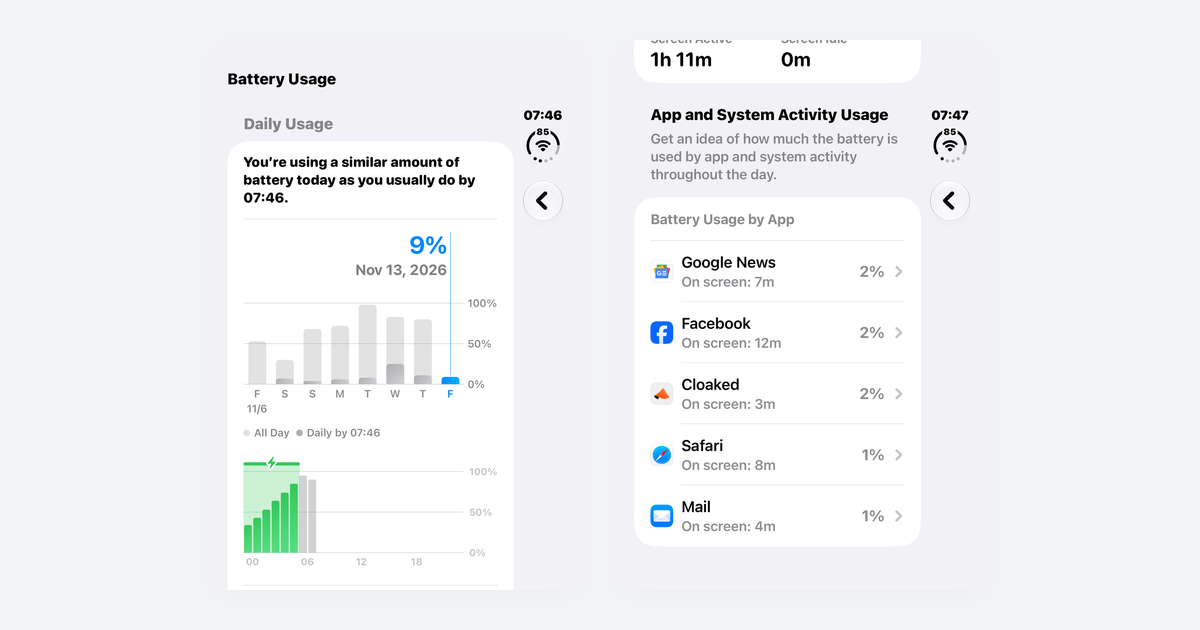
Phone Battery Draining Fast? Free Fixes for iPhone and Android
If you just updated, wait a few days; then check which app is using power, turn on battery saver, and dim the screen.
Phones & Storage · 10 min read