
On this page · 2 sections
The Facebook app for Android read photos, videos and their metadata from users' phones without specific consent, Italy's data protection authority said in fining Meta.
The decision, announced Saturday, Nov. 14, by the Garante per la protezione dei dati personali, targets a setting called "Get camera roll suggestions when you're browsing Facebook." Available since 2023, it surfaces photos and videos from your phone's gallery as ideas for posts while you scroll.
The regulator said the app asks for gallery access through a single permission that covers the whole app and several features. That request comes with a vague notice about enabling "other features," which does not tell people they are also turning on gallery suggestions. The feature was also switched on by default. Once full permission is granted, the Garante said, the app can generally read the entire photo library on the phone, permanently, with no way for the user to verify what is actually used.
About 20 million Android users in Italy were affected, the authority said. The fine equals roughly 0.47% of Meta's global revenue. The investigation began in July 2025 after a complaint from a consumer group in Bolzano.
Within 60 days, Meta must ask for consent with a separate request just for this feature, explain what it does and how to turn it off, and keep it off by default, even for people who already granted photo access. The case did not cover whether gallery content is used to train artificial intelligence, which Meta denies. The Garante said it may separately examine a newer feature, launched in 2026, that processes camera roll content in Meta's cloud.
A Meta spokesperson told Reuters the company would appeal, calling the fine "disproportionate." "This is a simple feature that helps people share photos and videos on Facebook. Users must grant permission on their device before the feature can operate, and they can change that permission at any time in their settings," the spokesperson said. ANSA reported Monday that Meta "strongly disagree[s]" with the decision.
The ruling applies only in Italy, but the camera roll suggestion settings appear in the Facebook app elsewhere, including in the U.S.
How to check Facebook's access to your photos
- Turn off the suggestion settings. In the Facebook app, tap Menu, then Settings & privacy > Settings, and look for Camera roll sharing suggestions under Preferences. Turn off both Get camera roll suggestions when you're browsing Facebook and Custom sharing suggestions from your camera roll if you don't want them. Menu names can vary by app version.
- Limit the phone permission itself. On Android, open Settings > Apps > Facebook > Permissions > Photos and videos. Choose Don't allow, or on newer Android versions, Allow limited access to pick only the photos you want to share. On iPhone, go to Settings > Apps > Facebook > Photos and pick Limited Access or None. You can still add a photo to a post. You'll just choose it each time.
- Watch for a new consent prompt. If Meta complies with the order, Italian users should see a separate request for this feature. Read any Facebook pop-up that mentions your camera roll or "cloud processing" before tapping Allow.
- Back up first if you're cleaning house. If you plan to delete private photos from your phone, save a copy first. Our guide to backing up your photos walks through it.
- Lock down the account too. Photo permissions don't protect a Facebook account someone else can sign into. Turn on two-step verification if you haven't.
Want more tech privacy news? Follow Tech Cheat Codes on Facebook. Tap this link, then tap Follow: Follow Tech Cheat Codes on Facebook
References
- Source: Garante per la protezione dei dati personali, "Facebook: the Garante imposes a fine of €805 million on Meta" (Nov. 14, 2026, Italian and English)
- Source: Reuters via Investing.com, Italy fines Meta $887 million over Android users' data access (Nov. 14, 2026)
- Source: ANSA, Meta plans appeal after Italian privacy authority hits it with €805 mn fine (Nov. 16, 2026)
- Source: Proton, Is Meta AI scanning your camera roll? (Facebook setting names)
- Facebook Help Center: Share photos on Facebook (Android)
Get the next cheat code
Plain-English tech fixes and scam alerts. Tap Follow on Facebook or TikTok, or pick another below.
Related fixes
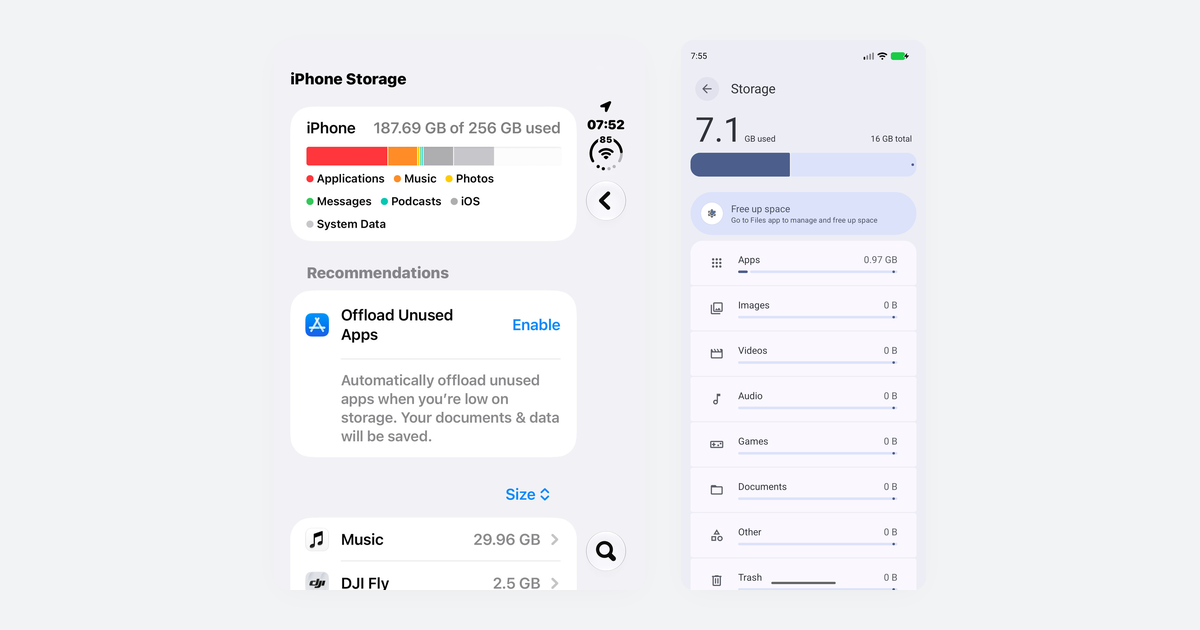
Phone Storage Full? How to Free Up Space on iPhone and Android
Open your phone's storage screen, back up photos, then delete old videos, unused apps, and trash so the space comes back.
Phones & Storage · 16 min read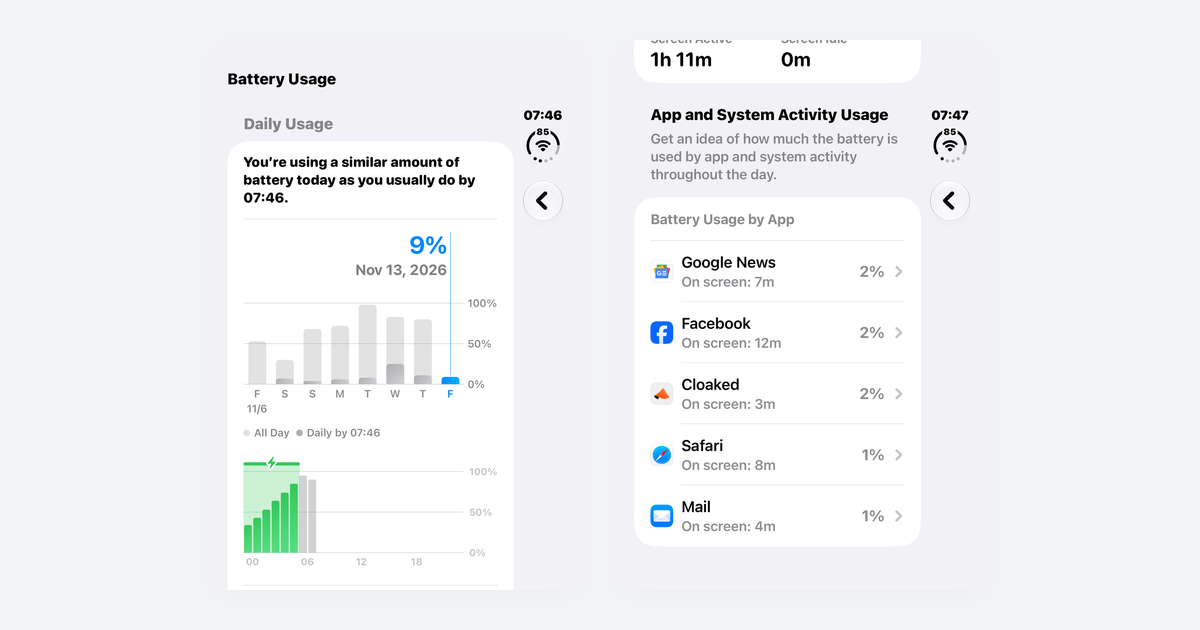
Phone Battery Draining Fast? Free Fixes for iPhone and Android
If you just updated, wait a few days; then check which app is using power, turn on battery saver, and dim the screen.
Phones & Storage · 10 min read
New Phone or Computer? How to Move Your Photos, Messages and Files Over for Free
Charge both devices, keep them side by side, and use the free built-in transfer tool for your phones or computers.
New Device Setup · 10 min read