On this page · 8 sections
Your MacBook Pro still works. It's just slower than it used to be, the battery gives out before the afternoon does, and Apple put a new one on sale this week. So, should you upgrade?
It depends almost entirely on what you have now. Apple's new 14-inch MacBook Pro with the M6 chip starts at $1,999 (price as of ; official source (opens in a new tab)), the same as the M5 model it replaces, and it looks the same on the outside. Pre-orders open today, Wednesday, October 28, at 1:10 p.m. ET, and the first ones arrive Friday, November 6. Our M6 iMac and MacBook Pro news story has every price and date.

The 14-inch MacBook Pro with M6 keeps the same screen and body as last year's model. Image: Apple
What this means for you
- On an Intel Mac or an M1 MacBook Pro: buy. The jump in speed and battery life is big.
- On an M2, M3 or M4: worth it if your laptop is holding you back, otherwise there's no rush.
- On last year's M5: skip it. The changes are small.
- Not sure what you have? Click the Apple menu in the top-left corner and choose About This Mac. The chip is listed there.
- Thinking of ordering today? Wait until after Apple's 1 p.m. ET "Pro and tell" launch. Pre-orders open ten minutes later, so you lose nothing by watching first. Our live coverage is updating through the day.
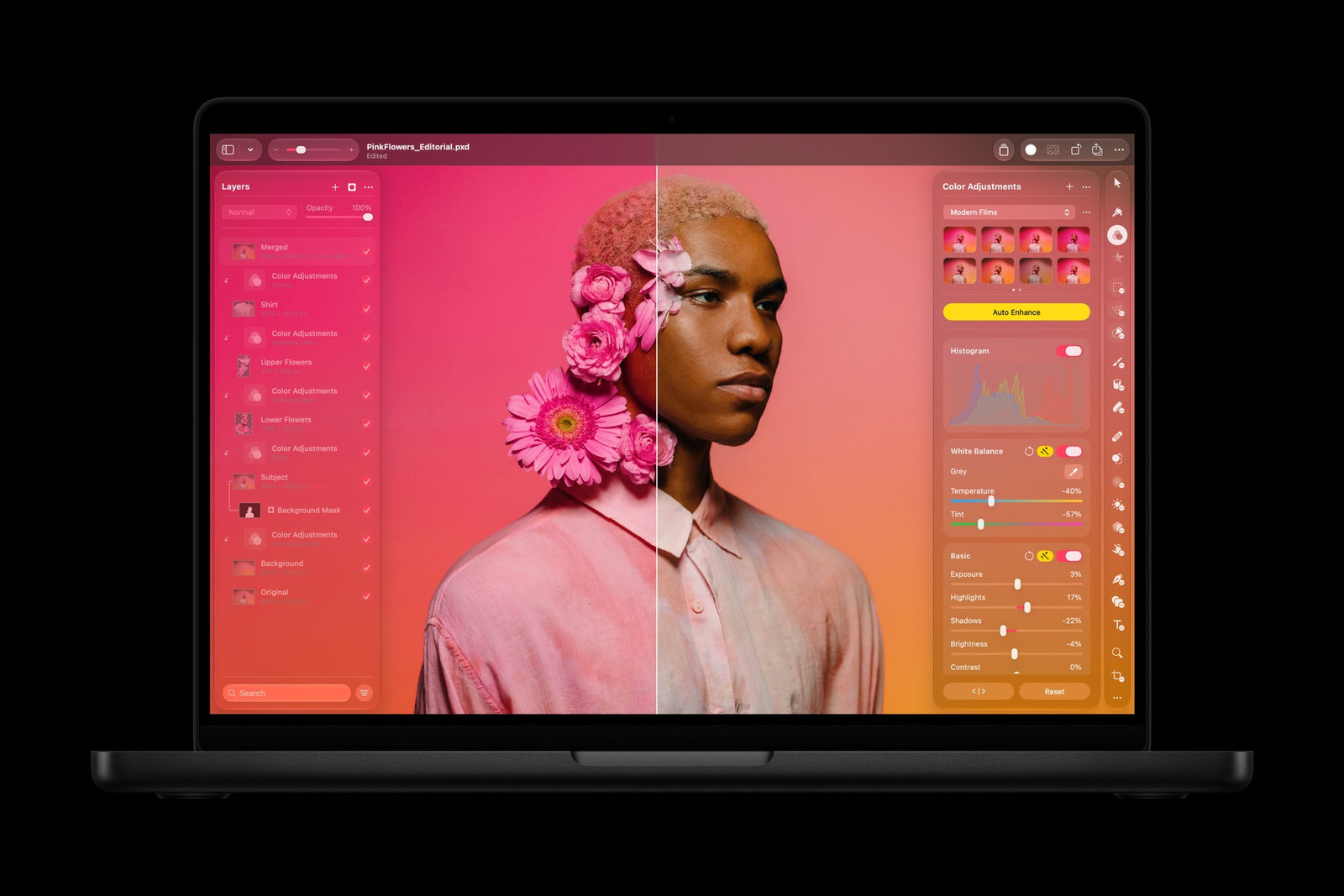
Photo editing in Pixelmator Pro on the new MacBook Pro. Image: Apple
What actually changed
Not much on the outside. Same 14.2-inch Liquid Retina XDR screen, same ports (three Thunderbolt 4, HDMI, an SD card slot, MagSafe 3 and a headphone jack), same space black and silver.
The change is inside. The M6 chip has a 12-core processor and a 12-core graphics chip, two more of each than the M5. Apple puts the graphics gain at up to 30 percent and AI work at up to 25 percent faster than M5. Wi-Fi 7 and Bluetooth 6 are new too. Memory starts at 16GB and goes up to 32GB, and storage starts at 1TB.
Here is how it lines up with the two models people are most likely upgrading from. The speed figures are Apple's own best-case lab numbers, so treat them as a ceiling, not a promise.
| 14-inch MacBook Pro, M6 (new) | 14-inch MacBook Pro, M5 (last year) | 13-inch MacBook Pro, M1 | |
|---|---|---|---|
| Starting price | $1,999 | $1,999 (since June) | — |
| Processor cores | 12 | 10 | — |
| Graphics cores | 12 | 10 | — |
| Graphics speed | Baseline | M6 up to 30% faster | M6 up to 11x faster |
| Code builds in Xcode | Baseline | M6 up to 1.3x faster | M6 up to 2.5x faster |
| Battery (video streaming) | Up to 24 hours | Up to 24 hours | Up to 4 hours less than M6 |
| Thunderbolt ports | 3 | 3 | One fewer than M6 |
If you have an M1 or an Intel Mac
This is the group Apple built the pitch around, and the numbers back it up. Coming from a 13-inch M1 MacBook Pro, Apple rates the M6 at up to 11 times faster graphics and up to 2.5 times faster code builds. You also get up to four more hours of battery, 16GB of memory as the starting point and an extra Thunderbolt port.
Intel owners get the biggest jump. Battery life improves by up to 14 hours over an Intel-based Mac, and an Intel laptop is old enough now that the new one should feel like a different computer.
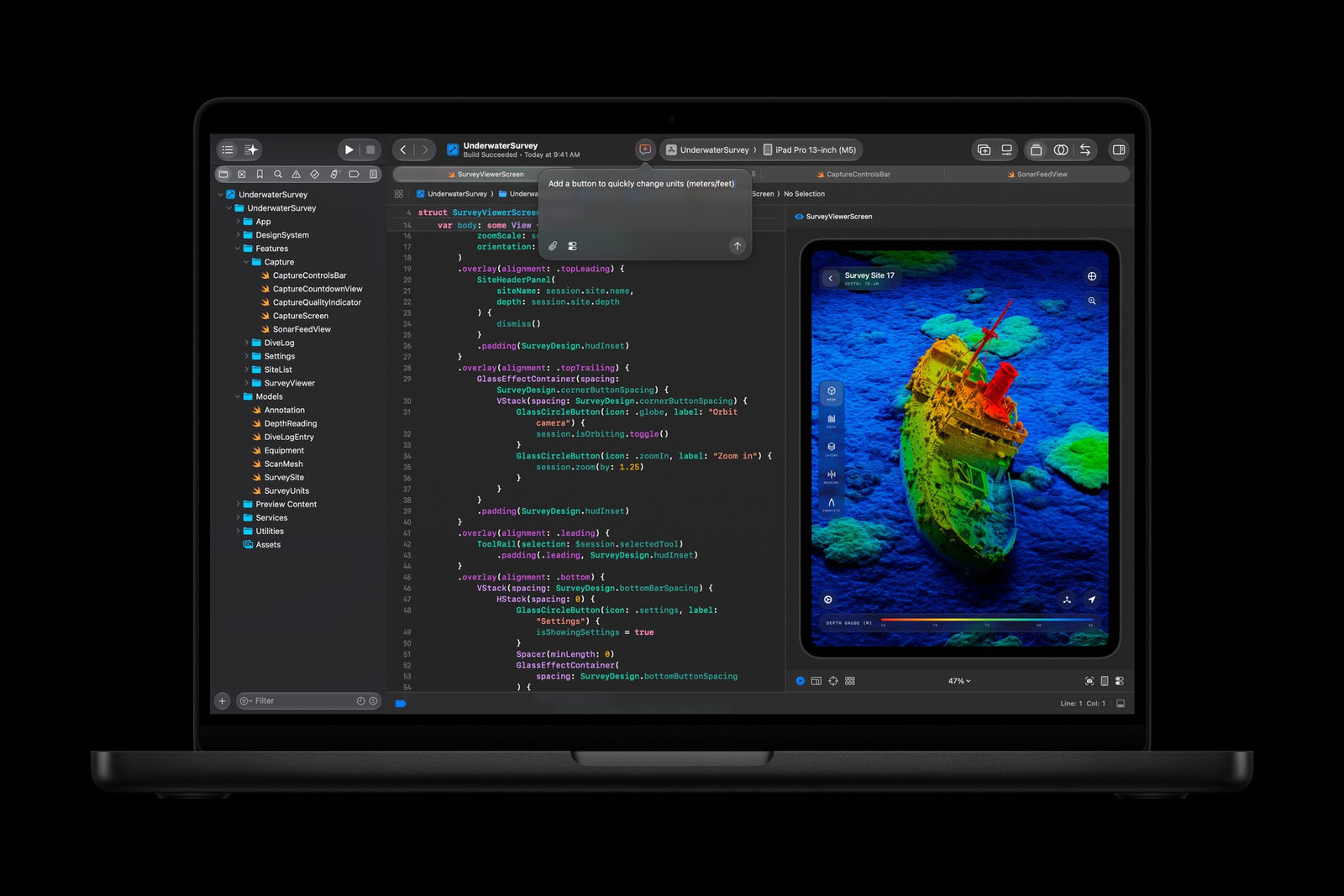
Developers get faster code builds in Xcode, up to 2.5 times faster than an M1 MacBook Pro by Apple's numbers. Image: Apple
If you have an M2, M3 or M4
Here it comes down to how you use the laptop. If you edit video, work with big photo libraries or run AI tools on the machine itself, the extra cores will save you real time. If you mostly browse, write and sit on video calls, the Mac you have is still fast, and $1,999 buys you very little you'll notice day to day. Our read: keep it another year unless the battery is shot or you're out of storage.
If you have last year's M5
Skip this one. The body, screen, ports and battery rating are the same. The gains are real but modest, up to 1.3 times faster in Apple's Xcode, Blender and AI tests. That's not worth selling a laptop you bought a year ago.
If you need more power
The M6 model is the entry-level 14-inch MacBook Pro. Apple's store still lists 14-inch and 16-inch models with M5 Pro and M5 Max chips, which have more processor and graphics cores. If you do heavy video work every day, look at those before you settle on the M6.
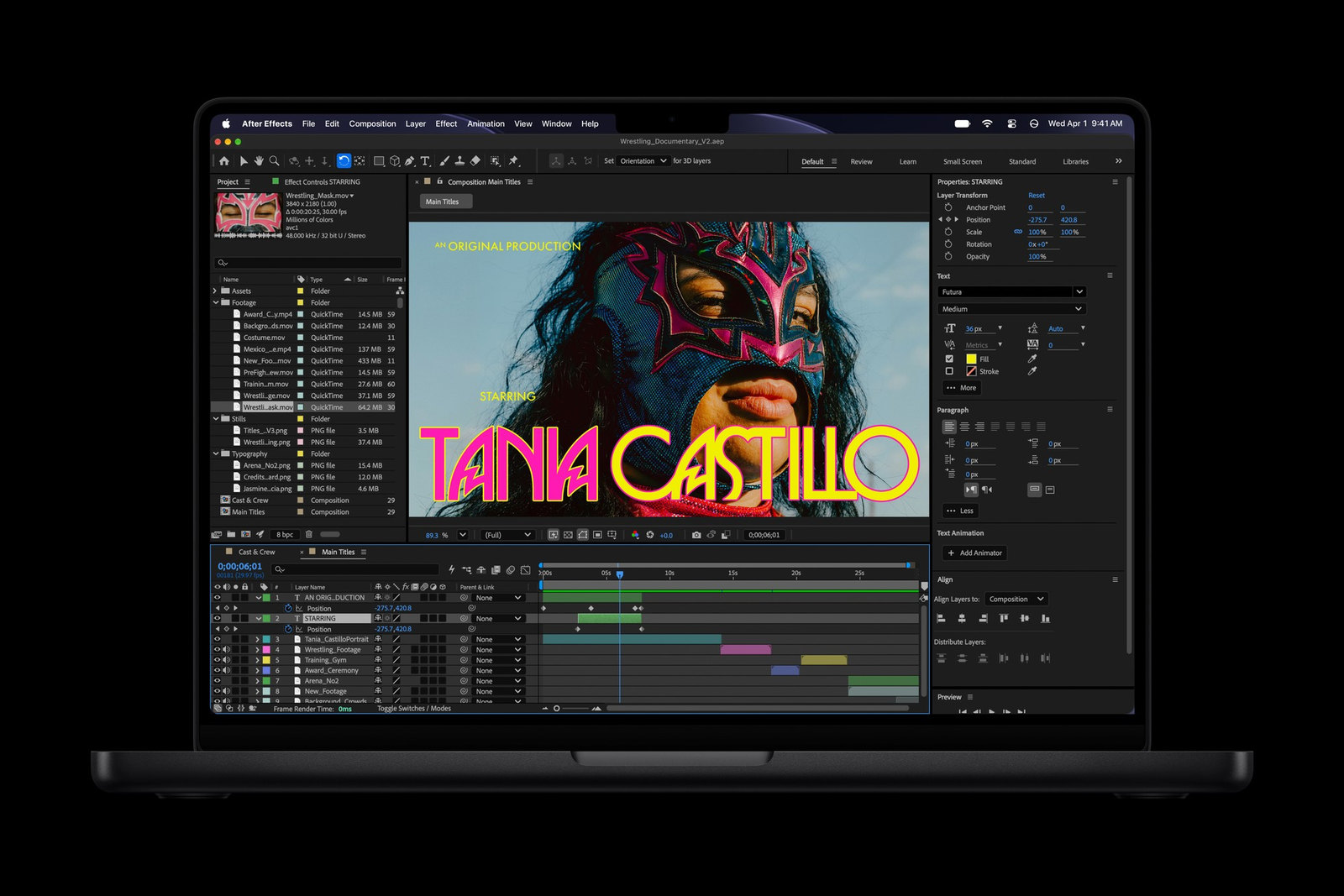
An After Effects project on the M6 model. Daily heavy video work may call for an M5 Pro or M5 Max model instead. Image: Apple
How to pay less
Students and teachers pay $1,899 (price as of ; official source (opens in a new tab)) with education pricing. You can trade in your current computer at apple.com/shop/trade-in, and the credit comes off the price. In the U.S., Apple also leases it through Apple Upgrade from $38.99 (price as of ; official source (opens in a new tab)) a month for 36 months, before tax and any trade-in credit.
If you order a custom build with more memory or storage, check the delivery date at the end of checkout. Custom builds can arrive after November 6.
Before you trade in or sell your old Mac, back it up with Time Machine. Then go to System Settings > General > Transfer or Reset > Erase All Content and Settings. That signs you out of iCloud, turns off Find My and wipes the Mac for the next owner. It works on Apple silicon Macs and on Intel Macs with Apple's T2 security chip running macOS Monterey or later. Older Intel Macs need the longer steps on Apple's support page linked below.
References
- Source: Apple Newsroom: Apple introduces the new 14-inch MacBook Pro with M6
- Source: Apple: MacBook Pro tech specs
- Source: Apple Store: MacBook Pro 14-inch
- Source: Apple: Trade In
- Source: Apple Support: What to do before you sell, give away, trade in, or recycle your Mac
- Source: Apple Support: Erase your Mac
- Source: Tech Cheat Codes: Apple's M6 iMac and 14-Inch MacBook Pro Keep Their Prices
- Source: Tech Cheat Codes: Apple Pro and Tell live coverage
Never miss a cheat code
Get a new 60-second fix every day: follow on TikTok, YouTube or Instagram.
Related fixes
New Phone or Computer? How to Move Your Photos, Messages and Files Over for Free
Moving to a new iPhone, Android, Windows PC or Mac? Use the free, built-in transfer tools to bring your photos, messages and files along, step by step.
New Device Setup · 8 min read
Selling or Giving Away an Old Device? How to Wipe It Safely
Before you sell or give away an iPhone, Android phone, Windows PC or Mac: back up, sign out so it isn't locked to you, erase it, then take out your SIM.
New Device Setup · 11 min read
How to Turn On Two-Step Verification for Google, Apple, Microsoft, Facebook, Instagram and Amazon
Add a second sign-in step to Google, Apple, Microsoft, Facebook, Instagram and Amazon: pick an app, text code or passkey, then save your backup codes.
Accounts & Security · 11 min read