
On this page · 3 sections
The warning arrives inside Telegram itself, from the app's verified account, under a yellow caution sign: "Update iOS to protect your phone." Telegram began sending it on Nov. 27 to every user it sees running an older version of Apple's iPhone software.
If you got it, the fix is free and sits in your iPhone's own settings. Open Settings, tap General, then Software Update, and install what's waiting. For an iPhone 11 or newer, that's iOS 27.2.1, which Apple released Nov. 9. It's the same kind of update that closed the iPhone flaw that let apps keep recording after you tapped Don't Allow.
Telegram founder Pavel Durov posted a copy of the alert on X on the evening of Nov. 27 with a much blunter message. "iPhone users are being hacked on a massive scale," he wrote. "If your iOS is even slightly outdated, all your data is at risk. Just opening a website can be enough to get you hacked."
That's a big claim. Durov didn't say which flaws attackers are using, who is behind the attacks or how many people have been hit. Apple's security notes for its two newest iPhone updates don't flag any of the fixed flaws as already used in attacks.
What Apple has been patching
The "just opening a website" line fits the kind of flaws Apple keeps fixing. iOS 27.2, released Oct. 26, fixed 172 security flaws. Thirty of them were in WebKit, the engine that draws web pages in Safari and inside many apps. Eight of those WebKit flaws could let maliciously crafted web content run arbitrary code, meaning a booby-trapped page could run its own code on the phone. Another let a remote attacker break out of the sandbox that is supposed to wall web pages off from the rest of the system.
Two weeks later, iOS 27.2.1 fixed nine more flaws, including four that an attacker in Bluetooth range, or a malicious Bluetooth device, could abuse. Apple put out matching updates the same day for older software lines, so most iPhones still in Apple's support window have a fix waiting.
The update you need depends on the phone:
- iPhone 11 and newer: iOS 27.2.1, or iOS 26.7.3 if you chose to stay on iOS 26
- iPhone XS, XS Max and XR: iOS 18.7.12
- iPhone 8, 8 Plus and X: iOS 16.7.16, released May 11
- iPhone 6s, iPhone 7 and the first iPhone SE: iOS 15.8.8, released May 11
That last group is the uncomfortable one. Those phones have gone more than six months without a security update, while the iPhone 11 and newer got security fixes on seven separate days in the same stretch. If you or a parent still carries one, make sure it has the last update Apple offers for it.
How to update your iPhone and keep it current
Back up first, either to iCloud or a computer. Plug the phone in and connect to Wi-Fi, then go to Settings > General > Software Update. The screen shows the version you're on and whether an update is available. Tap Download and Install and follow the prompts.
If no update shows up and you use a VPN, turn it off and look again. VPN and proxy connections can keep a phone from reaching Apple's update servers. If the phone asks to remove apps for space, tap Continue. Apple puts the apps back after the install.
Turn on automatic updates so the next fix doesn't depend on a warning from a chat app. On the same Software Update screen, tap Automatic Updates and switch on Automatically Install. The iPhone then installs updates overnight while it's charging and on Wi-Fi, and it tells you before it does.
Be careful with copycats, too. The real alert in Durov's screenshot comes from Telegram's verified account, contains no link and asks for nothing but an iOS update. If a message that looks like this one asks you to share a code or password, or to tap a link to fix your phone, it isn't this warning.
On a computer, the browser is the same front door. Here's what Chrome's 204-fix security update covered and how to install it.
Want more tech news like this? Follow Tech Cheat Codes on Facebook. Tap this link, then tap Follow: Follow Tech Cheat Codes on Facebook
Apple has shipped iPhone security fixes on 13 separate days in 2026, about one every three weeks since Feb. 11. Automatic updates install every one of them without anyone having to send a reminder.
Reader comments
Ask us a question
Stuck on something in this story? Ask us, or leave a comment. Our team reads every message before it appears here.
Or email us at hello@techcheatcodes.com.
References
- iPhone users are being hacked on a massive scale, Pavel Durov on X, Nov. 27, 2026.
- Telegram issues security warning to iPhone users running older iOS versions, 9to5Mac, Nov. 28, 2026.
- Apple security releases, Apple, Nov. 18, 2026.
- About the security content of iOS 27.2.1 and iPadOS 27.2.1, Apple, Nov. 9, 2026.
- About the security content of iOS 27.2 and iPadOS 27.2, Apple, Oct. 26, 2026.
- Update your iPhone or iPad, Apple.
Get the next cheat code
Plain-English tech fixes and scam alerts. Tap Follow on Facebook or TikTok, or pick another below.
Related fixes
Selling or Giving Away an Old Device? How to Wipe It Safely
Back up first, sign out of your accounts, erase the device, then remove the SIM and take it off your accounts online.
New Device Setup · 16 min read
Bluetooth Won't Connect? 8 Fixes for Earbuds, Speakers and Cars
Earbuds, speaker or car won't pair or keeps cutting out? 8 free fixes for iPhone, Pixel, Galaxy, Windows 11 and Mac, from charging to a clean re-pair.
Phones & Storage · 10 min read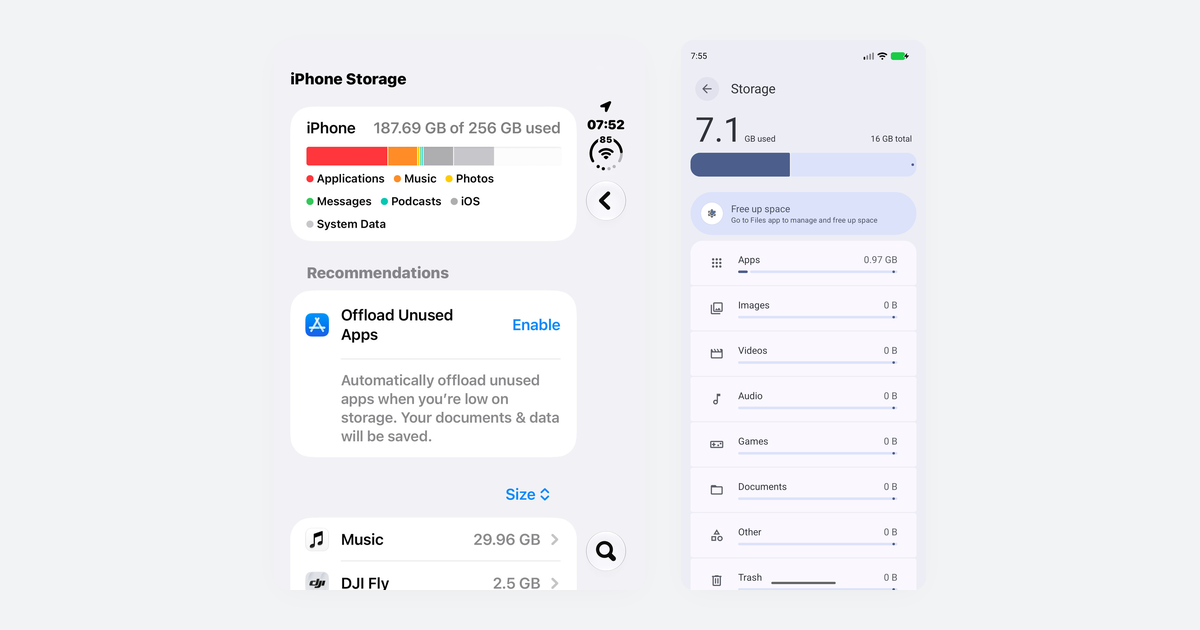
Phone Storage Full? How to Free Up Space on iPhone and Android
Open your phone's storage screen, back up photos, then delete old videos, unused apps, and trash so the space comes back.
Phones & Storage · 16 min read