Topic
Wi-Fi and internet
Slow or dropping internet is one of the most common tech headaches. Start with these fixes, then see what we've covered about routers, mesh systems and internet service.
Start here
- Restart the modem and router: unplug both for 30 seconds, then plug in the modem first.
- Update your router's firmware from its app or admin page, and change the default admin password.
- Test your speed right next to the router. If it's fine there, the problem is coverage, not your plan.
Guides and fixes

Best Wi-Fi Mesh Upgrades for 2026: 6 Picks
Wi-Fi weak in far rooms? How mesh differs from one router, plus 6 mesh systems from eero, Google, TP-Link, NETGEAR and ASUS, with official specs.
9 min read
Do You Need a VPN? Probably Not at Home. Here's When You Do.
Do you need a VPN in 2026? When a VPN helps (public Wi-Fi, travel), when it doesn't (phishing, malware), plus Proton VPN's free plan vs NordVPN.
8 min read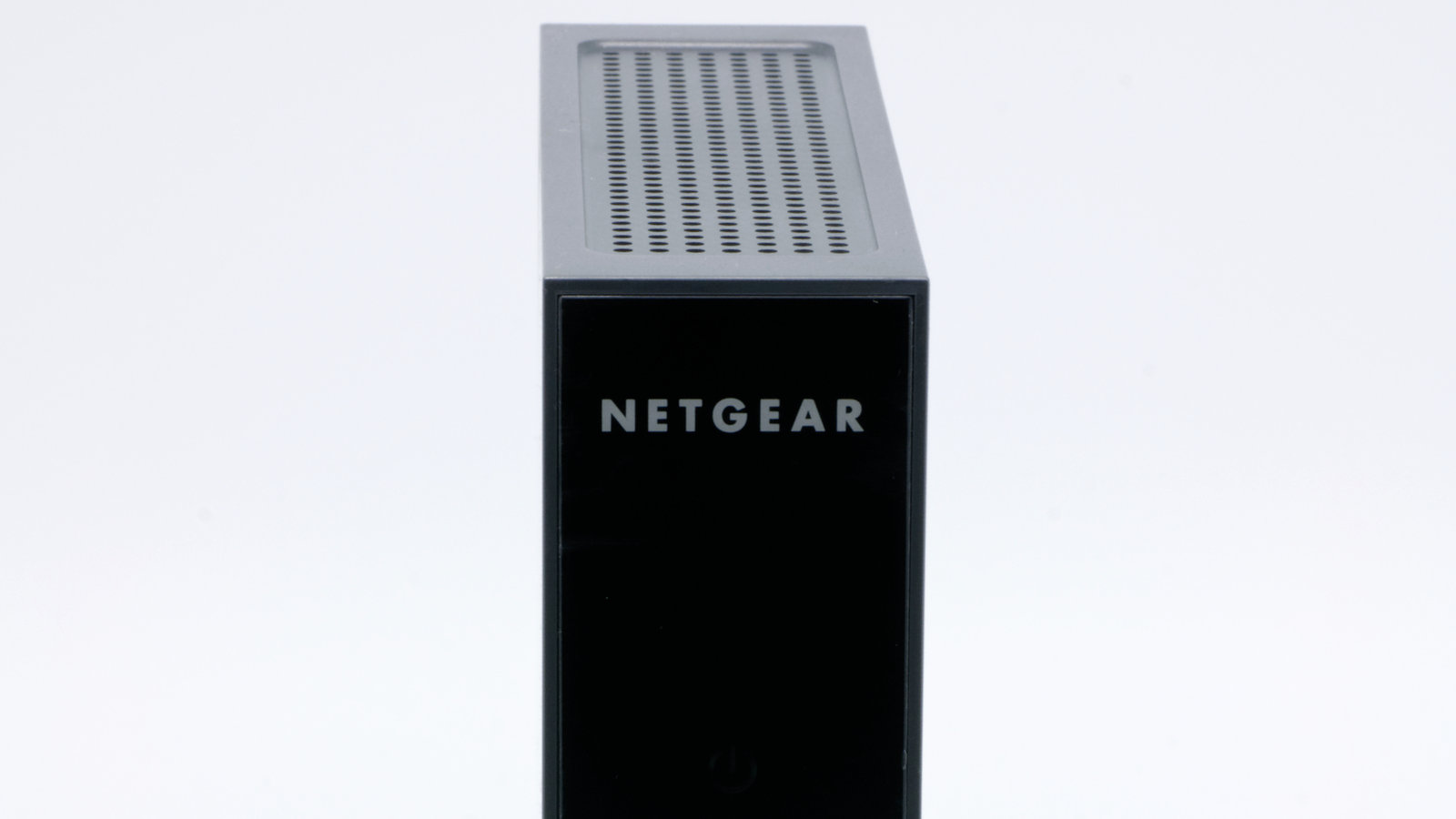
Forgot Your Wi-Fi Password? How to Find It on Your Phone, Computer or Router
Find the password on a phone or computer already on your Wi-Fi, or on the sticker on your router.
7 min read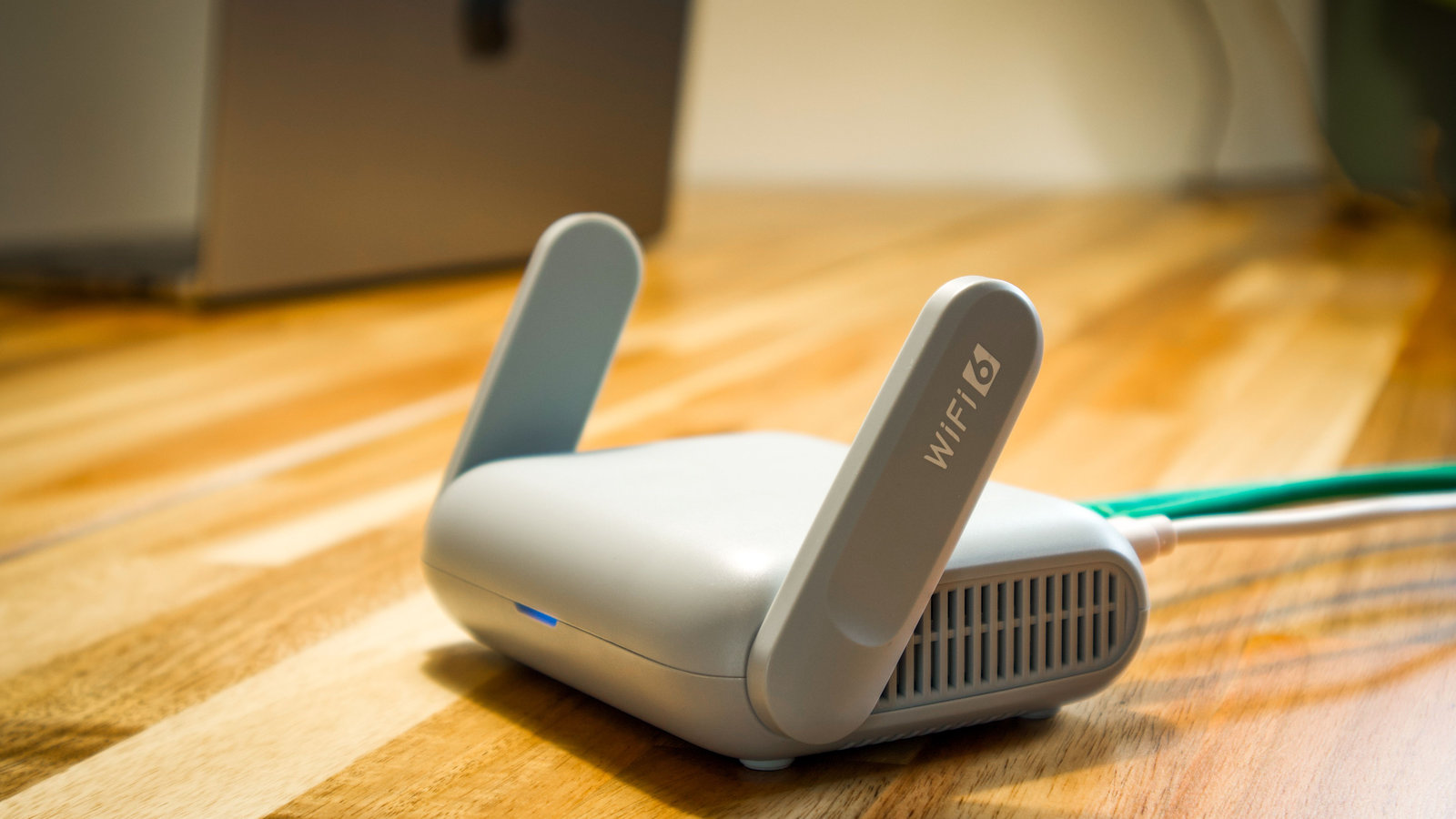
Give Holiday Guests Wi-Fi Without Handing Over Your Password
Give visitors their own Wi-Fi login on a Nest network, or share a phone hotspot, without handing over the household password.
5 min read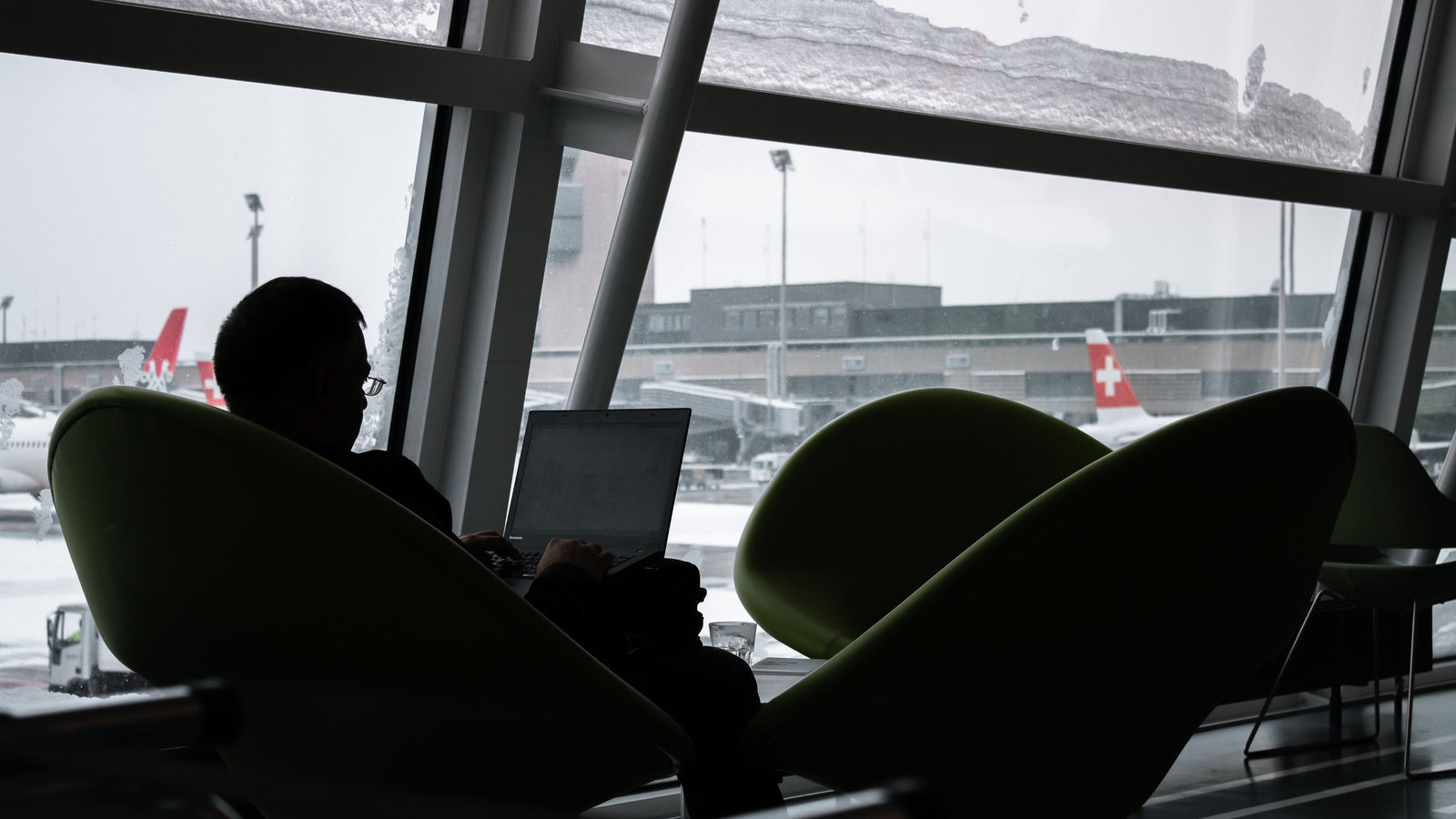
How to Use Hotel and Airport Wi-Fi Without Handing Over the Keys
Ask staff for the exact network name, ignore look-alikes, and keep banking and shopping on your phone's cellular connection.
7 min read
Smart Speaker Not Responding? 6 Free Fixes for Alexa, Google Nest and HomePod
Check that the microphone is not muted, unplug the speaker and plug it back in, then check the app and your Wi-Fi; reset last.
12 min read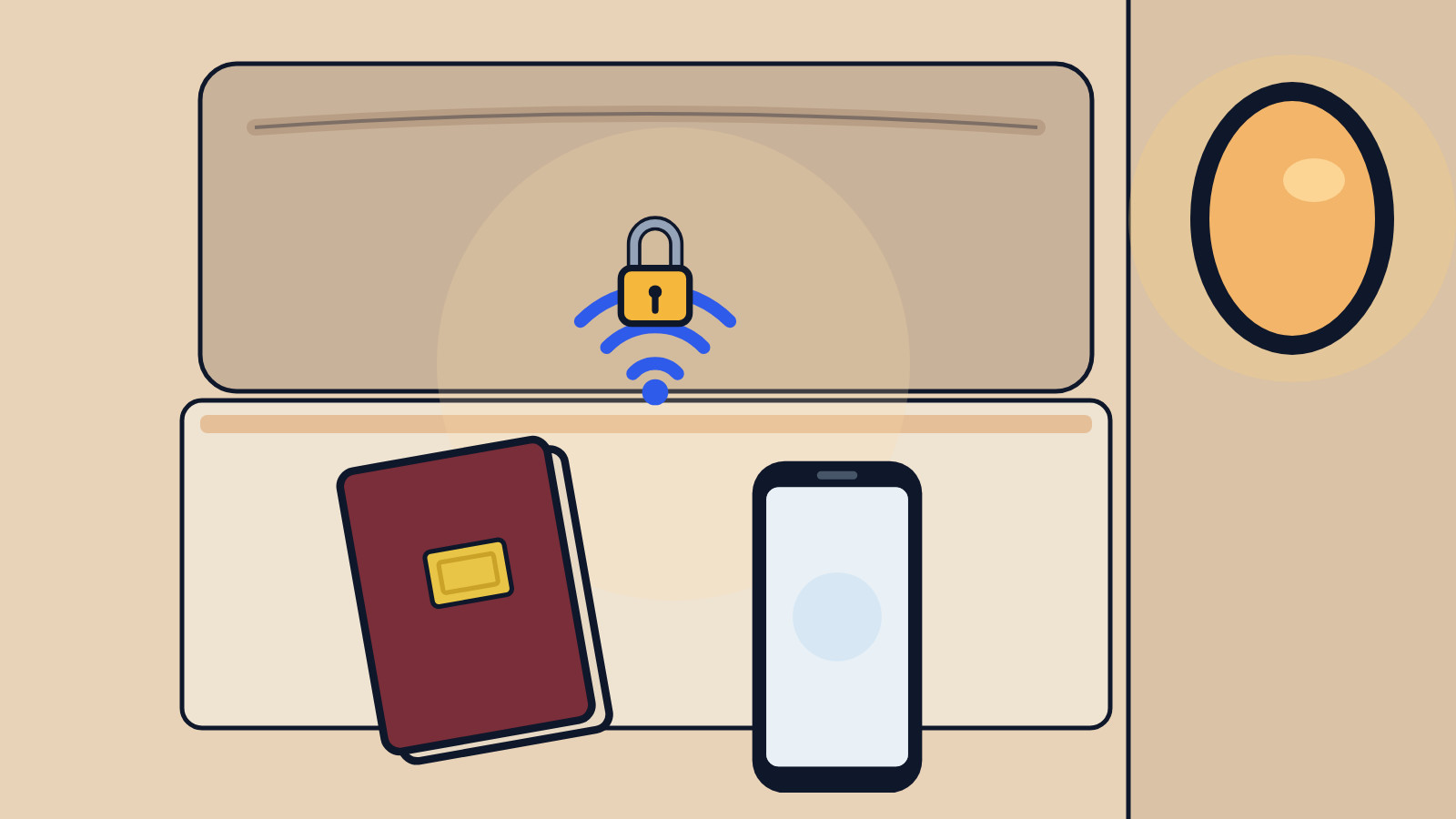
Travel Tech for Holiday Trips and Airport Wi-Fi
Set up a VPN on your phone, a password manager, and a file locker at home before a trip. Bring your own laptop, like a MacBook Neo, for logins.
3 min read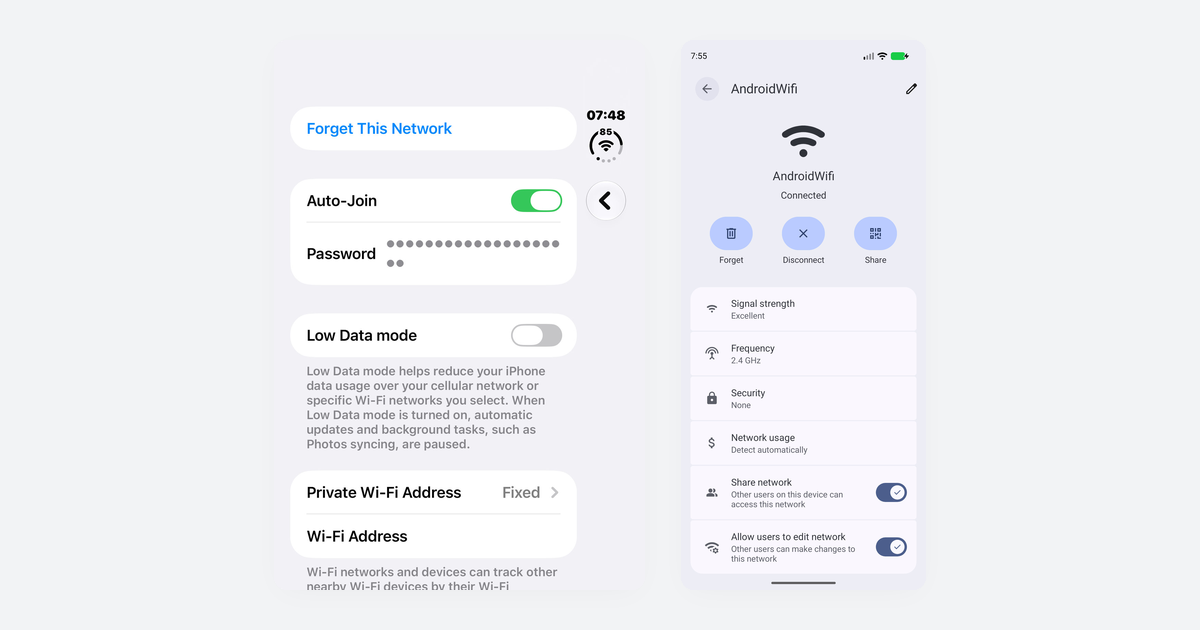
Wi-Fi Keeps Dropping? 6 Free Fixes for Phones, Laptops and Smart Devices
If everything drops, unplug the modem and router for 30 seconds, plug the modem in first, then move closer or forget and rejoin the network.
11 min read
Latest Wi-Fi and internet news
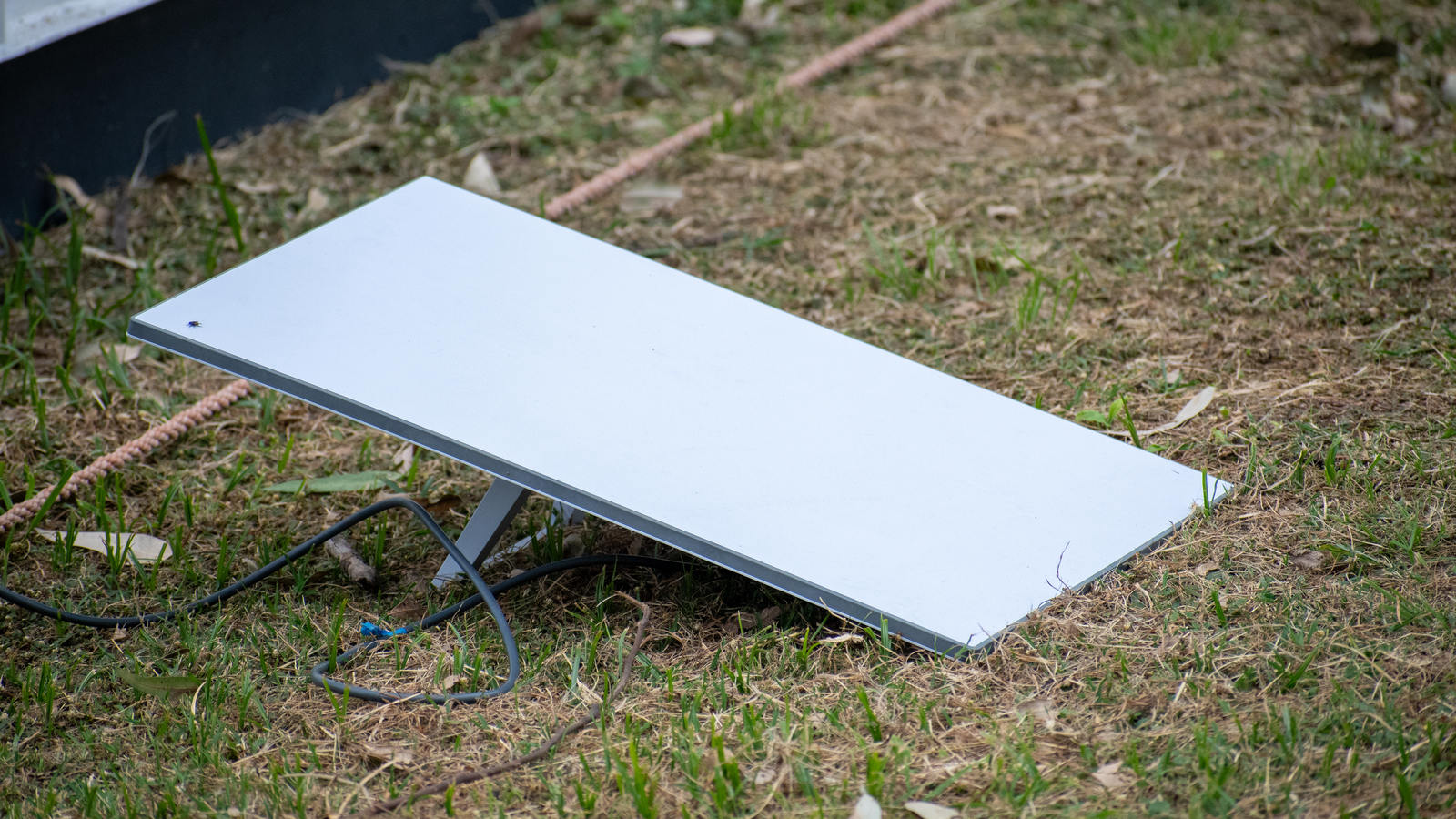
Starlink Halves Home Internet Bills for 6 Months in Black Friday Deal
Starlink's Black Friday offer cuts Residential service in half for six months for orders through Nov. 30. Prices go back to normal after that, and plans vary by address.
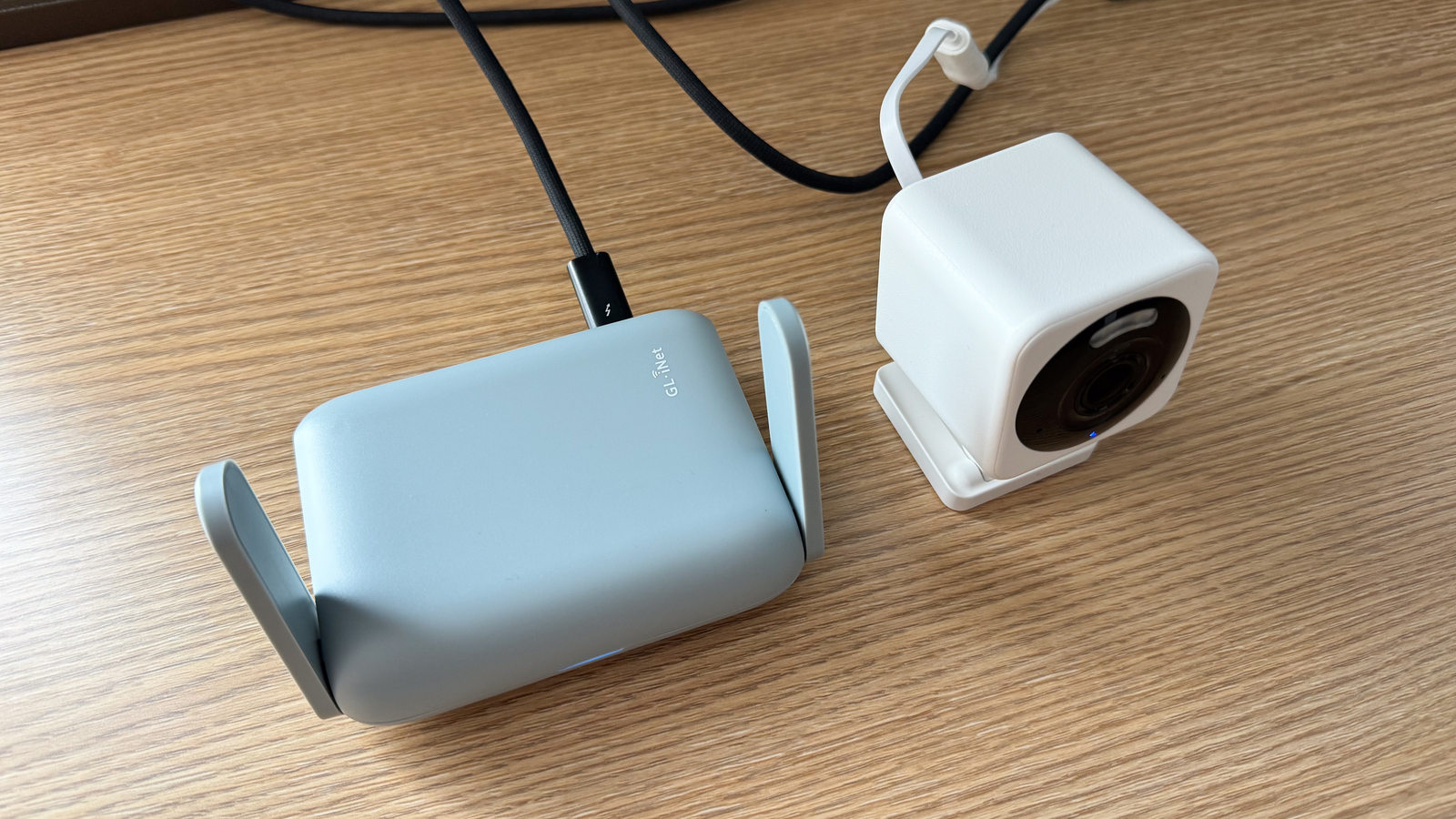
Hackers Planted Malware on GL.iNet Routers Through Its Cloud Service
GL.iNet says hackers exploited its cloud management service to install malware on some routers and KVM devices, and owners need new firmware to clean them.
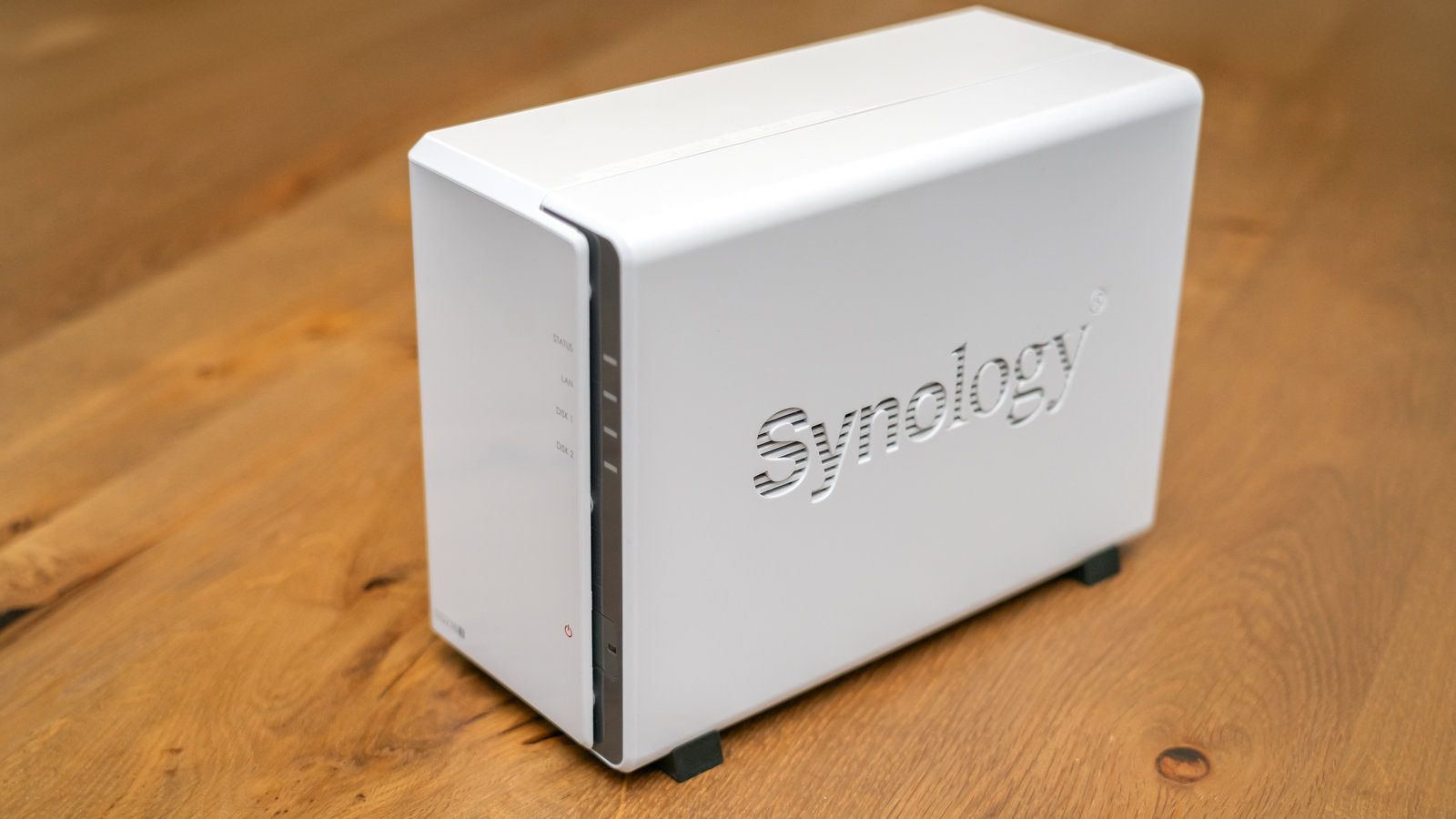
Own a Synology NAS? This Update Closes Two Critical Holes
Synology released DSM 7.4.1-90080 Update 2 and DSM 7.3.2-86009 Update 6 on Nov. 20, 2026, fixing the NGINX2Root web server flaw and a 9.8-rated bug in DSM's OAuth service.

ULA Vulcan Failure Loses 40 Amazon Leo Satellites
A United Launch Alliance Vulcan rocket suffered an anomaly about 10 minutes after lifting off from Cape Canaveral on Sunday, Nov. 15, and failed to deliver 40 Amazon Leo internet satellites to orbit, ULA said.
How to Use Your Phone Abroad This Holiday Without a Huge Bill
Use your phone abroad this holiday without a surprise bill: travel eSIMs, U.S. carrier roaming plans, Wi-Fi calling, and how to turn data off.