Topic
New device setup
Got a new phone, laptop or tablet? These step-by-step guides cover the first day: moving your data, the settings worth changing and wiping the old device before you sell it.
Start here
- Back up the old device first, then use the built-in transfer tool to move your data.
- Set a screen lock and turn on two-step verification on day one.
- Sign out of your accounts and wipe the old device before you sell it or give it away.
Guides and fixes
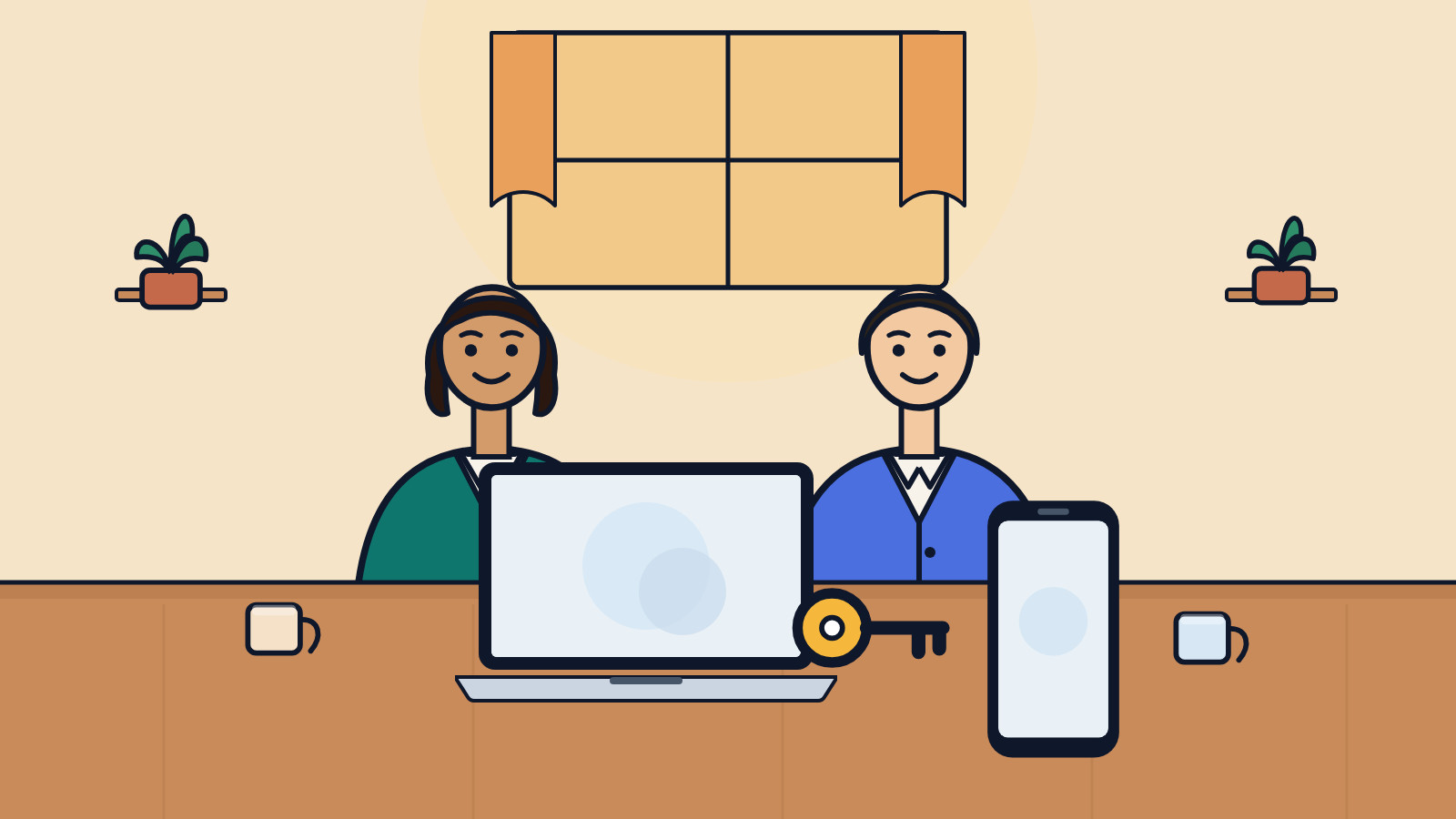
Family Tech Safety Gifts You Can Set Up for Them
Sit with family and set up a password manager first, then a VPN for guest Wi-Fi. Giving a new iPad Air? Do the steps on it together.
3 min read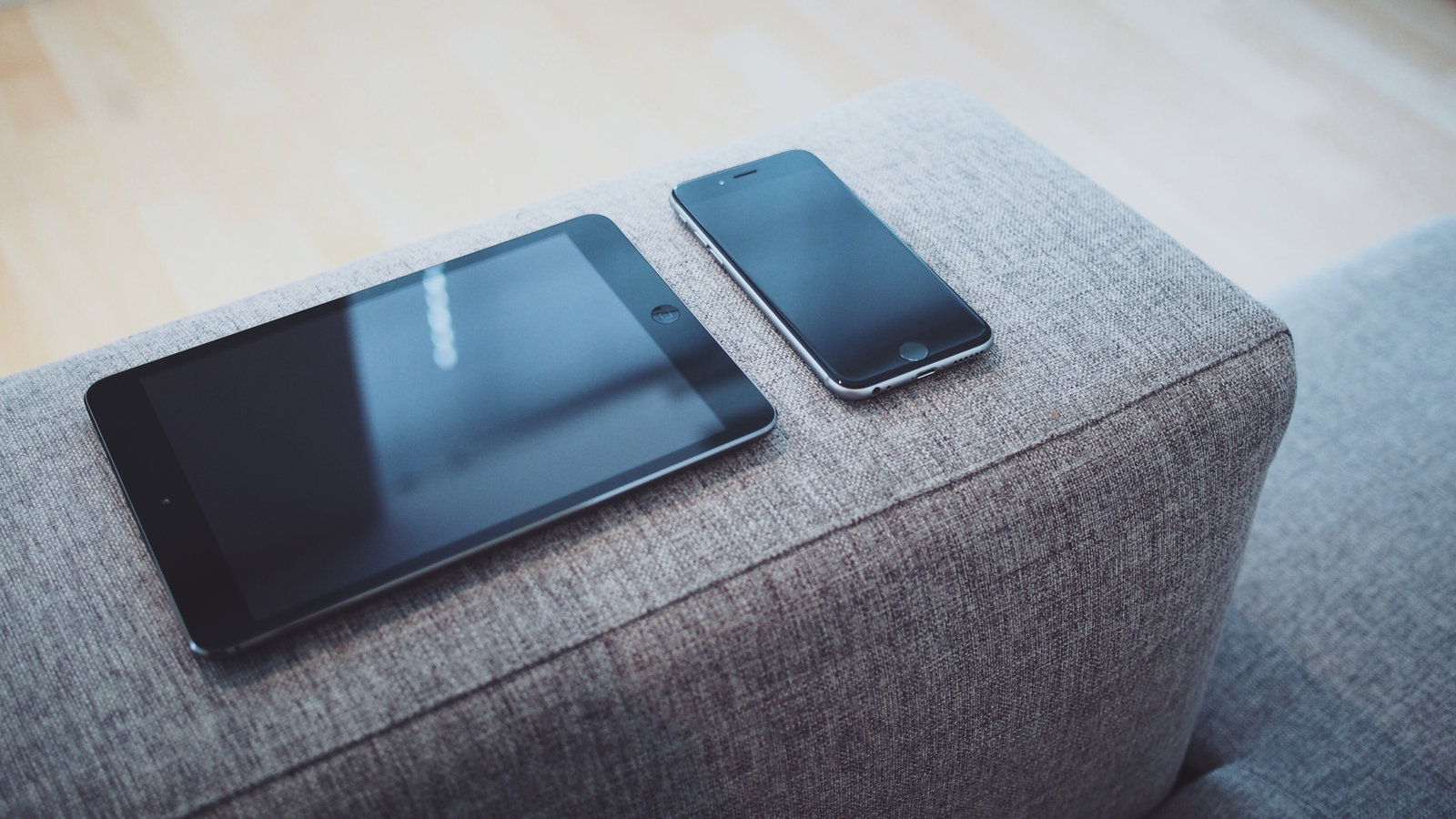
First Settings to Change on a New Phone
Turn on Find My or Find Hub first, then limit app tracking and turn on two-step verification before the new phone leaves the table.
5 min read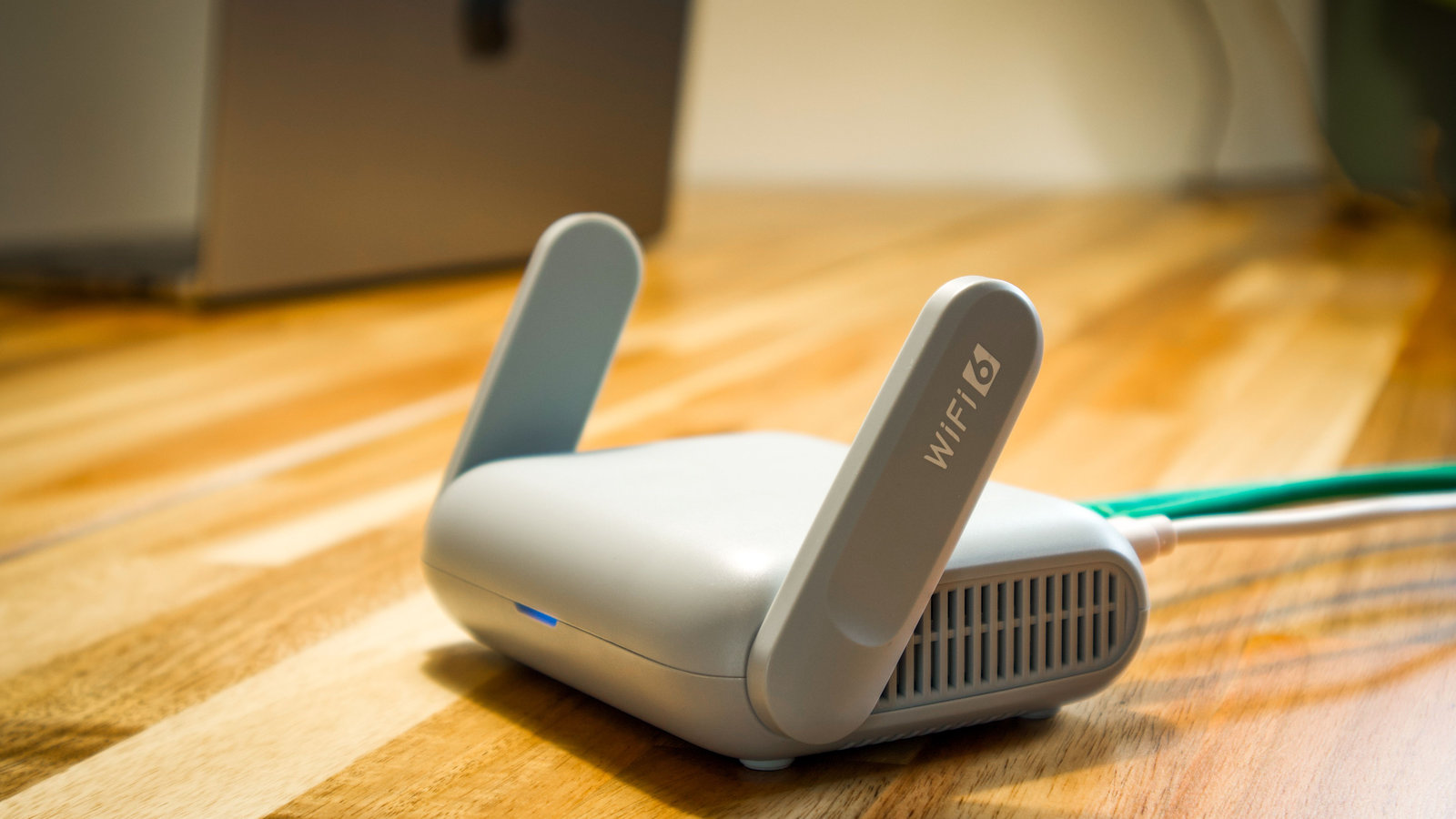
Give Holiday Guests Wi-Fi Without Handing Over Your Password
Give visitors their own Wi-Fi login on a Nest network, or share a phone hotspot, without handing over the household password.
5 min read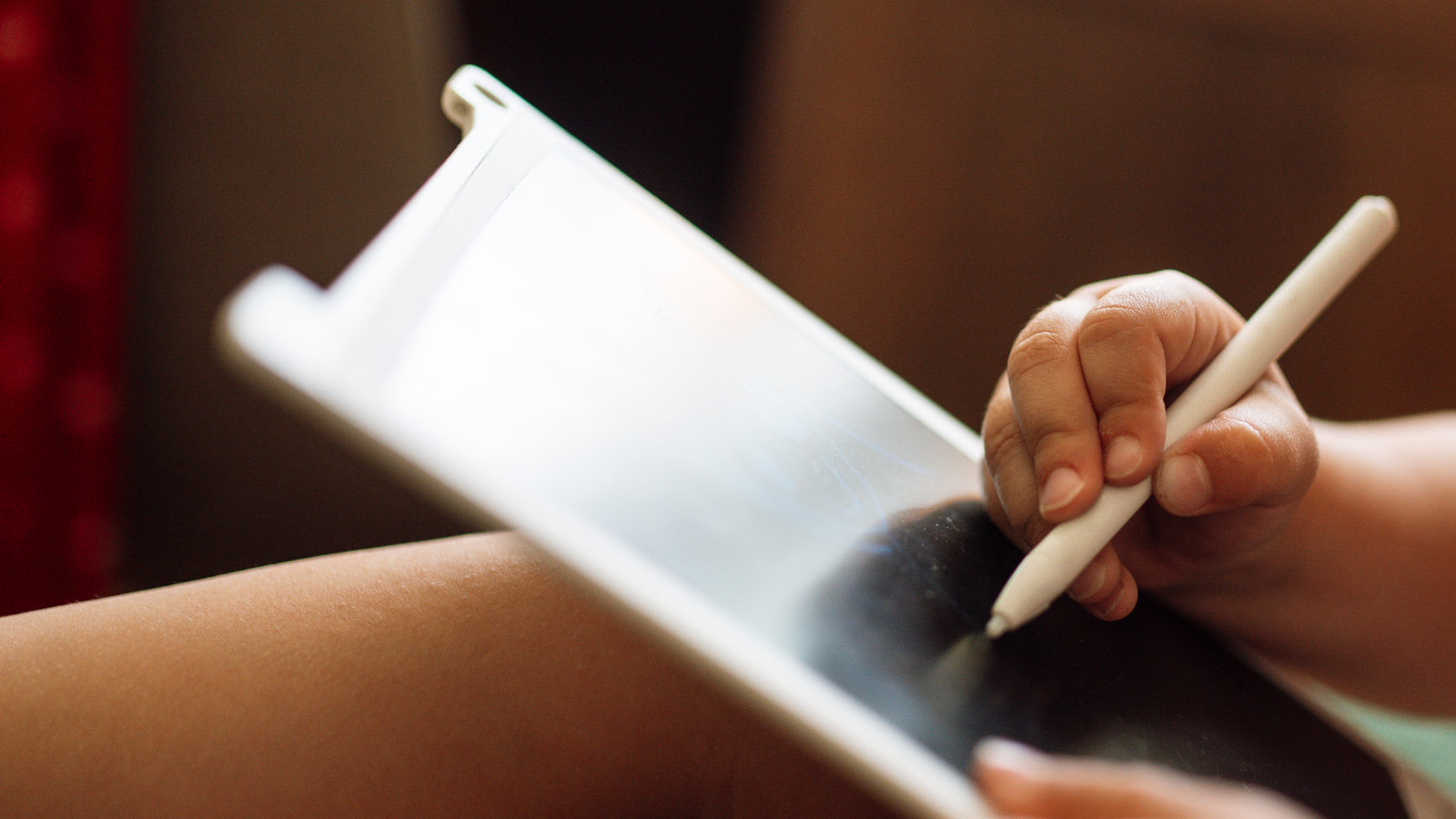
How to Set Up a Tablet for a Child, With Limits That Stick
Give the child their own account, then set screen-time limits and purchase approvals with Screen Time or Family Link.
7 min read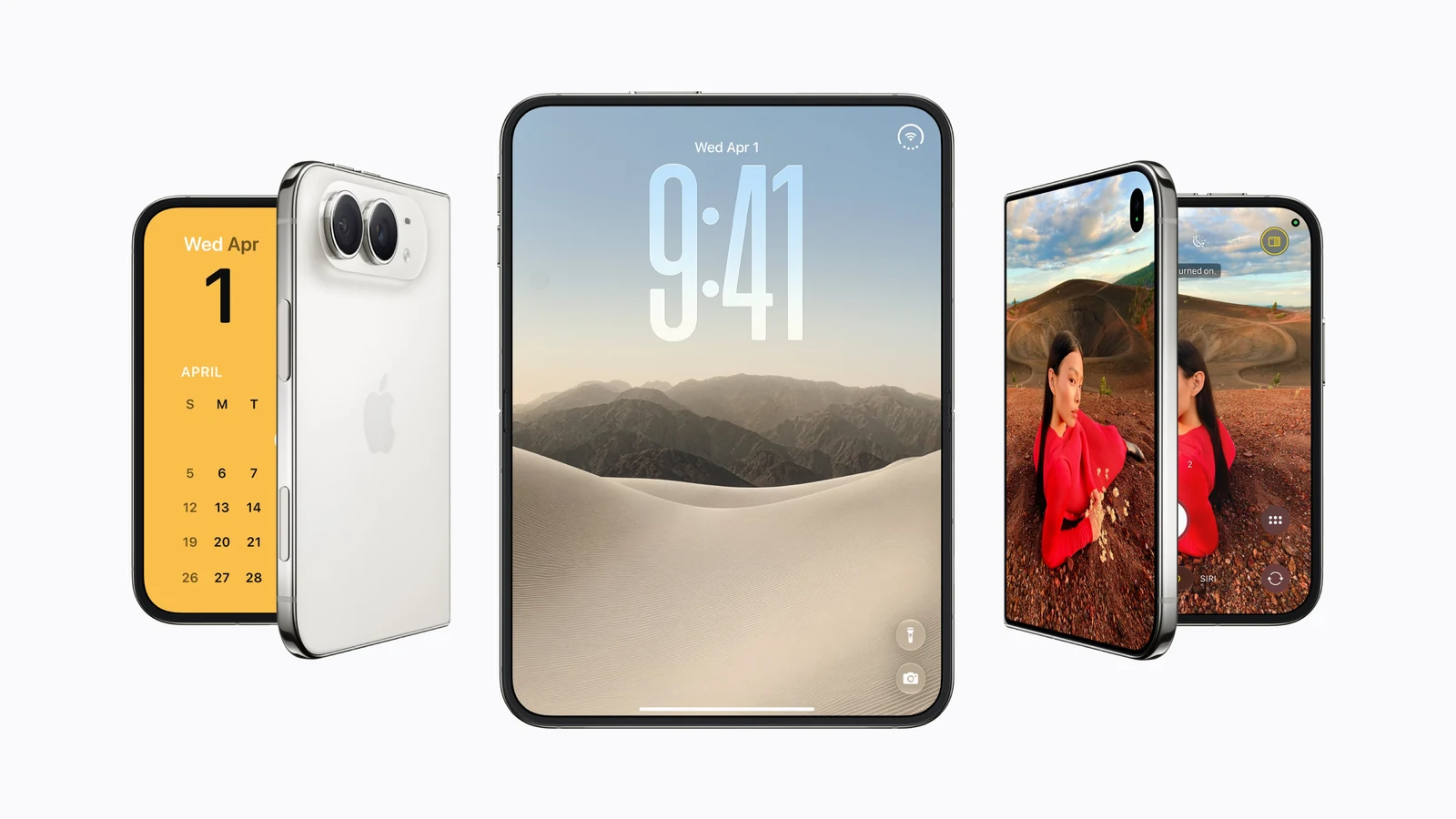
iPhone Duo Buyer's Guide: What to Know Before You Buy
The iPhone Duo is Apple's folding phone, on sale from $1,999, with U.S. prices, storage, payment options, and who should buy, wait, or skip.
8 min read
New Laptop? The First-Day Setup Worth Doing on Windows and Mac
Set up a new Windows or Mac laptop: updates, a sign-in you can use, and the encryption key you should save on day one.
7 min read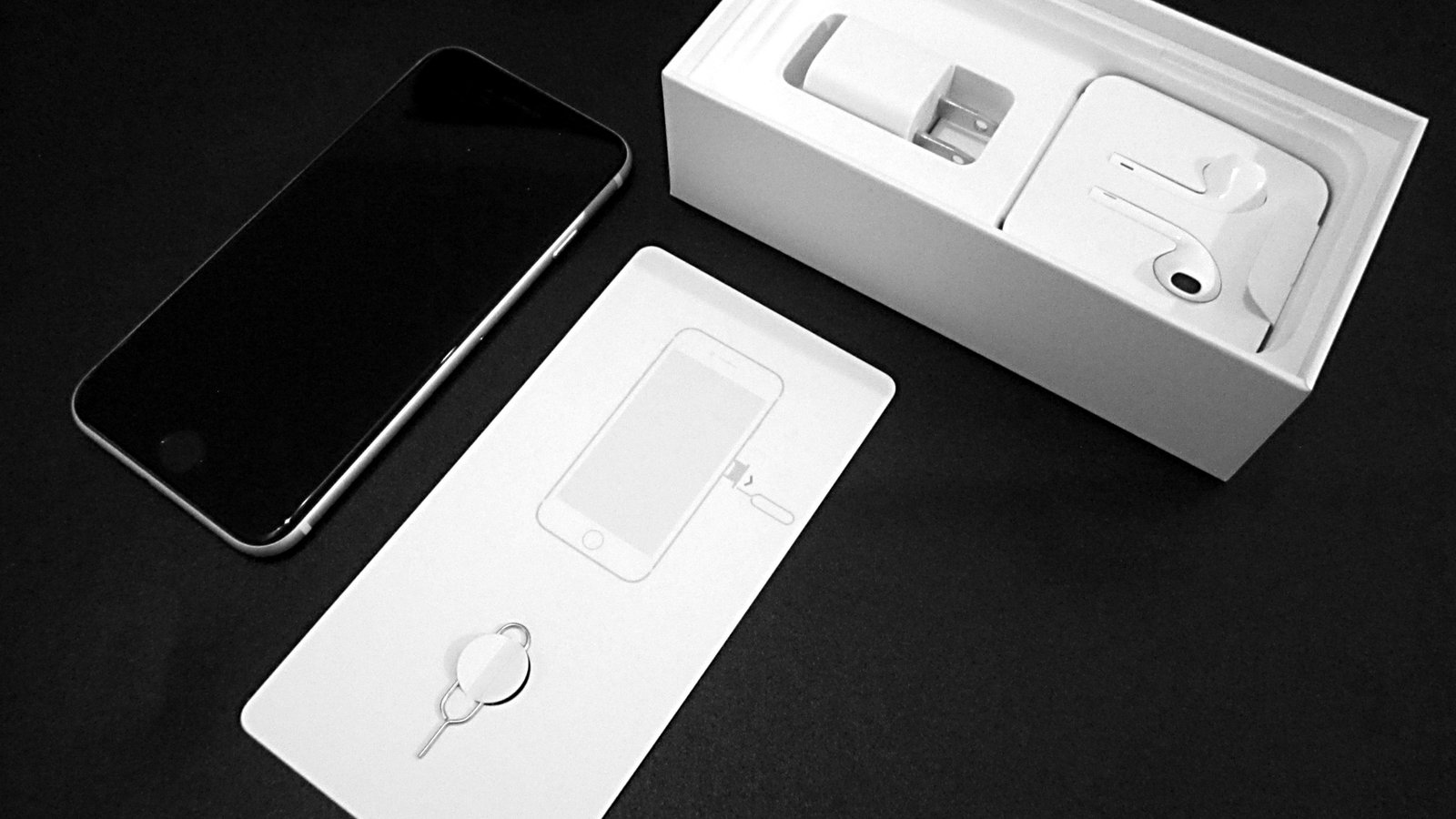
New Phone or Computer? How to Move Your Photos, Messages and Files Over for Free
Charge both devices, keep them side by side, and use the free built-in transfer tool for your phones or computers.
10 min read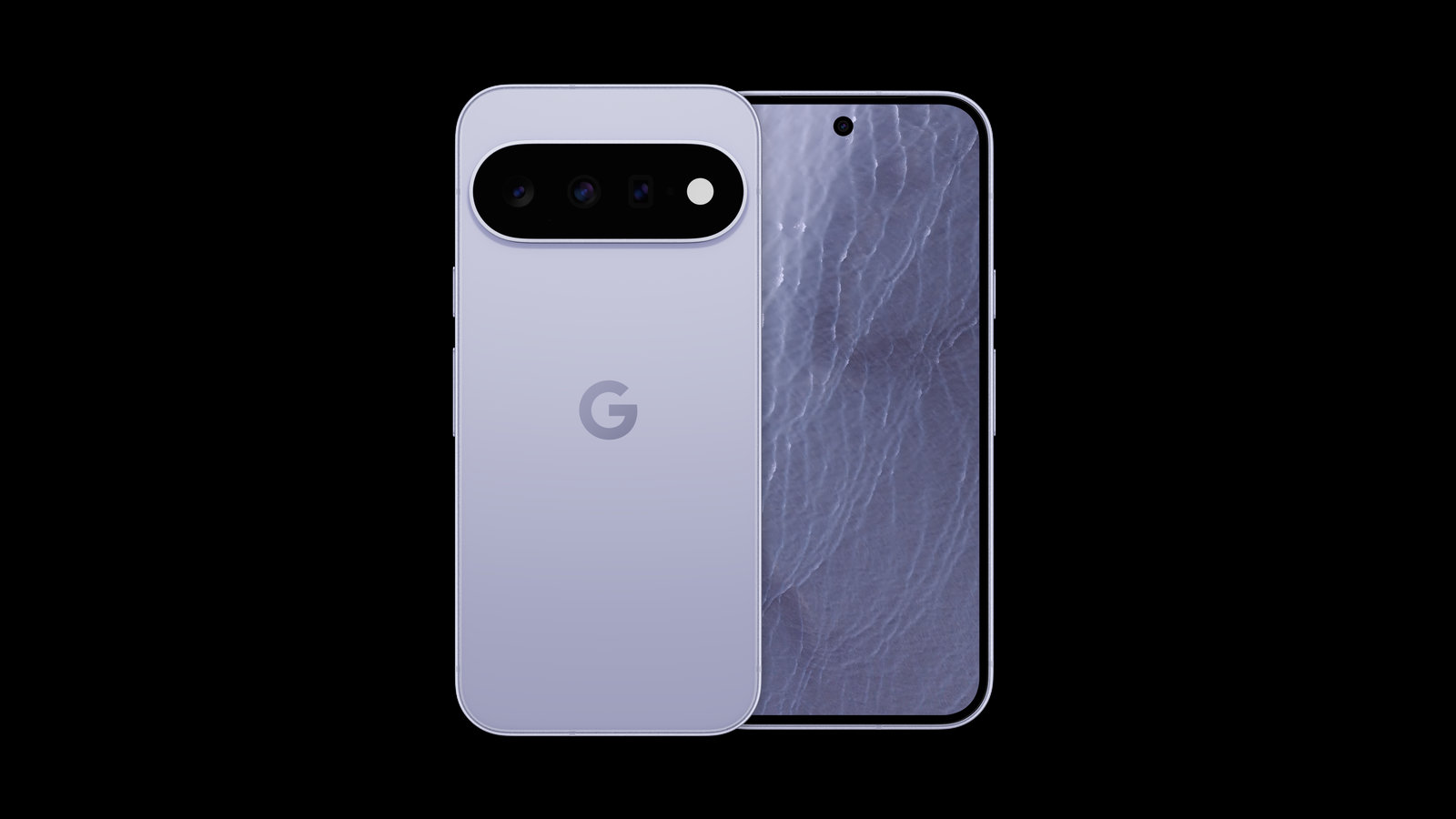
Pixel camera not working after the November update? Try this
Pixel 10 or 11 camera black or saying Something went wrong after the November update? Turn the phone off for 5 minutes, and skip the factory reset.
7 min read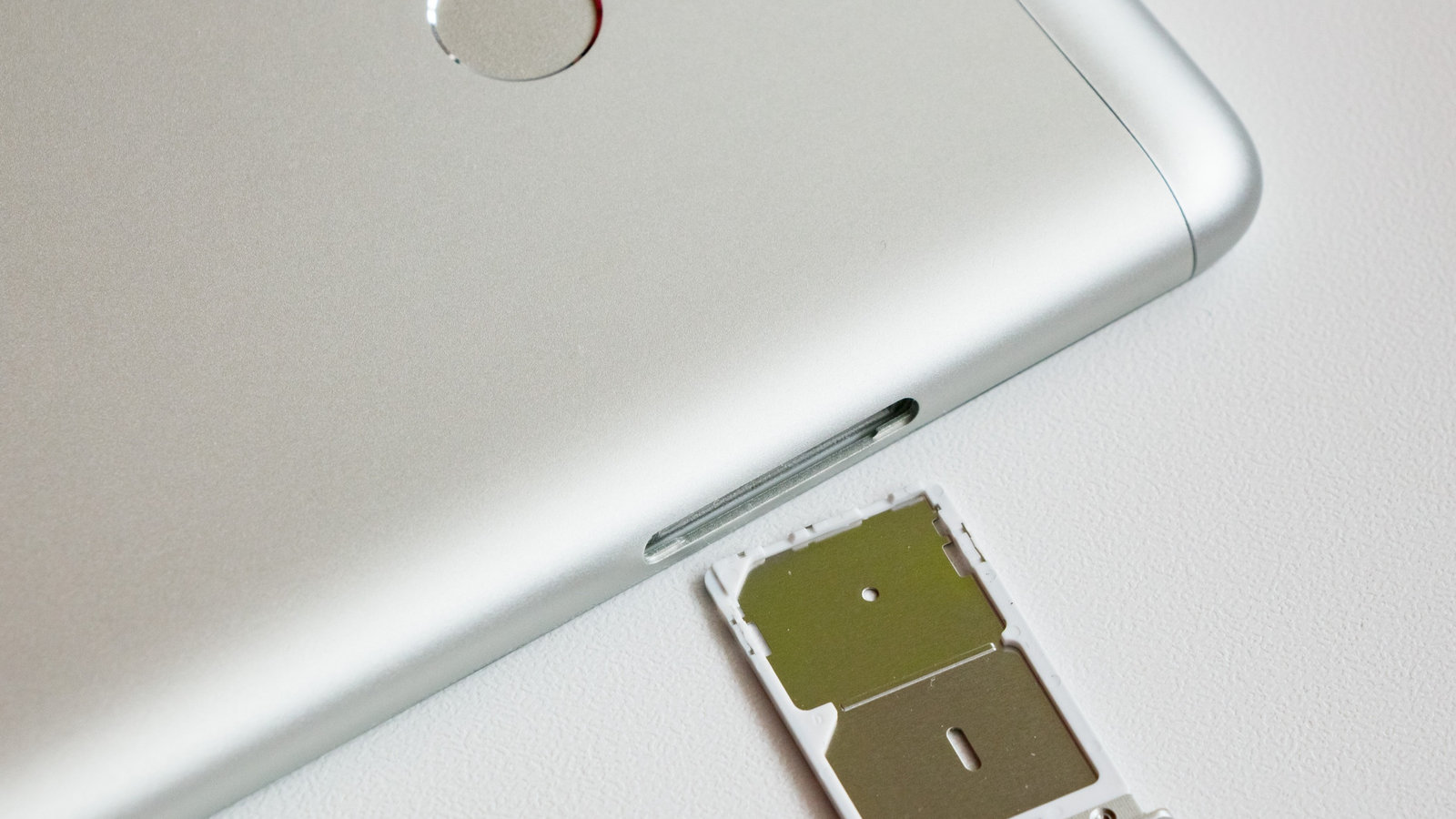
Selling or Giving Away an Old Device? How to Wipe It Safely
Back up first, sign out of your accounts, erase the device, then remove the SIM and take it off your accounts online.
16 min read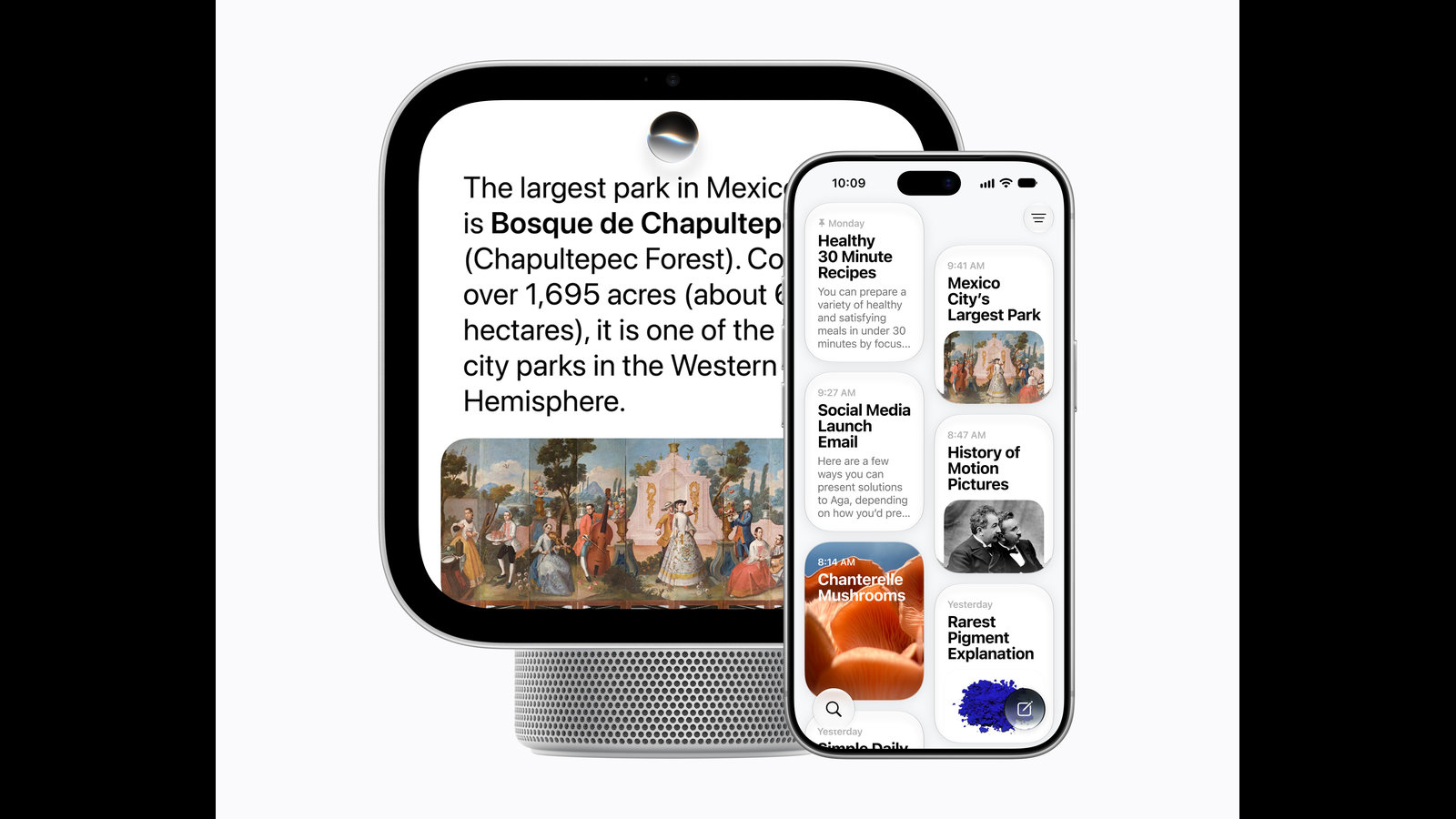
Siri on HomeView won't unlock a door or open a garage? What to do
Use the on-screen Home controls on HomeView when it recognizes you; Siri cannot unlock doors or open garages yet.
5 min read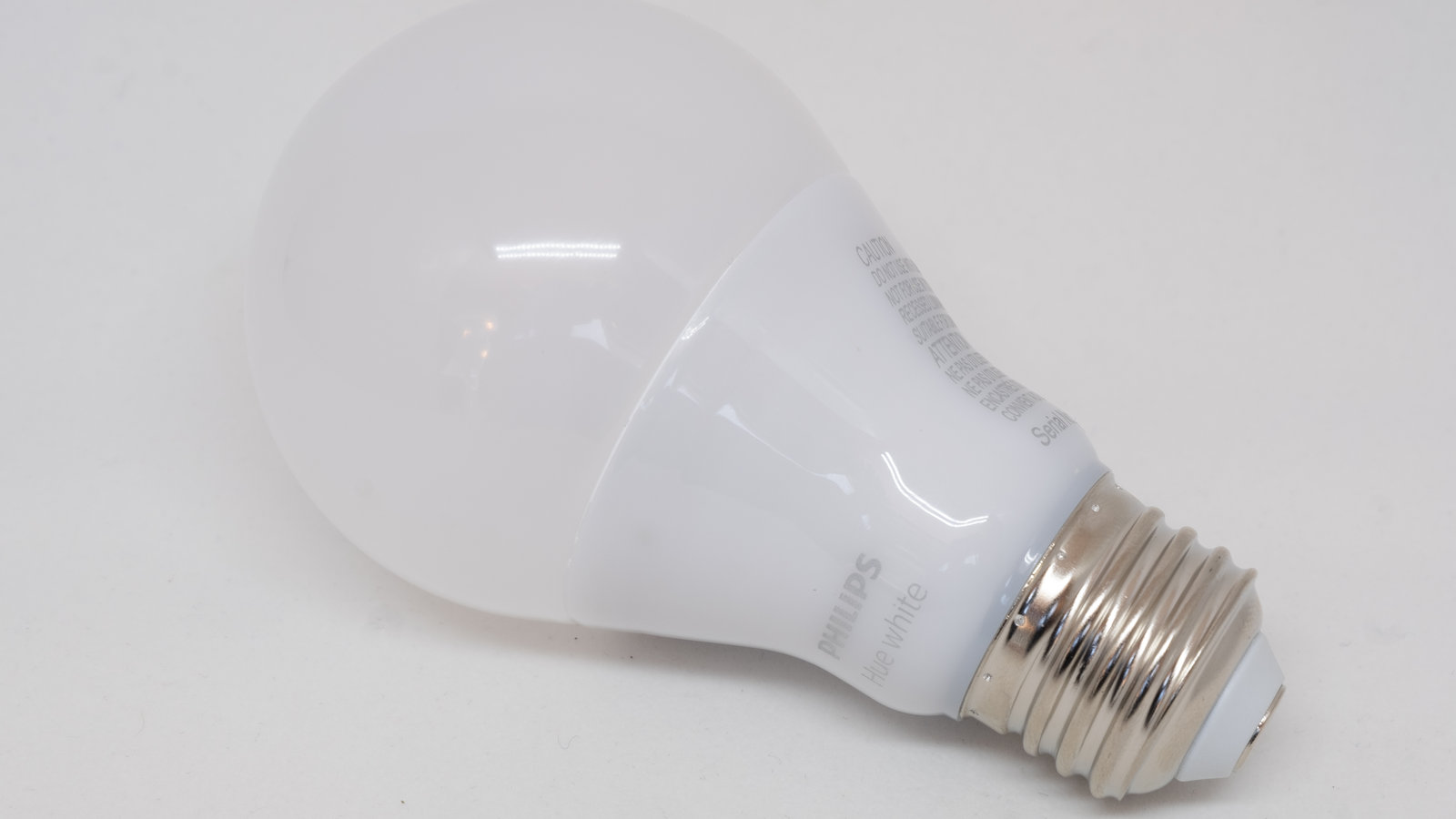
Smart home setup rescue: when devices won't connect
Update the app, keep Bluetooth and the right phone permissions on, put the device in setup mode, and use the 2.4 GHz Wi-Fi band.
12 min read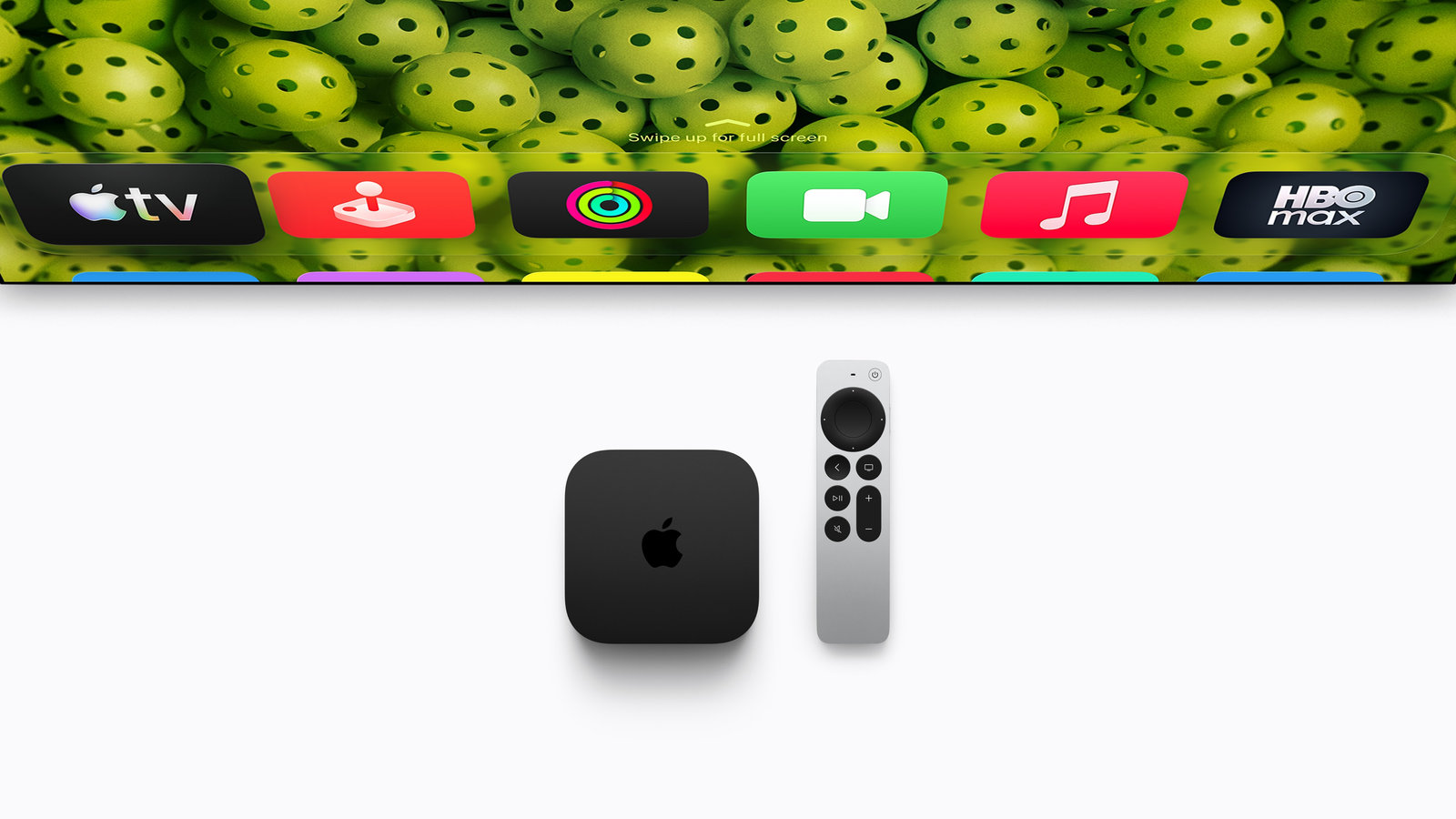
YouTube not working on the new Apple TV 4K? How to fix it
Update your Apple TV, restart it, then delete the YouTube app and install it again from the App Store.
7 min read
Latest New device setup news
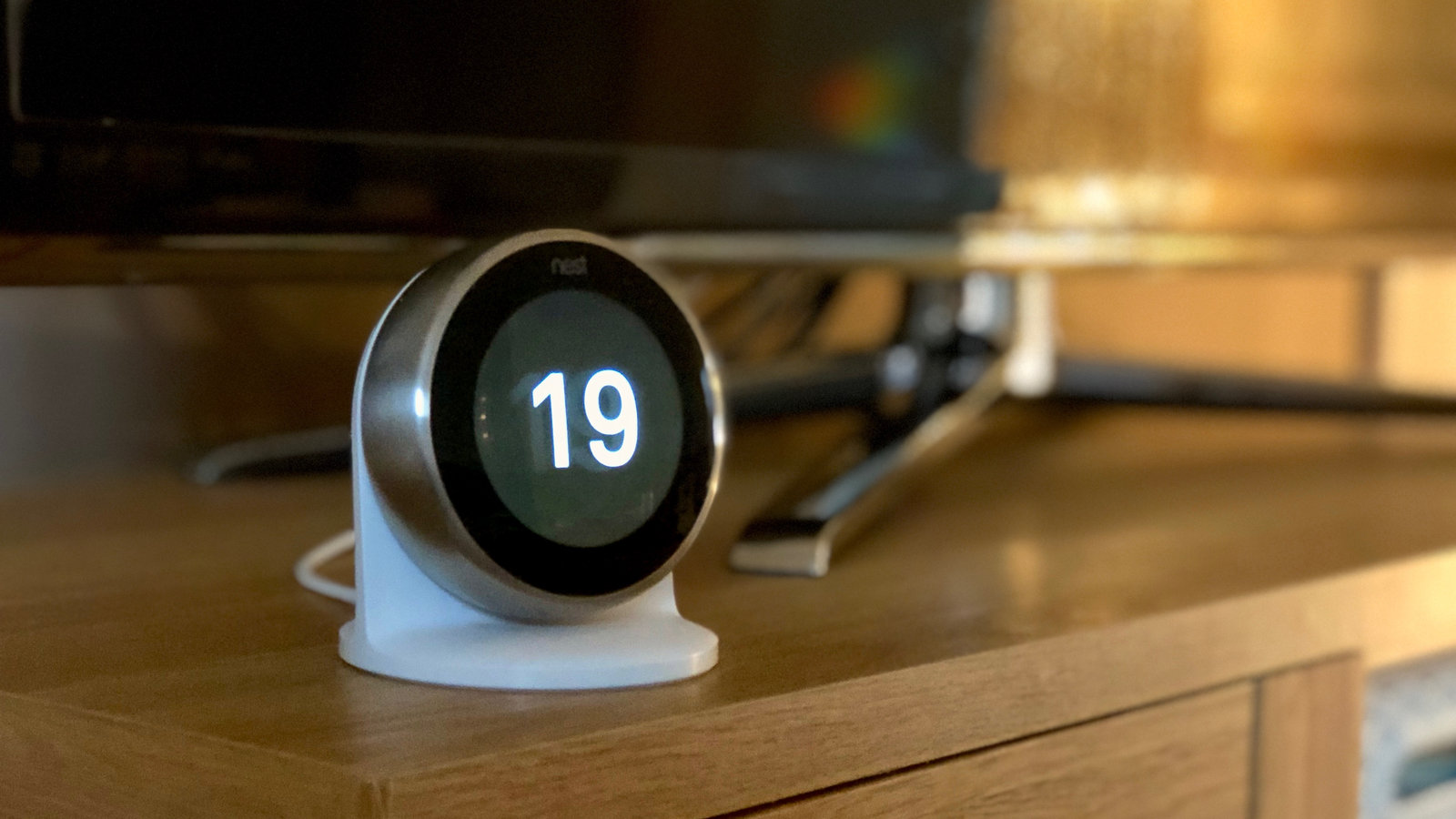
Google Is Retiring the Nest App in January. Here's What to Do
Google will retire the Nest app on Jan. 25, 2027, and move Nest thermostats, cameras, doorbells, alarms and locks to the Google Home app.
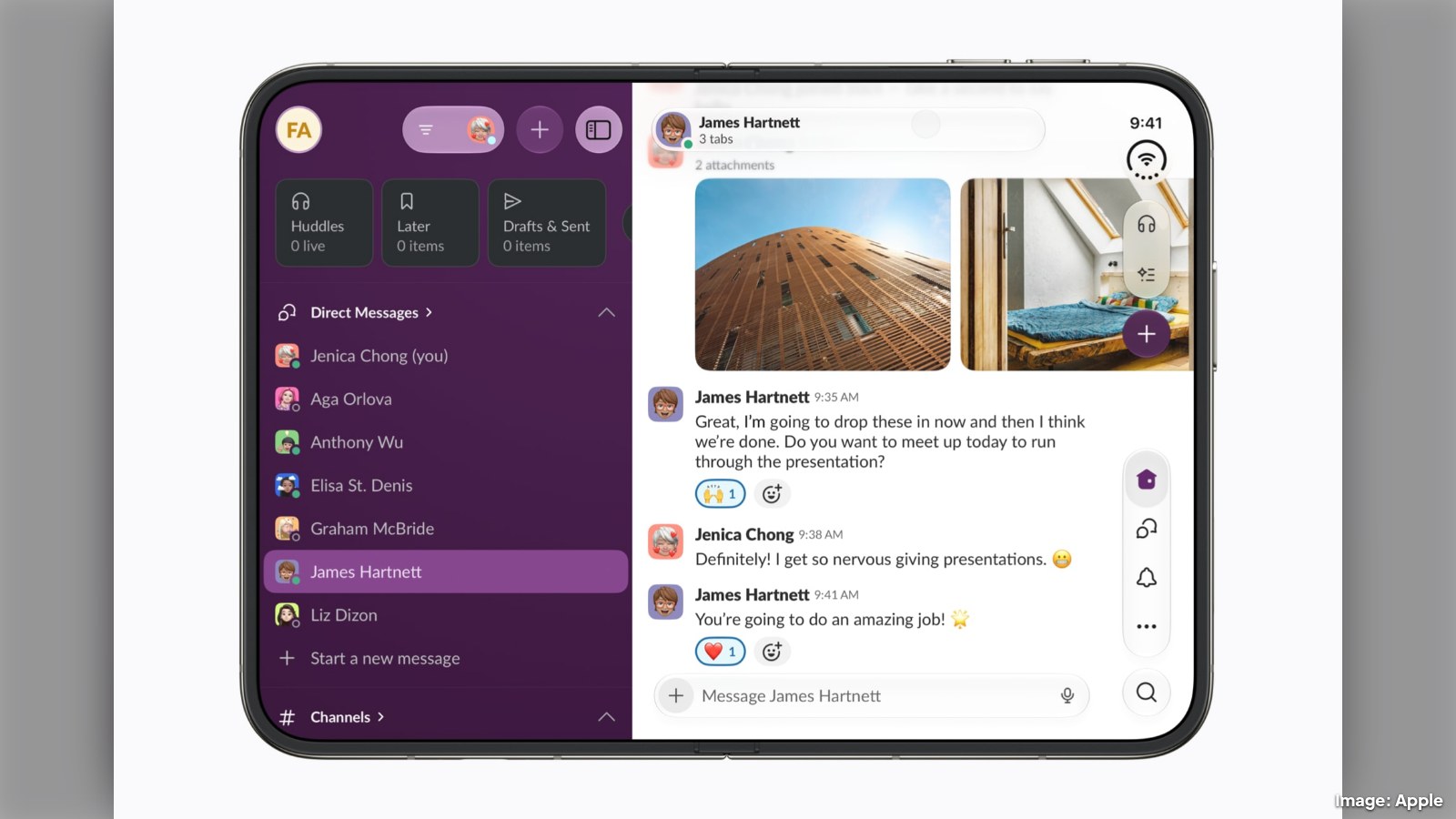
iPhone Duo Owners Can't Change Display Zoom After Setup
On our iPhone Duo running the iOS 27.3 beta, Display Zoom is missing from Settings after setup, but Text Size and Larger Text still make text bigger.