Topic
Windows and PCs
Help for Windows laptops and desktops: slow PCs, updates, printers and drivers. Start with the fix guides, then the newest Windows and PC news we've explained.
Start here
- Let Windows Update finish, then restart: Settings > Windows Update > Check for updates.
- Restart the PC before you try anything else. It clears a lot of slowdowns and glitches.
- Back up your files to OneDrive or an external drive before a big update or a repair.
Guides and fixes

Best Budget Tech Gifts for 2026: 5 Picks
Five useful tech gifts at a budget-friendly price: a streaming stick, earbuds, a power bank, a keyboard and a webcam, with official specs.
7 min read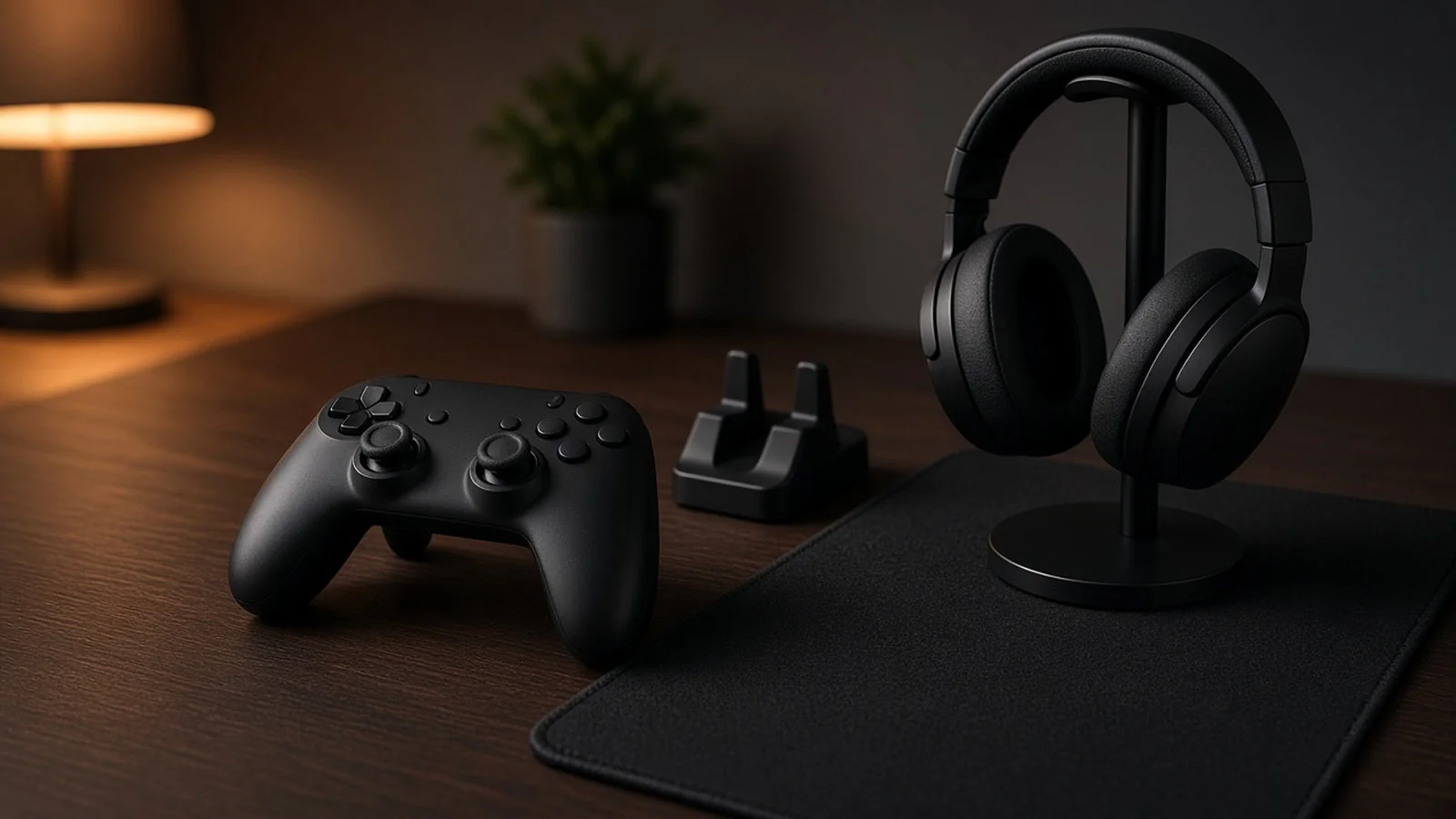
Best Gaming Accessories Under $50: 5 Picks
Five gaming add-ons with an official list price under $50: two mice, a mouse pad, a PC headset and a wired PC gamepad, with the makers' specs.
6 min read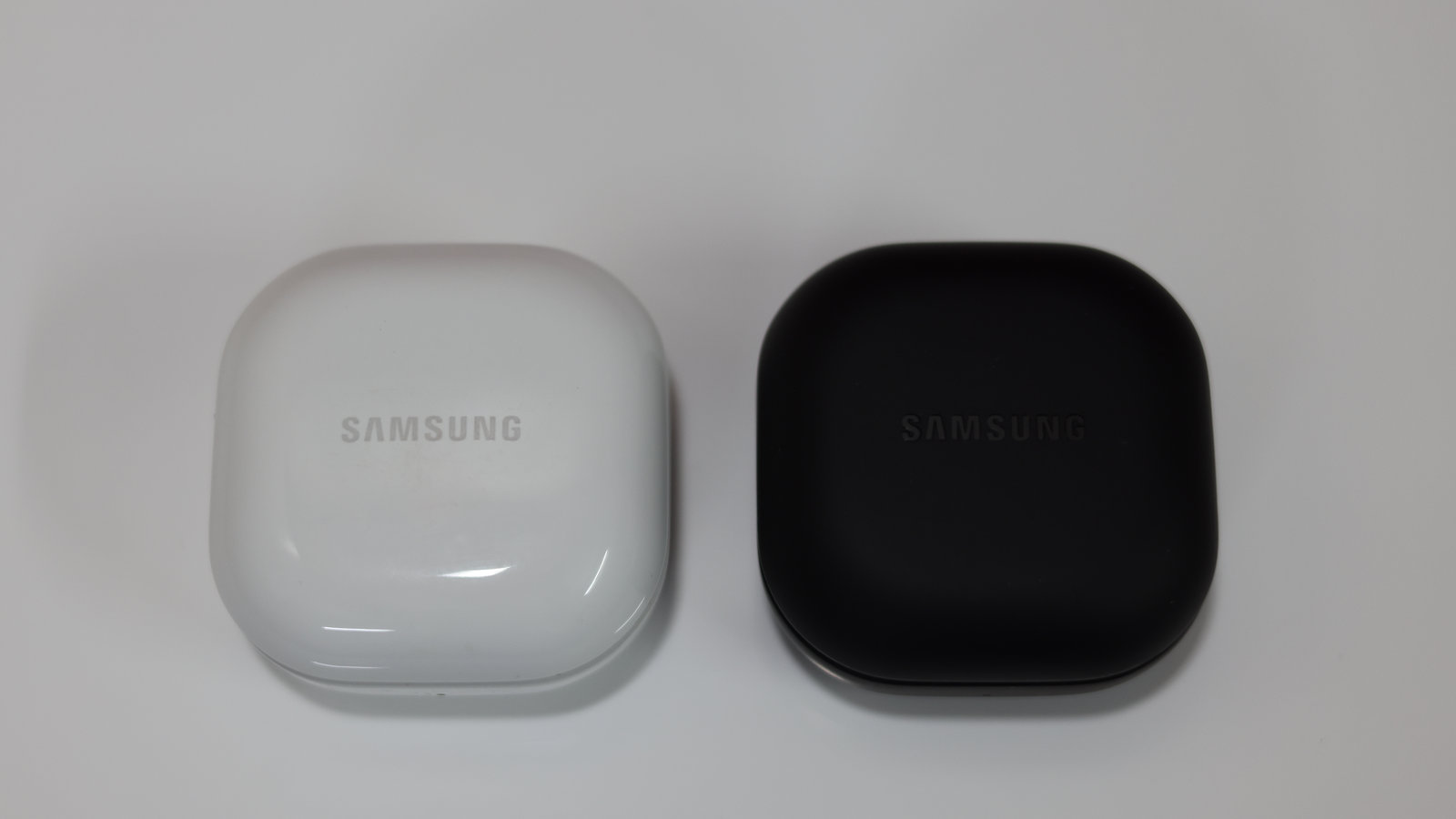
Bluetooth Won't Connect? 8 Fixes for Earbuds, Speakers and Cars
Earbuds, speaker or car won't pair or keeps cutting out? 8 free fixes for iPhone, Pixel, Galaxy, Windows 11 and Mac, from charging to a clean re-pair.
10 min read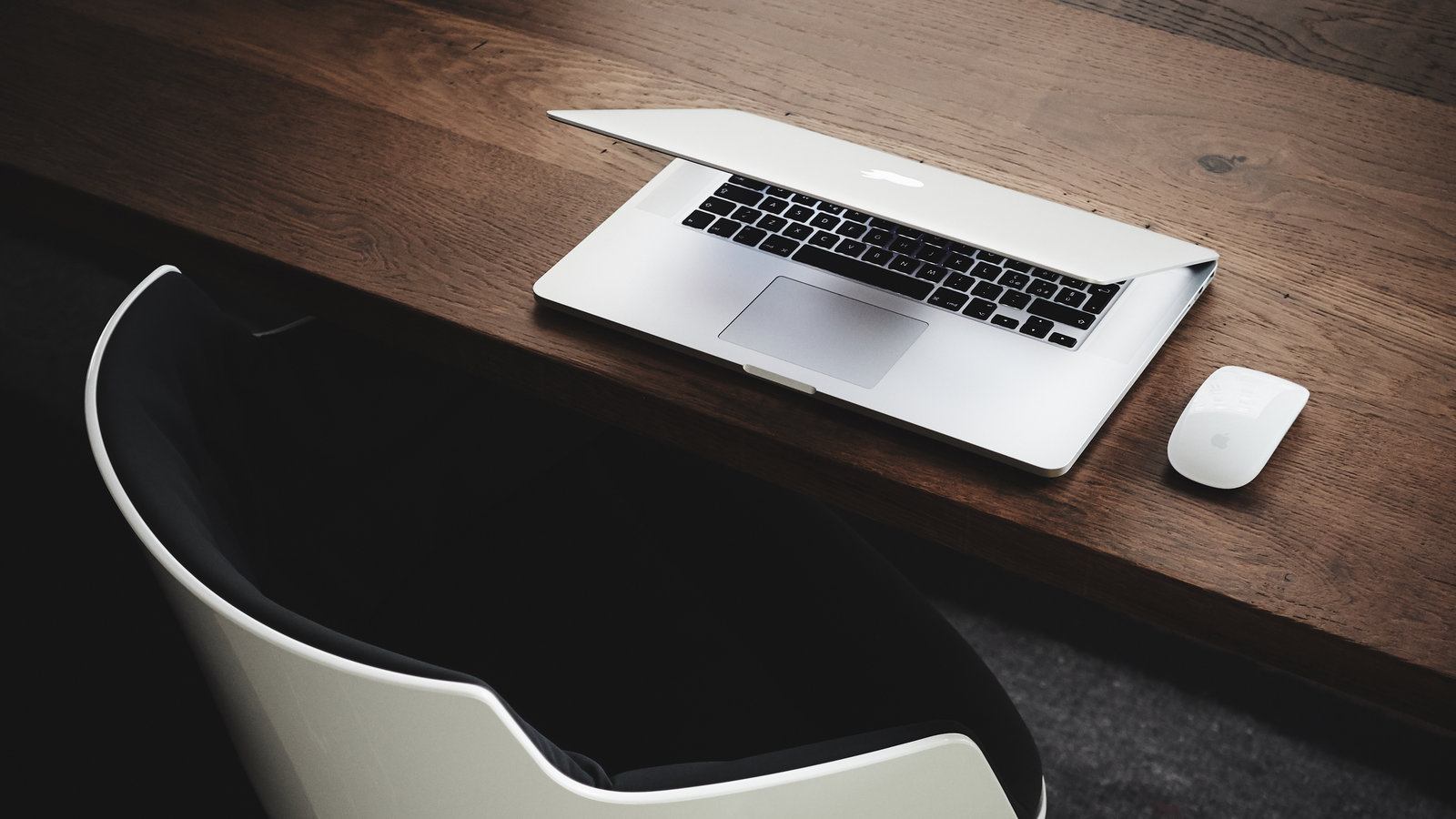
Computer Won't Turn On? What to Try on Windows Laptops, Desktops and Macs
Plug the computer into a working wall outlet with its own charger, unplug extras, then try your maker's power-reset steps.
14 min read
Email Hacked? How to Take It Back and Lock It Down
Change your email password on a trusted device, sign out everywhere, turn on two-step verification, and check forwarding and recovery info.
15 min read
Forgot Your Wi-Fi Password? How to Find It on Your Phone, Computer or Router
Find the password on a phone or computer already on your Wi-Fi, or on the sticker on your router.
7 min read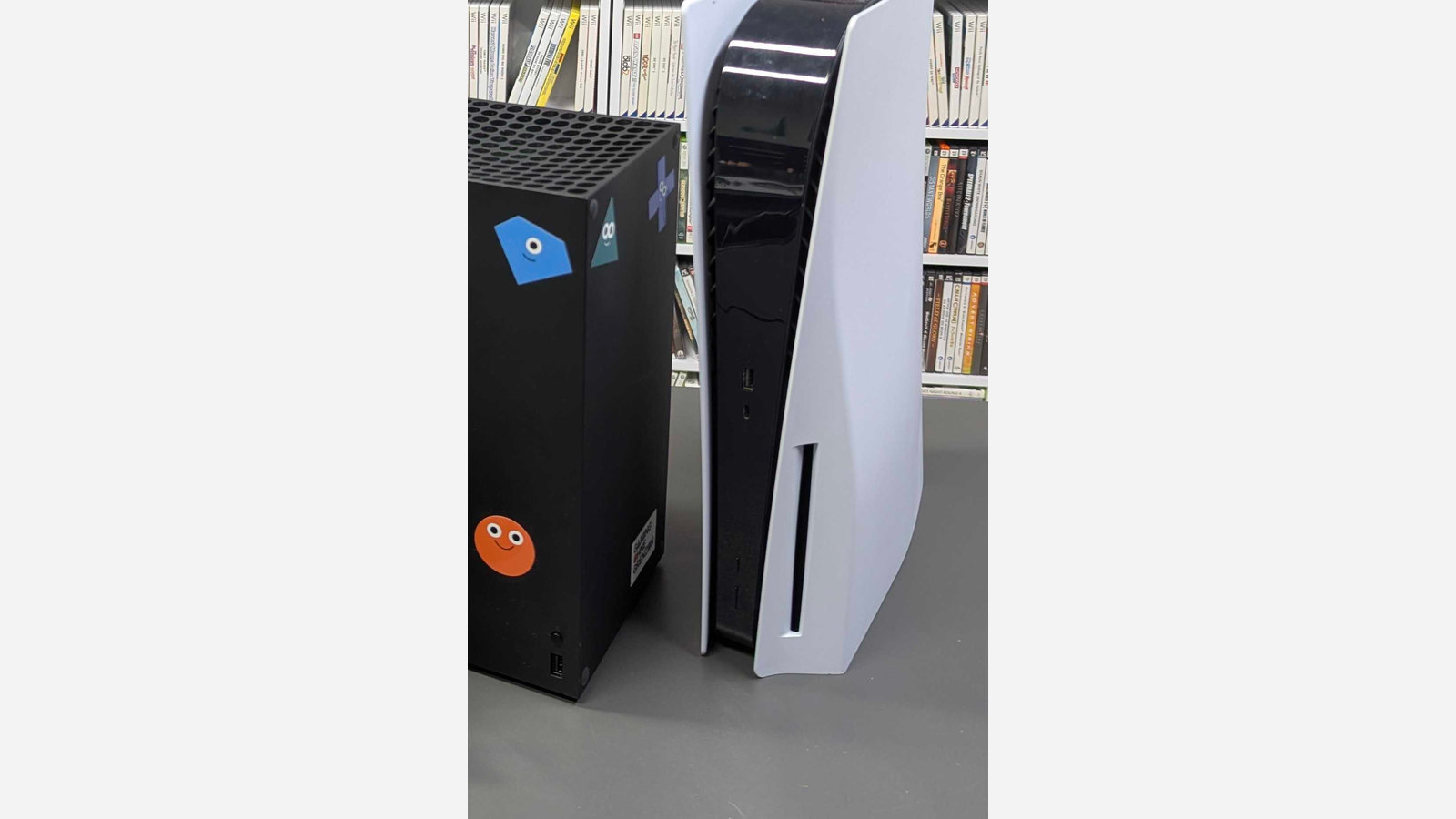
GTA 6 Won't Download or Launch? How to Fix It on PS5 and Xbox
GTA 6 stuck downloading, showing PSN errors or refusing to start? Check server status, install PS5 update 26.07-14.23.00 and unstick the download.
10 min read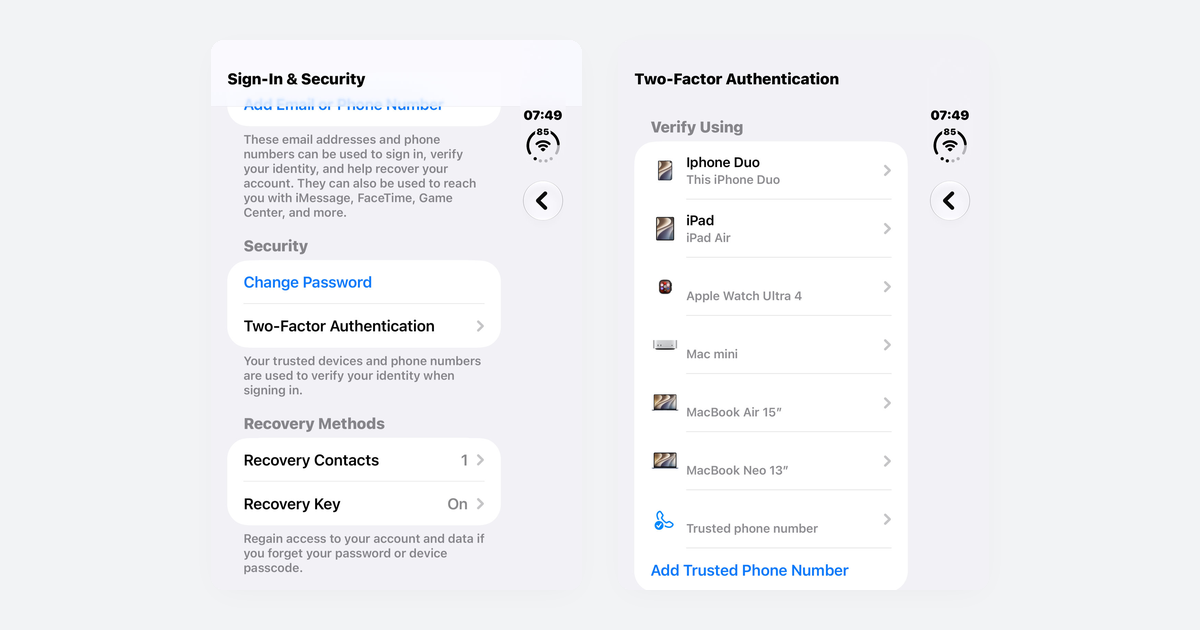
How to Turn On Two-Step Verification for Google, Apple, Microsoft, Facebook, Instagram and Amazon
Open each account's security settings, turn on two-step verification, and save backup codes plus a second way back in.
14 min read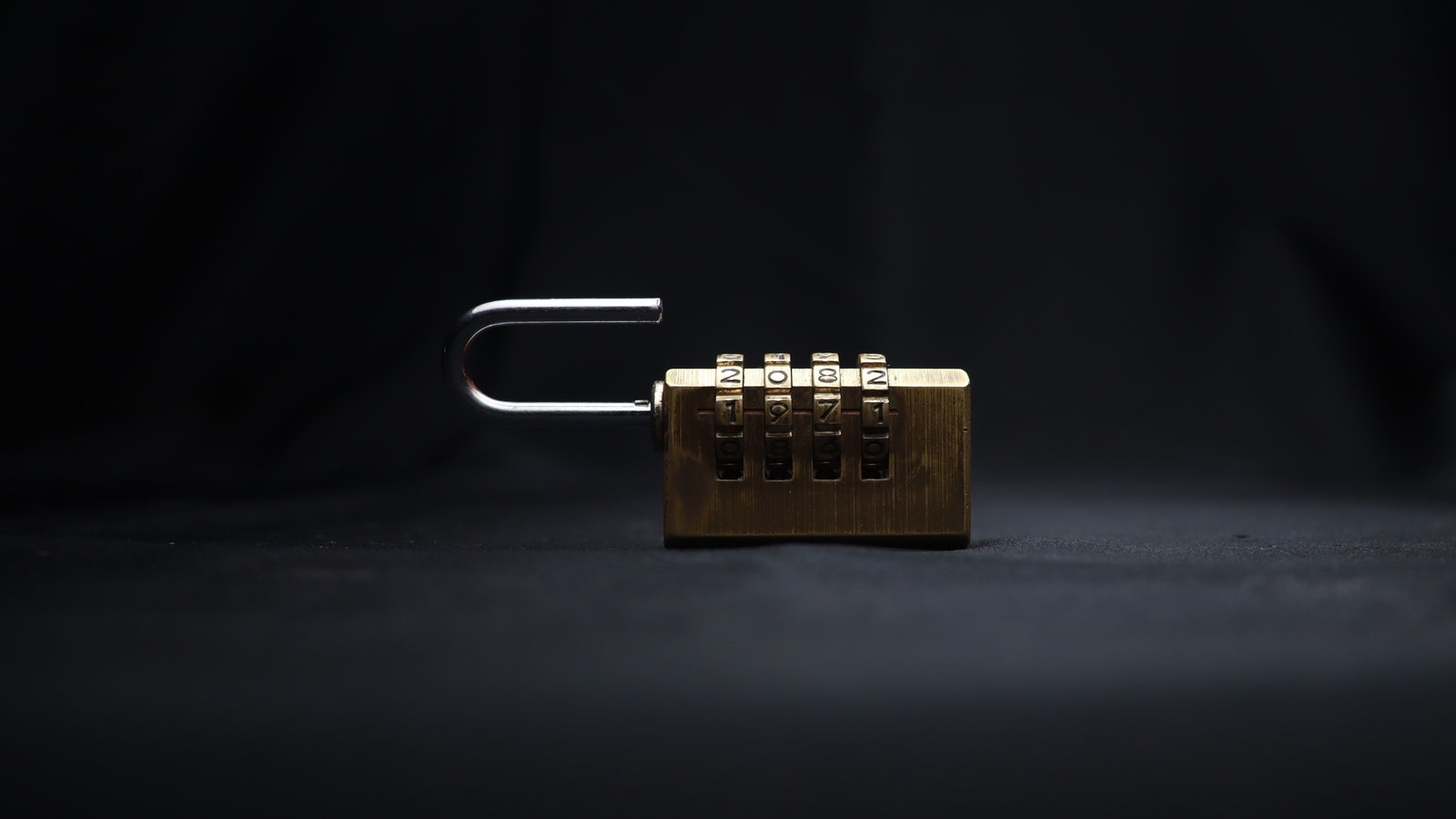
Locked Out of Your Account? Step-by-Step Recovery for Google, Apple, Microsoft and Facebook
Use a device you've signed in on before and start only from the company's official recovery page, then wait.
9 min read
New Laptop? The First-Day Setup Worth Doing on Windows and Mac
Set up a new Windows or Mac laptop: updates, a sign-in you can use, and the encryption key you should save on day one.
7 min read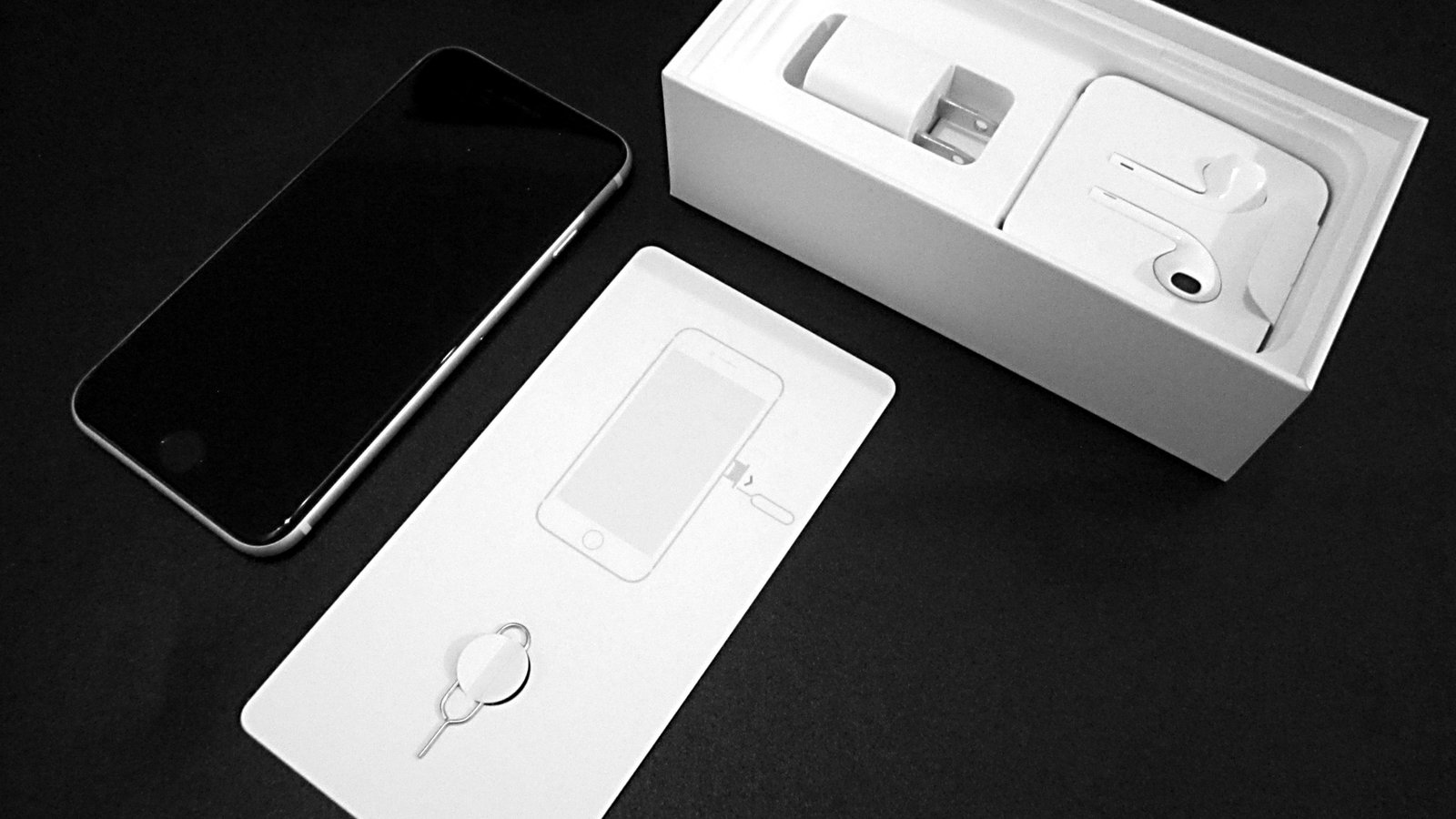
New Phone or Computer? How to Move Your Photos, Messages and Files Over for Free
Charge both devices, keep them side by side, and use the free built-in transfer tool for your phones or computers.
10 min read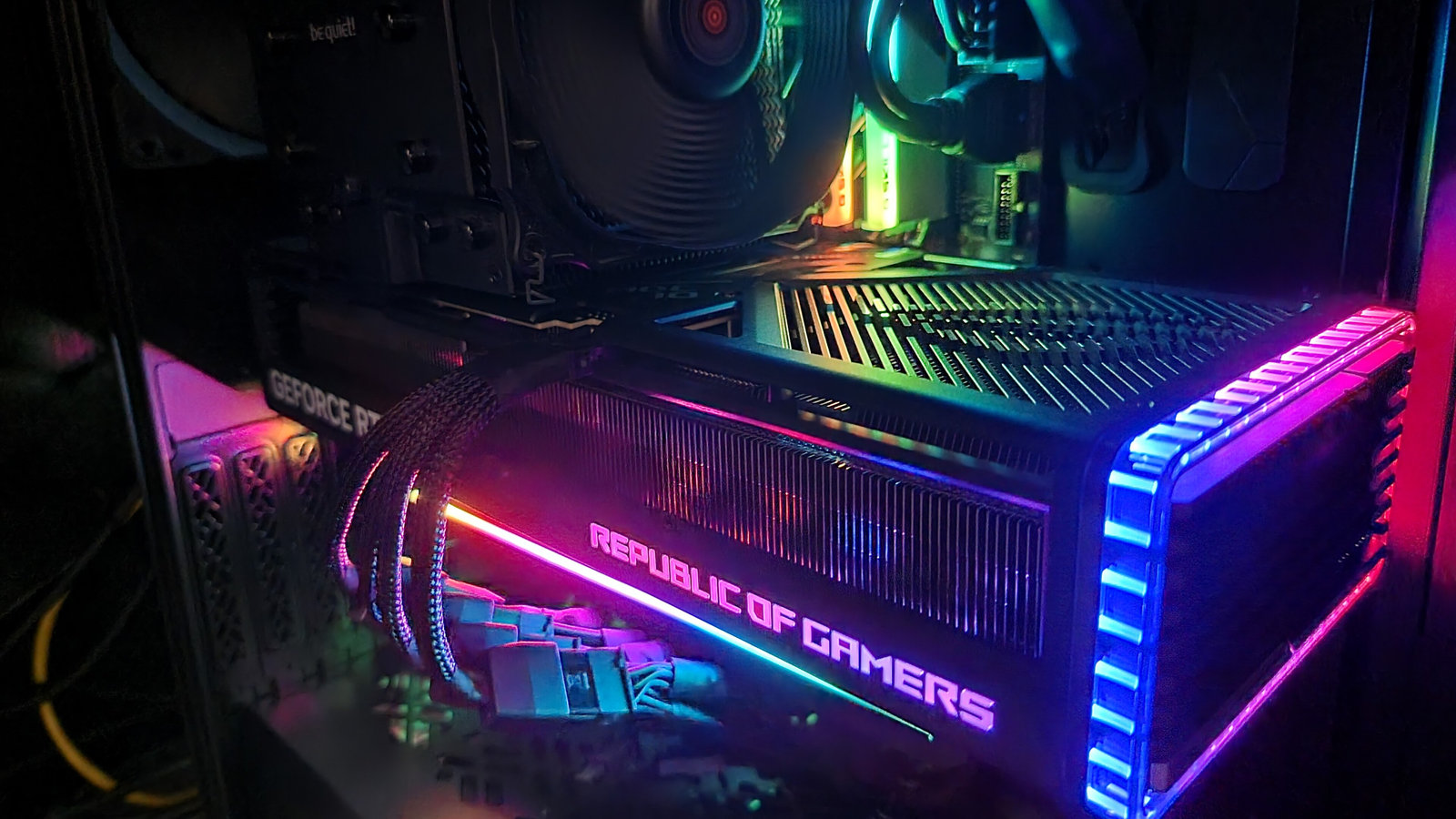
NVIDIA Driver Writing Gigabytes to Your SSD? How to Install the Fix
NVIDIA hotfix 621.35 fixes the 621.14 and 621.24 bug that writes gigabytes an hour to an idle PC's SSD. Check your PC, then install the fix.
10 min read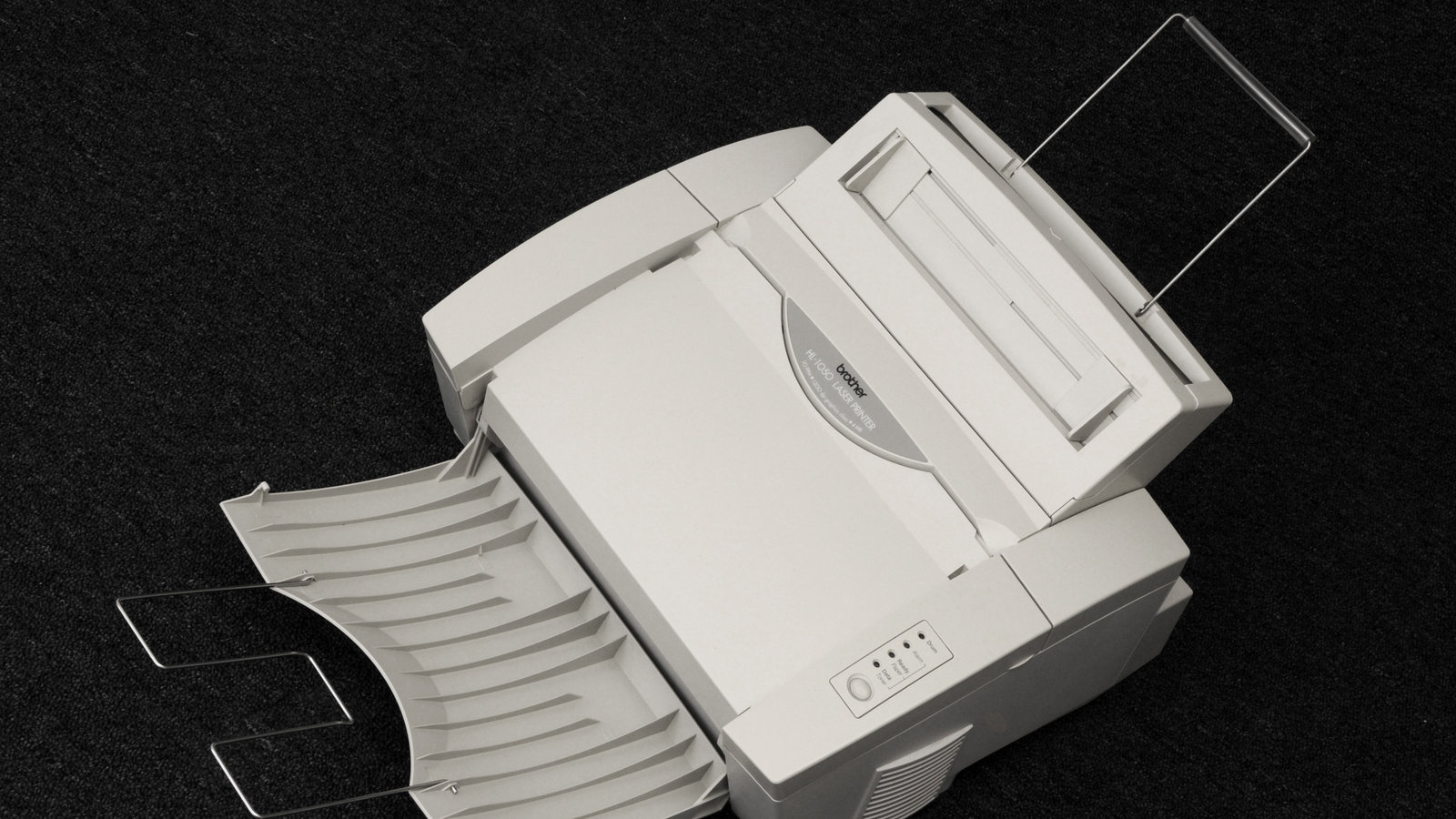
Printer Paper Jam? How to Clear It Safely on HP, Canon, Epson and Brother
Stop the print job, power down the way your maker says, pull the paper out slowly with both hands, then load flat paper.
15 min read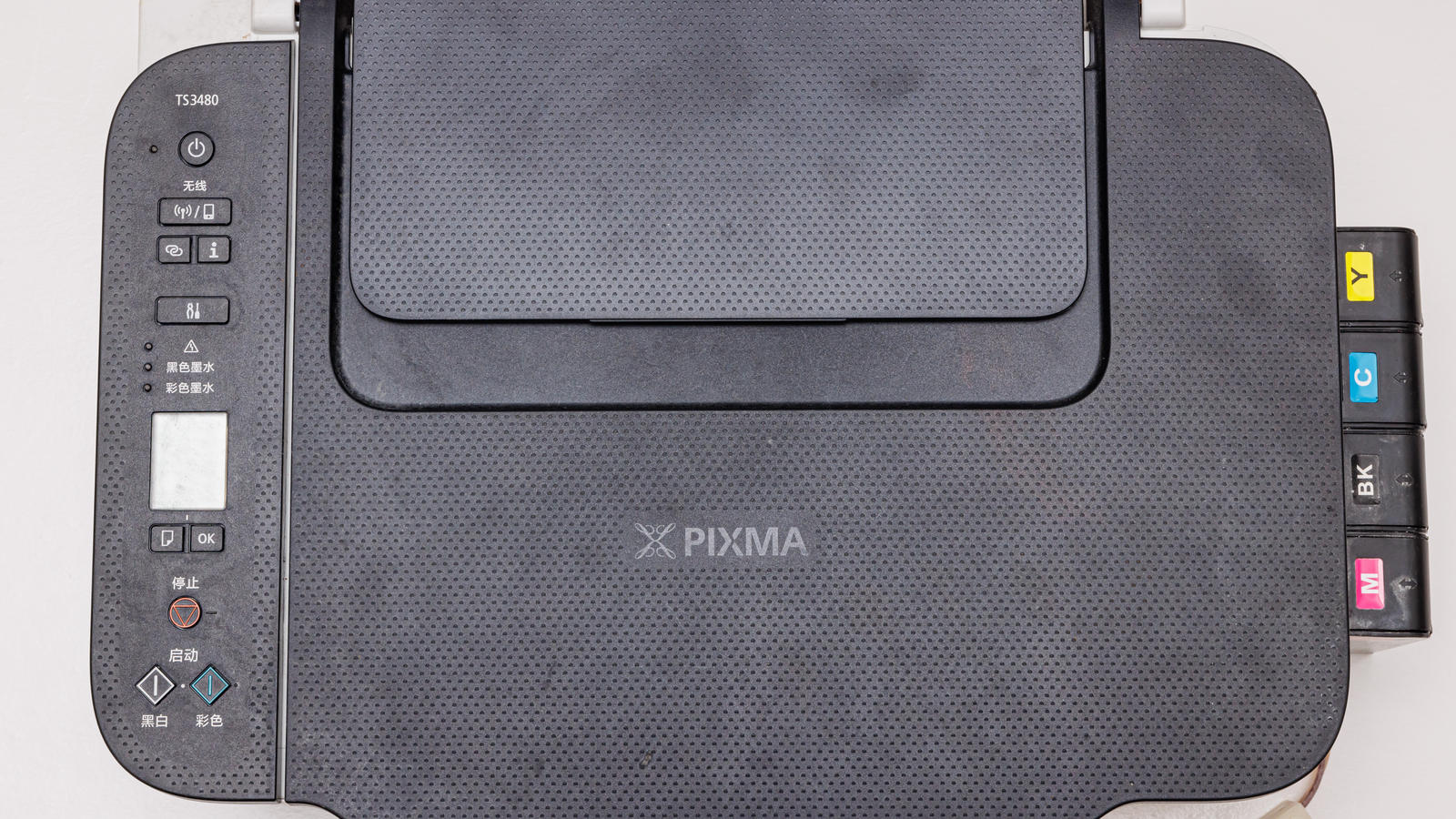
Printer Printing Blank or Streaky Pages? 6 Free Fixes for HP, Canon, Epson and Brother
Check the ink or toner, click each cartridge back in, print a test page, then clean the printhead only as often as the maker says.
9 min read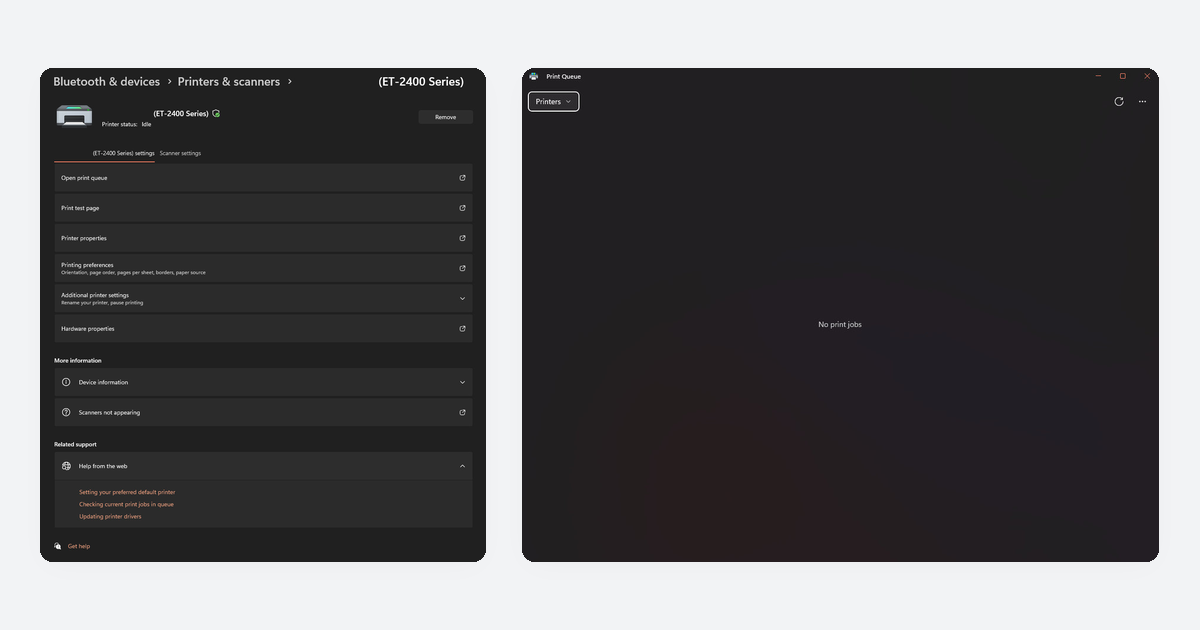
Printer Says Offline? 6 Safe Fixes for Windows and Mac (No Scam Hotlines)
Unplug the printer for 30 seconds, restart the router and computer, put them on the same Wi-Fi, then clear the print queue.
11 min read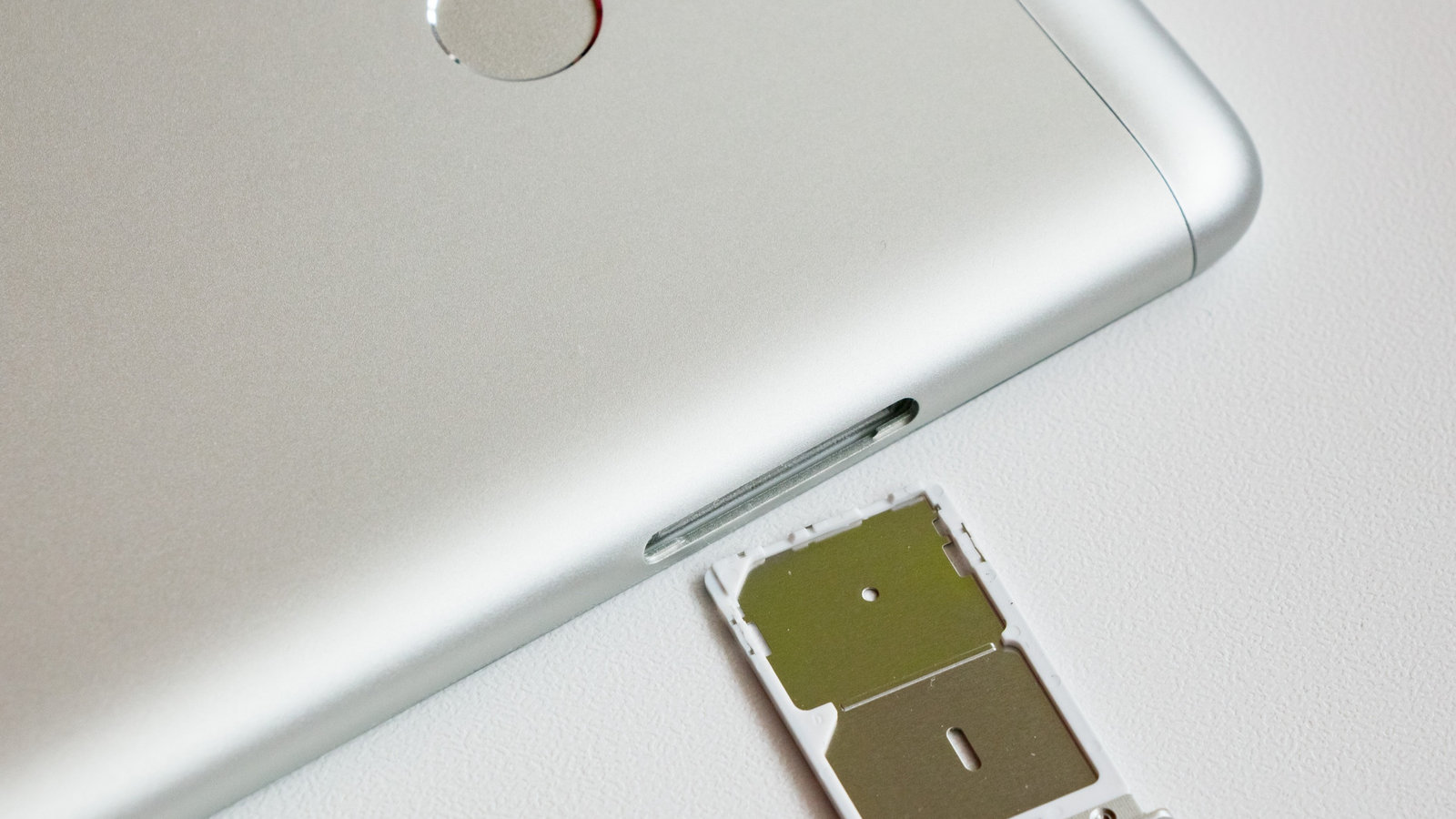
Selling or Giving Away an Old Device? How to Wipe It Safely
Back up first, sign out of your accounts, erase the device, then remove the SIM and take it off your accounts online.
16 min read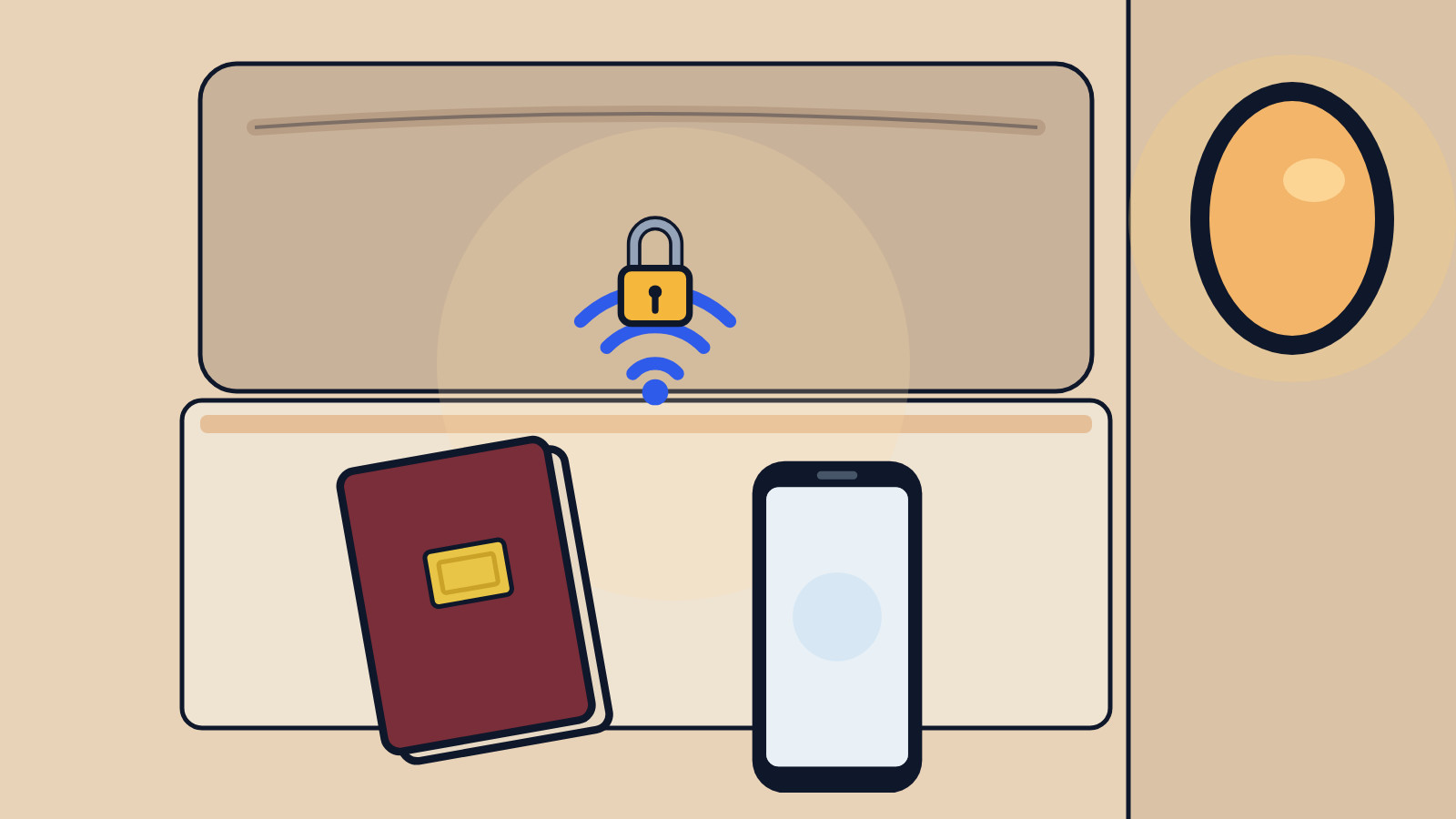
Travel Tech for Holiday Trips and Airport Wi-Fi
Set up a VPN on your phone, a password manager, and a file locker at home before a trip. Bring your own laptop, like a MacBook Neo, for logins.
3 min read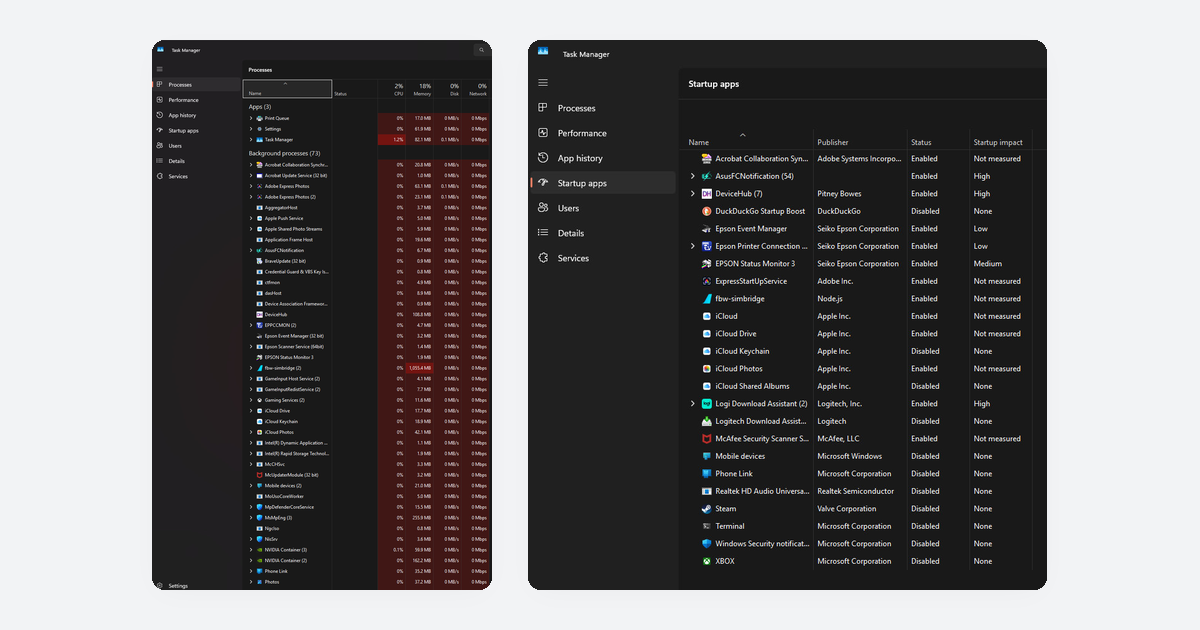
Why Is My Computer So Slow? 6 Free Fixes to Try Before You Buy Anything
Restart, see what is using your computer, turn off startup apps, free up storage, and install updates with built-in tools.
9 min read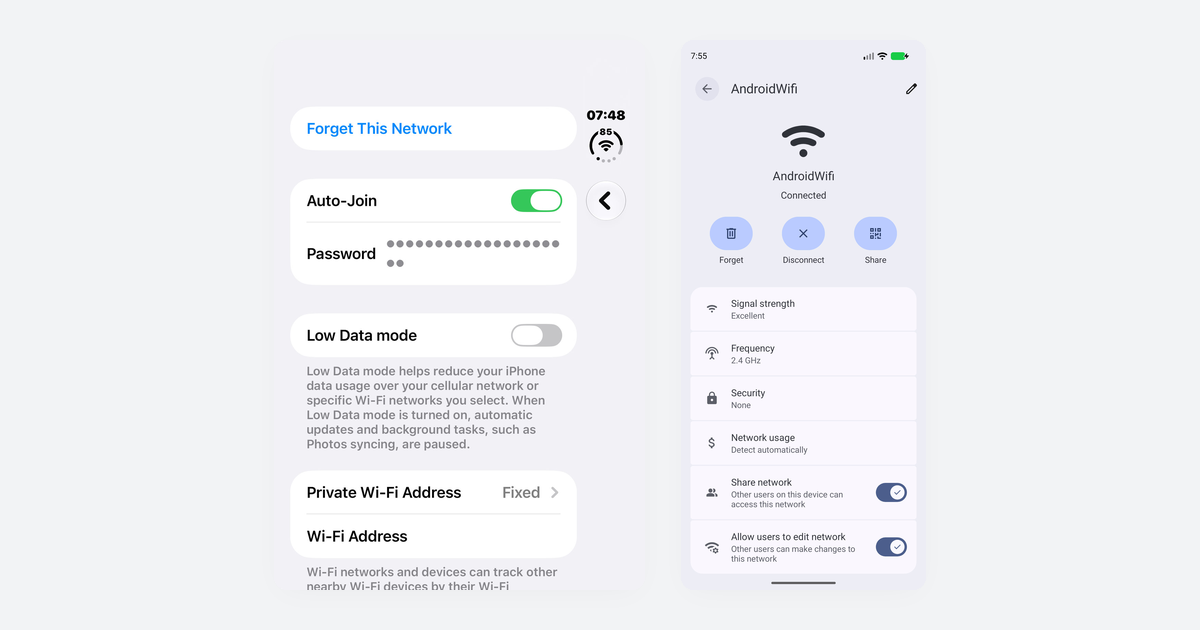
Wi-Fi Keeps Dropping? 6 Free Fixes for Phones, Laptops and Smart Devices
If everything drops, unplug the modem and router for 30 seconds, plug the modem in first, then move closer or forget and rejoin the network.
11 min read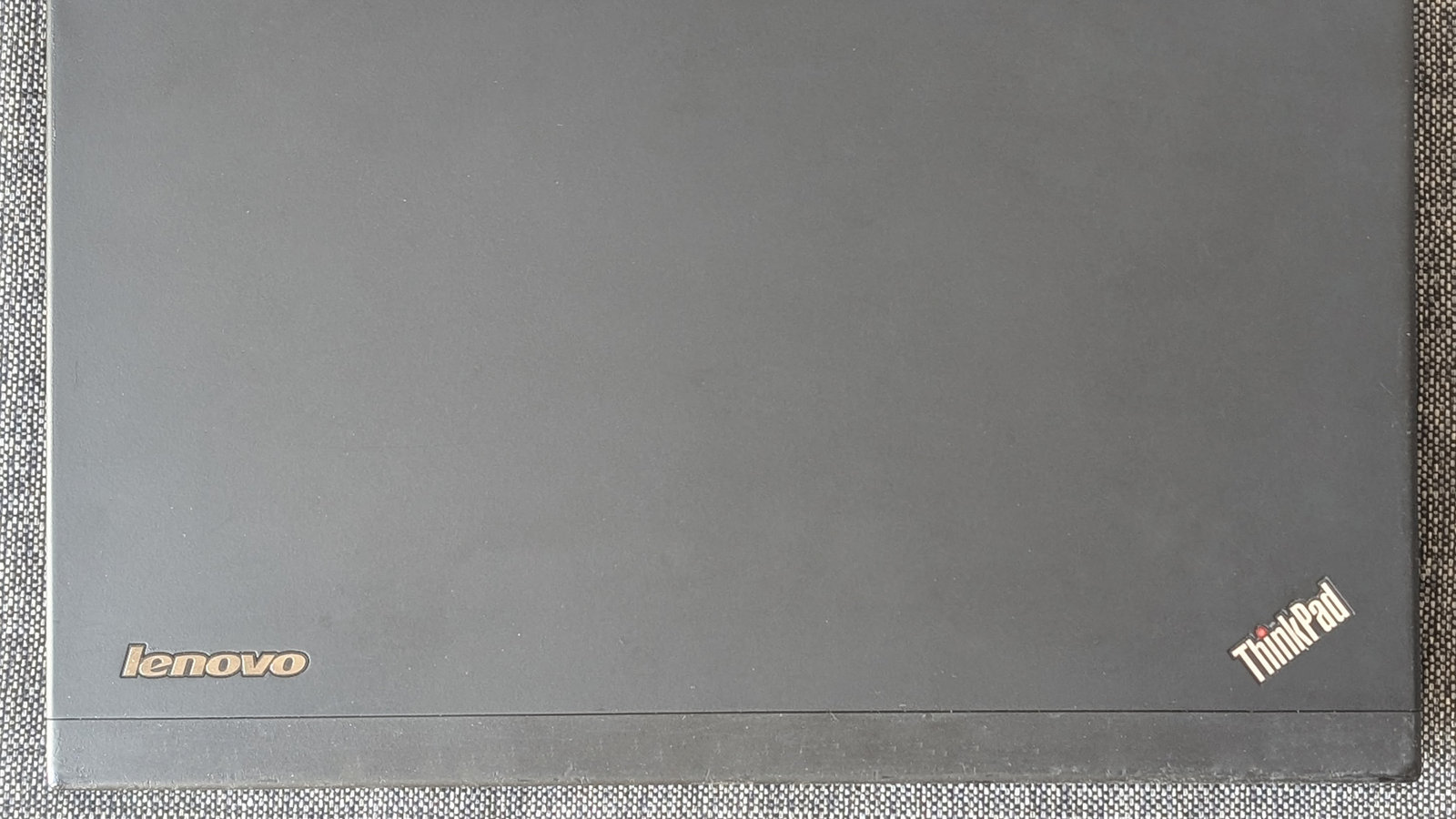
Windows 10: what to do before extended updates end Oct 12, 2027
Back up your files, then upgrade to Windows 11 for free if your PC can, or sign up for extended updates until Oct. 12, 2027.
10 min read
I press c and it appears on my screen. What really happened in between?
Pressing a key closes a tiny circuit; the keyboard sends a number, and Windows and the app turn it into the letter on screen.
6 min read
Latest Windows and PCs news

GTA 6 PC Release Date: Every Official Word From Rockstar So Far
Rockstar and Take-Two have announced GTA VI only for PS5 and Xbox Series X|S. This is every official statement on platforms so far, each with a date and link.
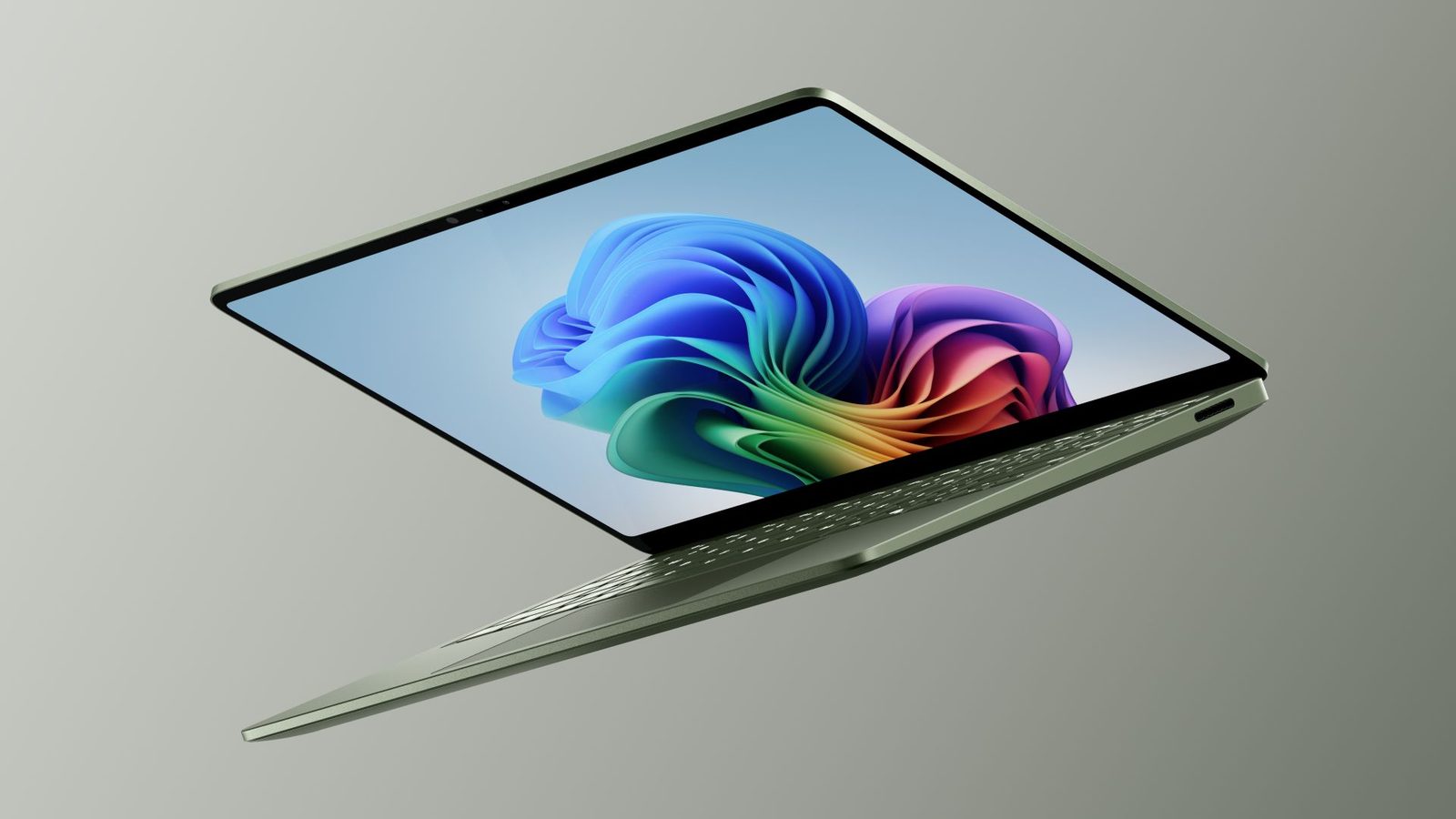
Microsoft's Surface Laptop Black Friday Sale Ends Saturday
Microsoft Store's Black Friday sale takes hundreds off the 13.8-inch and 15-inch Surface Laptop through Saturday, and the top chip costs no more than the base one.
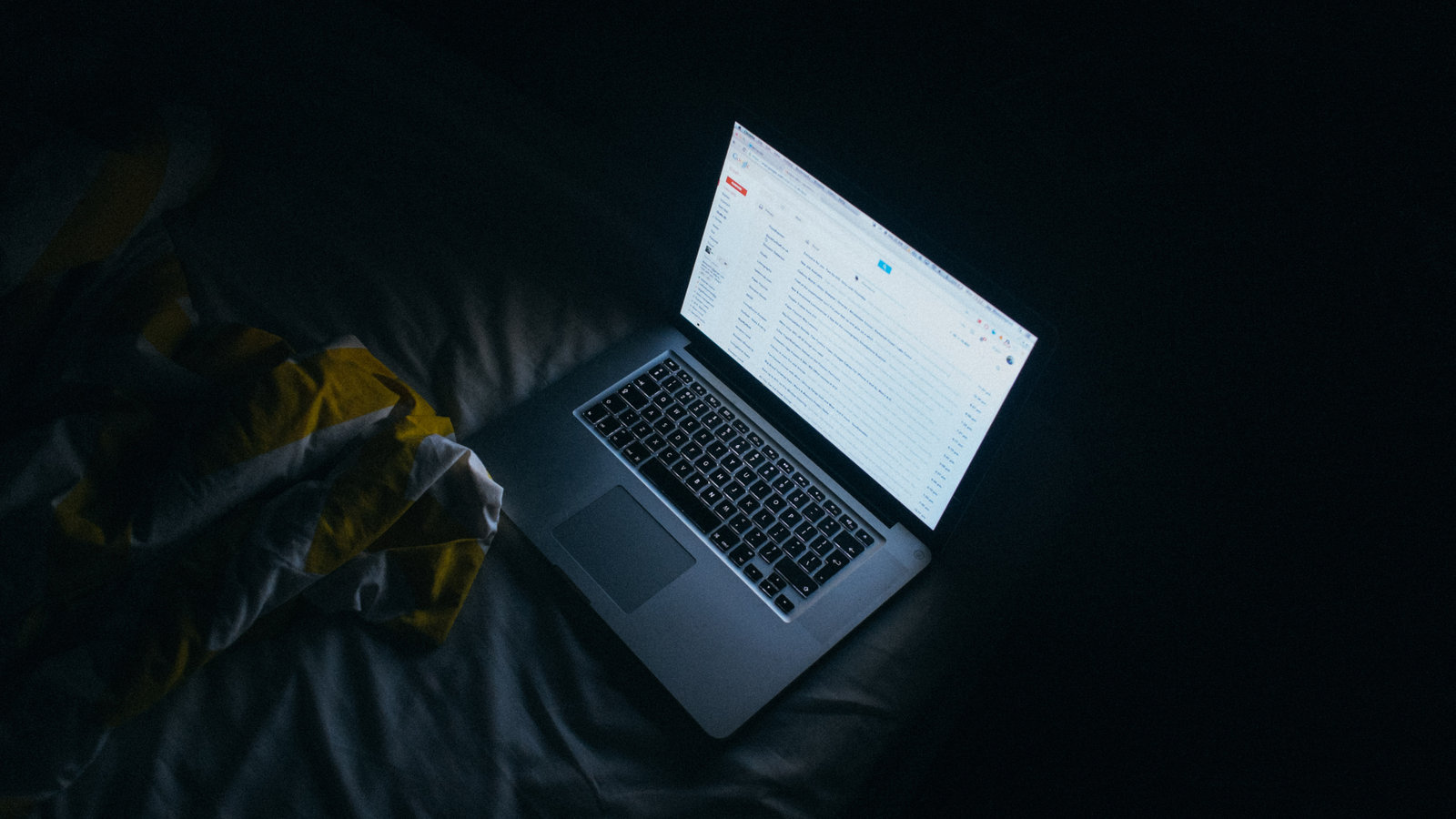
Fake Google Sheets Extension in Chrome Steals Gmail Messages
A Windows malware called Remus slips a fake Google Sheets extension into Chrome that copies every new unread Gmail message once a minute.
Claude Lets You Install Its Tools as Mac and Windows Apps
Claude for Mac and Windows is rolling out a beta that installs artifacts as desktop apps, with their own windows, and a full-access permission that can run programs or change files.
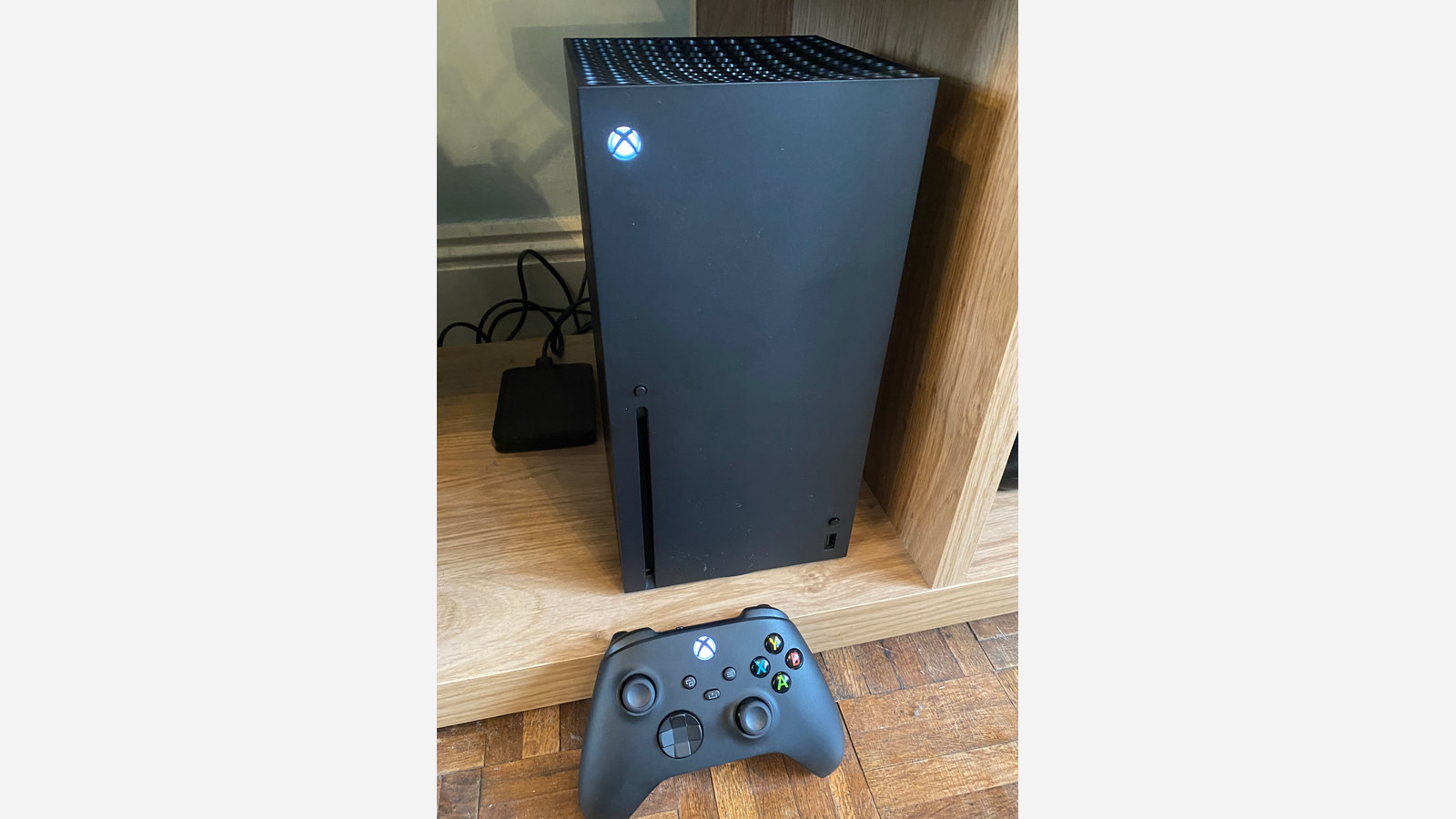
Take-Two Shuts Down 3,007 GitHub Copies of Unofficial GTA VI PC Port
GitHub disabled 3,007 repositories tied to Leonida, an unofficial project to run the Xbox version of GTA VI on PC, after a Take-Two DMCA notice.
Windows 11 26H2 Is Installing Automatically. Here's What to Do
Microsoft started automatic delivery of Windows 11 26H2 on Nov. 18, 2026, for personal and unmanaged PCs still on 24H2 or 25H2.
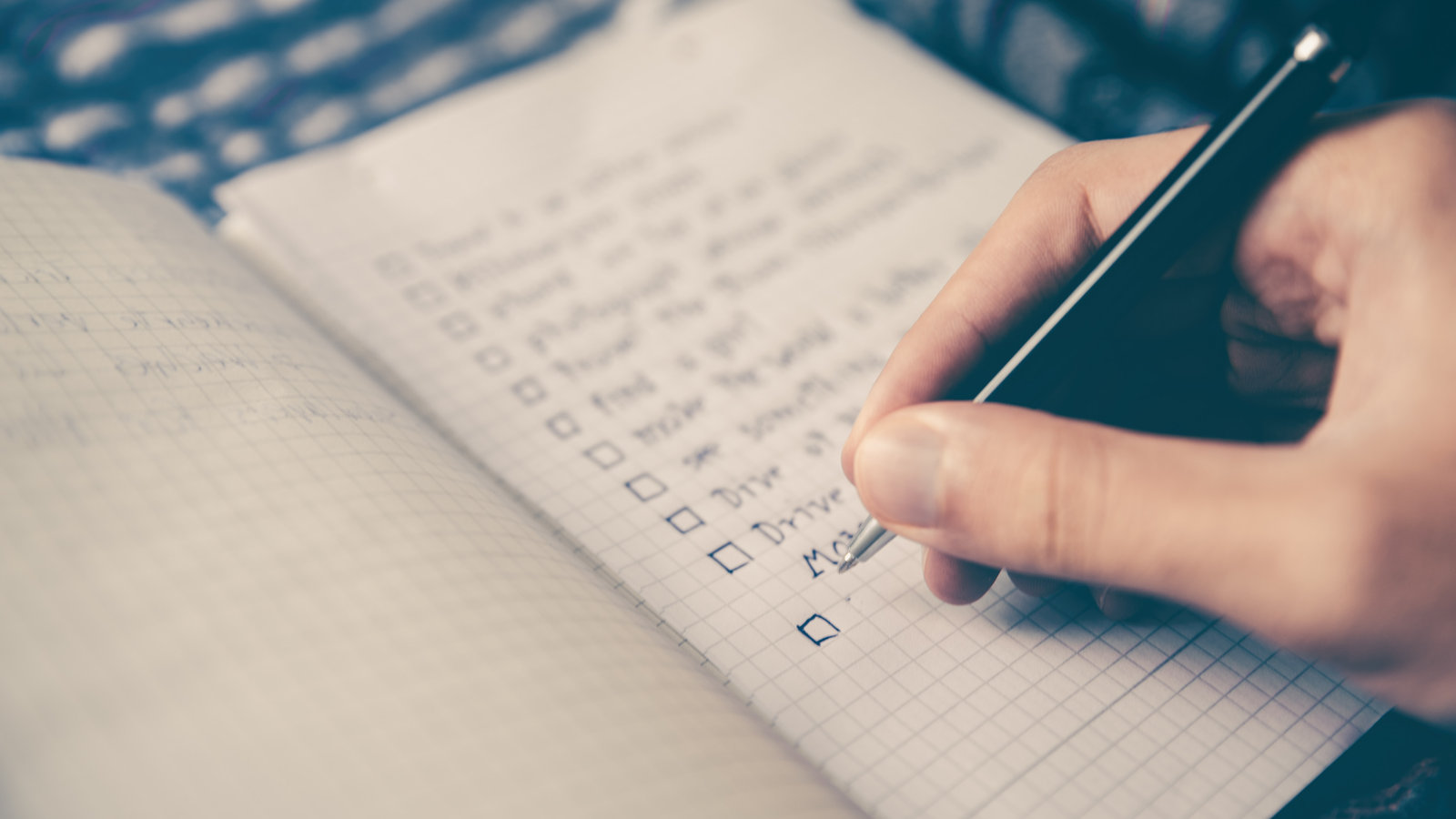
Microsoft Is Shutting Down To Do. Here's How to Save Your Lists
Microsoft will retire its To Do apps on June 30, 2027, giving work and school users Planner but leaving personal accounts, even Microsoft 365 Family, to pick another app.
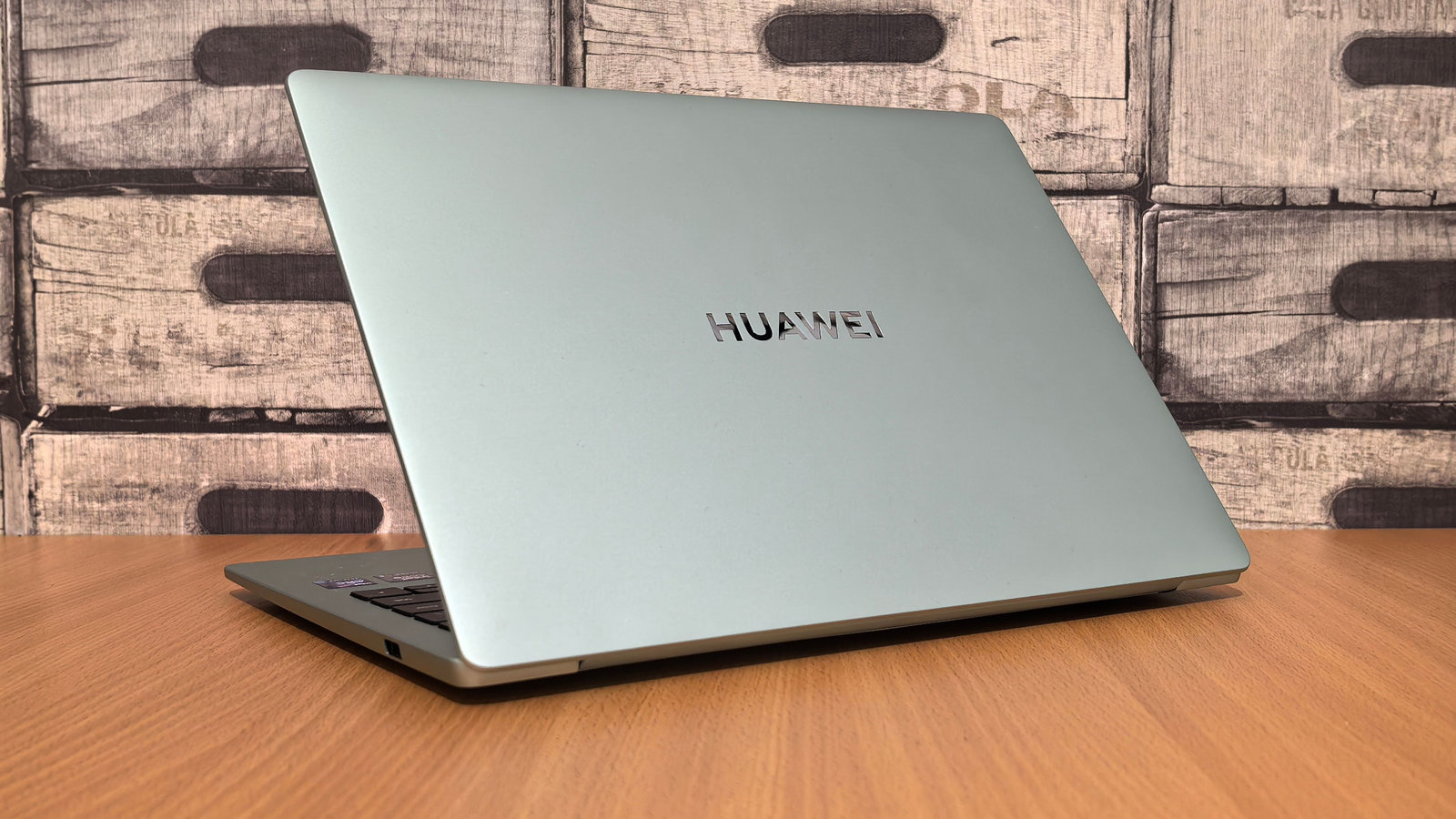
A Researcher Says He Opened a Locked Windows 11 Laptop in 5 Minutes
Abdelhamid Naceri posted FastUnlock, an unpatched Windows 11 26H2 lock-screen bug, on GitHub on Thursday, Nov. 19, 2026. He said it took five minutes to get into a fully encrypted laptop with the November security update installed. The method needs physical access and a Microsoft-linked account. Microsoft has not issued a public fix or advisory. Shut the PC down or hibernate it, and add a BitLocker startup PIN if your edition allows it.
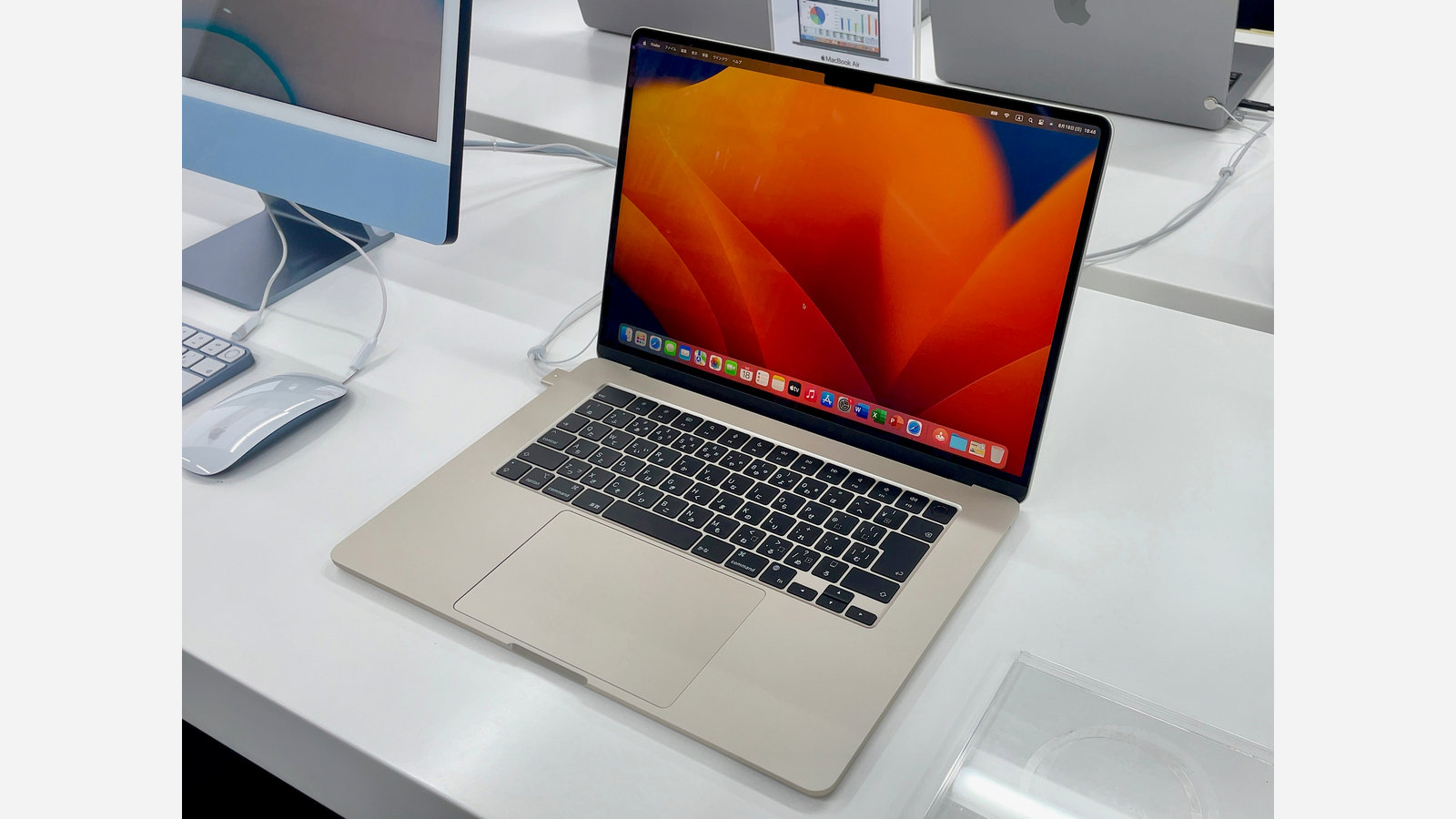
Gemini Can Click Through Your Mac While You Keep Working
Google said Thursday, Nov. 19, 2026, that computer use is rolling out in English in the U.S. in the Gemini app for Mac. It can click, type and fill forms across local files, desktop apps and the web in an isolated background window, while your cursor stays free. It requires an Apple Silicon Mac on macOS Sequoia 15.0 or later, a personal Google account for people 18 and older, and a Google AI Plus, Pro or Ultra plan.
There's No GTA VI for PC: Fake Downloads Are Stealing Gamers' Logins
Scammers are using GTA VI's console-only launch to push fake PC downloads that steal passwords, Steam logins and crypto, security firms warn.